Do Blink! Transform your iOS device into a pro-grade terminal. Blink is the first professional, desktop-grade terminal for iOS that leverages the support of Mosh and SSH. Thus, we can guarantee stable connections, crazy-fast speeds, and full configurations. It can and should be your all-day-long tool.
**Start your 14-day free trial now!**
But, Blink is much more. Now with Blink Code and Blink Build**, your entire development workflow fits in your pocket.
What the Blink community is saying:
“In some ways, I prefer my iPad / Blink / Digital Ocean setup to coding on my Mac“ - TheVerge
"I have tried a number of terminals on iOS and this is really The One." - Twit.tv
“Connections still come up when I get back to a client project after a weekend off.“ - The Sweet Setup
“The way to use VS Code on the iPad” - programminglife.io
What our users love the most from Blink Shell:
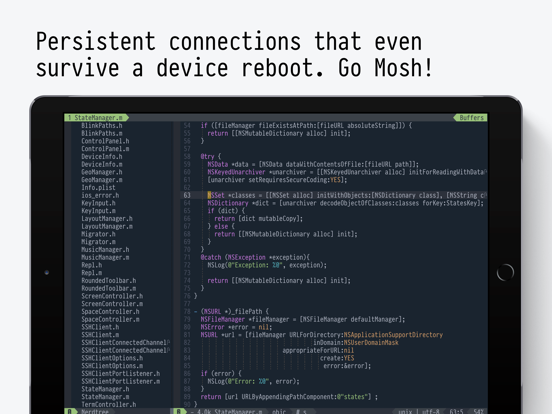
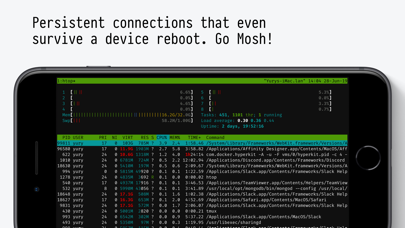
- Mosh connections that even survive a device reboot.
- Most complete SSH implementation on iOS.
- Code command for VS Code integration.
- Blazingly fast terminal and SFTP transfers.
- Includes Pragmata Pro with ligatures.
Blink Shell has a fully loaded SSH toolset:
- SSH with PKI support: DSA, RSA, ECDSA & ED25519 keys.
- Support for Secure Enclave Keys and Certificates.
- Port forwarding with local, remote & dynamic tunnel support.
- SOCKS5 proxy for a private VPN.
- Agent Forwarding.
- Complete SSH Config file support.
- ControlMaster and pooled connections.
- Files.app integration for SFTP remote hosts.
- SFTP with copy-on-change.
Blink has been the leading developer tool in the AppStore for +5 years, so there is a lot more:
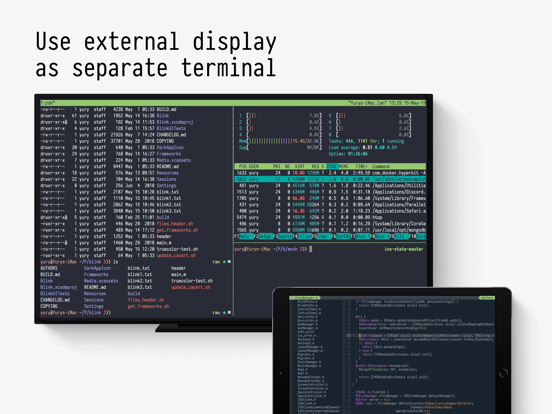
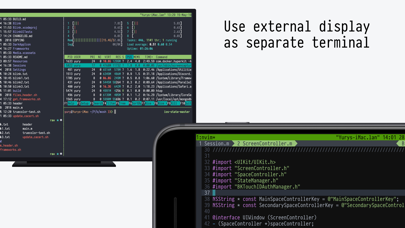
- External Display support.
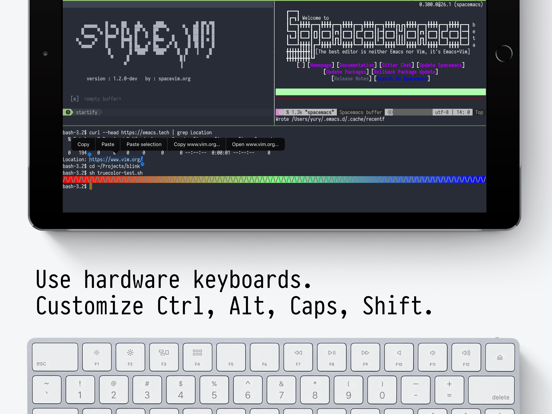
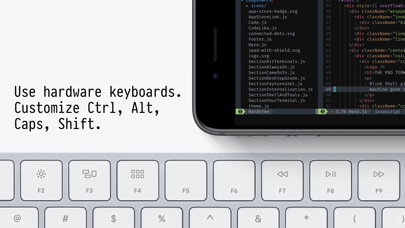
- Legendary Hardware Keyboard support, even remap shortcuts and keyboard codes.
- Local & iCloud Blink Shell folders for Files.app access across devices.
- Host sync over iCloud.
- Link-files from other applications and work with them in Blink.
- Cool themes and fonts, and install your own!
- Smart Keys on SW Keyboard to navigate with touch.
- FaceCam command to create tutorials and streams.
- Bell notifications.
- Supports multiple windows and multiple tabs.
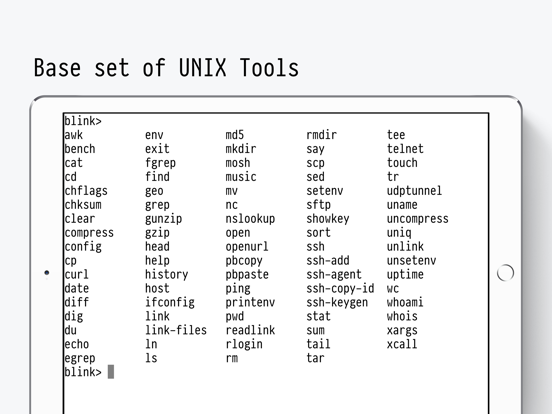
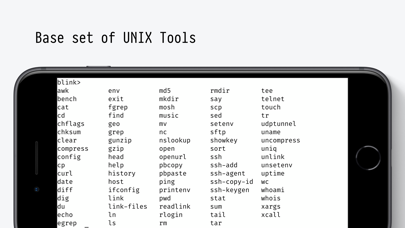
- Network & UNIX CLI tools, check our docs for more information.
Blink Code integrates with VS Code:
- Code on local projects, or seamlessly on remote machines.
- Fully-loaded code editor.
- A coding experience fitted to your device, that connects to VS Code for web, GitHub Codespaces, GitPod or your own VS Code server.
Blink Build (Requires a $7.99/month subscription)
Creates remote runtimes that can be accessed on all your devices. You can use Build in your day-to-day workflows whether you need to do development, DevOps or just play around with new tooling.
Participate in our community, and don’t forget to leave us your feedback and your feature(s) requests. Enjoy!
http://blink.sh
http://twitter.com/blinkshell
http://GitHub.com/blinksh
Terms of Use: https://blink.sh/blink-gpl
Privacy Policy: https://blink.sh/pp
* Blink Code is not affiliated nor endorsed by Microsoft.
** Blink Build requires a separate subscription to make use of our Virtual Machines.