clock.in
免費
3.0.72for iPhone, iPad and more
Age Rating
clock.in 螢幕截圖
About clock.in
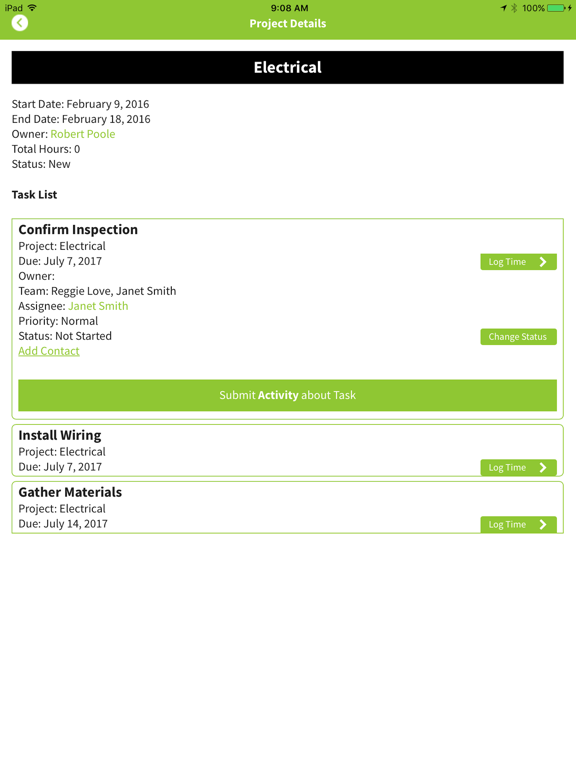
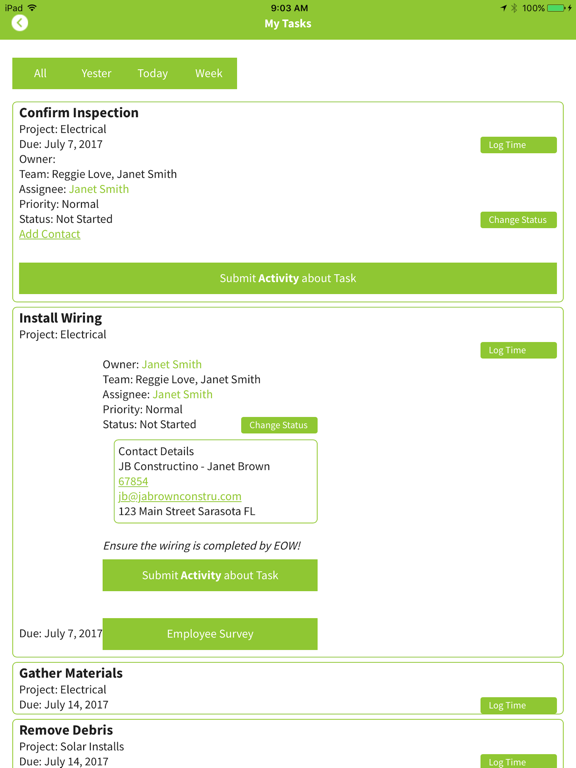
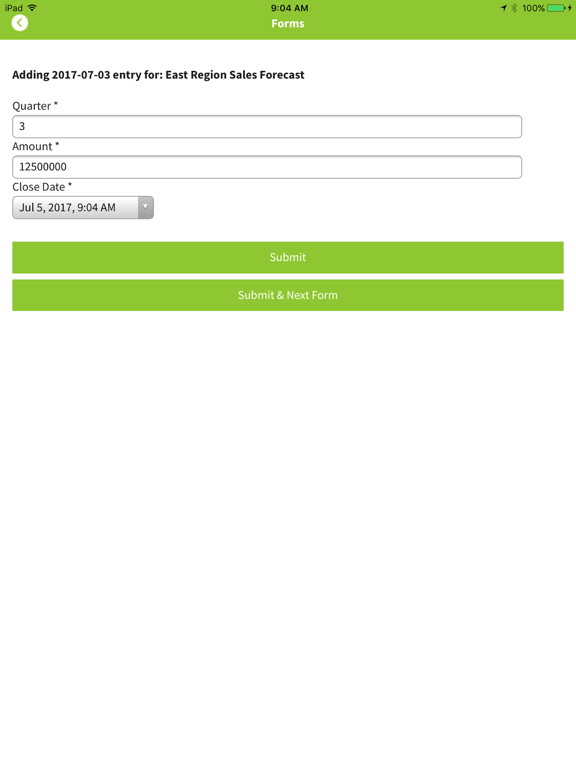
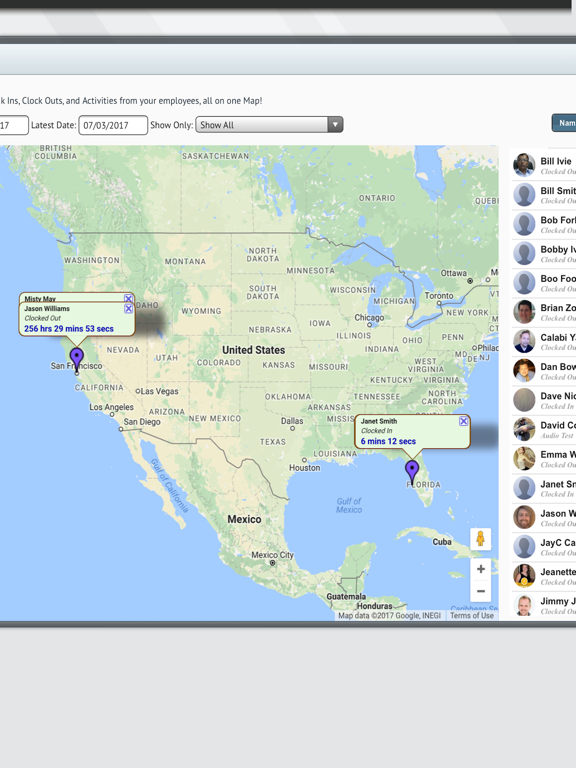
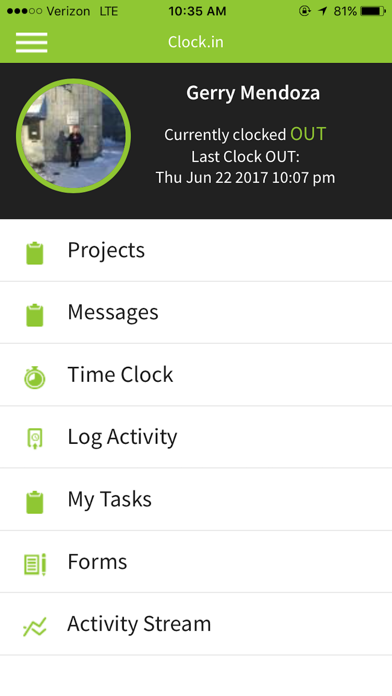
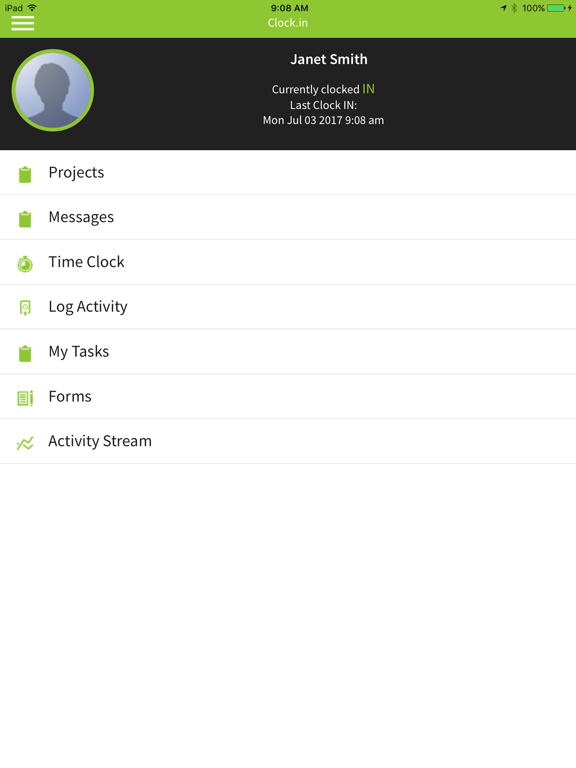
More than just another app, it is a partner in your success - We often tell people that when they reach a new level of productivity with our app that they are 'clockin'. With this tool, and the entire Clock.In support team, you have real partners in your success. Its broad array of features include: customizable real time activity reports, proof of service, work documents access, GPS location services, submission of management and regulatory forms, and a seamless ability to clock in and out of jobs to provide your company with critical cost management and billing information.
Delivering a competitive edge to you and your employees - Clock.In is a powerful time management and productivity application that is so intuitive, it can be used by everyone in your company and so agile, it can be customized to the way you really work. Whether an employee is on a mobile phone, tablet or desktop, they will find a feature rich solution that finally delivers on the promise of mobile productivity-- relevant answers, better employee time management, revenue recovery, and cost control.
It's head is in the cloud but its feet are securely on the ground – Using today's state of the art, cloud-based data management, employee information is transmitted to Clock.In's secure servers and forwarded to company decision makers, empowering them to verify activity, track time and team productivity.
Note: Continued use of GPS running in the background can dramatically decrease battery life.

Delivering a competitive edge to you and your employees - Clock.In is a powerful time management and productivity application that is so intuitive, it can be used by everyone in your company and so agile, it can be customized to the way you really work. Whether an employee is on a mobile phone, tablet or desktop, they will find a feature rich solution that finally delivers on the promise of mobile productivity-- relevant answers, better employee time management, revenue recovery, and cost control.
It's head is in the cloud but its feet are securely on the ground – Using today's state of the art, cloud-based data management, employee information is transmitted to Clock.In's secure servers and forwarded to company decision makers, empowering them to verify activity, track time and team productivity.
Note: Continued use of GPS running in the background can dramatically decrease battery life.
Show More
最新版本3.0.72更新日誌
Last updated on 2017年07月06日
歷史版本
New for July 2017!
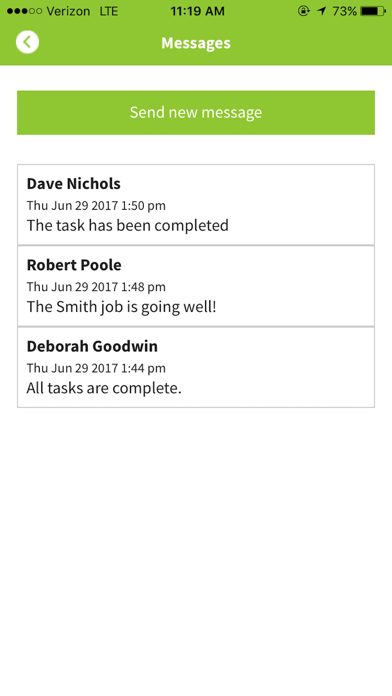
* Simple-to-use user-to-user messaging
* App Notifications for New Messages and when Tasks are assigned
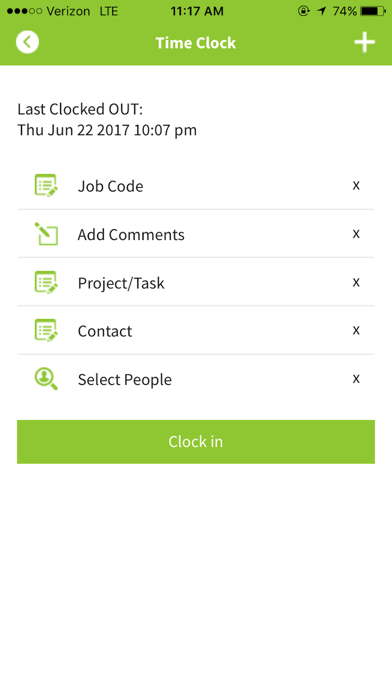
* "Classic" view of the Time Clock returns!
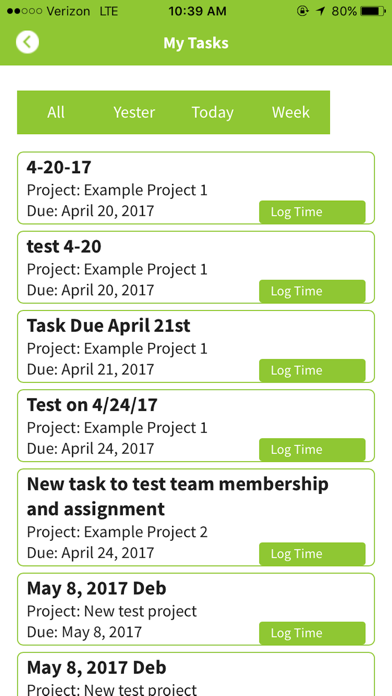
* Improved Task interface in app
* Updated to support the latest OS versions
* Various bug fixes and improvements
* Simple-to-use user-to-user messaging
* App Notifications for New Messages and when Tasks are assigned
* "Classic" view of the Time Clock returns!
* Improved Task interface in app
* Updated to support the latest OS versions
* Various bug fixes and improvements
Show More
Version History
3.0.72
2017年07月06日
New for July 2017!
* Simple-to-use user-to-user messaging
* App Notifications for New Messages and when Tasks are assigned
* "Classic" view of the Time Clock returns!
* Improved Task interface in app
* Updated to support the latest OS versions
* Various bug fixes and improvements
* Simple-to-use user-to-user messaging
* App Notifications for New Messages and when Tasks are assigned
* "Classic" view of the Time Clock returns!
* Improved Task interface in app
* Updated to support the latest OS versions
* Various bug fixes and improvements
2.4.0
2016年07月13日
V2016-07-12 - CDI 2.4
* New Time-Sensitive views of My Tasks
* Signature fields for Forms
* App features Welcome Video and Getting Started help
* Powerful new Task Scheduling
* Improved GPS and data syncing capabilities
* Upgraded app to latest SDK and package versions
* Numerous bug fixes and enhancements
* New Time-Sensitive views of My Tasks
* Signature fields for Forms
* App features Welcome Video and Getting Started help
* Powerful new Task Scheduling
* Improved GPS and data syncing capabilities
* Upgraded app to latest SDK and package versions
* Numerous bug fixes and enhancements
2.3.1
2015年10月16日
* iOS 9 now supported!
* Time clock enhancements
* Bug fixes!
* Time clock enhancements
* Bug fixes!
2.2.0
2015年04月23日
* QuickBooks contacts integration
* Quick-access email / phone for users in the Activity Stream
* Quick-access contacts email / phone from Tasks and Projects
* Send an Audit Log to server
* Desktop improvements for Reports, Geofences, Forms, Timesheets, Contacts, and Projects
* Bug fixes and improvements for Forms, Location, and GPS in the app
* Quick-access email / phone for users in the Activity Stream
* Quick-access contacts email / phone from Tasks and Projects
* Send an Audit Log to server
* Desktop improvements for Reports, Geofences, Forms, Timesheets, Contacts, and Projects
* Bug fixes and improvements for Forms, Location, and GPS in the app
2.1.4
2014年10月31日
* New user tutorial
* Improved GPS and location handling
* Email timesheet reports from app
* Output reports in PDF and XLS formats
* Custom geofence-based alerts
* Customizable messages for alerts
* Contact Clock.in support via app
* Improved text entry in app
* Multiple bug fixes and improvement
* Access to support / how-to articles
* Streamlined job code switching and data entry
* Improved GPS and location handling
* Email timesheet reports from app
* Output reports in PDF and XLS formats
* Custom geofence-based alerts
* Customizable messages for alerts
* Contact Clock.in support via app
* Improved text entry in app
* Multiple bug fixes and improvement
* Access to support / how-to articles
* Streamlined job code switching and data entry
2.0.1
2014年07月21日
* Sleek new UI
* Improved app navigation
* Projects and Tasks management
* Managers can add new Projects and Tasks through the app
* Log Hours against Tasks
* View task details, including any contact information
* Update and Close Tasks
* View Tasks currently assigned in one click
* Improved form handling
* Time clock improvements
* Improved server responsiveness
* Reduced bandwidth
* Multiple bugs reduced to smoldering ashes
* Improved app navigation
* Projects and Tasks management
* Managers can add new Projects and Tasks through the app
* Log Hours against Tasks
* View task details, including any contact information
* Update and Close Tasks
* View Tasks currently assigned in one click
* Improved form handling
* Time clock improvements
* Improved server responsiveness
* Reduced bandwidth
* Multiple bugs reduced to smoldering ashes
1.5.1
2013年10月14日
* Offline Capabilities for Activity Photos
* Improved Handling of Offline Clock Ins and Outs
* Intel Map Improvements
* New Caching Mechanisms Significantly Reduce Data Usage
* Audit Log added for monitoring App Activity
* Multiple Bug Fixes
* Improved Handling of Offline Clock Ins and Outs
* Intel Map Improvements
* New Caching Mechanisms Significantly Reduce Data Usage
* Audit Log added for monitoring App Activity
* Multiple Bug Fixes
1.5.0
2013年09月18日
Clock.in now supports the following in app abilities:
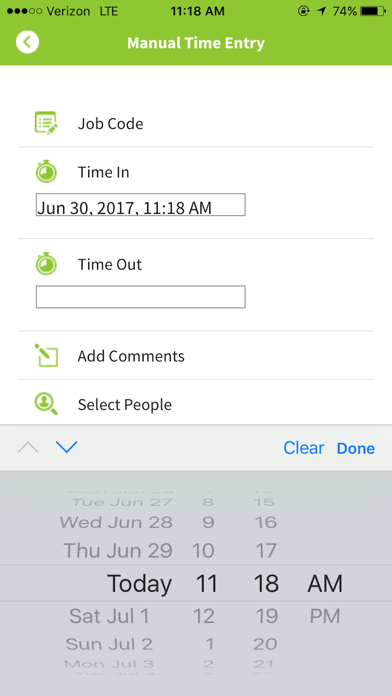
* Manual clock-ins -- users can now add full timesheet entries, directly from the app!
* Team Activity Stream filtering -- Drill down into users and activity types in the Team Activity tab
* Timesheet History -- view hours worked with a date range filter
* Manual clock-ins -- users can now add full timesheet entries, directly from the app!
* Team Activity Stream filtering -- Drill down into users and activity types in the Team Activity tab
* Timesheet History -- view hours worked with a date range filter
1.4.1
2013年05月24日
Streamlined the registration process
1.4
2013年05月16日
* New Intel Map view available in Team Activities.
* Locate Map feature lets you get up-to-date location information from your remote employees.
* Activities can now have extra fields defined in the desktop and submitted through the app.
* New Signups can opt to send Desktop login instructions to themselves via SMS.
* Multiple bug fixes and validation improvements.
* Locate Map feature lets you get up-to-date location information from your remote employees.
* Activities can now have extra fields defined in the desktop and submitted through the app.
* New Signups can opt to send Desktop login instructions to themselves via SMS.
* Multiple bug fixes and validation improvements.
1.3.1
2013年03月29日
Fixed a bug causing multiple signups.
1.3
2013年03月21日
* Faster data transfer from app to server
* Create a full Clock.in account from the app
* Create employee accounts from the app
* Multiple employees can share one device
* Team Leads can clock in other users
* Bug fixes for app user sessions
* Create a full Clock.in account from the app
* Create employee accounts from the app
* Multiple employees can share one device
* Team Leads can clock in other users
* Bug fixes for app user sessions
1.2
2012年12月20日
* Forms, Activity Categories, Job Codes and Documents all refresh regularly from server.
* Manager-side settings determine what items show up in Team Activity stream.
1.1
2012年11月17日
clock.in FAQ
點擊此處瞭解如何在受限國家或地區下載clock.in。
以下為clock.in的最低配置要求。
iPhone
須使用 iOS 8.0 或以上版本。
iPad
須使用 iPadOS 8.0 或以上版本。
iPod touch
須使用 iOS 8.0 或以上版本。
clock.in支持英文