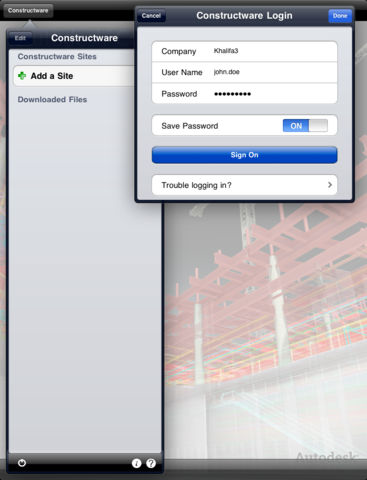
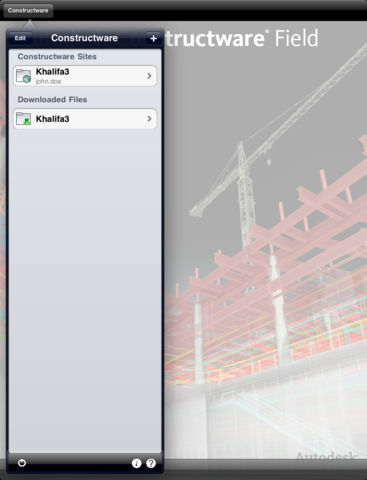
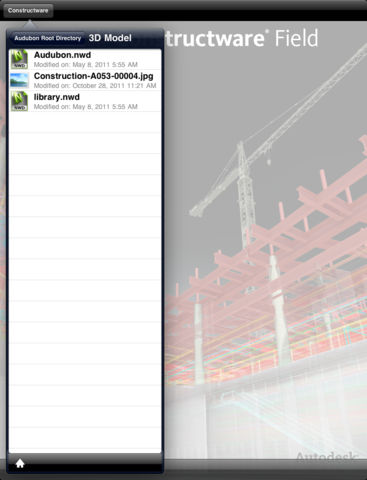
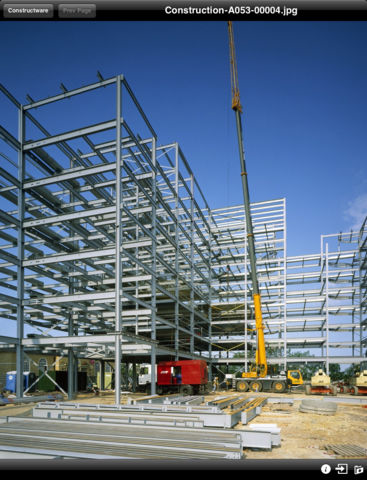
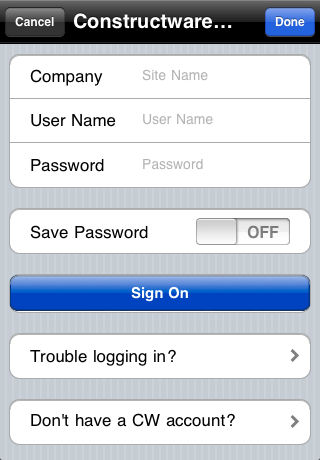
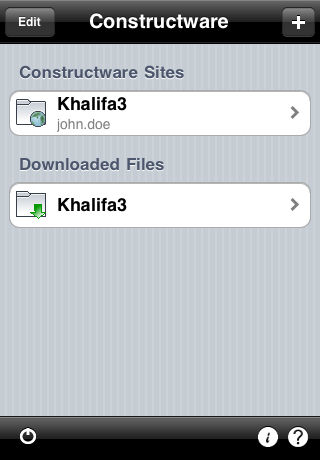
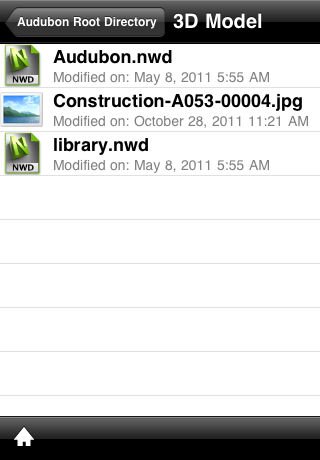
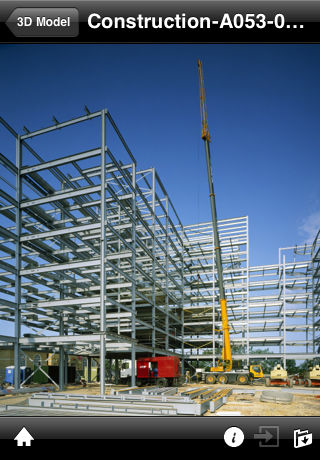
The Constructware® Field mobile app from Autodesk® gives Constructware users the ability to securely view, download, and upload Architecture, Engineering and Construction (AEC) project documents and designs from anywhere: field, site hut, or office. Constructware users can access File Director content to view DWF® files, standard office documents, and images, and even specify files to be available locally when off-network. Additionally, in devices with built-in cameras, Constructware users can take and upload site photos directly to the Constructware cloud for later review and linking to project workflows.
If you are a Constructware user, you can use the Constructware Field mobile app to:
✓Securely access your project information
•Secure, authenticated access to your project documents in the Constructware cloud.
•Fully supports project and folder-level access restrictions.
•Easily and securely access multiple Constructware projects and sites from your iPad or iPhone.
✓Review project designs and documents from anywhere
•View DWF® files when you are away from the office or at the jobsite.
•Download AutoCAD® DWG® and DXF™ files from Constructware and open with AutoCAD WS for viewing.
•View all your project files, including photos, images, and PDF, Word, Excel, and PowerPoint documents.
✓Collaborate with your AEC project team
•Capture, annotate, and share project photos and images with your project team.
•Open and edit files managed on Constructware directly from other productivity apps installed on your iPad and iPhone.