Flame Connect
免費
2.25.0for iPhone, iPad
Age Rating
Flame Connect 螢幕截圖
About Flame Connect
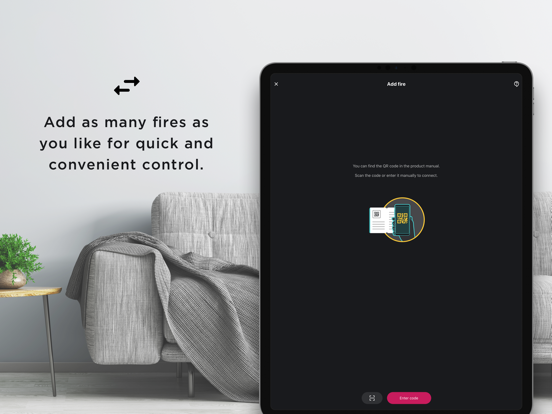
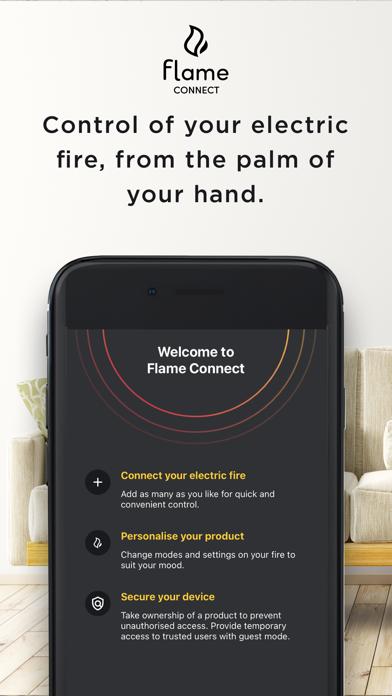
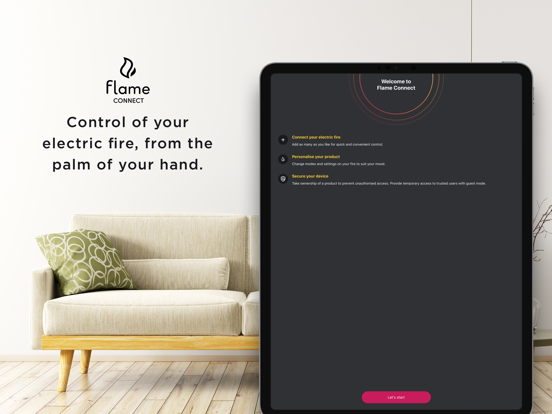
Flame Connect places full control of your electric fire into a beautiful, easy and convenient interface - all from the palm of your hand.
Enjoy the latest flame technology and ultra-realistic flame effects to create a unique and stunning focal point within any room.
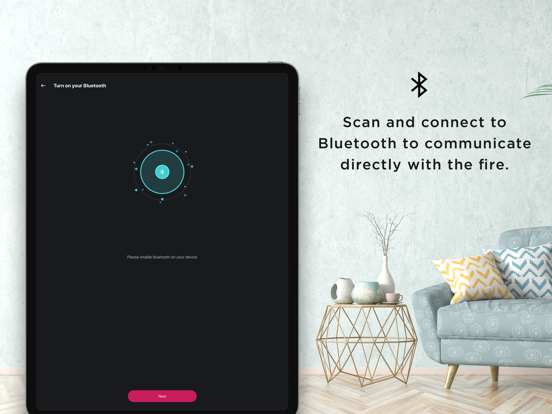
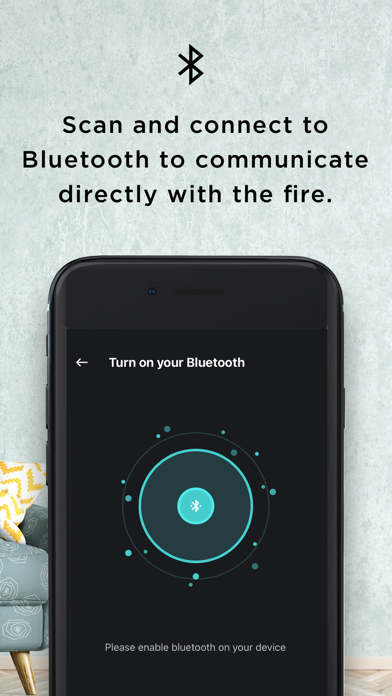
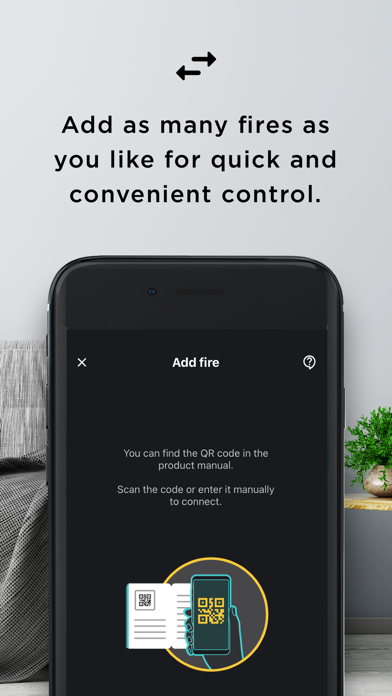
Simply scan and connect to Bluetooth to communicate directly with your fire. Change settings and modes that your product supports.
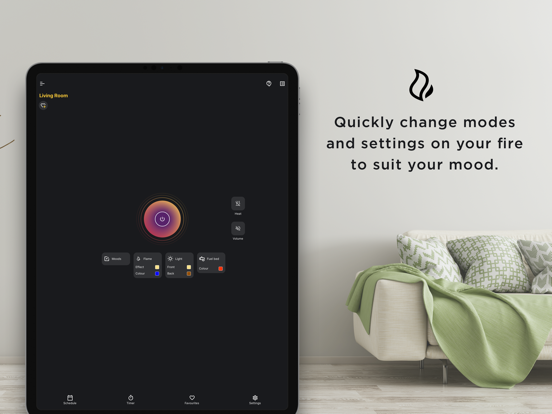
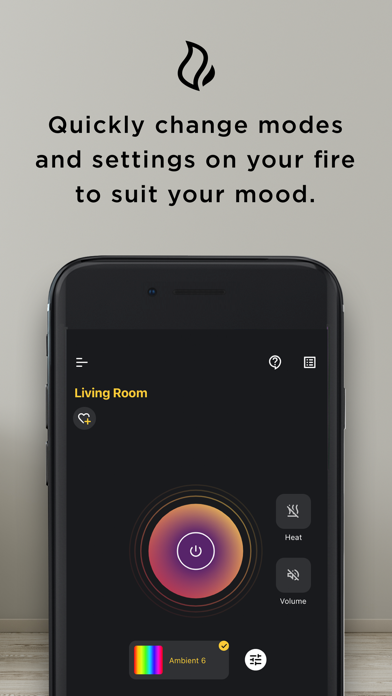
Quickly change modes and settings on your fire to suit your mood.
Set product schedules to automate your fire's on/off times.
Change flame effect settings such as mist output intensity and LED colours on supported products.
Prevent unauthorised product access by linking ownership of your fire with your account.
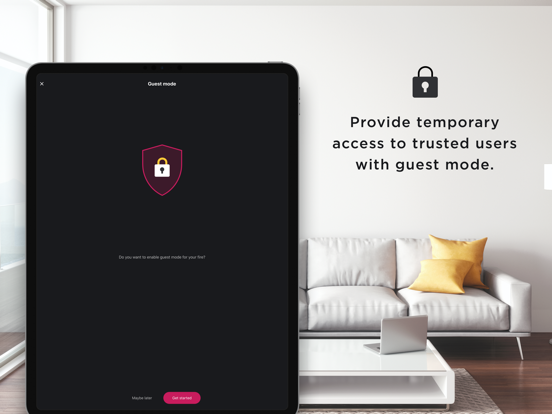
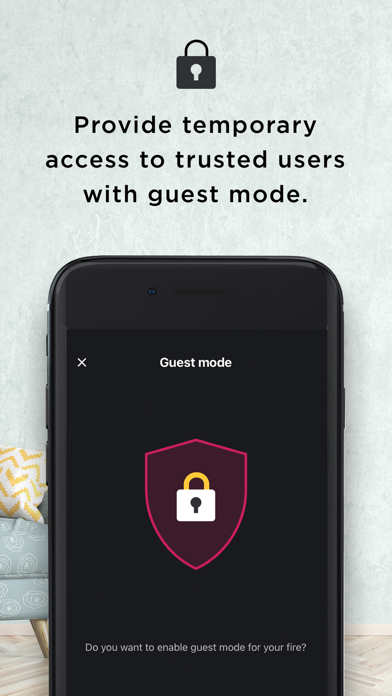
Enable guest mode for temporary access to other Flame Connect trusted users.
Support for multiple languages and a choice of Fahrenheit and Celsius.
Only specific product models and series letters are supported. Check the compatibility list at https://www.dimplex.co.uk/flame-connect#compatibility. Compatibility is subject to GDHV Internet of Things (IoT) Terms and Conditions. Flame Connect usage requires the download and installation of the Flame Connect onto a compatible device. Flame Connect usage also requires the creation of a Flame Connect account, which is subject to agreement of the GDHV Internet of Things (IoT) Terms and Conditions, Privacy Policy and Cookie Policy. Flame Connect app updates, product updates and all app usage require a broadband internet connection for app usage in all cases and in product connection for internet-connected product function; ISP and mobile carrier fees apply.

Enjoy the latest flame technology and ultra-realistic flame effects to create a unique and stunning focal point within any room.
Simply scan and connect to Bluetooth to communicate directly with your fire. Change settings and modes that your product supports.
Quickly change modes and settings on your fire to suit your mood.
Set product schedules to automate your fire's on/off times.
Change flame effect settings such as mist output intensity and LED colours on supported products.
Prevent unauthorised product access by linking ownership of your fire with your account.
Enable guest mode for temporary access to other Flame Connect trusted users.
Support for multiple languages and a choice of Fahrenheit and Celsius.
Only specific product models and series letters are supported. Check the compatibility list at https://www.dimplex.co.uk/flame-connect#compatibility. Compatibility is subject to GDHV Internet of Things (IoT) Terms and Conditions. Flame Connect usage requires the download and installation of the Flame Connect onto a compatible device. Flame Connect usage also requires the creation of a Flame Connect account, which is subject to agreement of the GDHV Internet of Things (IoT) Terms and Conditions, Privacy Policy and Cookie Policy. Flame Connect app updates, product updates and all app usage require a broadband internet connection for app usage in all cases and in product connection for internet-connected product function; ISP and mobile carrier fees apply.
Show More
最新版本2.25.0更新日誌
Last updated on 2026年05月28日
歷史版本
Bug fixes and stability improvements
Show More
Version History
2.25.0
2026年05月28日
Bug fixes and stability improvements
Flame Connect FAQ
點擊此處瞭解如何在受限國家或地區下載Flame Connect。
以下為Flame Connect的最低配置要求。
iPhone
iPad