Flexwrapp
Flexworking made easy
免費
2.3.11for iPhone, iPad and more
Age Rating
Flexwrapp 螢幕截圖
About Flexwrapp
Flexwrapp is the app for flex workers. You’ll never have to work with regular old time sheets again. As of now you can easily track your hours and immediately submit them with Flexwrapp. The app is fully integrated with Easyflex, the best web application for your temp or pay rolling agency. So all you have to think about, is how you want to do your job.
• Your Flexwrapp account is easily made and safely protected with your own access code. From the temp or pay rolling agency you will receive the invitation to start working with the app.
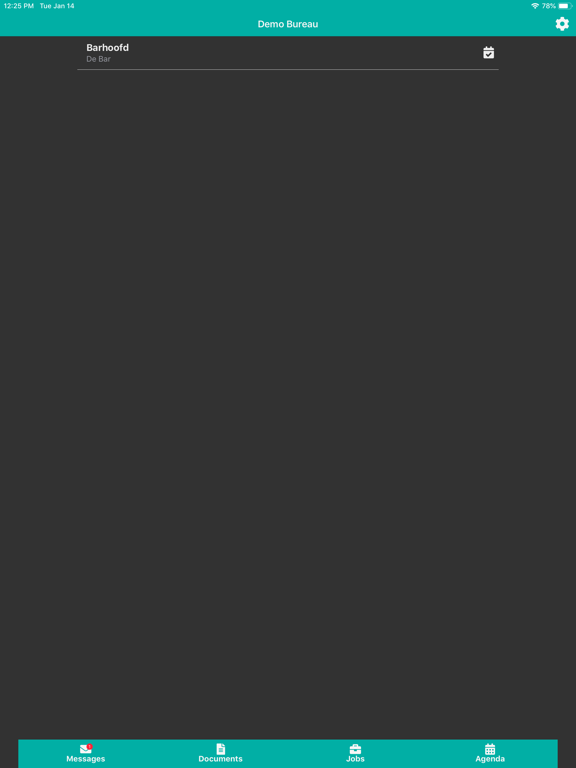
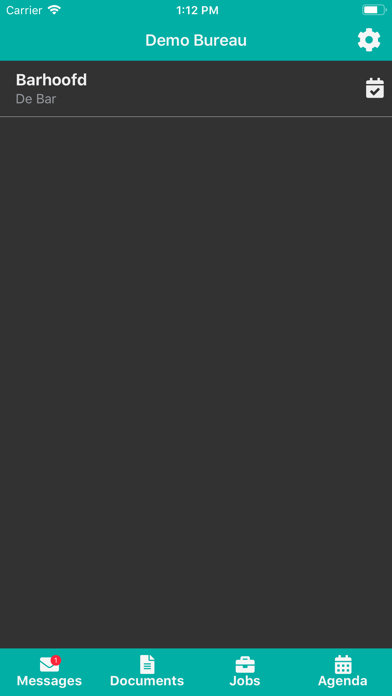
• Dashboard - First you get to see the dashboard. Here you see your active jobs and you can tap through to the details. Or you can tap through to a clear overview of all/past jobs.
• Agencies - You can easily add an agency with the invite you receive from them. All data of the job or jobs that you have with that agency is shown directly.
• Jobs - In one overview you can see all jobs, with current and most recent first and further down the list you’ll see jobs you have had in the past.
• Job Details – Do you have multiple jobs? How nice would it be to easily find and navigate to that address. No looking up on Google Maps anymore. And also you will find your hourly wage here.
• Directly in contact - Contacting the company is really easy, because from the app, you can directly call or email them.
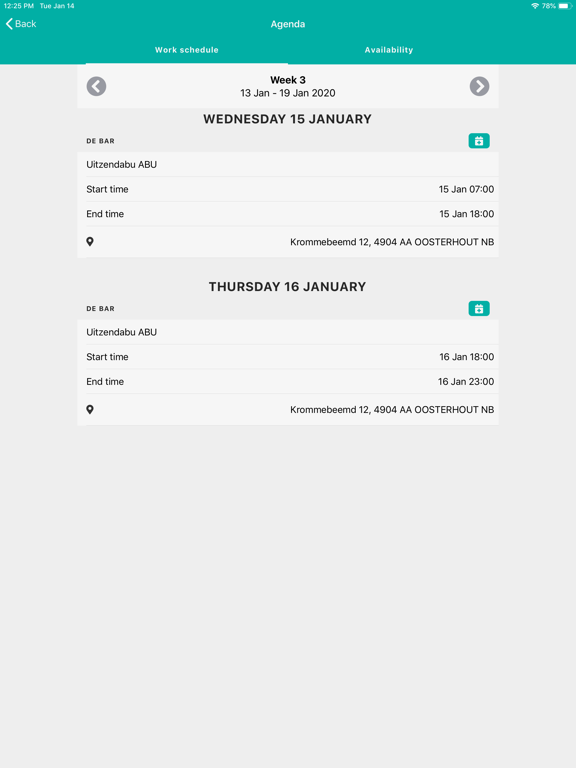
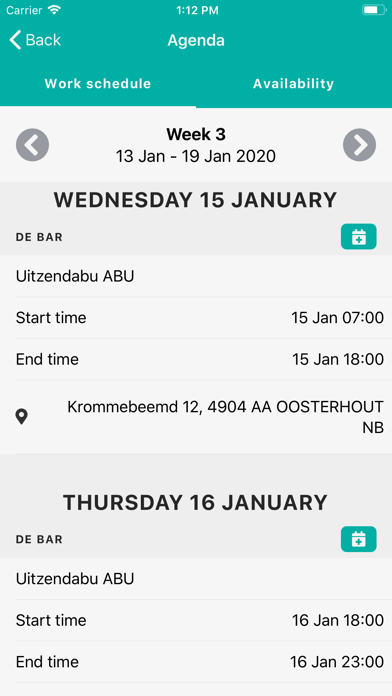
• Availability - Do you want to let your agency know when you're available for work? No more typing numerous e-mails, with Flexwrapp you can easily keep track of your availabilty. If your agency uses Easyflex Planning, they can directly see your availibility in their Planning sheet. And book you for a job!
• Timesheet - From Job Details you proceed to the timesheet. The calendar gives you an instant snapshot of your worked hours in a week, 4-week or month view.
• Declare Hours - In the calendar view, tap on a day to open your hours declaration. Here you can select whether your hours are normal or overtime and enter the time. When you have a complete period, tap submit and you're done!
• Holidays - Taking a day off? Choose Holiday Hours in your declaration and enter the number of hours.
• Fees - Costs incurred or mileage can simply be filled in on your declaration under Fees.
• Reservations balance - Under the tab Reservations can see the balance of your Holiday Hours
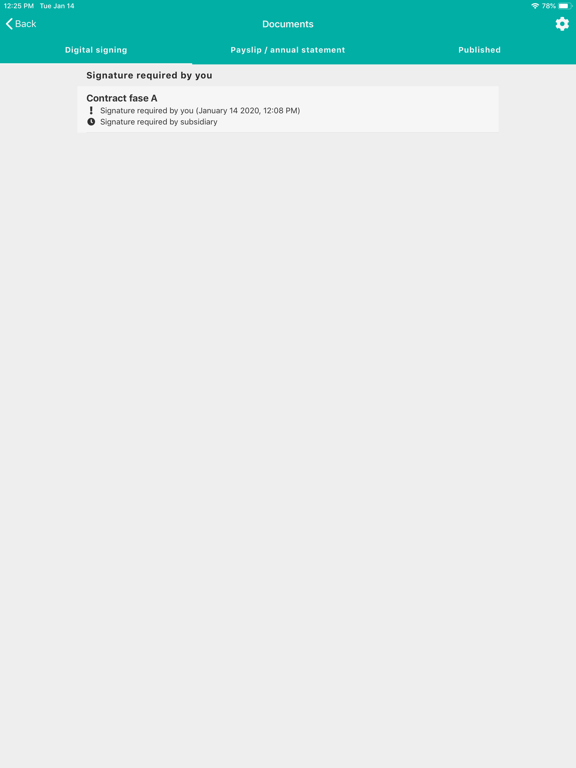
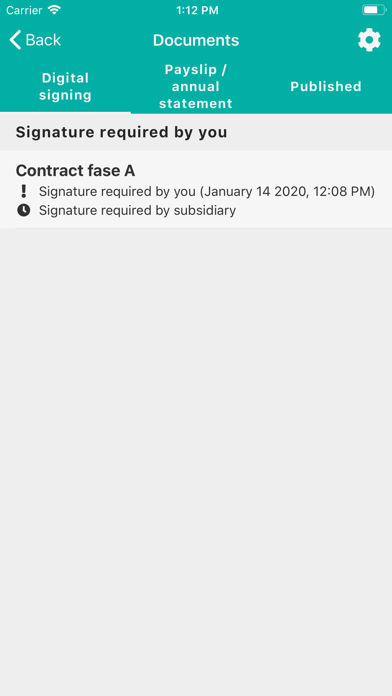
• Documents - Under Documents you have an instant overview of all your payslips and annual statements.

• Your Flexwrapp account is easily made and safely protected with your own access code. From the temp or pay rolling agency you will receive the invitation to start working with the app.
• Dashboard - First you get to see the dashboard. Here you see your active jobs and you can tap through to the details. Or you can tap through to a clear overview of all/past jobs.
• Agencies - You can easily add an agency with the invite you receive from them. All data of the job or jobs that you have with that agency is shown directly.
• Jobs - In one overview you can see all jobs, with current and most recent first and further down the list you’ll see jobs you have had in the past.
• Job Details – Do you have multiple jobs? How nice would it be to easily find and navigate to that address. No looking up on Google Maps anymore. And also you will find your hourly wage here.
• Directly in contact - Contacting the company is really easy, because from the app, you can directly call or email them.
• Availability - Do you want to let your agency know when you're available for work? No more typing numerous e-mails, with Flexwrapp you can easily keep track of your availabilty. If your agency uses Easyflex Planning, they can directly see your availibility in their Planning sheet. And book you for a job!
• Timesheet - From Job Details you proceed to the timesheet. The calendar gives you an instant snapshot of your worked hours in a week, 4-week or month view.
• Declare Hours - In the calendar view, tap on a day to open your hours declaration. Here you can select whether your hours are normal or overtime and enter the time. When you have a complete period, tap submit and you're done!
• Holidays - Taking a day off? Choose Holiday Hours in your declaration and enter the number of hours.
• Fees - Costs incurred or mileage can simply be filled in on your declaration under Fees.
• Reservations balance - Under the tab Reservations can see the balance of your Holiday Hours
• Documents - Under Documents you have an instant overview of all your payslips and annual statements.

Show More
最新版本2.3.11更新日誌
Last updated on 2022年11月04日
歷史版本
Phased out signing certificate.
Show More
Version History
2.3.11
2022年11月04日
Phased out signing certificate.
2.3.800335
2022年09月01日
- Improved error handling
2.3.700328
2021年01月13日
- Now it's possible to accept or deny the workagenda when your bureau asks for approval.
- Fixed a bug that caused the keyboard to stay visible when not input field was active.
- Resized the hour types popup to keep it from covering the navigation bar.
- Fixed a bug that caused the keyboard to stay visible when not input field was active.
- Resized the hour types popup to keep it from covering the navigation bar.
2.3.3
2020年07月23日
Improved error-logging in order to more easily track down bugs.
2.3.2
2020年06月29日
* Added push notifications for work agendas.
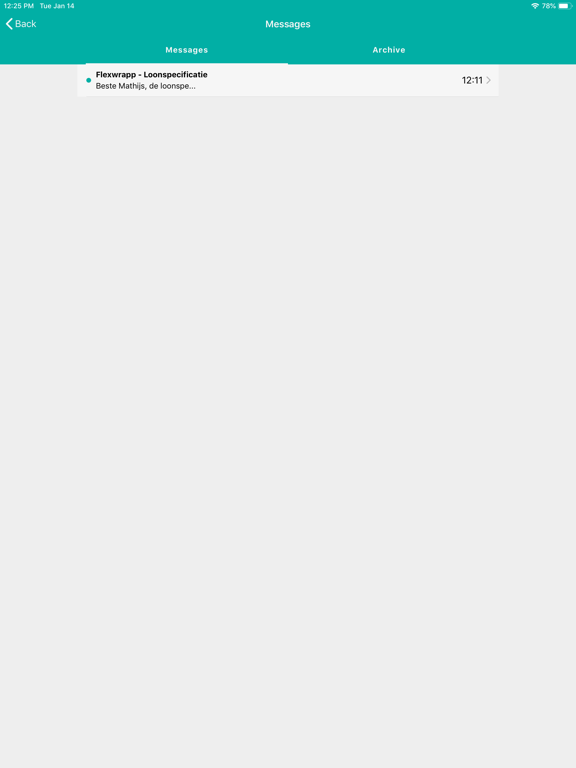
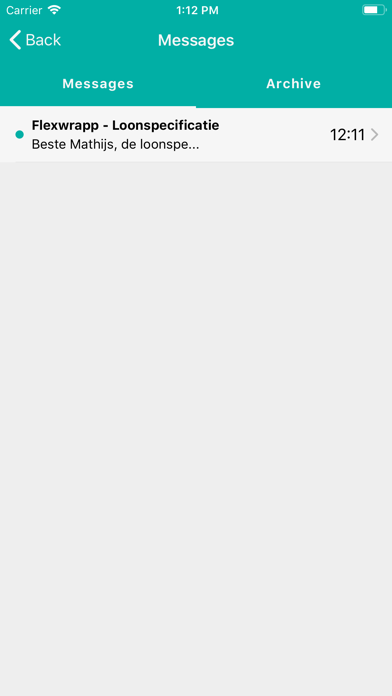
* Added push notifications for messages.
* Inidication of new documents.
* Added push notifications for messages.
* Inidication of new documents.
2.2.1
2020年05月25日
* Fixed bug where placements were not displayed properly.
* Bug fixed when showing fees and deductions.
* Fixed bug when submitting fees.
* Bug fixed when showing fees and deductions.
* Fixed bug when submitting fees.
2.1.4
2020年04月08日
* Fixed bug where document screen did not update after rejecting document.
* Fixed bug where published documents were always empty.
* Service detail now shows info for flex worker.
* Fixed bug where published documents were always empty.
* Service detail now shows info for flex worker.
2.1.3
2020年03月16日
Expense screen now shows all hour types.
2.1.2
2020年03月05日
* Fixed an issue where the wrong keyboard was displayed when entering declarations.
* Fixed an issue where the costs for the wage component were not calculated correctly.
* Fixed an issue where an error message was incorrectly displayed when copying a declaration.
* Fixed an issue where the costs for the wage component were not calculated correctly.
* Fixed an issue where an error message was incorrectly displayed when copying a declaration.
2.1.1
2020年02月26日
- Fixed a bug that sometimes caused an error message after logging in.
- Fixed a bug where input fields were not properly selectable.
- Bug locked up with an error message when no work agenda was available.
- New navigation bar, which always remains on screen for faster navigation in the app.
- Better visibility of salary component names on small screens.
- Declarations that are closed or settled are no longer shown as open.
- Support for additional wage component units.
- Fixed a bug where input fields were not properly selectable.
- Bug locked up with an error message when no work agenda was available.
- New navigation bar, which always remains on screen for faster navigation in the app.
- Better visibility of salary component names on small screens.
- Declarations that are closed or settled are no longer shown as open.
- Support for additional wage component units.
2.0.2
2020年01月15日
- Work location added in work diary.
- Max 1000 characters when refusing a document.
- Fixed bug in showing wage components.
- Max 1000 characters when refusing a document.
- Fixed bug in showing wage components.
1.3.10
2019年02月13日
Hotfix: Payslips and documents for digital signatures can be viewed again.
1.3.9
2019年02月11日
Hotfix: fixed bug preventing users from submitting hour declarations.
1.3.8
2019年02月08日
Minor bugfixes and improvements
1.3.7
2018年12月20日
Fixed a bug where on some devices documents didn't open correctly.
1.3.6
2018年11月16日
Fixed a bug where in some cases a digitally signed document could not be opened.
1.3.4
2017年12月28日
Minor improvements and bugfixes
1.3.3
2017年12月08日
- Bugfixes
- Improvements regarding the stability of the app.
1.3.2
2017年11月13日
- Bugfixes.
- Adding an agency to your Flexwrapp account has improved. It should be much easier to connect.
1.3.1
2017年10月20日
- Bugfixes.
- New feature to sign documents.
1.3.0
2017年10月02日
- The work location of the job is visible in the work schedule.
- Bugfixes.
- Bugfixes.
1.2.8
2017年08月14日
- The Work Agenda is available to keep track of working schedules.
- Bugfixes.
- Bugfixes.
1.2.7
2017年05月24日
- Bugfixes
- Copy hours in a declaration to other days of the same declaration.
1.2.6
2017年03月06日
- Bugfixes.
- Documents are marked as read.
- Easily copy hours from one declaration to another.
- Documents are marked as read.
- Easily copy hours from one declaration to another.
1.2.5
2017年01月06日
- The app will recognise your job agency when logging into the app.
- Redesign of the dashboard. It's much easier to navigate to core features of the app.
- Receive notifications when new documents e.g. payslips are available.
- Receive confirmation of submitted hour declarations.
- Bugfixes.
- Redesign of the dashboard. It's much easier to navigate to core features of the app.
- Receive notifications when new documents e.g. payslips are available.
- Receive confirmation of submitted hour declarations.
- Bugfixes.
Flexwrapp FAQ
點擊此處瞭解如何在受限國家或地區下載Flexwrapp。
以下為Flexwrapp的最低配置要求。
iPhone
須使用 iOS 11.0 或以上版本。
iPad
須使用 iPadOS 11.0 或以上版本。
iPod touch
須使用 iOS 11.0 或以上版本。
Flexwrapp支持德文, 意大利文, 法文, 英文, 荷蘭文, 葡萄牙文