Git Server allows you to easily install and manage a fully-functional Git server on the macOS platform.
Host Git repositories on your own Mac computer, and you have the max control over your source code. No source code leak, no monthly fee, no long-haul network links, everything is right beside you!
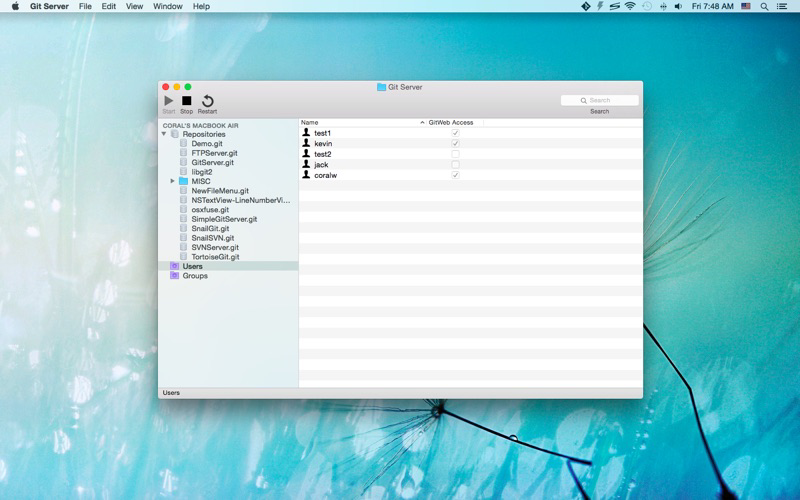
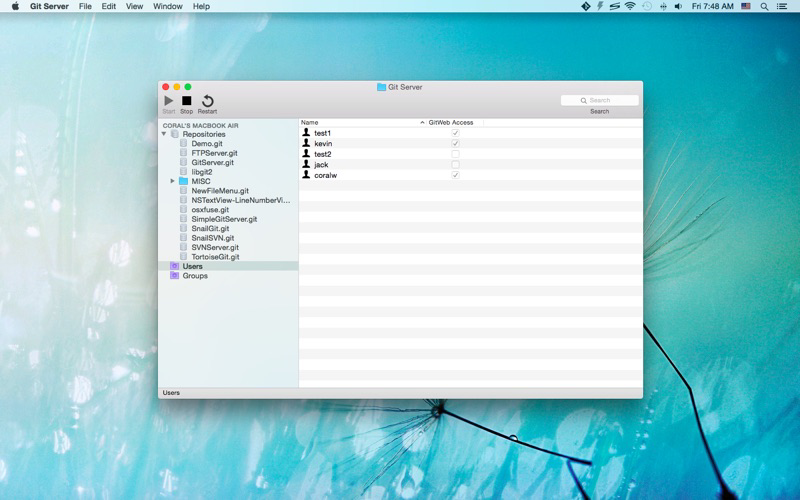
Git Server uses HTTP basic authentication to password protect your Git repositories, you can create arbitrary Git users without touching your system accounts.
Git Server acts as a central server where you can push your local changes to and share your code with other people / devices.
You can finish the setup process in minutes:
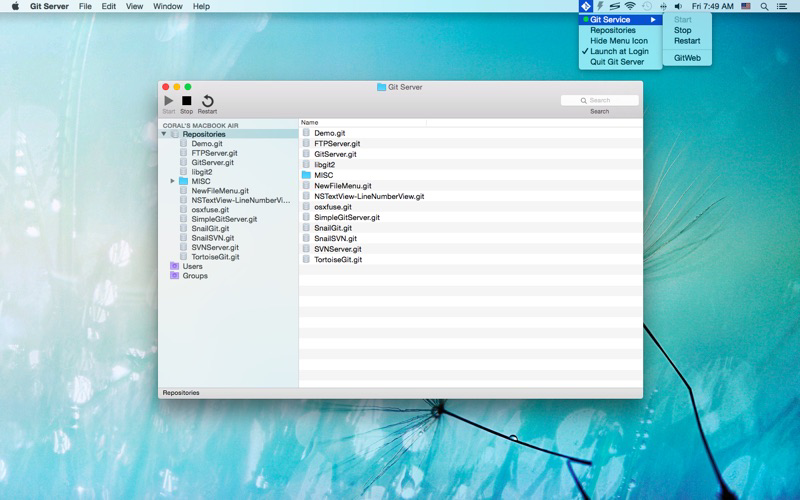
1. Create a Git repository
2. Create a Git user account
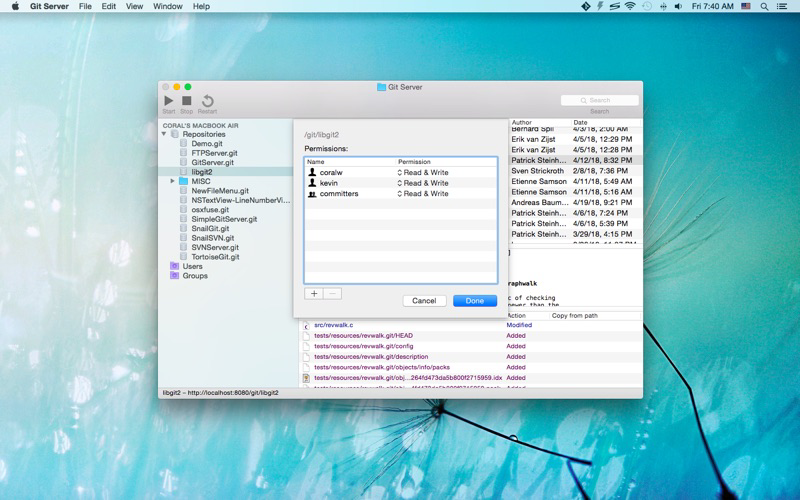
3. Set permissions for the repository
4. Start the Git service
5. You can access the Git repository now
Setup your own Git Server, and start creating great stuffs now!
* FAQ
Q: What kind of protocols does Git Server support?
A: Git Server provides Git service over the "http://"/"https://" protocols and it listens on port 8181 by default.
Q: I'm getting the 403 error?
A: Please make sure that you've assigned a user/group to the repository and that the current Git user account has read/write access to the repository.
Q: Can I use the 80/443 ports in Git Server?
A: You can use these ports on macOS Mojave(10.14) or later.
Q: I'm getting "SSL certificate problem: self signed certificate" error?
A: Please turn off SSL verification via `git config --global http.sslVerify false` or run the git command with the `-c http.sslVerify=false` option (e.g., `git -c http.sslVerify=false clone https://hostname/git/repo.git`).