Ideagen EHS Core
免費
11.6.5for iPhone, iPad
Age Rating
Ideagen EHS Core 螢幕截圖
About Ideagen EHS Core
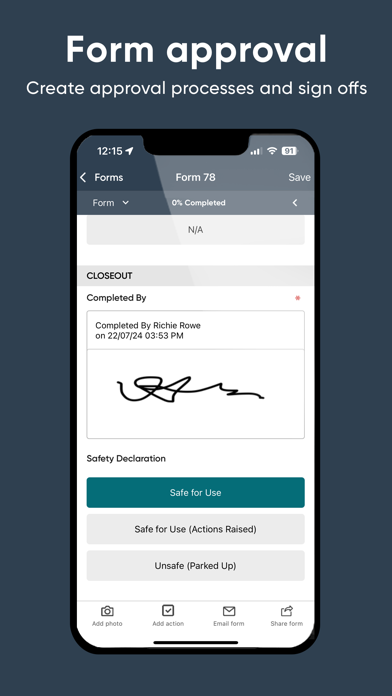
Managing health and safety doesn’t just take place behind a desk. The Ideagen EHS Core app brings
your modules out into the field.
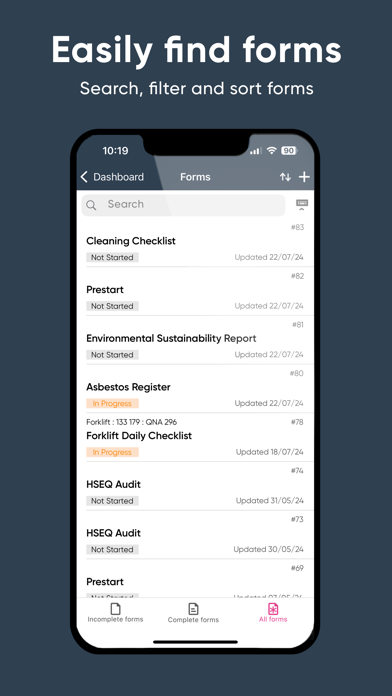
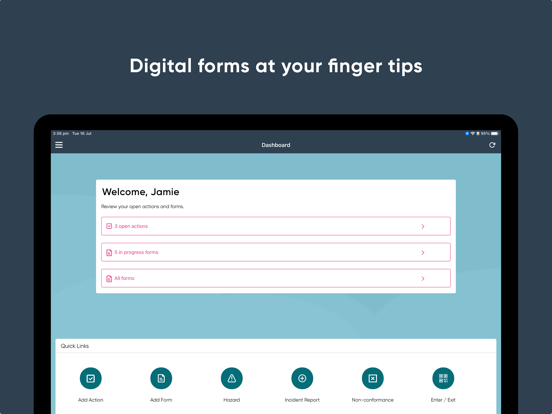
With easy access from your iPhone or iPad, capture and access real-time data in the
workplace or on the go to proactively tackle risks and incidents before they happen.
Features:
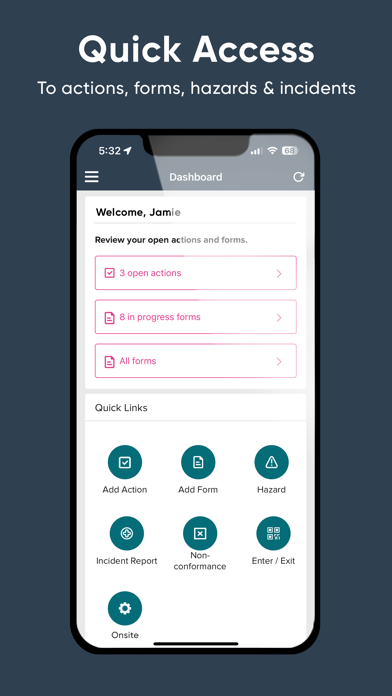
- Easy Access: Easy access to your Ideagen EHS Core modules at the time and place that works
for your team. Even when operating offline, data will be stored on the mobile device and
then synced when network access is available.
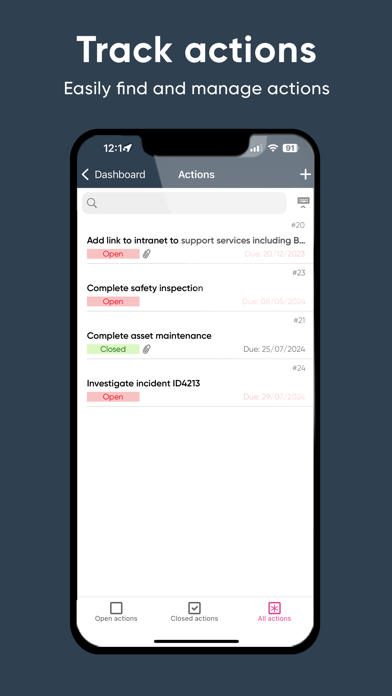
- Real-time Data: See the latest updates as data is captured in real-time straight from
the field.
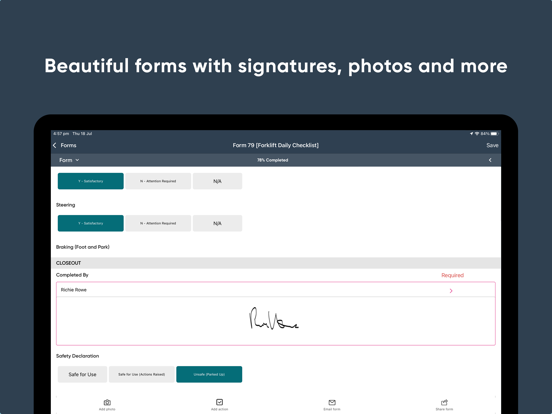
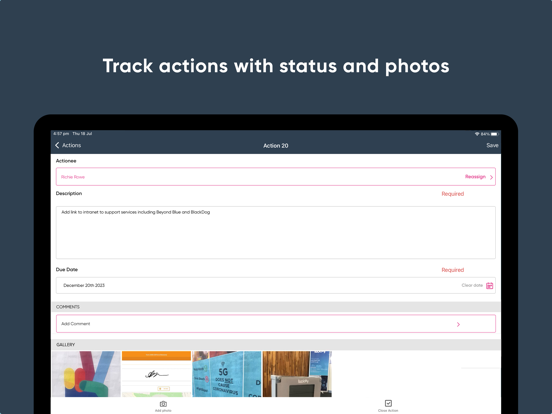
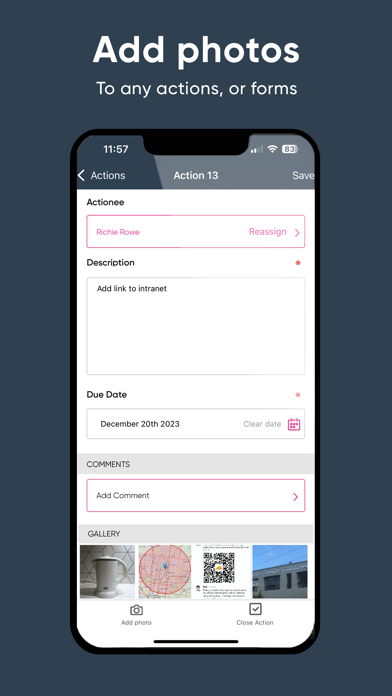
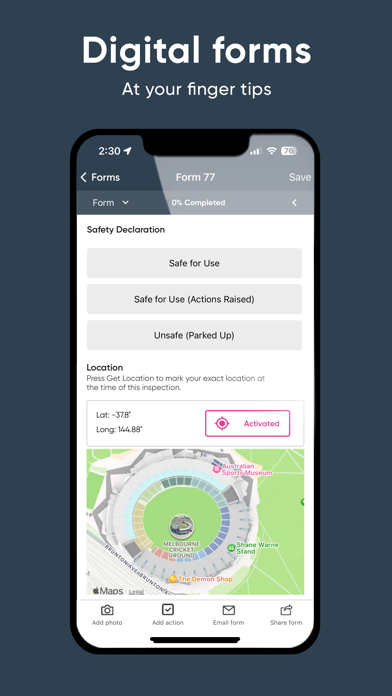
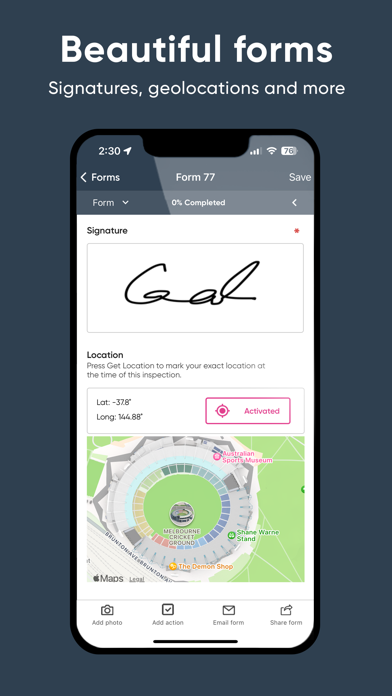
- Content-rich Information: Attach photos, documents, videos, geo-locations and more to easily
share all the information that’s needed.
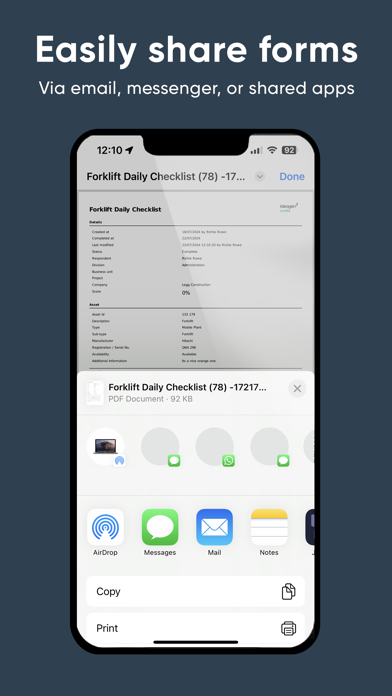
- Simple Sharing: Integrate Ideagen EHS Core data with your organisation’s email, messaging
and sharing apps.
Log in with the same username and password to immediately access the mobile features
allowed by your account permissions.

your modules out into the field.
With easy access from your iPhone or iPad, capture and access real-time data in the
workplace or on the go to proactively tackle risks and incidents before they happen.
Features:
- Easy Access: Easy access to your Ideagen EHS Core modules at the time and place that works
for your team. Even when operating offline, data will be stored on the mobile device and
then synced when network access is available.
- Real-time Data: See the latest updates as data is captured in real-time straight from
the field.
- Content-rich Information: Attach photos, documents, videos, geo-locations and more to easily
share all the information that’s needed.
- Simple Sharing: Integrate Ideagen EHS Core data with your organisation’s email, messaging
and sharing apps.
Log in with the same username and password to immediately access the mobile features
allowed by your account permissions.
Show More
最新版本11.6.5更新日誌
Last updated on 2026年04月22日
歷史版本
In this release, we focused on form reliability and asset scoping accuracy
Improvements
- InForm: Resolved an issue where the mobile app was using outdated form versions instead of the latest published version.
- InForm: Introduced a Compact Attachment View mode that replaces inline image thumbnails with a lightweight text indicator, improving form load times and scroll performance on mobile devices.
- Forms: Fixed an issue where property-scoped users could see assets outside their permitted scope when creating a form via the mobile app.
Show More
Version History
11.6.5
2026年04月22日
In this release, we focused on form reliability and asset scoping accuracy
Improvements
- InForm: Resolved an issue where the mobile app was using outdated form versions instead of the latest published version.
- InForm: Introduced a Compact Attachment View mode that replaces inline image thumbnails with a lightweight text indicator, improving form load times and scroll performance on mobile devices.
- Forms: Fixed an issue where property-scoped users could see assets outside their permitted scope when creating a form via the mobile app.
Improvements
- InForm: Resolved an issue where the mobile app was using outdated form versions instead of the latest published version.
- InForm: Introduced a Compact Attachment View mode that replaces inline image thumbnails with a lightweight text indicator, improving form load times and scroll performance on mobile devices.
- Forms: Fixed an issue where property-scoped users could see assets outside their permitted scope when creating a form via the mobile app.
Ideagen EHS Core FAQ
點擊此處瞭解如何在受限國家或地區下載Ideagen EHS Core。
以下為Ideagen EHS Core的最低配置要求。
iPhone
iPad