Mind Vector

Mind Vector


Mind Mapping and Brainstorming


免費Offers In-App Purchases

4.6for iPhone, iPad and more
7.9
301 Ratings
i2e Consulting LLC
Developer
71 MB
Size
2017年10月26日
Update Date
Productivity
Category
4+
Age Rating
Age Rating
4+
Apps in this category do not contain restricted content.
9+
Apps in this category may contain mild or occasional cartoon, fantasy or real-life violence, as well as occasional or mild adult, sexually suggestive or horrifying content and may not be suitable for children under 9 years of age.
12+
Apps in this category may contain occasional mild indecent language, frequent or intense cartoon or real-life violence, minor or occasional adult or sexually suggestive material, and simulated gambling, and may be for children under 12 years of age.
17+
You must be at least 17 years old to access this App.
Apps in this category may contain frequent and intense offensive language; Frequent and intense cartoon, fantasy or realistic violence: frequent and intense adult, scary and sexually suggestive subjects: as well as sexual content, nudity, tobacco, alcohol and drugs, may not be suitable for children under 17 years of age.
Mind Vector 螢幕截圖
Mind Vector 海報Mind Vector 海報Mind Vector 海報Mind Vector 海報Mind Vector 海報

About Mind Vector

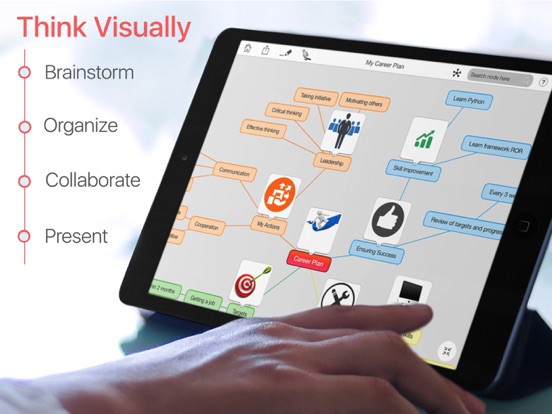
Mind Vector is the most popular choice for collaborative mind mapping. Use this tool to create, share and edit your mind maps using iPhone, iPad and Apple Watch!
All your maps and nodes from built-in app will appear on Apple Watch instantly.

“Brainstorming sessions are all about creating great visual cues that will spur you on to new ideas and Mind Vector does a great job of this.” appPicker Review

DESCRIPTION:
Mind Vector is the best mind mapping software for all your needs. Whether you want to take minutes of the meeting, classroom notes, project plans, site map or presentations, Mind Vector is the right choice.

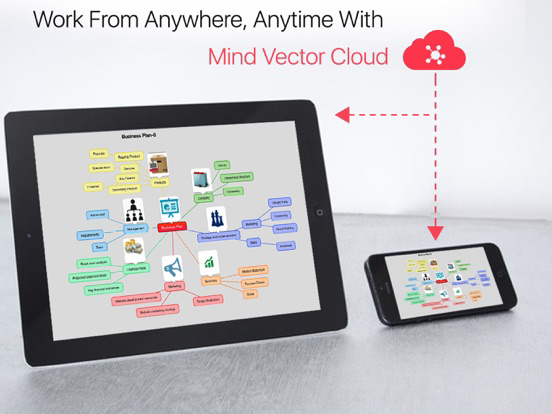
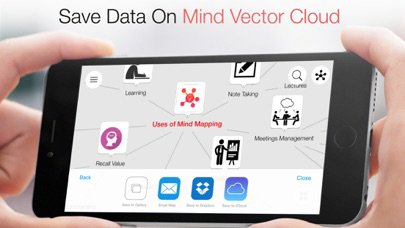
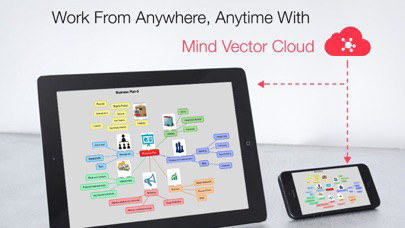
Mind Vector on iOS allows you to put all your ideas in one place and convert them into actionable plan. You can also sync and save all your mind maps using Free Mind Vector Cloud and view the same map on Mac. You can also use the app as a stand-alone application if you do not want to use the Free Cloud.

Feature Highlights:
- Create and edit unlimited mind nodes and maps
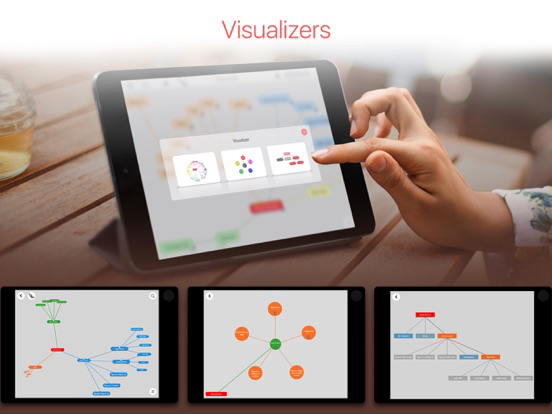
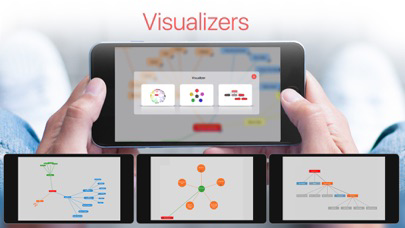
- Visualizers to view and analyze maps
- Easily sync maps with your free online account
- Cut, copy & paste ideas
- Tap and hold to group ideas
- Simply drag and drop ideas to other
- Maps can be created stand-alone (without online account)
- Collapse and Expand idea branches
- Smart search for easy navigation
- Undo Redo to quickly alter your maps
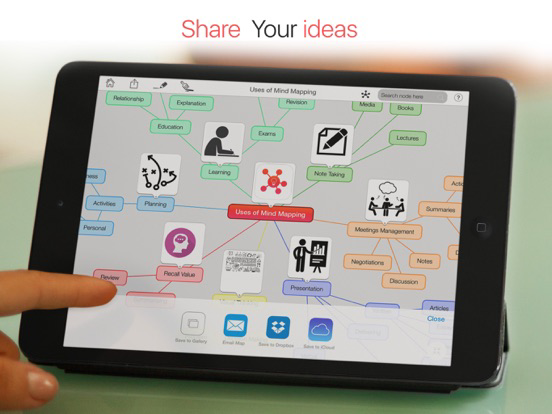
- Share maps directly from the device
- Multi-touch support for drag & drop, zoom, pan
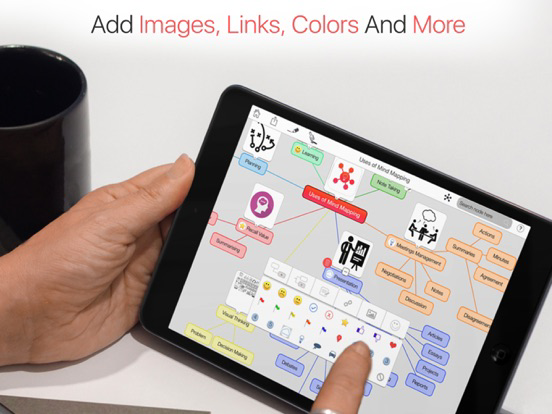
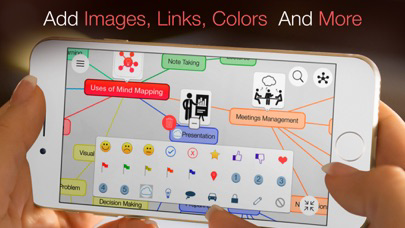
- Add icons, colors, line styles and map themes
- View and edit notes, links, tasks and attachments on ideas
- Fastest way to plot ideas
- Export maps in CSV, PDF and PNG format
- Save map to Gallery or Mail it
- Add images and photos to idea
- Add background color of your choice
- Add Image as your map wallpaper
- Copy nodes from one map to other
- Import/Export maps to iCloud, Dropbox & Mind Vector Cloud
- Collaborate map with your friends or colleagues
- Available on MAC & Web too
- Compatible with Latest iOS
- Excellent Technical Support

- Available in English, Chinese, Spanish, French, Italian, Portuguese, Dutch, Russian, German and Japanese

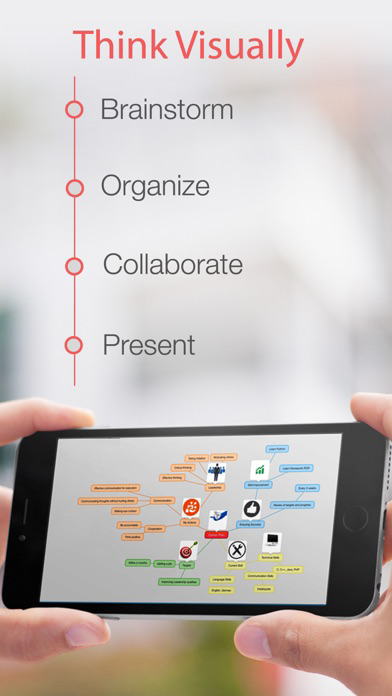
Mind Vector allows you to plot your ideas, at the “speed of thought”. Whether you are a busy professional or a student, Mind Vector will ensure that you never lose your BIG IDEA.
Plotting your ideas in a mind map is the smartest way to remember them. You can also share your brilliant idea with friends or colleagues and improvise to convert it into actionable plan.

Your favorite mind mapping tool is now available with one time in-app purchase for unlimited access!

Show More

最新版本4.6更新日誌

Last updated on 2017年10月26日
歷史版本
This app has been updated by Apple to display the Apple Watch app icon.

1. Dropbox import /export issue solve
2. iOS 11 Compatibility
Show More
Version History
4.6
2017年10月26日
This app has been updated by Apple to display the Apple Watch app icon.

1. Dropbox import /export issue solve
2. iOS 11 Compatibility
4.5
2017年10月11日
Login Screen bug fixed
4.4
2017年09月11日
Performance Enhancement
4.3
2017年09月04日
Trash for deleted maps
4.2
2017年08月21日
Mind Vector cloud sync
4.1
2017年07月10日
Image sync with cloud.
4.0
2017年04月24日
Connecting sibling nodes, child nodes is now possible!

Also, we have fixed the bug where background image, theme & line colour was not synced between web and iOS app.

Many other minor bug fixes
3.9
2017年01月26日
Fixed Bug in In-App purchase
3.8
2017年01月13日
Bug Fix and Performance Enhancement
3.7
2017年01月10日
Bug fixes & enhancements
3.6
2016年11月14日
Performance Enhancement & Bug Fixes.
3.5
2016年10月28日
• Registration Page freeze issue solved
• Crash on Visualizer solved
• Camera issue has been rectified and resolved
• On drag and drop node to other node, attached emoticon, URL and Note issue is resolved
• Minor fixes

If you have any feedback or questions, we’d love to hear from you. We offer free tech support, mail us at feedback@i2econsulting.com
If Mind Vector has made your life better, we would appreciate an App Store review. Your review will help other people find Mind Vector and improve their productivity.
3.4
2016年10月07日
We are excited to share the good news:
• Presenting the improved import/export CSV format in the App
• Improved Cloud Syncing in the App
• Bug Fixes and Performance Enhancements

If you have any feedback or questions, we’d love to hear from you. We offer free tech support, mail us at feedback@i2econsulting.com
If Mind Vector has made your life better, we would appreciate an App Store review. Your review will help other people find Mind Vector and improve their productivity.
3.3
2016年09月27日
We are excited to share the good news:

• Mind Vector is now available on the Apple Watch.
• Handoff viewing of mind maps between your iPhone or iPad.
• View the entire map list, nodes, links and notes within the Mind Map on your Apple Watch.

If you have any feedback or questions, we’d love to hear from you. We offer free tech support, mail us at feedback@i2econsulting.com
If Mind Vector has made your life better, we would appreciate an App Store review. Your review will help other people find Mind Vector and improve their productivity.
3.2
2016年09月23日
• Bug fixes
3.1
2016年09月11日
• Compatible with latest iOS
• Minor Bug fixes

If you have any feedback or questions, we’d love to hear from you. We offer free tech support, mail us at feedback@i2econsulting.com
If Mind Vector has made your life better, we would appreciate an App Store review. Your review will help other people find Mind Vector and improve their productivity.
3.0
2016年08月31日
• Double Tap on background to choose colour options
• Pinch with two fingers to zoom In or Out
• Compatible with latest iOS
• Minor fixes

If you have any feedback or questions, we’d love to hear from you. We offer free tech support, mail us at feedback@i2econsulting.com
If Mind Vector has made your life better, we would appreciate an App Store review. Your review will help other people find Mind Vector and improve their productivity.
2.9
2016年08月23日
We are excited to announce the much desired features in this app..
• Pinch with two fingers to zoom In or Out
• Copy nodes from one map and paste to another Map
• Monthly subscription added
• Compatible with latest iOS
• Compatible with new iPad Pro & Air
• Bug fixes

If you have any feedback or questions, we’d love to hear from you. We offer free tech support, mail us at feedback@i2econsulting.com
If Mind Vector has made your life better, we would appreciate an App Store review. Your review will help other people find Mind Vector and improve their productivity.
2.8
2016年08月18日
We are excited to announce the much awaited, “Background Color and Image selection” feature in this app. You can now double tap on the screen and choose the background color of your choice. You can also, add or change the background image by picking your favorite image from the Photo Library.

If you have any feedback or questions, we’d love to hear from you. We offer free tech support, mail us at feedback@i2econsulting.com

If Mind Vector has made your life better, we would appreciate an App Store review. Your review will help other people find Mind Vector and improve their productivity.
2.7
2016年07月26日
- Bug Fixes and Performance Enhancement
- If you love using Mind Vector, please leave a nice review on the App Store.
2.6
2016年07月19日
- Register on Mind Vector Cloud and Get 2 Maps Free
- Bug Fixes and Performance Enhancements
2.5
2016年06月10日
Thanks for using Mind Vector! We regularly release updates to the App Store. Try the new features in the latest version:
- Undo, Redo Feature
- Bug Fixes & Performance Enhancements
- Resolved Crash on Importing Maps from Cloud
2.4
2016年05月16日
1. Import from Dropbox, iCloud and MV Cloud is available to FREE users
2. Export as an Image, CSV & PDF is available to FREE users
3. Export Button Crash Resolved
4. Minor Bug Fixes and Performance Enhancement
2.3.1
2016年04月06日
Minor Bug fixes
2.3
2016年03月14日
Yearly Subscription

Mind Vector FAQ

點擊此處瞭解如何在受限國家或地區下載Mind Vector。
以下為Mind Vector的最低配置要求。
iPhone
須使用 iOS 9.0 或以上版本。
iPad
須使用 iPadOS 9.0 或以上版本。
Apple Watch
須使用 watchOS 2.2 或以上版本。
iPod touch
須使用 iOS 9.0 或以上版本。
Mind Vector支持俄文, 德文, 意大利文, 日文, 法文, 簡體中文, 英文, 荷蘭文, 葡萄牙文, 西班牙文
Mind Vector包含應用內購買。 以下為Mind Vector應用內購買價格清單。
MindVector Subscription
HK$ 15.00
Upgrade (Unlimited Nodes/Maps, Share/Save Maps & Ad Free)
HK$ 88.00
MindVector Subscription
HK$ 158.00
Upgrade(Create Facebook friends map + Ad Free)
HK$ 8.00
Upgrade(Unlimited Maps and Nodes + Ad Free)
HK$ 58.00

Mind Vector相關應用

你可能還喜歡

i2e Consulting LLC 開發者的更多應用