Apps in this category do not contain restricted content.
9+
Apps in this category may contain mild or occasional cartoon, fantasy or real-life violence, as well as occasional or mild adult, sexually suggestive or horrifying content and may not be suitable for children under 9 years of age.
12+
Apps in this category may contain occasional mild indecent language, frequent or intense cartoon or real-life violence, minor or occasional adult or sexually suggestive material, and simulated gambling, and may be for children under 12 years of age.
17+
You must be at least 17 years old to access this App.
Apps in this category may contain frequent and intense offensive language; Frequent and intense cartoon, fantasy or realistic violence: frequent and intense adult, scary and sexually suggestive subjects: as well as sexual content, nudity, tobacco, alcohol and drugs, may not be suitable for children under 17 years of age.
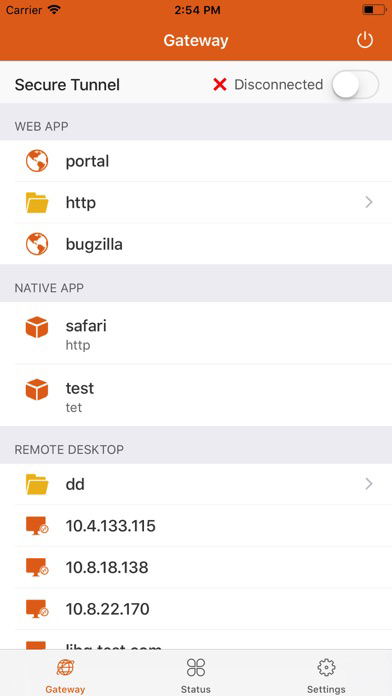
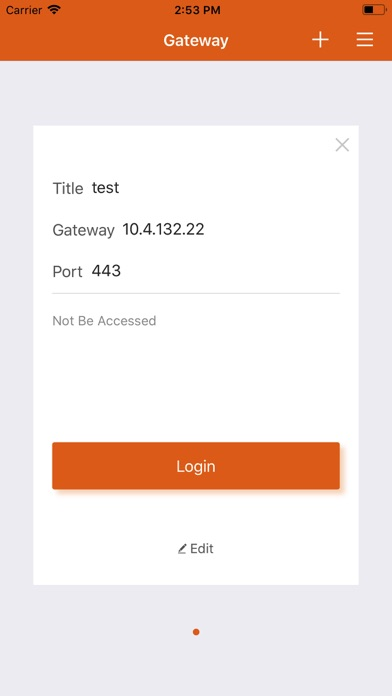
Motion Pro 螢幕截圖
About Motion Pro
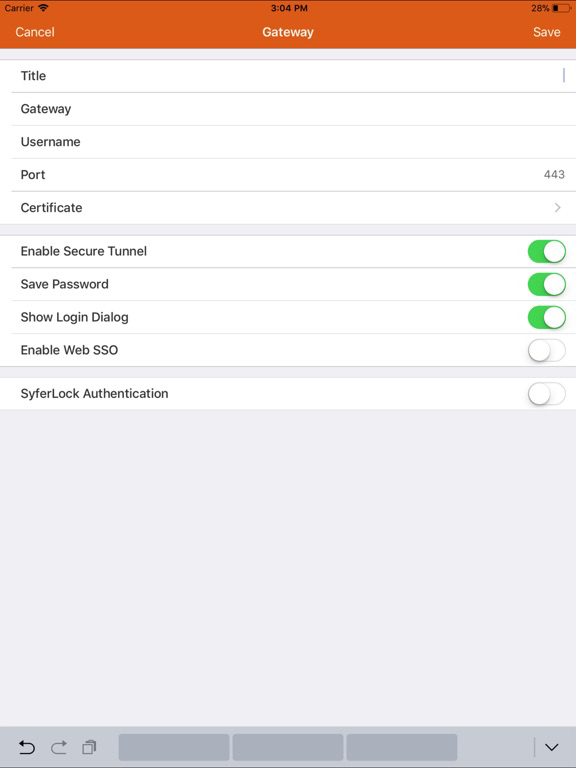
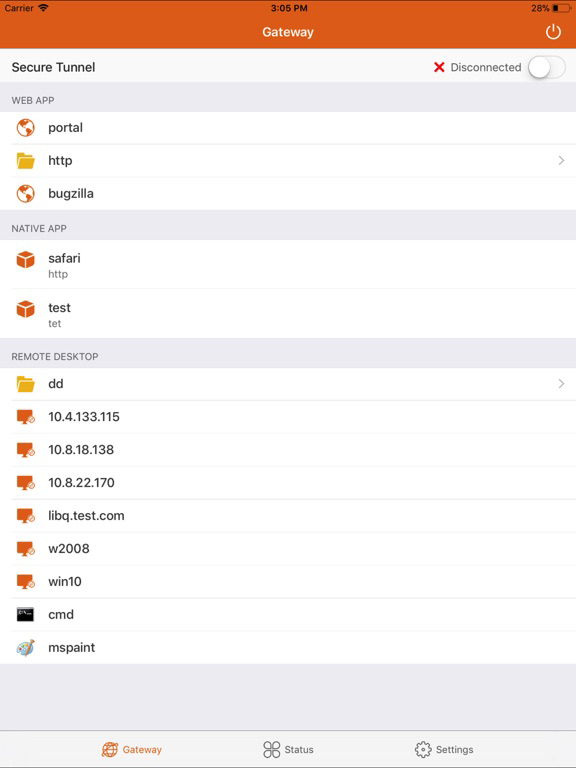
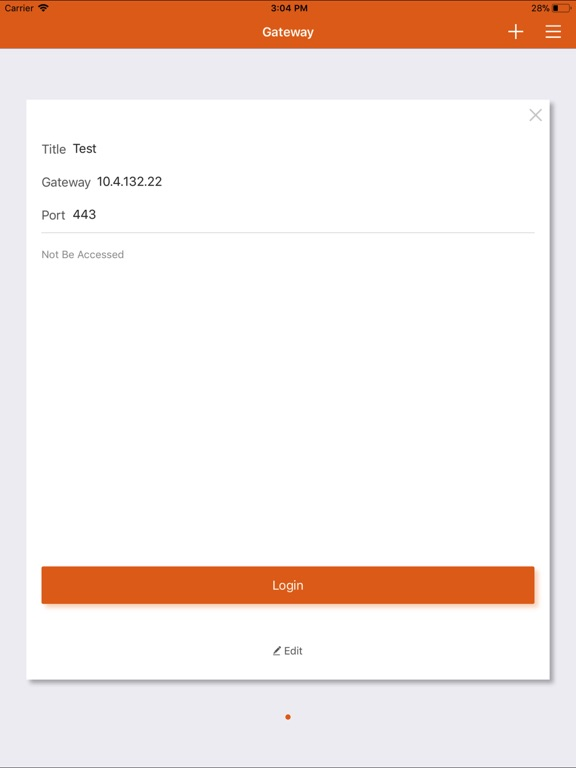
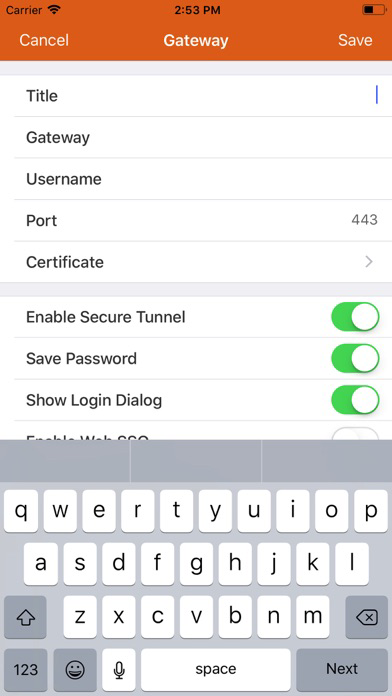
“Motion Pro” is a client application. It allows iPad and iPhone users simple and secure access to their office desktop PCs and WebApp.
Show More
Show Less
最新版本2.3.22更新日誌
Last updated on 2023年01月17日
歷史版本
Fix some bugs.
Show More
Show Less
Version History
2.3.22
2023年01月17日
Fix some bugs.
2.3.21
2022年08月12日
Fix some bugs.
2.3.11
2019年05月05日
Fix some bugs.
2.3.10
2018年09月05日
Fix some bugs.
2.3.9
2015年11月23日
Optimized App for iOS 9
2.3.8
2015年08月05日
Solved the issue that the Client cannot access remote RDP desktop if configure "acl dynamic off" (58244)
2.3.7
2015年07月13日
DeviceID should keep the same between MP and MPP (55279)
2.3.6
2015年05月15日
Solved the issue that the MotionPro client failed to display specific character as desktop (56198)
2.3.5
2015年03月23日
Solved the issue that the MotionPro client failed to power up and connect to the remote desktop that use the DHCP server for domain name resolution (55391).
2.3.4
2015年02月02日
# Improvements 1. Now the MotionPro client supports SMS authentication (54345). 2. Now the HTTP Proxy has been removed (54683). 3. Solved the issue that the MotionPro client didn’t send SSO information to JP-RDP client (54291).
2.3.3
2015年01月14日
# Improvements 1. Now the MotionPro client supports the JP-RDP Client (53693).
2.3.1
2014年11月05日
# Fix Solved the issue that the MotionPro client could not connect to remote host sometimes.
2.3
2014年10月23日
# Improvements 1. Now the IPSec VPN can work with SSL Client Authentication (52827 & 52702) 2. Now the IPSec VPN can be started or stopped manually on iOS 8 (52467). 3. Now the Webs/Applications/Desktops tabs can be controlled to be displayed or not (52388).
# Fixes 1. Solved the issue that the MotionPro client could not cancel VDI Authentication (53011). 2. Solved the issue that the MotionPro client could not post the SSO username to the Microsoft RD client (52967). 3. Solved the issue that the MotionPro client could not launch the Microsoft RD client when Dynamic ACL creation failed (52902). 4. Solved the issue that the MotionPro client sometimes displayed unnecessary error messages during new gateway configuration (52892).
2.2.1
2014年09月27日
#Improvements Now the VPN is much more stable in slow network (52150).
2.2
2014年09月04日
# Improvements
1. Users can start VPN manually after login.
2. MotionPro can be configured to start VPN automatically or not.
3. “Logger” tab in resource page is been replaced by “Settings”.
4. The default icons for “Webs” and “Applications” are changed.
5. iOS can return to MotionPro automatically after VPN profile is installed.
6. Web Apps can support SSO.
# Fixes
1. Solved the issue that the MotionPro client can not support VDI Auth when launched by other Apps (51664).
2. Solved the issue that the MotionPro client sometimes can not register when launched by other Apps (51744).
3. Solved the issue that the MotionPro client can not show Native Apps (51691).
4. Solved the issue that the MotionPro client can not trigger WOL after wake up remote host successfully (51736).
2.1.2
2014年08月07日
# Improvements 1. Now the web, native application and desktop resources can be displayed under separate tabs. 2. Now the third-party applications can launch, log in and log out the MotionPro client by using the MotionPro Schema. 3. Now the MotionPro can log the Dynamic ACL rules.
# Fixes 1. Solved the issue that the MotionPro client used IE logo (51382). 2. Solved the issue that the MotionPro client only woke up the remote host once (50465). 3. Solved the issue that the MotionPro client sometimes could not wake up the remote host (50464).
2.1.1
2014年07月01日
# Improvements * Now MotionPro Desktop supports Xen Desktops. * Now MotionPro Desktop supports some Client Settings. * Now the SMX error messages are more specific.
# Fixes * Solved the issue that non-LocalDB users could not get remote application resources with group mapping. (50947). * Solved the issue that users could not sign out from the MotionPro client in the “Desktops” tab (50818). * Solved the issue that users could not log into the MotionPro client with “Device ID” + “No bind username” authentication (50251). * Solved the issue that the MotionPro client could not jump to the “Desktops” tab if there was no Web or Native Application (50006). * Solved the issue that sometimes the MotionPro client will crash after login (49760).