MX Basic
Your Merlin DAM On The Go
免費
1.1for iPhone, iPad and more
Age Rating
MX Basic 螢幕截圖
About MX Basic
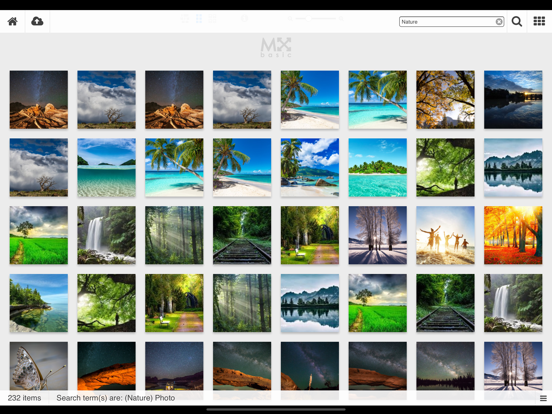
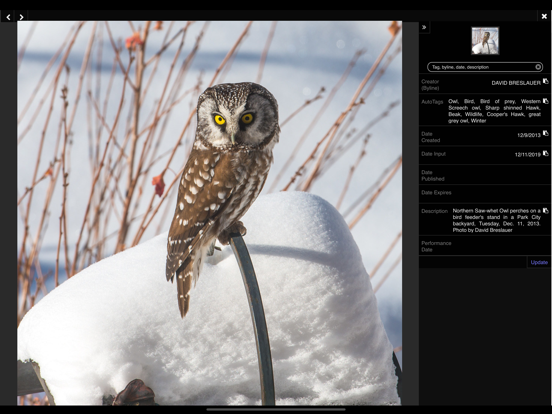
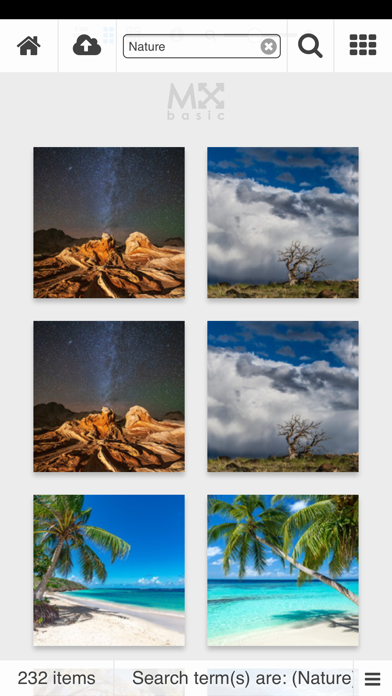
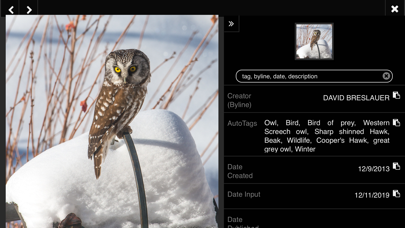
MX Basic delivers express access to your business’s most crucial digital assets with a simple-to-use and sleek interface. Leveraging the power of your MerlinX DAM, MX Basic gives you the essential tools you need to easily locate your media files at any time, no matter where you are. Not only can you upload files from a variety of on-device locations, but you can also capture photos or videos and upload them directly from within the app. Downloads are handed off to the standard share sheet, so you can pick one or more assets from your MerlinX server and redirect them to your camera roll, the Files app, send them via Messages, or target any other app that integrates with this sheet.
MX Basic is intuitive. Simply tap once on an asset to focus on it and again if you want to select it. While at least one asset is selected, a single tap on any other asset is all it takes to choose it. If you make a mistake, you can deselect an item by tapping on it a second time.
MX Basic helps you focus on the task at hand, so you spend less time searching for what you need. While choosing assets, the app's top and bottom toolbars fade away and are replaced by a panel which contains only the tools that are useful for the chosen items. Common operations are usually only a tap away. If you change your mind, you can discard the selections at any time by clicking on the close icon (X) in the tools panel.
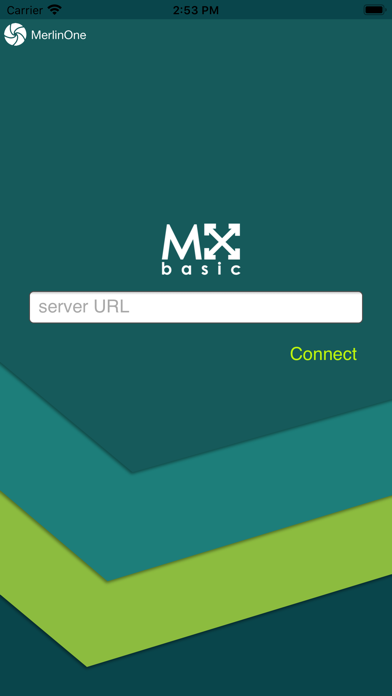
IMPORTANT: MX Basic is a free app, but in order to use it, you must have an account on a MerlinX DAM system. If you would like to learn more about MerlinX, please visit our website.

MX Basic is intuitive. Simply tap once on an asset to focus on it and again if you want to select it. While at least one asset is selected, a single tap on any other asset is all it takes to choose it. If you make a mistake, you can deselect an item by tapping on it a second time.
MX Basic helps you focus on the task at hand, so you spend less time searching for what you need. While choosing assets, the app's top and bottom toolbars fade away and are replaced by a panel which contains only the tools that are useful for the chosen items. Common operations are usually only a tap away. If you change your mind, you can discard the selections at any time by clicking on the close icon (X) in the tools panel.
IMPORTANT: MX Basic is a free app, but in order to use it, you must have an account on a MerlinX DAM system. If you would like to learn more about MerlinX, please visit our website.
Show More
最新版本1.1更新日誌
Last updated on 2020年04月06日
歷史版本
MX Basic v1.1 offers the following improvements:
1. The status bar legibility has been improved when dark mode is off.
2. Users who authenticate using SAML single sign on can now connect to their MX server using this app.
1. The status bar legibility has been improved when dark mode is off.
2. Users who authenticate using SAML single sign on can now connect to their MX server using this app.
Show More
Version History
1.1
2020年04月06日
MX Basic v1.1 offers the following improvements:
1. The status bar legibility has been improved when dark mode is off.
2. Users who authenticate using SAML single sign on can now connect to their MX server using this app.
1. The status bar legibility has been improved when dark mode is off.
2. Users who authenticate using SAML single sign on can now connect to their MX server using this app.
1.0
2019年12月17日
MX Basic FAQ
點擊此處瞭解如何在受限國家或地區下載MX Basic。
以下為MX Basic的最低配置要求。
iPhone
須使用 iOS 12.2 或以上版本。
iPad
須使用 iPadOS 12.2 或以上版本。
iPod touch
須使用 iOS 12.2 或以上版本。
MX Basic支持英文
相關視頻
Latest introduction video of MX Basic on iPhone