Netsync provide a simple solution that help you streaming video from your PC to your iPhone, iPad when over LAN or WAN and also have ability for sharing with your family member.
Once download and install the Netsync Media Server on your computer and also sign-in your account, then you would be able to stream the video from your media server to your iPhone, iPad.
You can either let other Netsync media server owner add you to his family member and without install Netsync Media Server by yourself.
Features:
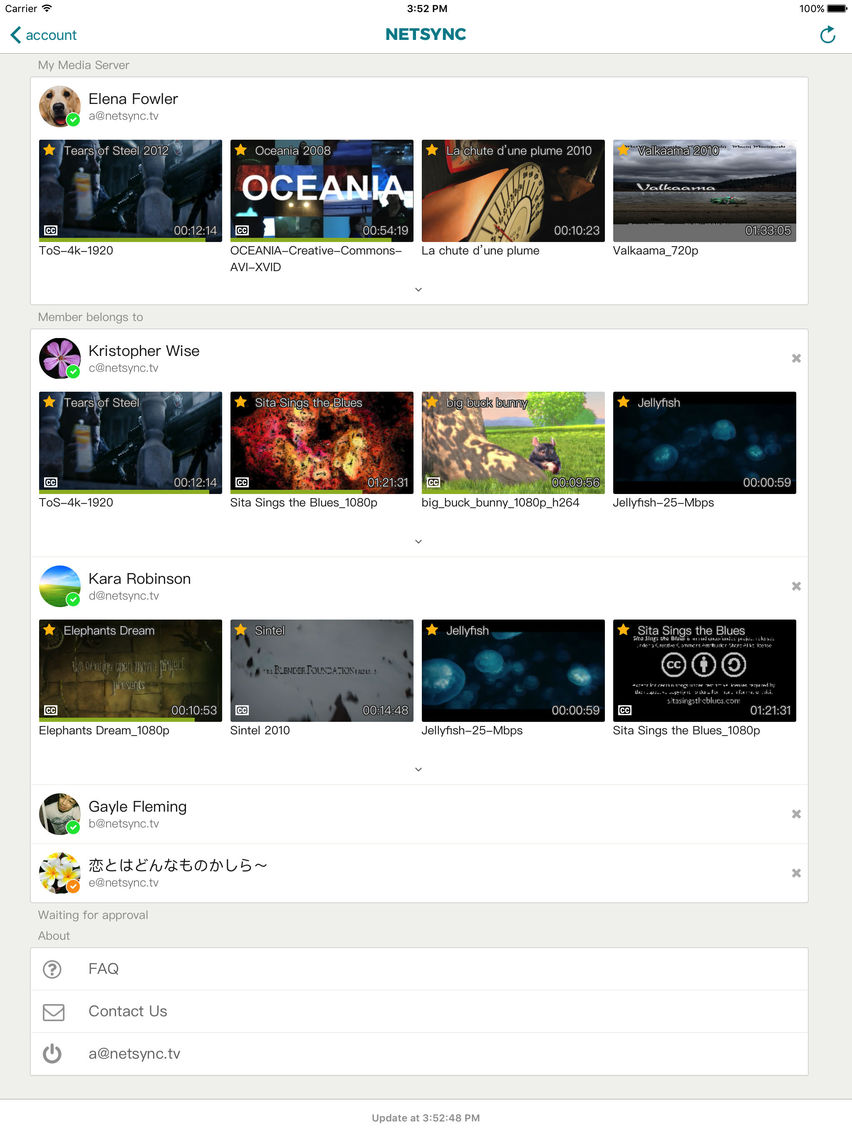
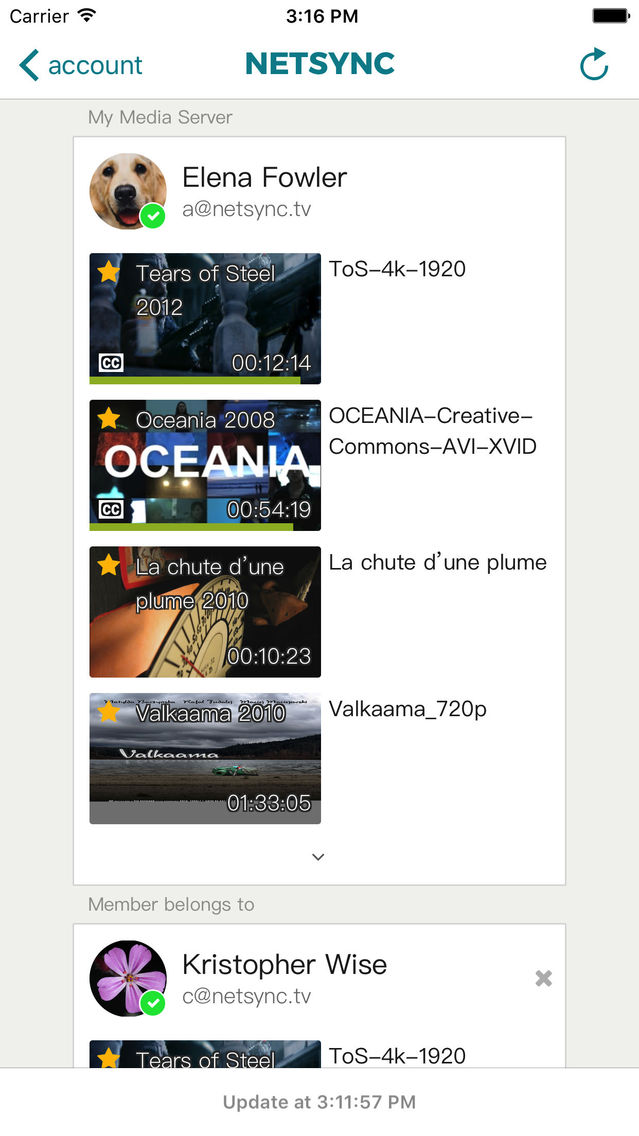
* Home Page & Tag List (Picture1):
The home page would be show your media server and the media server owner who added you to his member list.The tag list also show in the home page. It's means you can easily to follows some TV Show, Movies, Episodes ... in the click time.
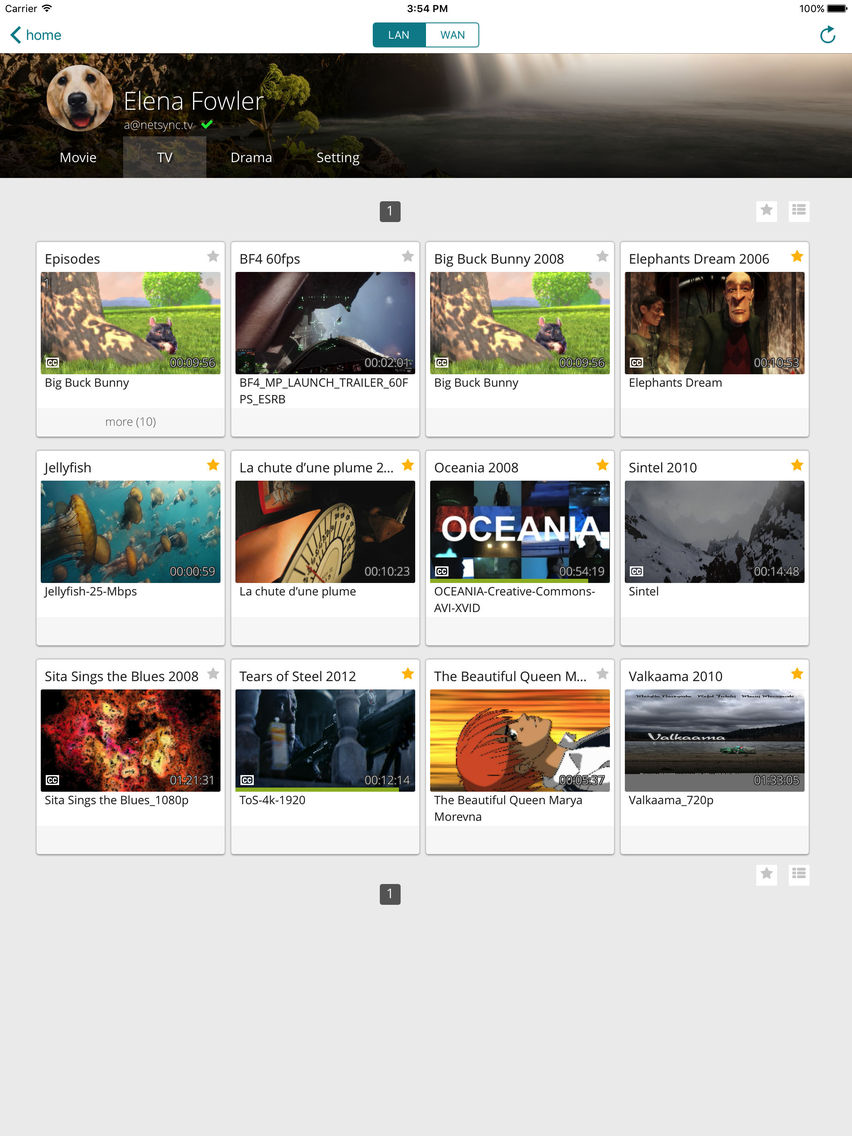
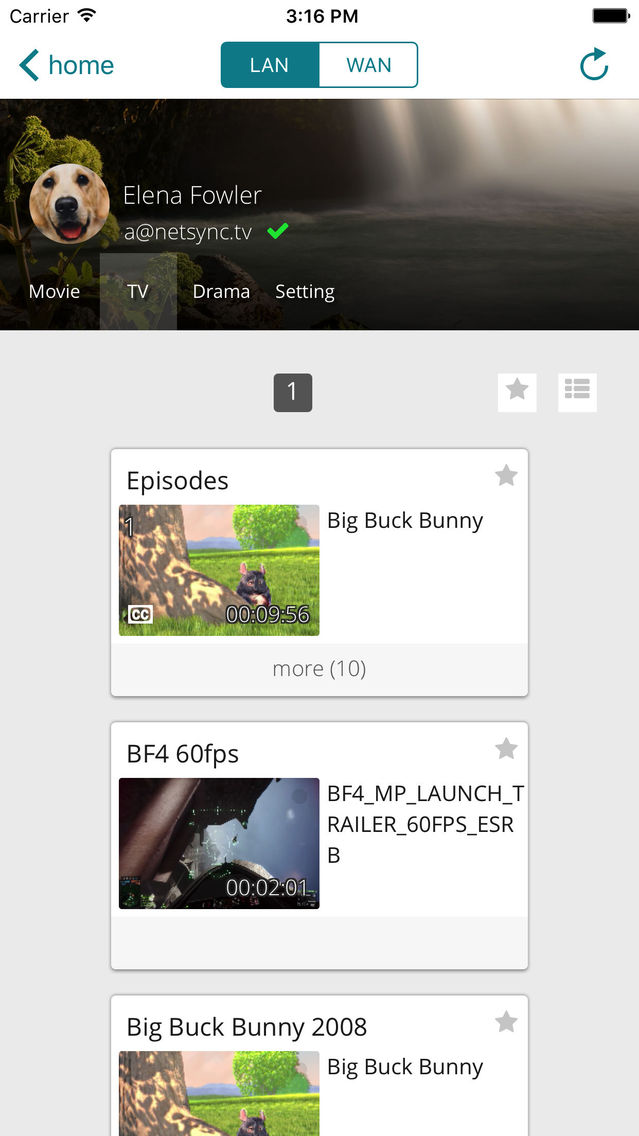
* Browsing Page and Library (Picture 2):
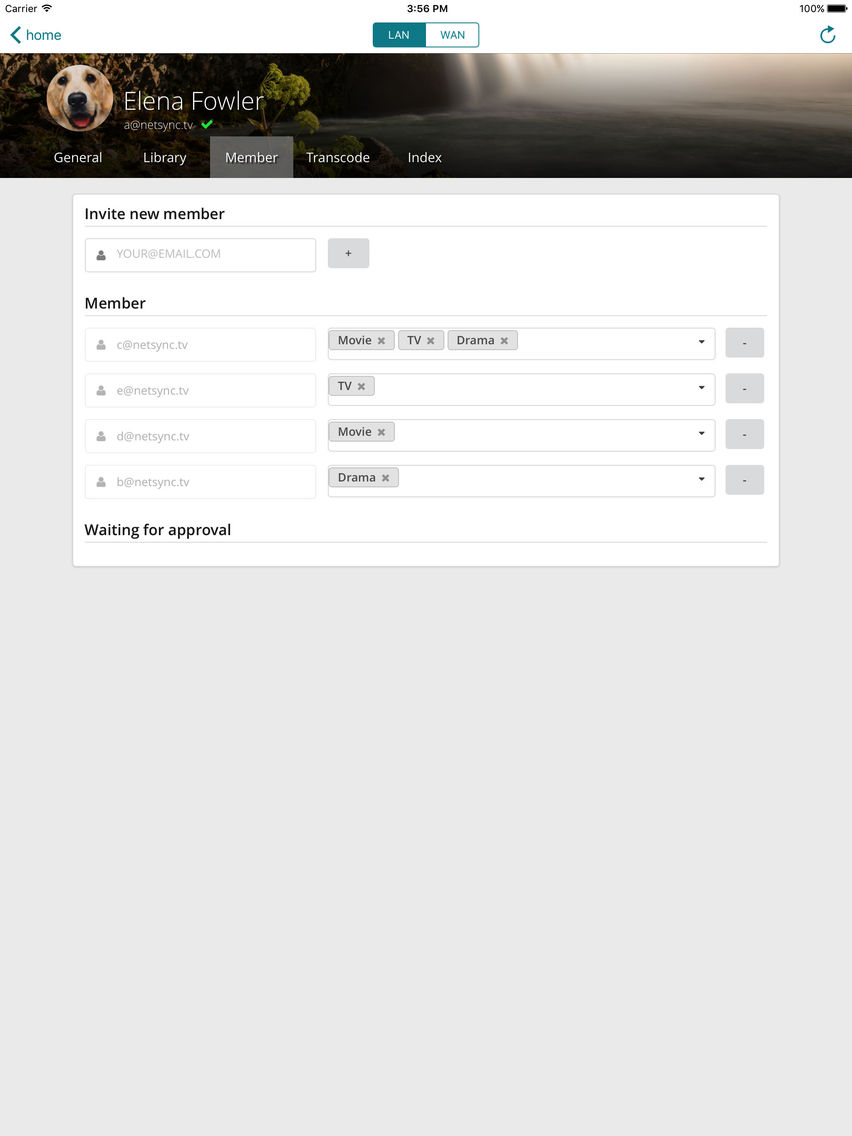
Once you clicked the either media server from home page, you would be enter to the browsing page of media server, after that you would be see video file that classify by library. The library means video directory in the media server. You can add / remove library in the media server's setting page, also can give different family member with different library access right. You can tagging the video that you want followed by click star icon, the tagged video will be show in the home page.
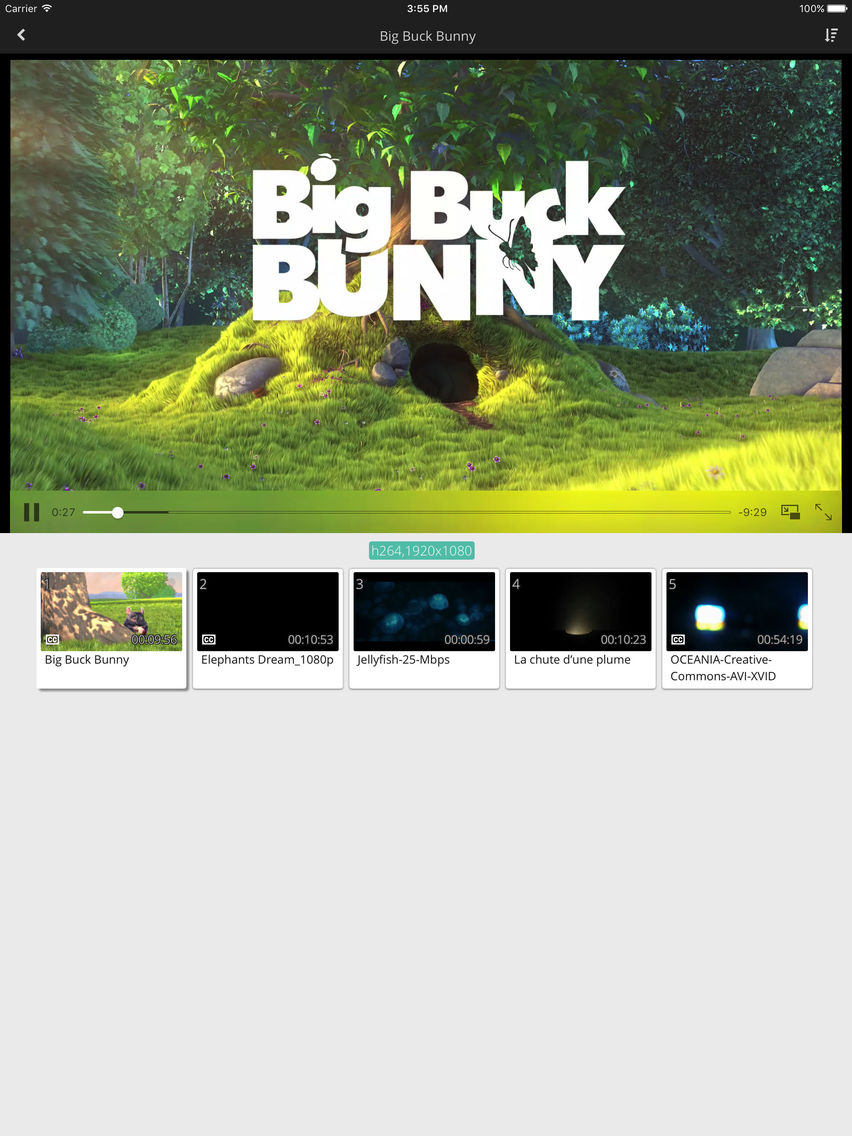
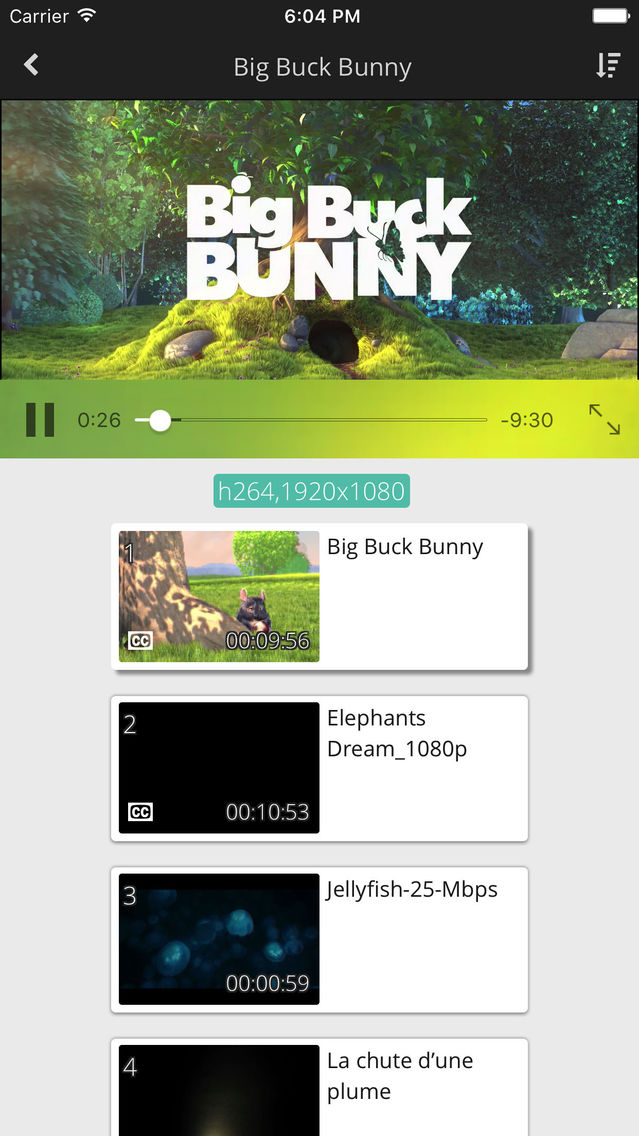
* Playback Page, Streaming Bitrates, Subtitles, GPU Transcoding (Picture 3):
You can click the right-upper signal button to choose the streaming bitrates. Currently Netsync support RAW, 4k2k, 1080p, 720p, 480p bitrate items, but you can custom the actually bitrate value as you need in the setting page of media server. If .srt subtitle are found in video folder with same prefix name of video then will showing subtitle when playing video. But, currently subtitle not supported in RAW mode.
Netsync provide a GPU transcoding technology in the media server side that help your computer reduced the power consumption.
-
NOTES: Netsync required iOS 8.1+;
Get Netsync Media Server for free (available for Microsoft Windows) from here: https://netsync.tv/media-server/