Apps in this category do not contain restricted content.
9+
Apps in this category may contain mild or occasional cartoon, fantasy or real-life violence, as well as occasional or mild adult, sexually suggestive or horrifying content and may not be suitable for children under 9 years of age.
12+
Apps in this category may contain occasional mild indecent language, frequent or intense cartoon or real-life violence, minor or occasional adult or sexually suggestive material, and simulated gambling, and may be for children under 12 years of age.
17+
You must be at least 17 years old to access this App.
Apps in this category may contain frequent and intense offensive language; Frequent and intense cartoon, fantasy or realistic violence: frequent and intense adult, scary and sexually suggestive subjects: as well as sexual content, nudity, tobacco, alcohol and drugs, may not be suitable for children under 17 years of age.
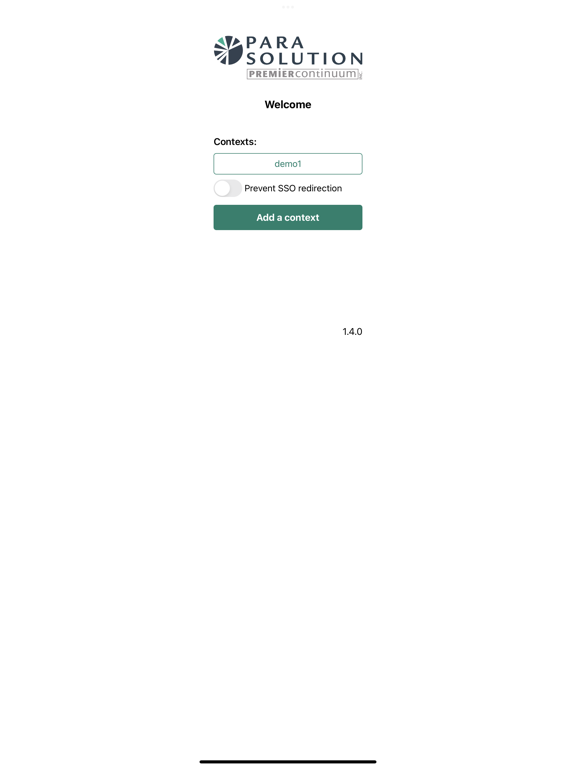
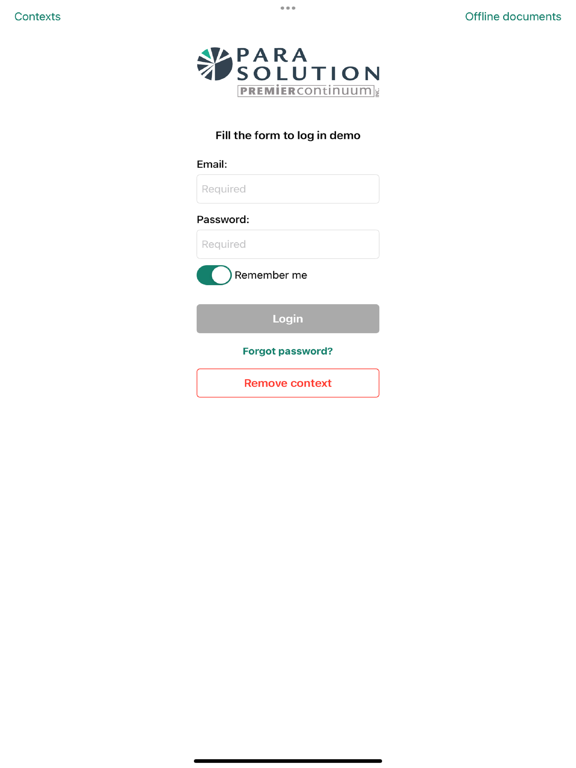
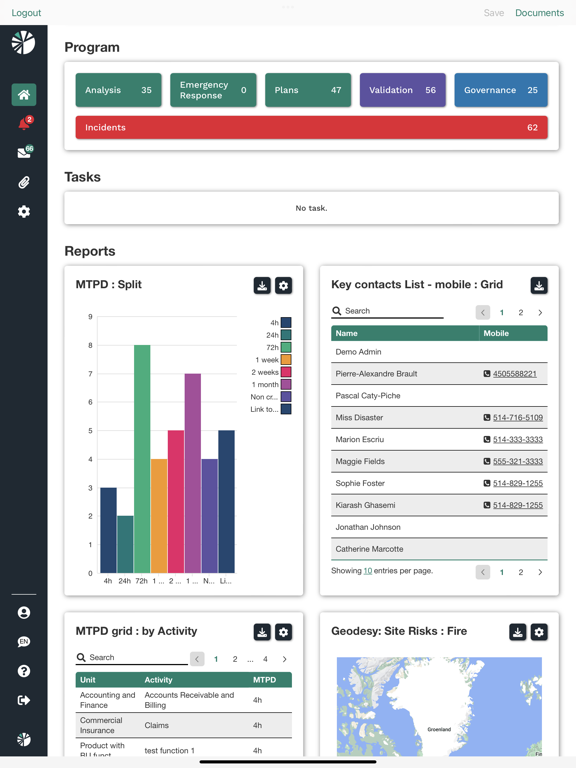
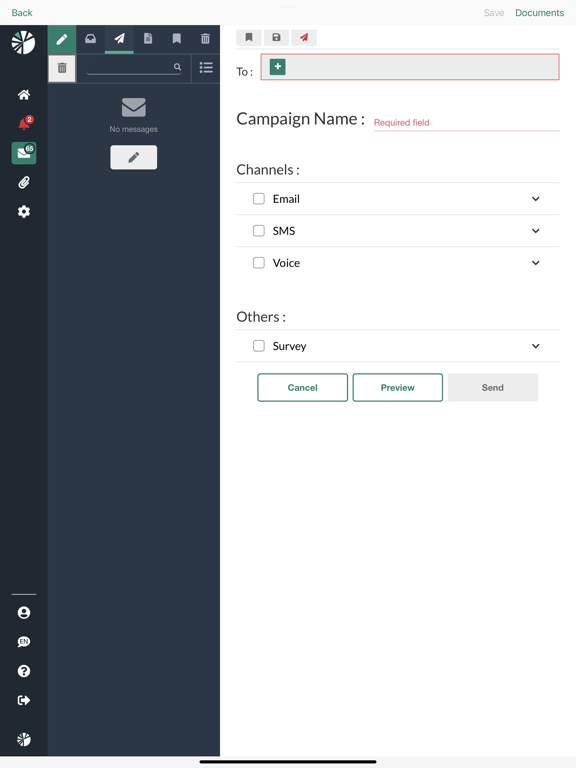
ParaSolution 螢幕截圖
About ParaSolution
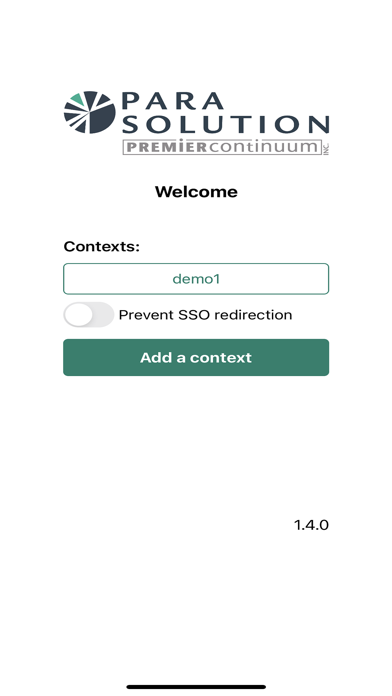
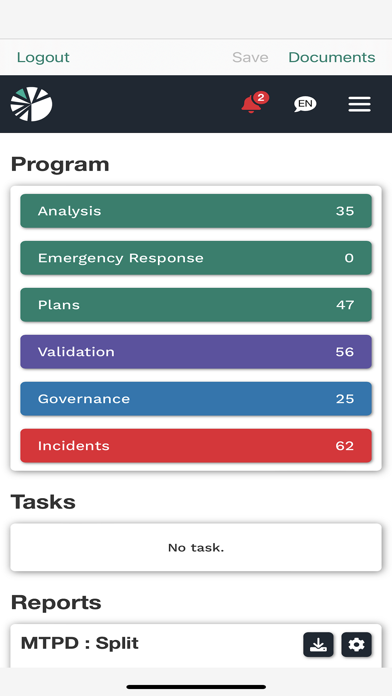
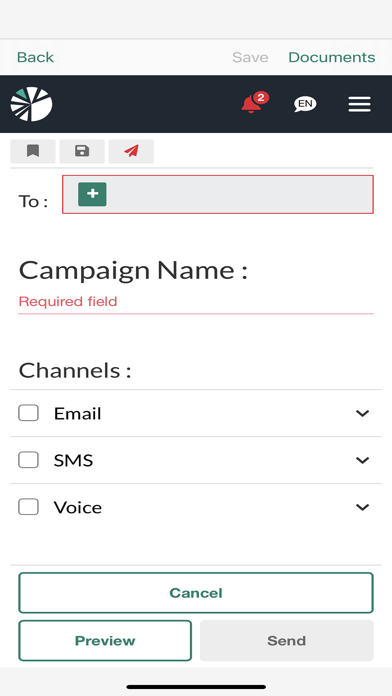
ParaSolution addresses incident and emergency response, operational resilence, business continuity, disaster recovery and risk management
Show More
Show Less
最新版本1.4.6更新日誌
Last updated on 2026年06月03日
歷史版本
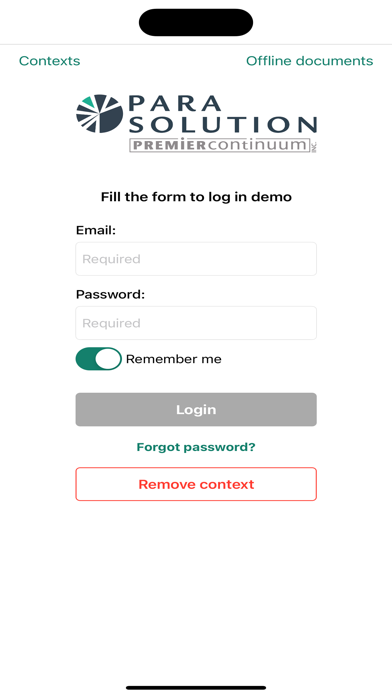
Added Spanish language support. Added a “show password” option. Improved login error messages with clearer explanations. Password field no longer resets after an authentication error. Improved the visual style of login and context selection buttons for a more consistent experience. Fixed an issue where the Reset Password screen could send the wrong email address after editing the field. Improved handling of unsupported file types to prevent unreadable or corrupted displays. Added compatibility improvements for Microsoft Intune authentication workflows. Fixed some cases where the preferred language was not applied after SSO login. Sync buttons are now disabled when no documents are available in the document list.
Show More
Show Less
Version History
1.4.6
2026年06月03日
Added Spanish language support. Added a “show password” option. Improved login error messages with clearer explanations. Password field no longer resets after an authentication error. Improved the visual style of login and context selection buttons for a more consistent experience. Fixed an issue where the Reset Password screen could send the wrong email address after editing the field. Improved handling of unsupported file types to prevent unreadable or corrupted displays. Added compatibility improvements for Microsoft Intune authentication workflows. Fixed some cases where the preferred language was not applied after SSO login. Sync buttons are now disabled when no documents are available in the document list.