Pixie Art
免費
1.3for iPhone, iPad and more
Age Rating
Pixie Art 螢幕截圖
About Pixie Art
"Pixie Art" the application for creation of all kinds of the banners. You can create Wide banners for FB and TW; Square banners for Instagram; and Tall for Pinterest. Not wasting much of time describing the features, let's move on to how to create your first beautiful banner with the Pixie Art.
How it works:
Step 1:
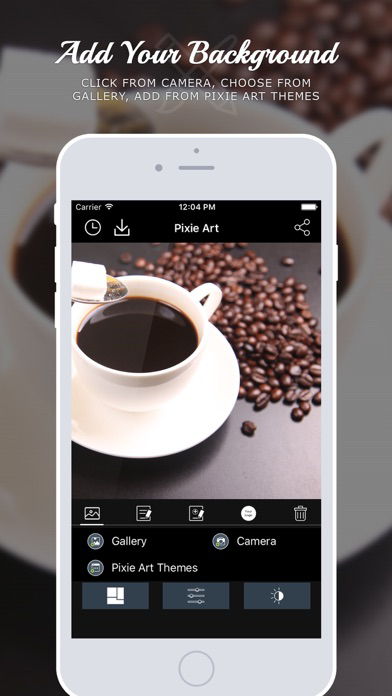
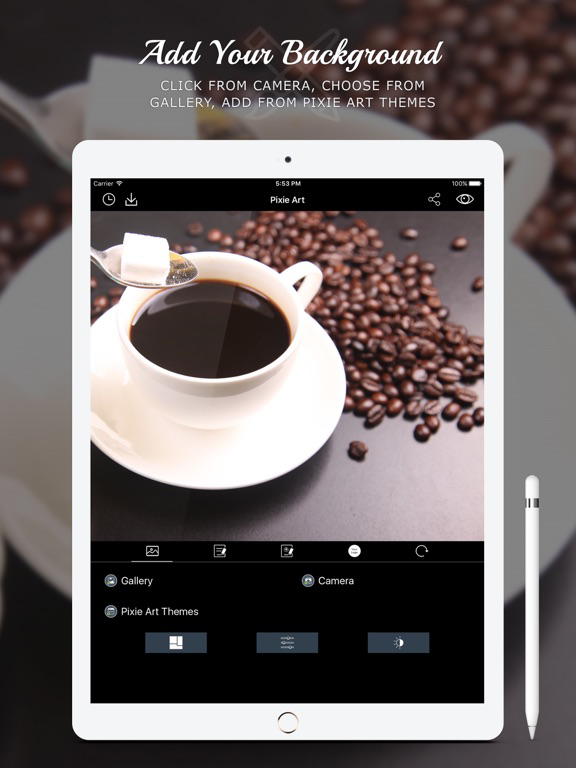
Import background photo from gallery or click the fresh from from camera. You can also choose from our hand picked collection of the default backgrounds.
Step 2:
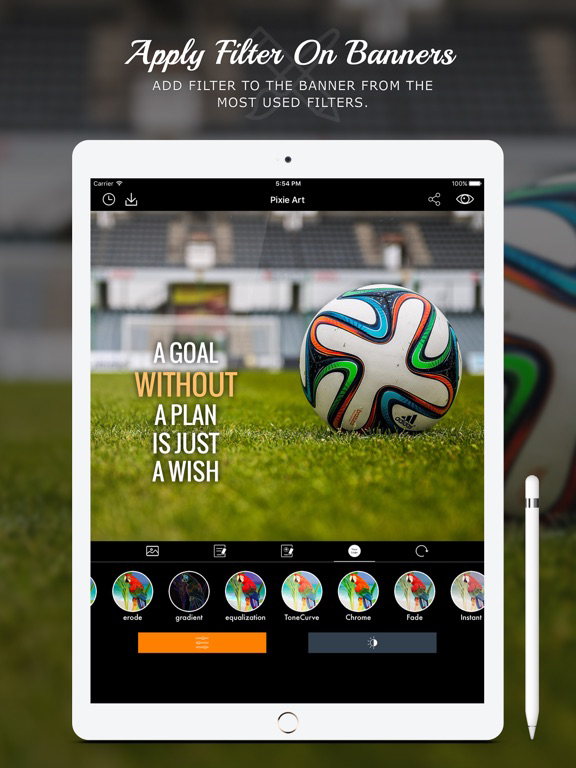
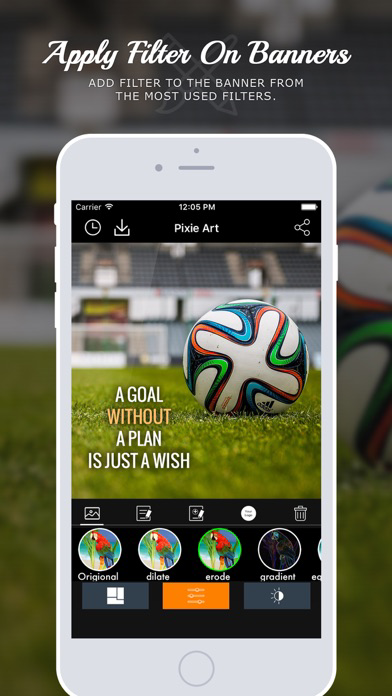
There is an option to apply various filters over the background.
Step 3:
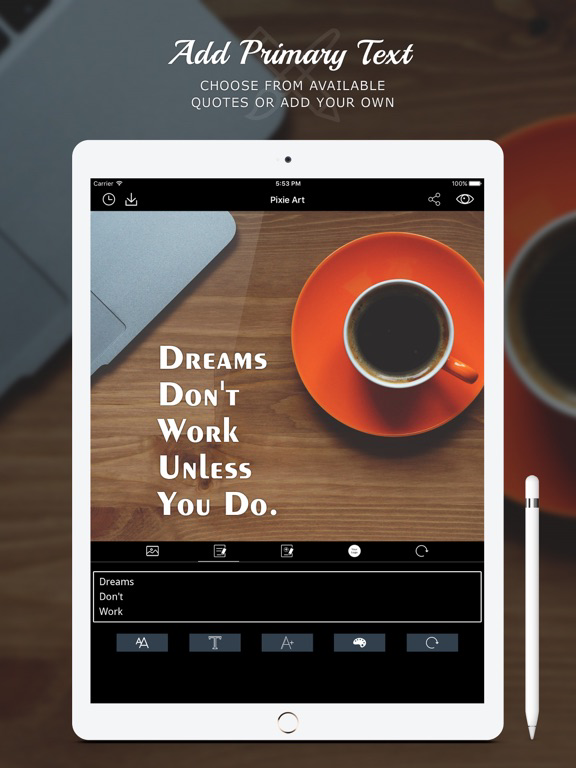
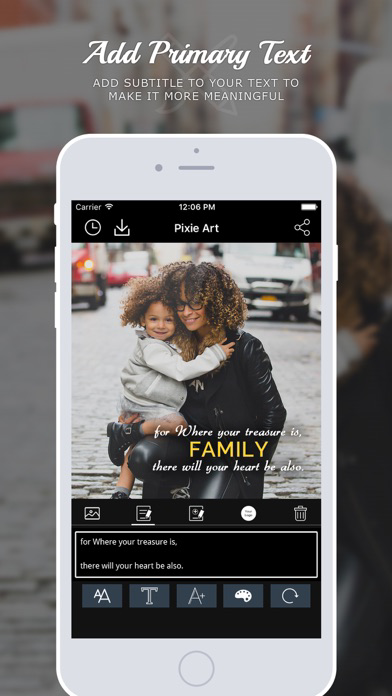
Add the custom text over the image or can use one from the existing thoughts. You can change thoughts by pressing top left button on navigation bar.
Step 4:
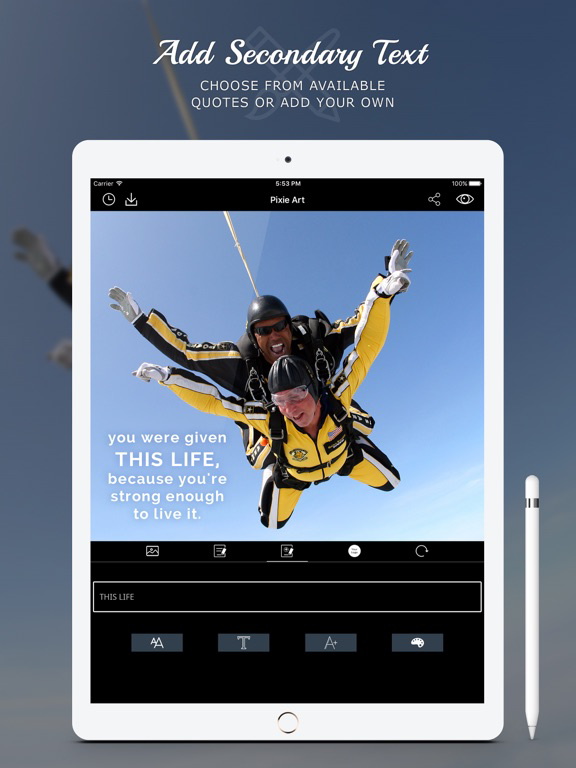
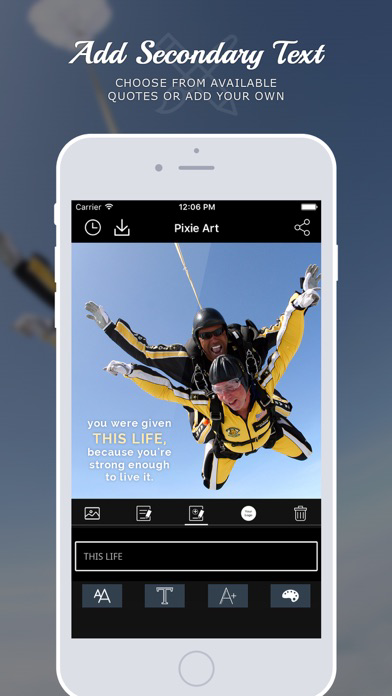
Press "Add secondary text" to enable the subtitle for the banner, or punchline to support the title text.
Step 5:
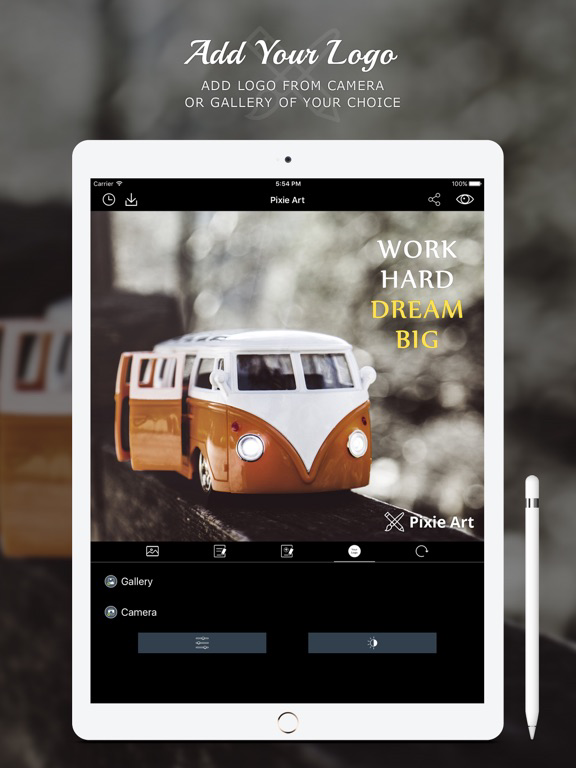
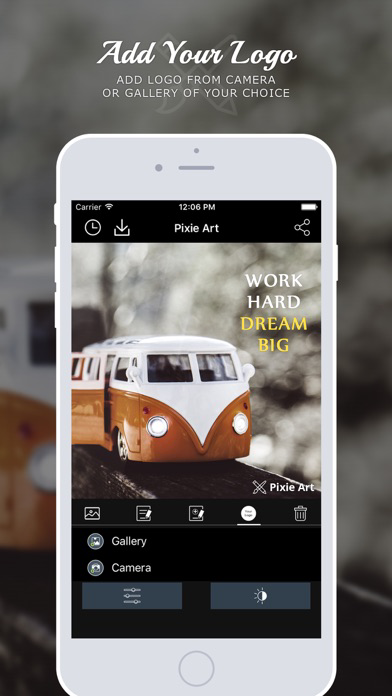
Press "Add Logo" to add the logo for your banner. Move, Resize to set it to specific location.
Step 6:
Save it to gallery, or share the banner with your friends over the Facebook, Twitter, Instagram etc.. to get the review about your creation.
Features covered in the app:
- More than 10 filters for decorating your banners.
- Easy share the photo on Instagram, Twitter and Facebook to wow your friends.
- Add custom fonts
- Resize the text with the pinch gestures
- All banner sizes supported!
- Wide banner: For Facebook and Twitter
- Tall banner: For Pinterest
- Square banner: For Instagram
I hope you will enjoy this pixie art application. and make the great impression amongst your friends by creating the wonderful banners using the app.
Feel free to contact us at: http://www.solwininfotech.com for any queries.

How it works:
Step 1:
Import background photo from gallery or click the fresh from from camera. You can also choose from our hand picked collection of the default backgrounds.
Step 2:
There is an option to apply various filters over the background.
Step 3:
Add the custom text over the image or can use one from the existing thoughts. You can change thoughts by pressing top left button on navigation bar.
Step 4:
Press "Add secondary text" to enable the subtitle for the banner, or punchline to support the title text.
Step 5:
Press "Add Logo" to add the logo for your banner. Move, Resize to set it to specific location.
Step 6:
Save it to gallery, or share the banner with your friends over the Facebook, Twitter, Instagram etc.. to get the review about your creation.
Features covered in the app:
- More than 10 filters for decorating your banners.
- Easy share the photo on Instagram, Twitter and Facebook to wow your friends.
- Add custom fonts
- Resize the text with the pinch gestures
- All banner sizes supported!
- Wide banner: For Facebook and Twitter
- Tall banner: For Pinterest
- Square banner: For Instagram
I hope you will enjoy this pixie art application. and make the great impression amongst your friends by creating the wonderful banners using the app.
Feel free to contact us at: http://www.solwininfotech.com for any queries.
Show More
最新版本1.3更新日誌
Last updated on 2021年01月21日
歷史版本
- Performance Improvement and Bug Fixes
Show More
Version History
1.3
2021年01月21日
- Performance Improvement and Bug Fixes
1.2
2016年06月11日
V 1.2
- New UI - ( Easy to use )
- Enhanced User Experience
- Minor Bug fixes
- New UI - ( Easy to use )
- Enhanced User Experience
- Minor Bug fixes
1.1
2016年04月07日
V1.1
- Minor bug fixes
- Enhance user experience
- Minor bug fixes
- Enhance user experience
1.0
2016年03月30日
Pixie Art FAQ
點擊此處瞭解如何在受限國家或地區下載Pixie Art。
以下為Pixie Art的最低配置要求。
iPhone
須使用 iOS 8.0 或以上版本。
iPad
須使用 iPadOS 8.0 或以上版本。
iPod touch
須使用 iOS 8.0 或以上版本。
Pixie Art支持俄文, 德文, 日文, 法文, 英文, 葡萄牙文, 西班牙文