QR & Barcode Code Scanner
Free
1.1for iPhone
Age Rating
QR & Barcode Code Scanner 螢幕截圖
About QR & Barcode Code Scanner
Code Scanner is the fastest and most user-friendly QR reader and barcode scanner available. If your iPhone or iPod came with a built-in scanner, this would be it.
HOW THE APP WORKS
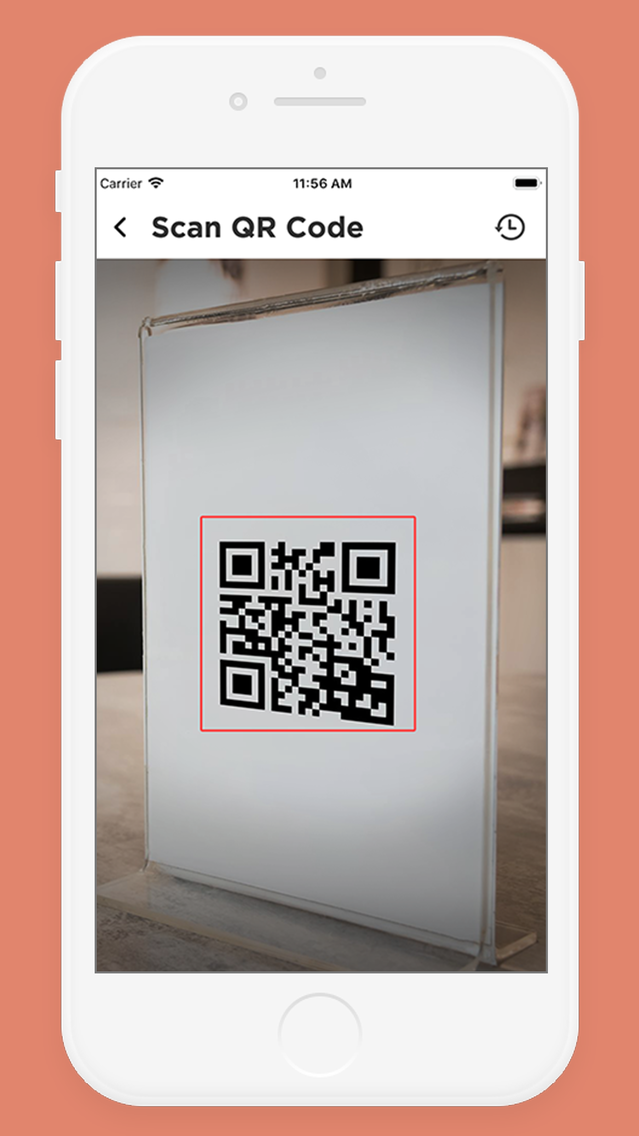
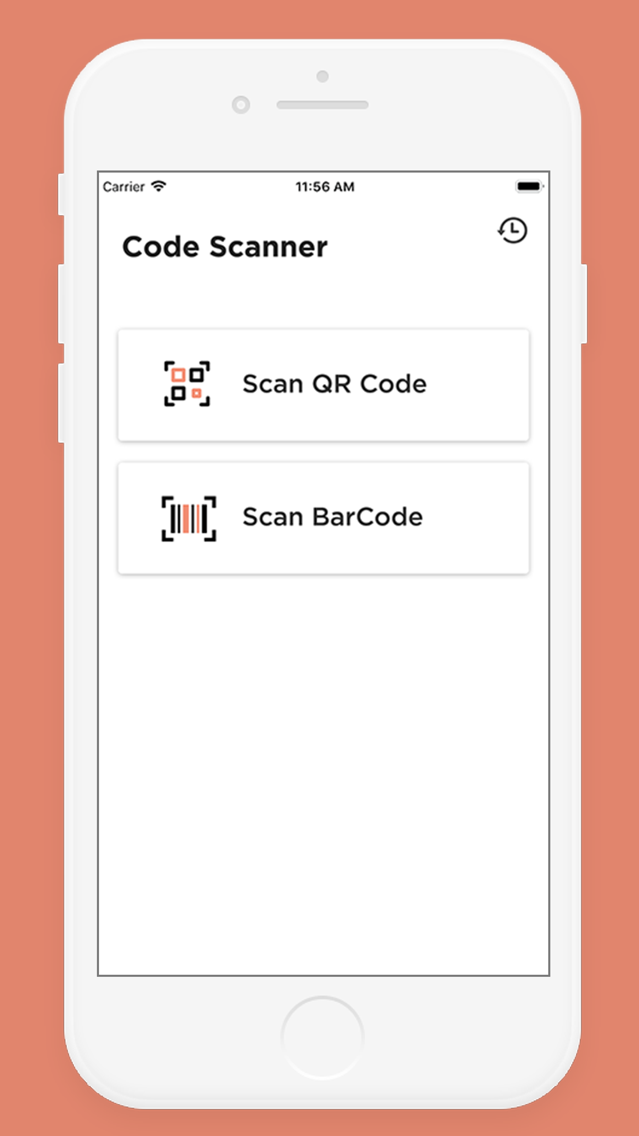
To scan a QR code or barcode simply open the app, Select the button which one you want to use and you’re done! App will automatically recognize any code your camera is pointing at.
When scanning a QR code, If the code just contains text, you'll immediately see it. For other formats such as phone numbers, email addresses, or contact info, you will be prompted to take the appropriate action.
ADDITIONAL FEATURES
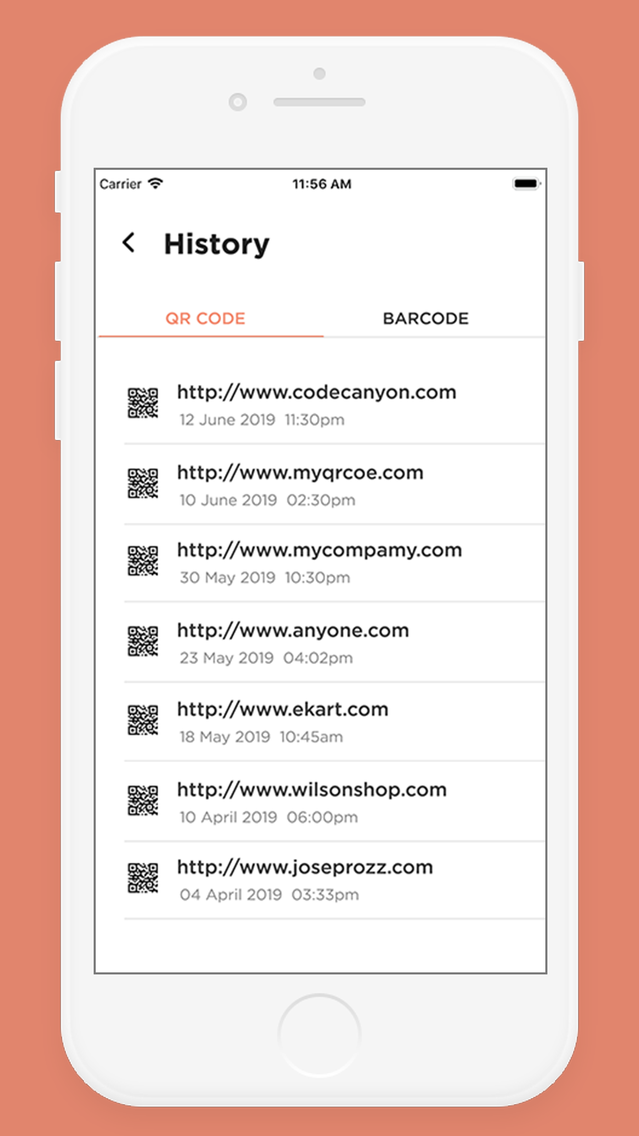
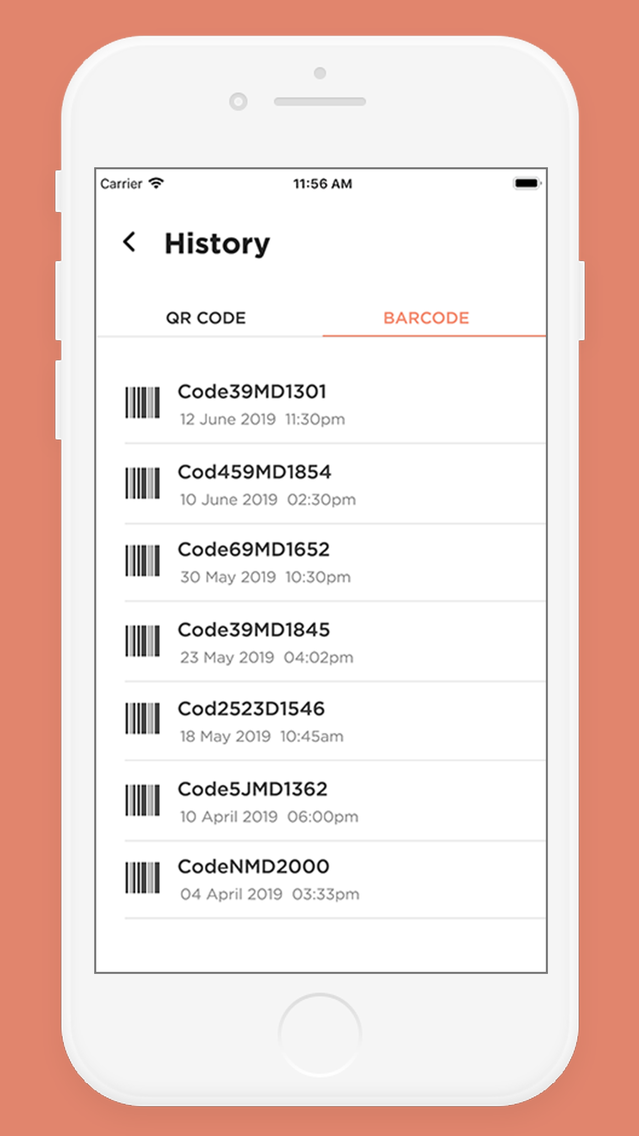
• View a history list of all of your past scans
• Scan pictures of QR codes and barcodes from your camera roll
REQUIREMENTS
In order to use QR Code Reader, your device must have a built-in camera.

HOW THE APP WORKS
To scan a QR code or barcode simply open the app, Select the button which one you want to use and you’re done! App will automatically recognize any code your camera is pointing at.
When scanning a QR code, If the code just contains text, you'll immediately see it. For other formats such as phone numbers, email addresses, or contact info, you will be prompted to take the appropriate action.
ADDITIONAL FEATURES
• View a history list of all of your past scans
• Scan pictures of QR codes and barcodes from your camera roll
REQUIREMENTS
In order to use QR Code Reader, your device must have a built-in camera.
Show More
最新版本1.1更新日誌
Last updated on 2019年07月03日
歷史版本
Fix some bugs.
Show More
Version History
1.1
2019年07月03日
Fix some bugs.
1.0
2019年06月14日
QR & Barcode Code Scanner FAQ
點擊此處瞭解如何在受限國家或地區下載QR & Barcode Code Scanner。
以下為QR & Barcode Code Scanner的最低配置要求。
iPhone
QR & Barcode Code Scanner支持Chinese, English