QuantifyAR
QTO basé sur les dessins/site
免費
1.1.1for iPhone, iPad and more
Age Rating
QuantifyAR 螢幕截圖
About QuantifyAR
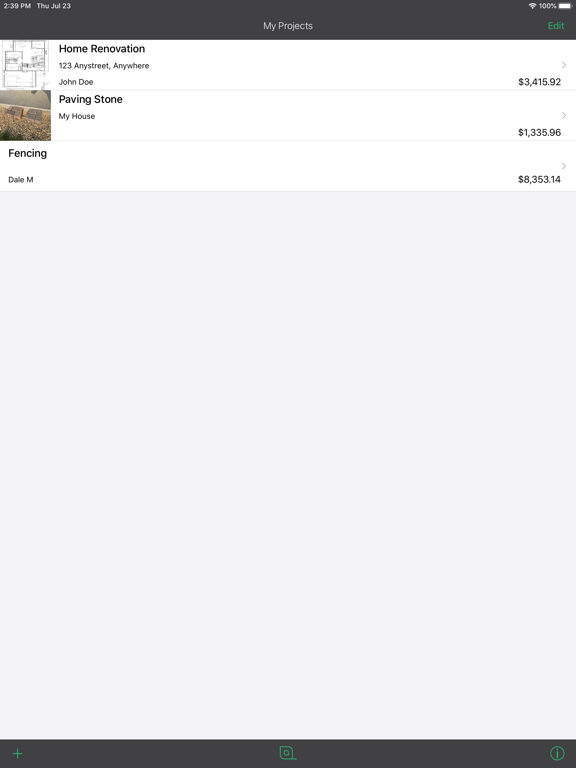
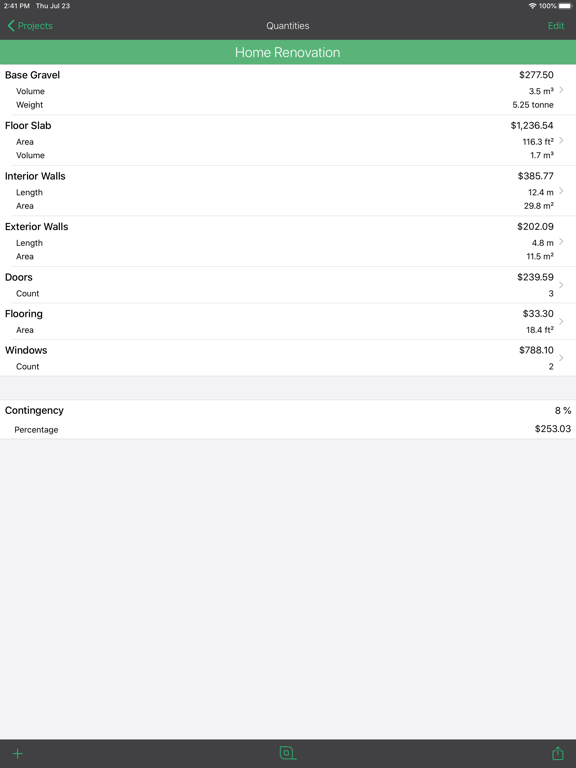
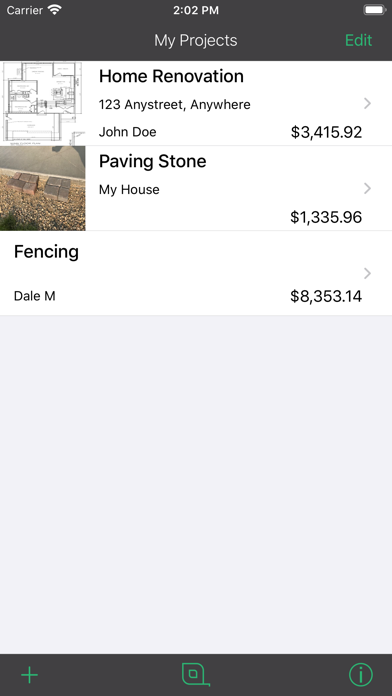
Create and organize your Project QTOs and estimates with ease using this one-of-a-kind app! QuantifyAR has the unique ability to measure accurately from scale drawings and aerial photos. Import a drawing, set the scale, and start measuring!
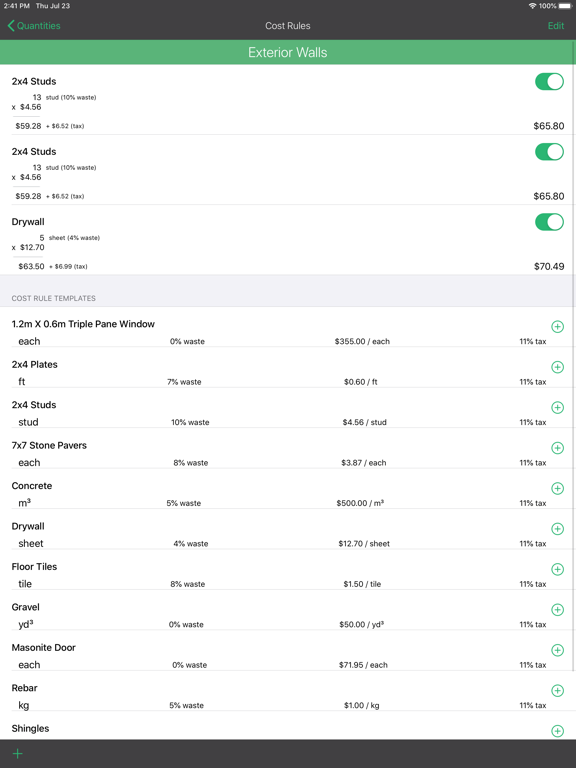
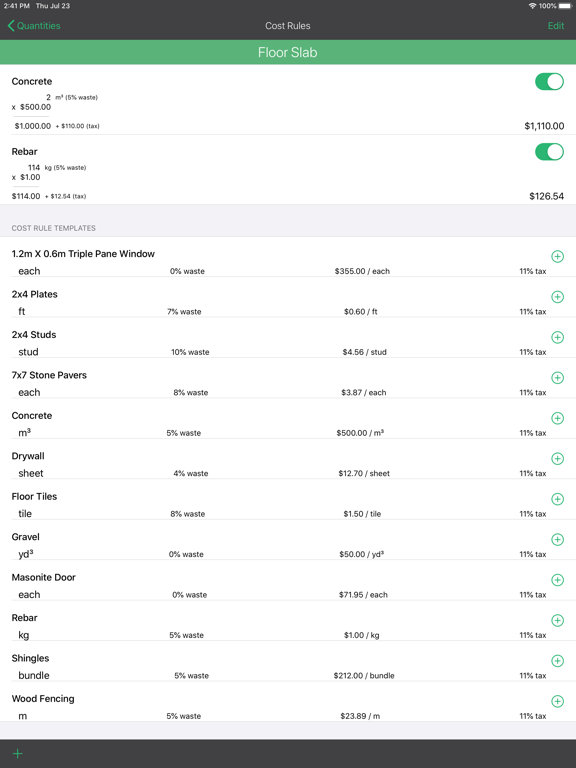
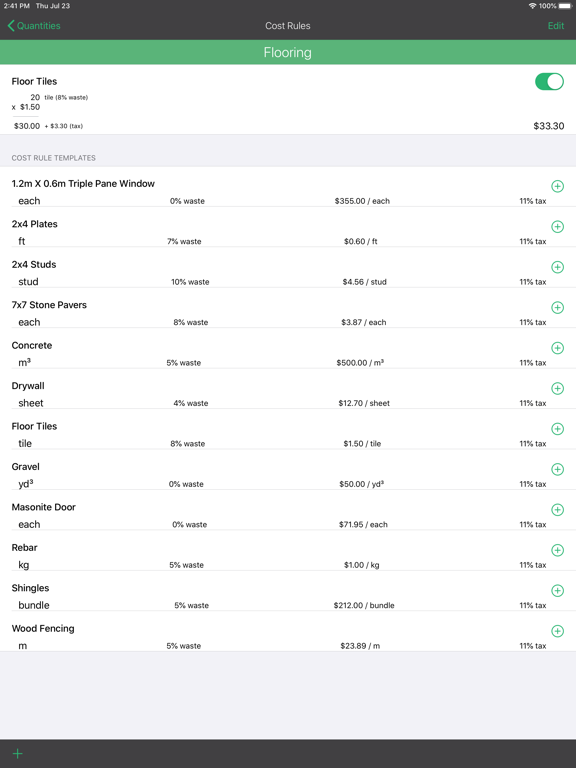
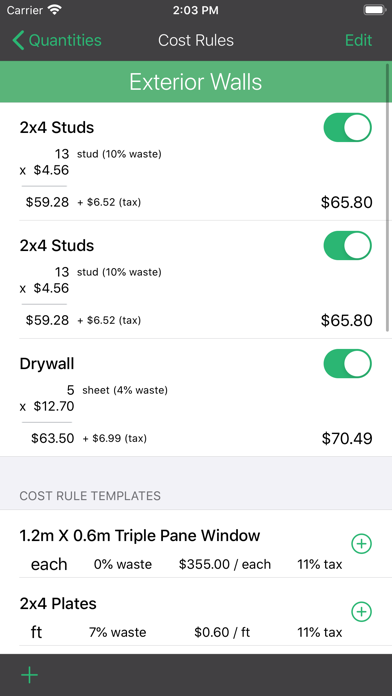
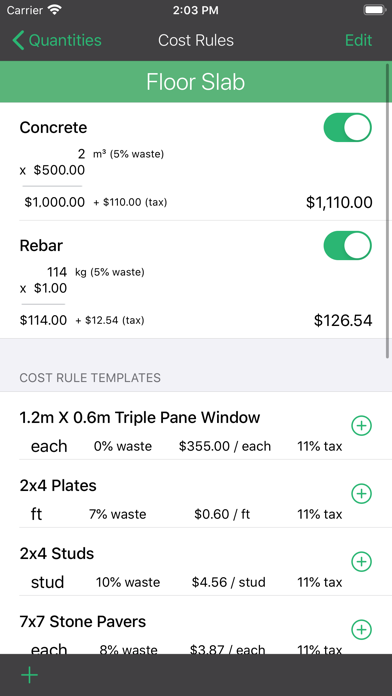
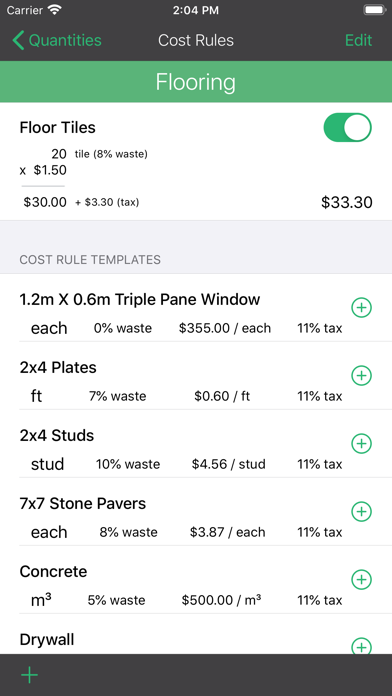
Take it a step further by applying customizable cost rules to get a complete estimate of costs and materials required to complete your project!
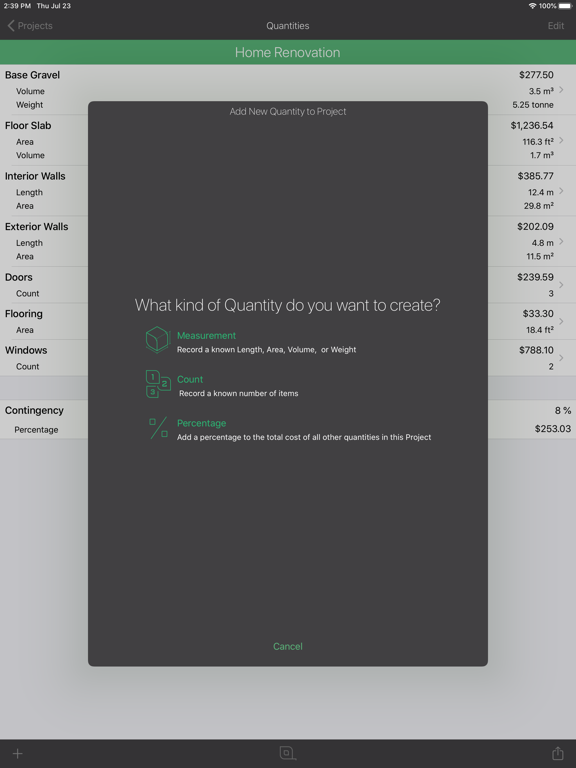
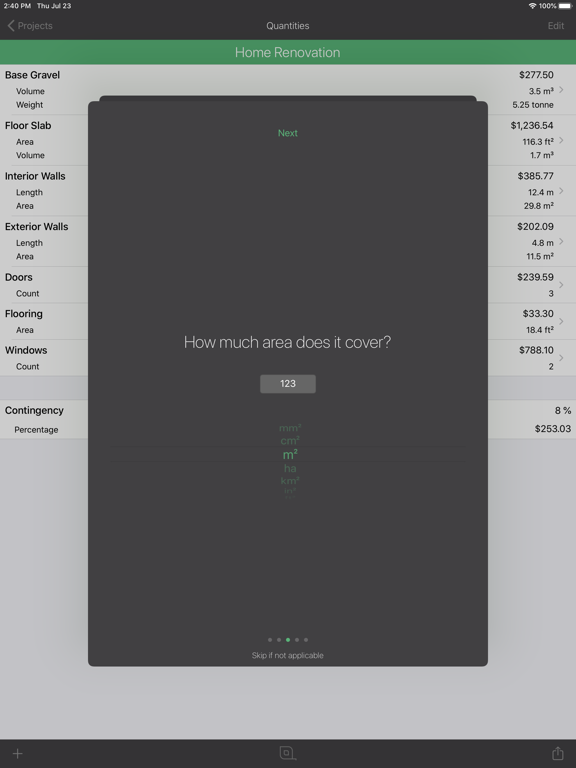
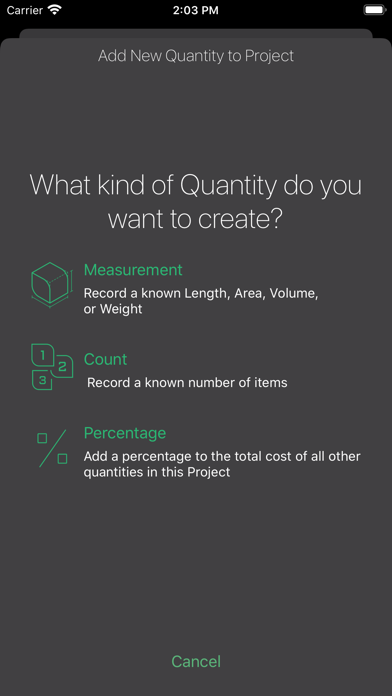
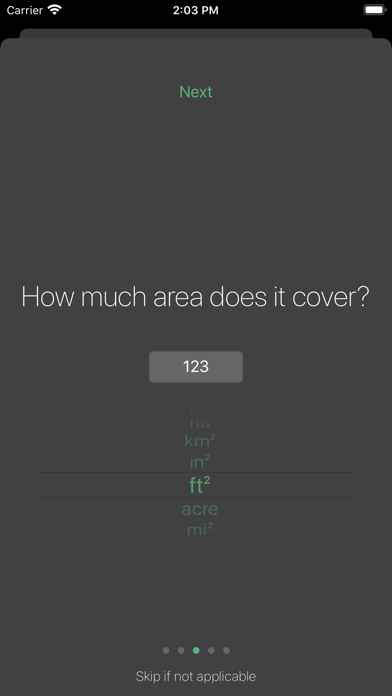
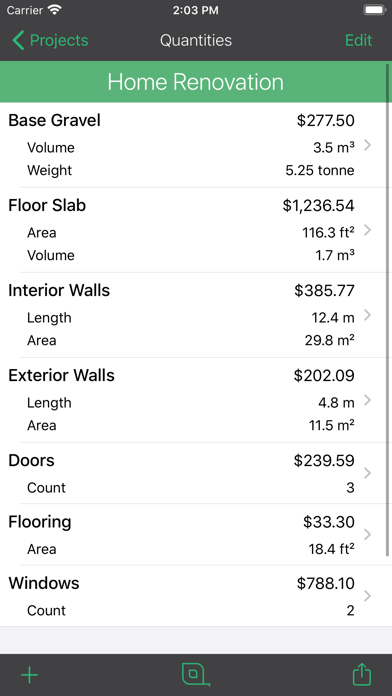
Measure length, width, height, area, volume, weight and count from drawings, aerials, or on site using augmented reality (AR).
Note that the free version has a limit on the number of projects and quantities that can be saved.
Create quantity takeoffs and estimates for ANY type of project:
- gravel, soil, mulch, and bulk landscape material volumes
- siding, paint, tile, carpet floor and wall areas
- lumber and framing materials
- concrete and foundation volumes
- cable or pipe run length
- doors and window count
- plumbing fixture count
- furniture count
- roofing material area
- fencing length, area, and material list
Once you have created your takeoff, you can create an unlimited number of cost rules to answer questions such as:
How many truckloads of gravel?
How many gallons of paint?
How many boxes of siding?
How many boxes of floor tile?
How many 8ft 2x4 studs?
How many rolls of carpet?
How much rebar for my slab?
How many fence boards and posts?
And most importantly...How much will it COST?
Share your project takeoff and estimate with your team members or customers with the touch of a button. If you are a contractor, builder, interior designer, estimator, or DIY-er, you need to download QuantifyAR now and experience an all new way to calculate your material list and create your quotes.
Devices with LiDAR capabilities are not required but may benefit by having a faster and more accurate measuring experience.

Take it a step further by applying customizable cost rules to get a complete estimate of costs and materials required to complete your project!
Measure length, width, height, area, volume, weight and count from drawings, aerials, or on site using augmented reality (AR).
Note that the free version has a limit on the number of projects and quantities that can be saved.
Create quantity takeoffs and estimates for ANY type of project:
- gravel, soil, mulch, and bulk landscape material volumes
- siding, paint, tile, carpet floor and wall areas
- lumber and framing materials
- concrete and foundation volumes
- cable or pipe run length
- doors and window count
- plumbing fixture count
- furniture count
- roofing material area
- fencing length, area, and material list
Once you have created your takeoff, you can create an unlimited number of cost rules to answer questions such as:
How many truckloads of gravel?
How many gallons of paint?
How many boxes of siding?
How many boxes of floor tile?
How many 8ft 2x4 studs?
How many rolls of carpet?
How much rebar for my slab?
How many fence boards and posts?
And most importantly...How much will it COST?
Share your project takeoff and estimate with your team members or customers with the touch of a button. If you are a contractor, builder, interior designer, estimator, or DIY-er, you need to download QuantifyAR now and experience an all new way to calculate your material list and create your quotes.
Devices with LiDAR capabilities are not required but may benefit by having a faster and more accurate measuring experience.
Show More
最新版本1.1.1更新日誌
Last updated on 2020年07月29日
Version History
1.1.1
2020年07月29日
QuantifyAR FAQ
點擊此處瞭解如何在受限國家或地區下載QuantifyAR。
以下為QuantifyAR的最低配置要求。
iPhone
Erfordert iOS 13.0 oder neuer.
iPad
Erfordert iPadOS 13.0 oder neuer.
iPod touch
Erfordert iOS 13.0 oder neuer.
QuantifyAR支持Deutsch, Arabisch, Englisch, Französisch, Indonesisch, Italienisch, Japanisch, Koreanisch, Niederländisch, Polnisch, Portugiesisch, Russisch, Spanisch, Thai, Vereinf. Chinesisch, Vietnamesisch
相關視頻
Latest introduction video of QuantifyAR on iPhone