ScribeGo
免費
2.0for iPhone, iPad
Age Rating
ScribeGo 螢幕截圖
About ScribeGo
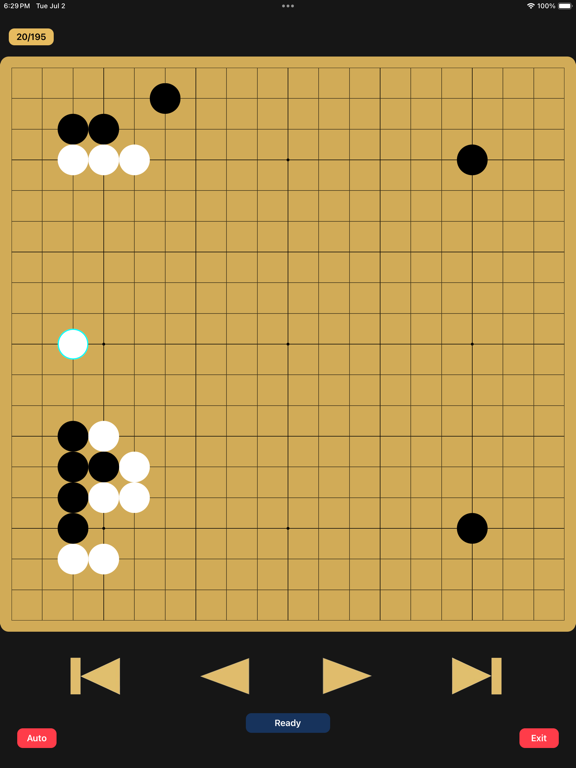
Discover a traditional and widely embraced method for advancing your skills in the ancient board game of Go, also known as Baduk or Weiqi (围棋). Revolutionizing the powerful practice of 打谱 (Dǎ Pǔ), or memorizing & recalling the moves in professional games, ScribeGo offers a captivating experience designed for Go enthusiasts regardless of strength. From improving intuition to elegant shape recognition, ScribeGo allows you to dive into the fascinating wonders of Go. Beginning from a simple memory challenge to mastering the moves of your favorite professionals.
Key Features:
- 19x19 board games
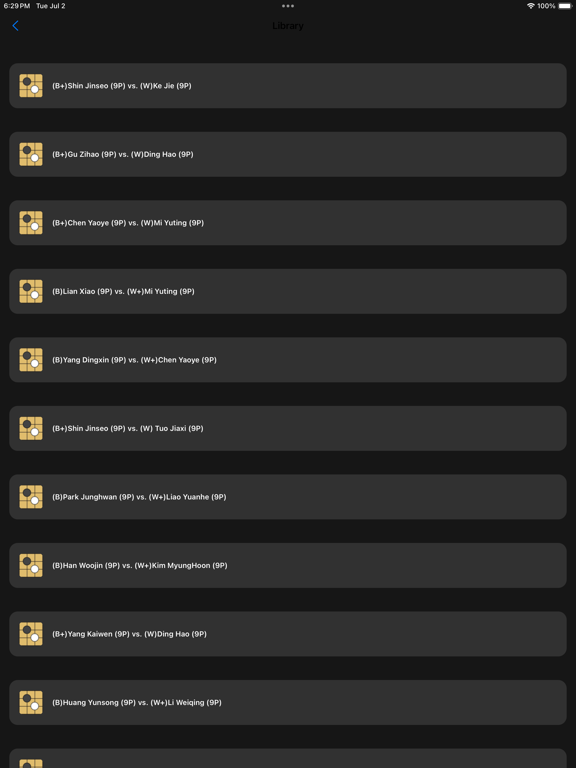
- Curated collection of top-notch professional games
- Ability to upload personal & preferred games
- Accuracy tracker to evaluate performance & precision
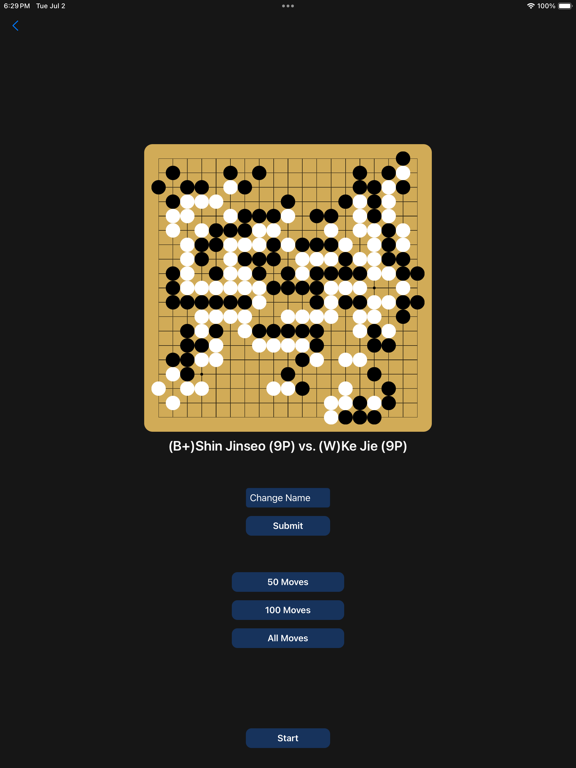
- Move goals for each game, offering three levels to challenge yourself
- Move assistance to guide you during challenging moments
- Edit games with your preferred game titles

Key Features:
- 19x19 board games
- Curated collection of top-notch professional games
- Ability to upload personal & preferred games
- Accuracy tracker to evaluate performance & precision
- Move goals for each game, offering three levels to challenge yourself
- Move assistance to guide you during challenging moments
- Edit games with your preferred game titles
Show More
最新版本2.0更新日誌
Last updated on 2024年07月03日
歷史版本
- Dynamical & aesthetic UI reworks
- iPad supported resolutions
- added the Autoplay feature when replaying games
- Added 10 new professional games to the Library
- Added the Dismiss option at the end screen (fixes issue where users cannot see the last move played)
- Information about each match selected is now displayed (board thumbnail + player names)
- Reworks in transitions between screens
- Added the Help menu to guide new users
- Minor bug fixes and reworks
- iPad supported resolutions
- added the Autoplay feature when replaying games
- Added 10 new professional games to the Library
- Added the Dismiss option at the end screen (fixes issue where users cannot see the last move played)
- Information about each match selected is now displayed (board thumbnail + player names)
- Reworks in transitions between screens
- Added the Help menu to guide new users
- Minor bug fixes and reworks
Show More
Version History
2.0
2024年07月03日
- Dynamical & aesthetic UI reworks
- iPad supported resolutions
- added the Autoplay feature when replaying games
- Added 10 new professional games to the Library
- Added the Dismiss option at the end screen (fixes issue where users cannot see the last move played)
- Information about each match selected is now displayed (board thumbnail + player names)
- Reworks in transitions between screens
- Added the Help menu to guide new users
- Minor bug fixes and reworks
- iPad supported resolutions
- added the Autoplay feature when replaying games
- Added 10 new professional games to the Library
- Added the Dismiss option at the end screen (fixes issue where users cannot see the last move played)
- Information about each match selected is now displayed (board thumbnail + player names)
- Reworks in transitions between screens
- Added the Help menu to guide new users
- Minor bug fixes and reworks
ScribeGo FAQ
點擊此處瞭解如何在受限國家或地區下載ScribeGo。
以下為ScribeGo的最低配置要求。
iPhone
iPad