Smart Network

Smart Network


免費

2.7.3for iPhone
Smart Network
Developer
2021年10月21日
Update Date
Utilities
Category
Age Rating
4+
Apps in this category do not contain restricted content.
9+
Apps in this category may contain mild or occasional cartoon, fantasy or real-life violence, as well as occasional or mild adult, sexually suggestive or horrifying content and may not be suitable for children under 9 years of age.
12+
Apps in this category may contain occasional mild indecent language, frequent or intense cartoon or real-life violence, minor or occasional adult or sexually suggestive material, and simulated gambling, and may be for children under 12 years of age.
17+
You must be at least 17 years old to access this App.
Apps in this category may contain frequent and intense offensive language; Frequent and intense cartoon, fantasy or realistic violence: frequent and intense adult, scary and sexually suggestive subjects: as well as sexual content, nudity, tobacco, alcohol and drugs, may not be suitable for children under 17 years of age.
Smart Network 螢幕截圖
Smart Network 海報Smart Network 海報Smart Network 海報Smart Network 海報

About Smart Network

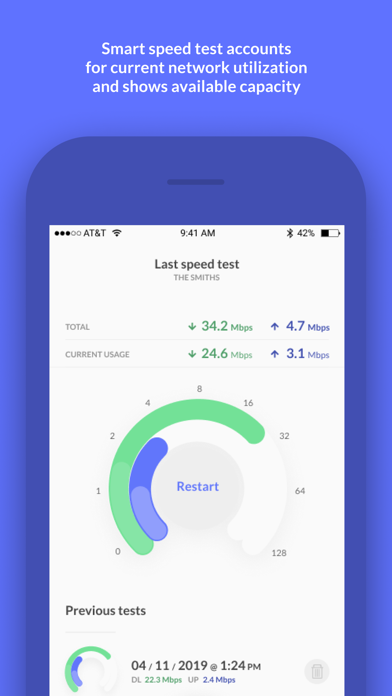
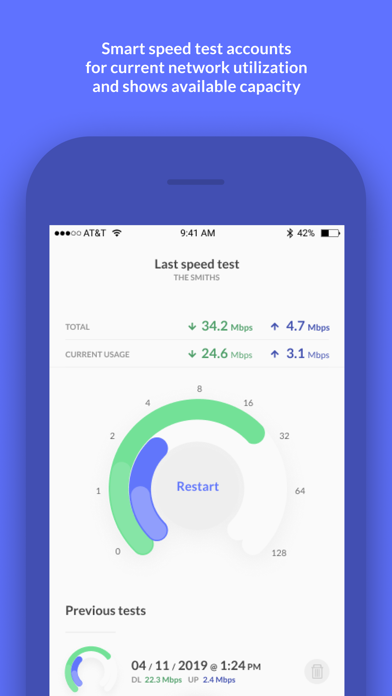
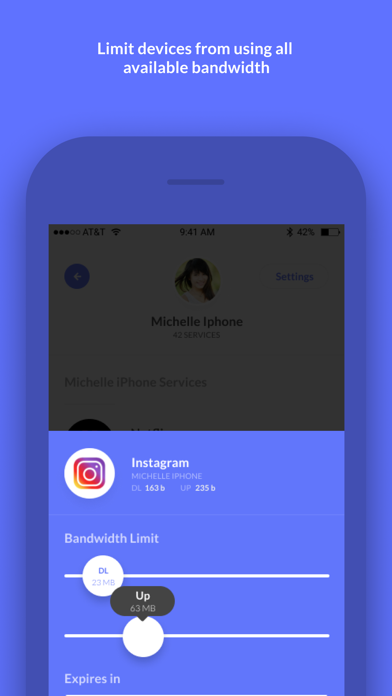
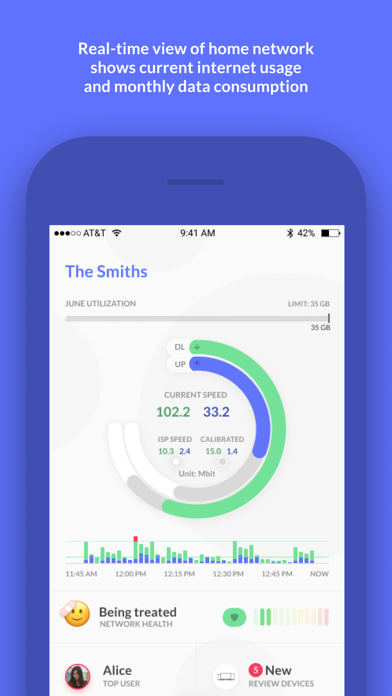
smart.network allows for real-time network visibility and control and is compatible with Mikrotik routers that are managed by your Internet Service Provider. Upon initial launch, log in with the username and password provided to you by your ISP.
Show More

最新版本2.7.3更新日誌

Last updated on 2021年10月21日
歷史版本
1. LAN management features have been removed to simplify the app and refocus on ISP core requirements (speed test history and test feature, data and bandwidth utilization, active devices).
2. Identities and associated features e.g. blocking and shaping are no longer available and the app will now only show active devices.
3. Statistics ‘Stats’ have been added to show both utilization and bandwidth over user selected time periods.

Show More
Version History
2.7.3
2021年10月21日
1. LAN management features have been removed to simplify the app and refocus on ISP core requirements (speed test history and test feature, data and bandwidth utilization, active devices).
2. Identities and associated features e.g. blocking and shaping are no longer available and the app will now only show active devices.
3. Statistics ‘Stats’ have been added to show both utilization and bandwidth over user selected time periods.

Smart Network FAQ

點擊此處瞭解如何在受限國家或地區下載Smart Network。
以下為Smart Network的最低配置要求。
iPhone

Smart Network相關應用

你可能還喜歡