Is your business looking for an economical and efficient alternative to the traditional time clock? Let TimeForge help! TimeForge Mobile TimeClock is compatible with your smartphone and tablet, making it easy for staff to clock in and out with WiFi or 3G/4G connections. Our app takes the hassle out of managing your employee attendance, so you and your team can get to work.
TimeForge Mobile TimeClock gives you the ability to:
- Optionally restrict employees from clocking in before their scheduled times.
- Optionally restrict employees from clock out after their scheduled times.
- Optionally enforce a schedule by requiring manager approval for employees clocking in or out before or after the scheduled shift.
- Secure employee login using various combinations of credentials. Choose among username + password,internal number + password, or just a username.
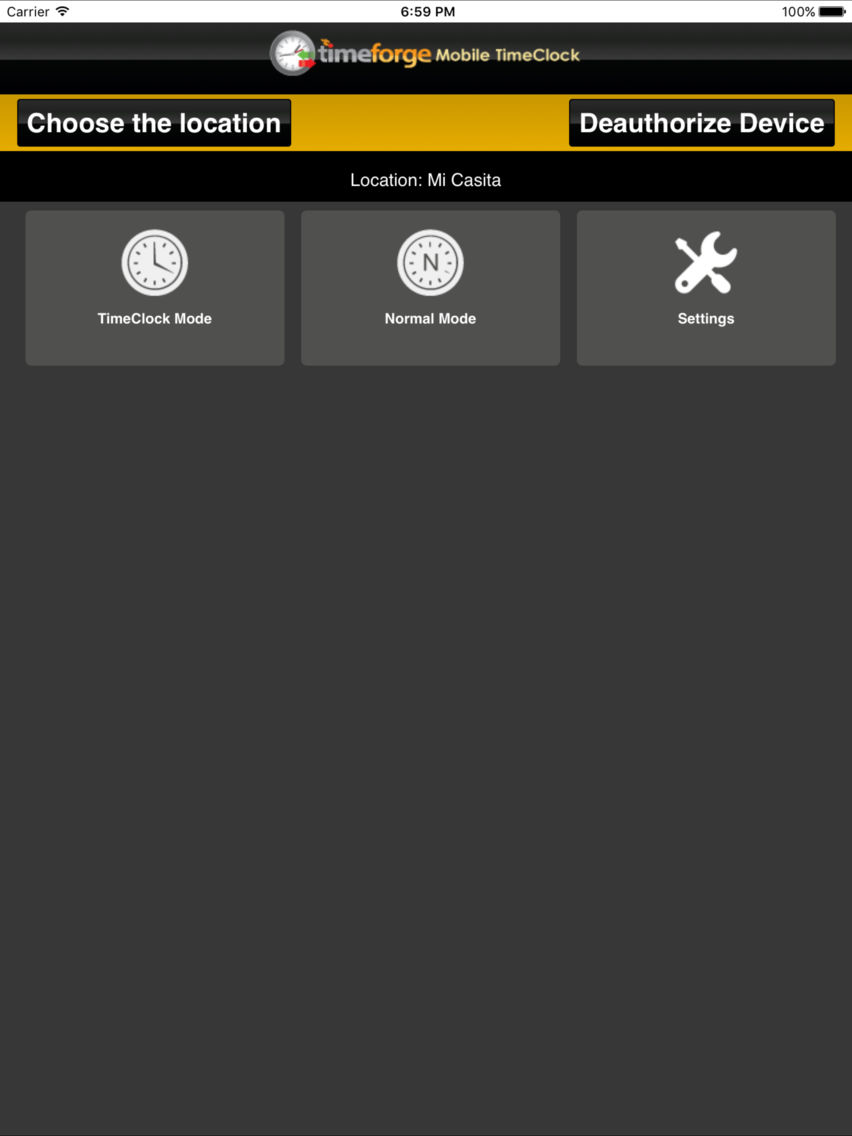
- Seamlessly switch between two available punching modes: TimeClock Mode and Normal Mode. TimeClock Mode requires an employee to log in with his/her credentials.
Normal Mode doesn’t require a password.
- Easy-to-use interface that your employees can master quickly.
- Employees can record tips, mileage, and shift notes when clocking out.
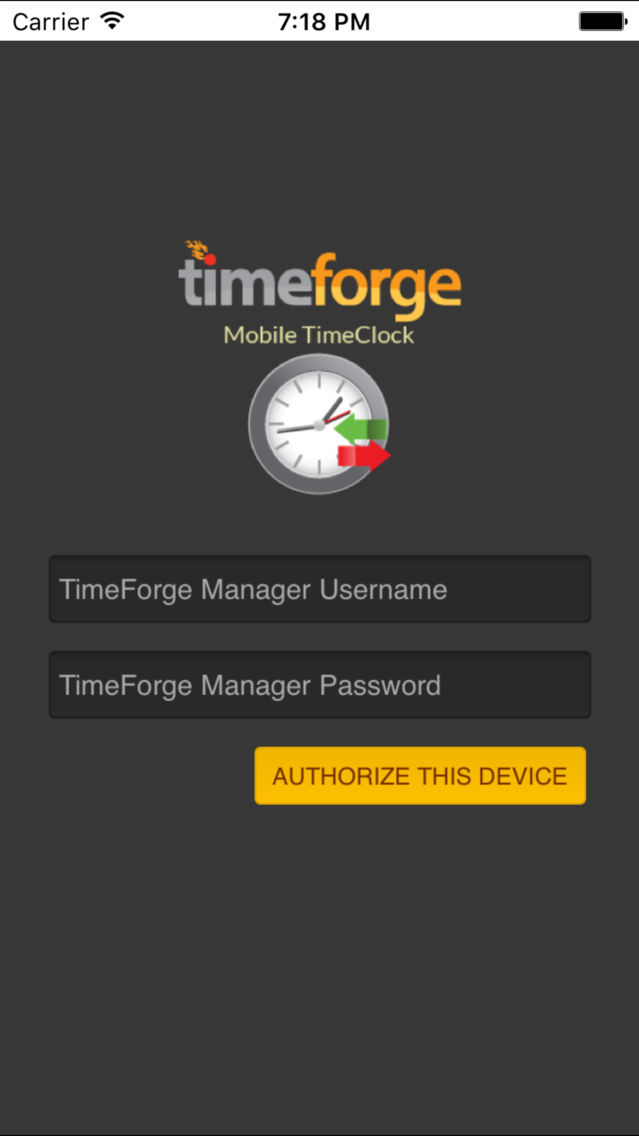
TimeForge Mobile TimeClock’s interface is sleek and easy to use, making it ideal for monitoring employee attendance in both large and small businesses. After downloading the app, simply enter your existing TimeForge username and password.
Don't have an account? Create a TimeForge Attendance Lite account for free inside the app to start managing your employee attendance! Your TimeForge account enables you to organize your staff into different positions, as well as record pay rates for faster payroll processing. Secure the TimeForge Mobile TimeClock with password protection or simply allow employees to clock in by selecting their name. TimeForge Mobile TimeClock is also compatible with TimeForge Scheduling accounts, allowing you to enforce your staff schedule and prevent employees from “riding the clock”.
Note: This app requires the credentials of a TimeForge manager for initial login. This app is not intended to be used in conjunction with another TimeForge attendance entry method, within a single TimeForge location, but can be used at a separate location within a single TimeForge account.
Need help? Not sure if this app is right for you? Call us! 866-684-7191