TimerLabs
Multi-Purpose Interval Timer
免費
1.11.7for iPhone, iPad and more
Age Rating
TimerLabs 螢幕截圖
About TimerLabs
Customizable and Great for Pomodoro, HiiTs, Working Out, Fasting, Daily Routines and any other session based work.
Perfect for use at home, at work or in the gym.
Key Features:
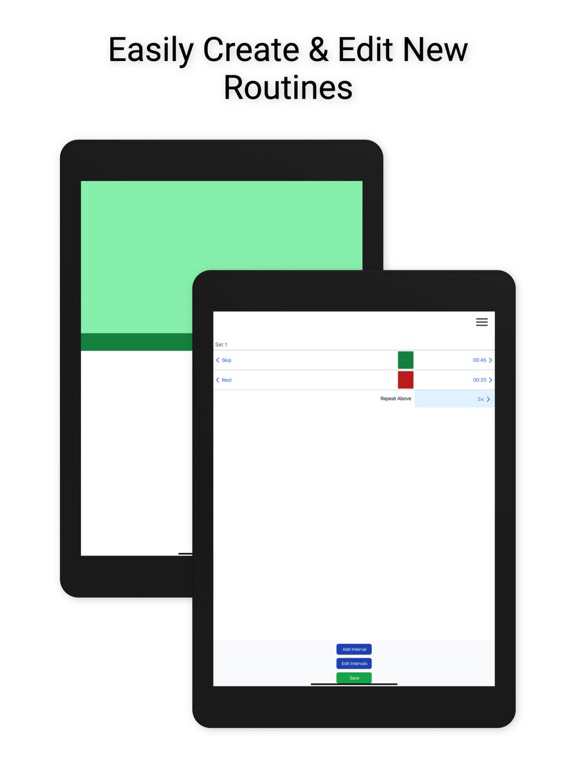
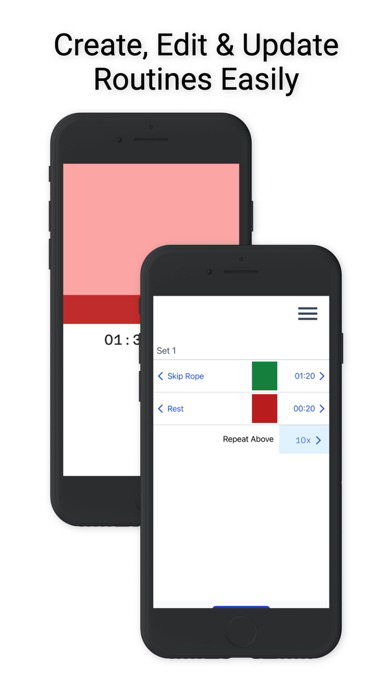
- world class editing experience
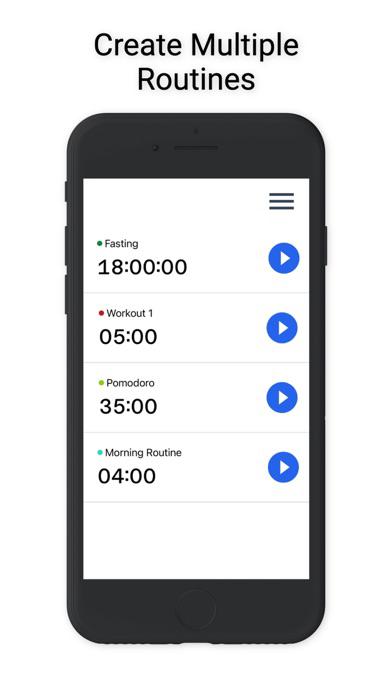
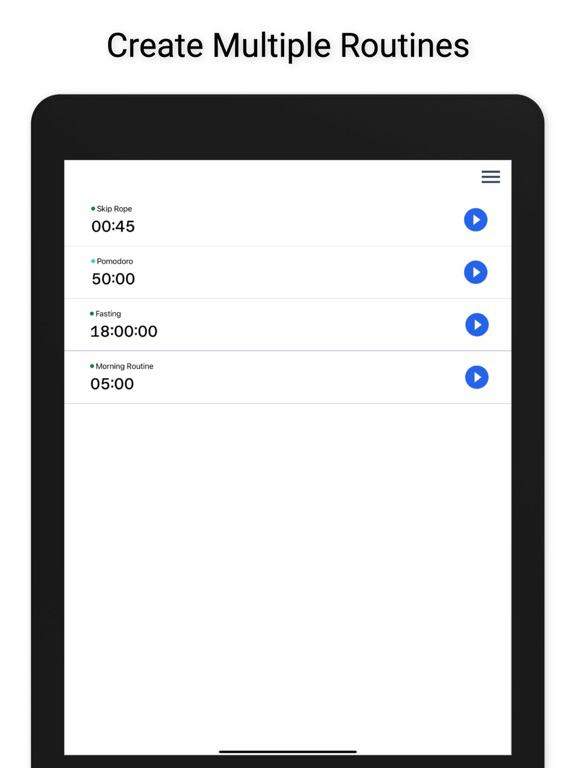
- multiple timers
- offline first and works across different devices
- create timers for workout routines or any other type of session based work
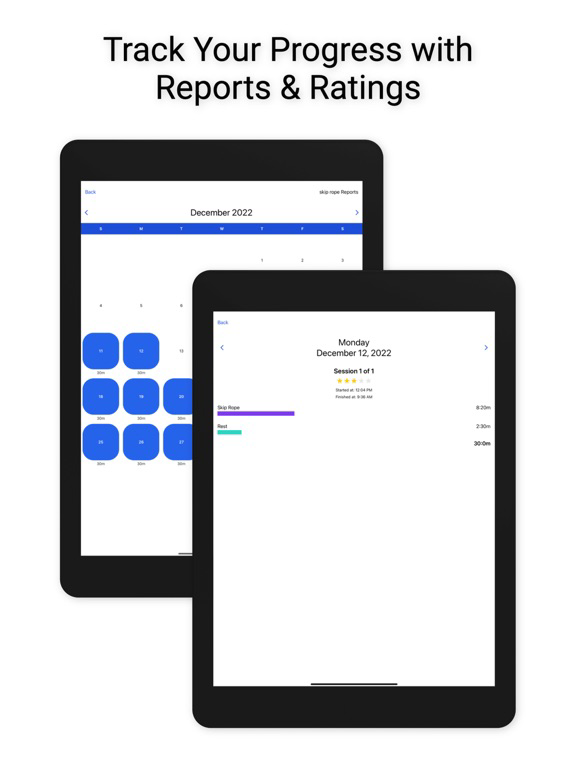
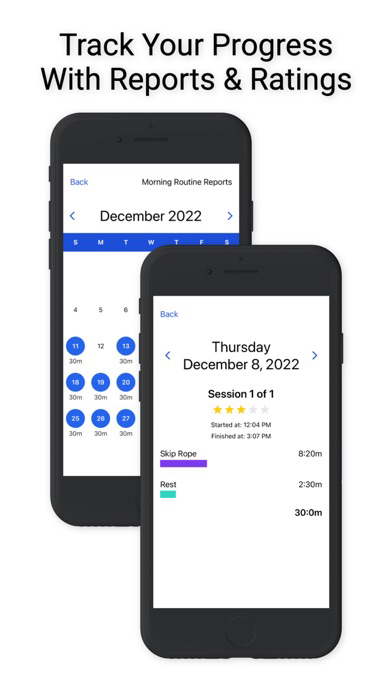
- check reports and rate every session to track your progress
- customizable colorful transitions with custom AI Voices

Perfect for use at home, at work or in the gym.
Key Features:
- world class editing experience
- multiple timers
- offline first and works across different devices
- create timers for workout routines or any other type of session based work
- check reports and rate every session to track your progress
- customizable colorful transitions with custom AI Voices
Show More
最新版本1.11.7更新日誌
Last updated on 2023年12月02日
歷史版本
- fixed a bug where sessions were sometimes not being recorded properly
- fixed a bug where leaving reports screen would open side menu
- changed how reports screen loads so that it is always freshly updated
- fixed a bug where if a session did not have a rating it would show a rating of 3
- adjusted animation delay on timer finished screen
- fixed a bug where leaving reports screen would open side menu
- changed how reports screen loads so that it is always freshly updated
- fixed a bug where if a session did not have a rating it would show a rating of 3
- adjusted animation delay on timer finished screen
Show More
Version History
1.11.7
2023年12月02日
- fixed a bug where sessions were sometimes not being recorded properly
- fixed a bug where leaving reports screen would open side menu
- changed how reports screen loads so that it is always freshly updated
- fixed a bug where if a session did not have a rating it would show a rating of 3
- adjusted animation delay on timer finished screen
- fixed a bug where leaving reports screen would open side menu
- changed how reports screen loads so that it is always freshly updated
- fixed a bug where if a session did not have a rating it would show a rating of 3
- adjusted animation delay on timer finished screen
1.11.5
2023年11月27日
- added the userId property to reports so when a user emails us from debug menu we can troubleshoot the problem better
1.11.4
2023年10月24日
1.11.4
1 - Added keep awake setting
- When on timer screen the setting will keep the screen alive, the user can disable it for each individual routine
- Will only keep screen awake if timer is running and setting is enabled, otherwise if timer is paused or finished, the setting gets over ruled and the screen will eventually timeout based on regular iOS setting
- Defaults it is a longer timer it will auto sleep if it is a short timer will default to keep awake
2 - Added setting for interval transition:
- can be set between 3 to 10 seconds
- plays between intervals
- can be disabled
3 - Added countdown to interval
- adds sound on get ready then plays 3 second timer
4 - Improved menu, so the colors animate properly depending on background color
1 - Added keep awake setting
- When on timer screen the setting will keep the screen alive, the user can disable it for each individual routine
- Will only keep screen awake if timer is running and setting is enabled, otherwise if timer is paused or finished, the setting gets over ruled and the screen will eventually timeout based on regular iOS setting
- Defaults it is a longer timer it will auto sleep if it is a short timer will default to keep awake
2 - Added setting for interval transition:
- can be set between 3 to 10 seconds
- plays between intervals
- can be disabled
3 - Added countdown to interval
- adds sound on get ready then plays 3 second timer
4 - Improved menu, so the colors animate properly depending on background color
1.10.0
2023年07月26日
- fixed a bug where sound playback from other apps would be stopped when TimerLabs was launched or re-opened
- changed notifications to scheduled notifications in iOS so they will always play even when TimerLabs is closed, and do not require any ongoing background processing, which seems to get cutoff by iOS system and sometimes crashed the app
- tweak notification message and sound
- changed notifications to scheduled notifications in iOS so they will always play even when TimerLabs is closed, and do not require any ongoing background processing, which seems to get cutoff by iOS system and sometimes crashed the app
- tweak notification message and sound
1.8.0
2023年04月18日
- updates auth to allow social sign-in form google and twitter
- removes facebook social sign-in
1.6.0
2023年03月20日
- added icons to list items in menus and updated all menus
- updated styles for reports titles
- updated loading behaviour on reports screen
- changed auth system; added social sign in from apple and social sign in from facebook
- updated styles for reports titles
- updated loading behaviour on reports screen
- changed auth system; added social sign in from apple and social sign in from facebook
1.4.0
2023年02月14日
- reduced excessive renders on timer finished screen
- added opacity fade in animation to timers finished screen
- fixed a small bug in unmount screens where when a screen was unmounting in certain places and on certain devices the visual screen would visually shift between screen loads
- added animation to splash and authentication screens
- added animation to menu icon
- resized view improved on screens with keyboards
- added opacity fade in animation to timers finished screen
- fixed a small bug in unmount screens where when a screen was unmounting in certain places and on certain devices the visual screen would visually shift between screen loads
- added animation to splash and authentication screens
- added animation to menu icon
- resized view improved on screens with keyboards
1.3.0
2023年02月01日
- fixed bug when menu opens and closes multiple times the footer wasn't closing
- added completed this # of sessions to timer finished screens and updated title to "Great Work"
- adds a small note to login screen to explain what email is used for
- populates email field automatically after failed attempt when you go back to login screen
- changes color of buttons to green on login screens to create more contrast
- adds logo to sign on screen
- adds a container to keyboard avoiding views for better positioning when the keyboard is present
- fixed a bug on home screen where if you had timers that stretched the to the bottom of the screen the bottom one would not load if touched
- made footer animation delay it's start until screen animation is finished on editor screen
- changed footer color from light gray to light blue
- redid empty timers screen to make it more user friendly
- changed permissions notifications screen text "Know instantly when a timer changes so that you can stay focused on your success."
- fixed bug where if you enter in wrong auth code, the warning didn't show, also updated the auth screen with minor design tweaks
- added completed this # of sessions to timer finished screens and updated title to "Great Work"
- adds a small note to login screen to explain what email is used for
- populates email field automatically after failed attempt when you go back to login screen
- changes color of buttons to green on login screens to create more contrast
- adds logo to sign on screen
- adds a container to keyboard avoiding views for better positioning when the keyboard is present
- fixed a bug on home screen where if you had timers that stretched the to the bottom of the screen the bottom one would not load if touched
- made footer animation delay it's start until screen animation is finished on editor screen
- changed footer color from light gray to light blue
- redid empty timers screen to make it more user friendly
- changed permissions notifications screen text "Know instantly when a timer changes so that you can stay focused on your success."
- fixed bug where if you enter in wrong auth code, the warning didn't show, also updated the auth screen with minor design tweaks
1.2.1
2023年01月24日
- Added the domain amazonaws.com to xcode allowed domains so that the frontend app can communicate with the backend in production
1.2.0
2023年01月23日
- vertically centered logo on splash screen
- adds lambda uri to bug reports
- adds link to app settings on settings screen
- fixes excessive rendering of text inputs across the app
- fixed a bug where if you had complex sets of intervals and multiple repeaters the interval count would be incorrect
- adds iOS notifications, with a popup to request permissions from iOS on timer screen
- completely removes playing of any background sounds when outside of app in exchange for permission based notifications
- adds lambda uri to bug reports
- adds link to app settings on settings screen
- fixes excessive rendering of text inputs across the app
- fixed a bug where if you had complex sets of intervals and multiple repeaters the interval count would be incorrect
- adds iOS notifications, with a popup to request permissions from iOS on timer screen
- completely removes playing of any background sounds when outside of app in exchange for permission based notifications
1.1.0
2023年01月16日
- changed wording of "timer" to "routine" app wide
- fixed a bug where if you deleted a playing timer it would cause the app to crash or not respond
- added new menu item in side menu with the following items: Share App, Review TimerLabs, Report Bug, Request Feature, Twitter, Privacy Policy, TimerLabs.com
- added in app review popup when on timer finished screen, it will only appear if the app has been installed for at least 2 weeks; and your current timer has completed
- fixed a bug where if you deleted a playing timer it would cause the app to crash or not respond
- added new menu item in side menu with the following items: Share App, Review TimerLabs, Report Bug, Request Feature, Twitter, Privacy Policy, TimerLabs.com
- added in app review popup when on timer finished screen, it will only appear if the app has been installed for at least 2 weeks; and your current timer has completed
1.0
2023年01月10日
TimerLabs FAQ
點擊此處瞭解如何在受限國家或地區下載TimerLabs。
以下為TimerLabs的最低配置要求。
iPhone
須使用 iOS 12.0 或以上版本。
iPad
須使用 iPadOS 12.0 或以上版本。
iPod touch
須使用 iOS 12.0 或以上版本。
TimerLabs支持英文