UniFi Verify
免費
1.0.1for iPhone, iPad
Age Rating
UniFi Verify 螢幕截圖
About UniFi Verify
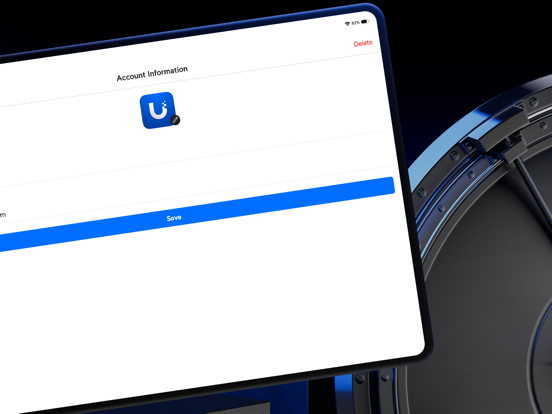
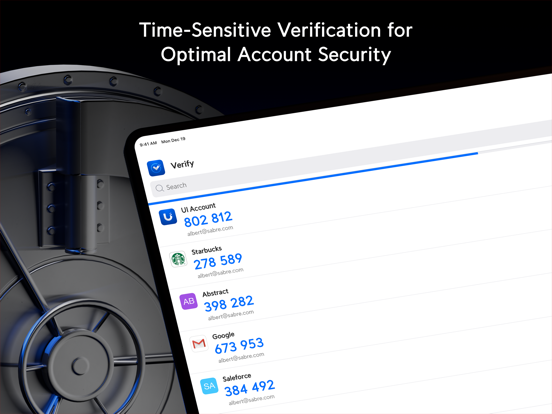
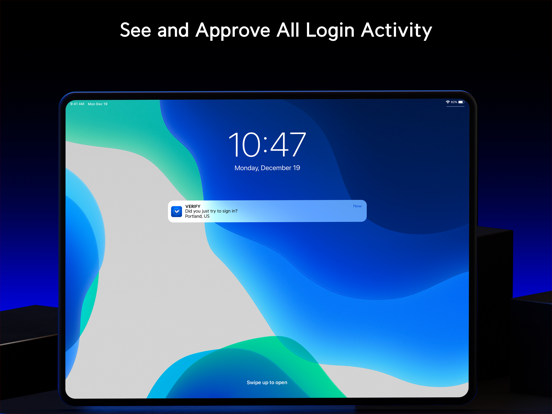
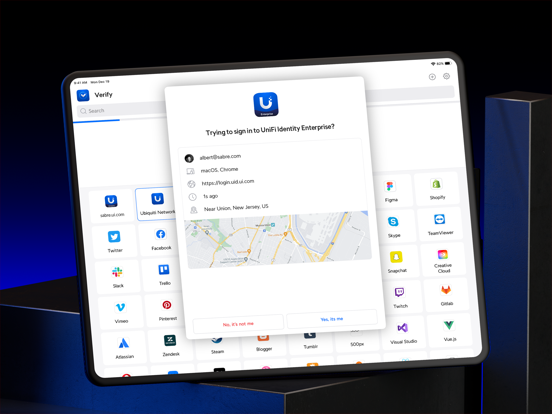
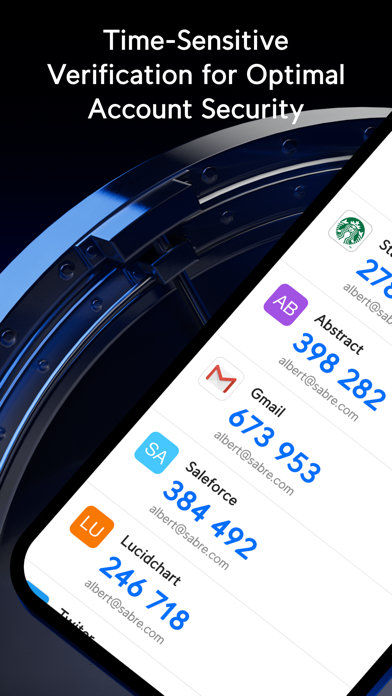
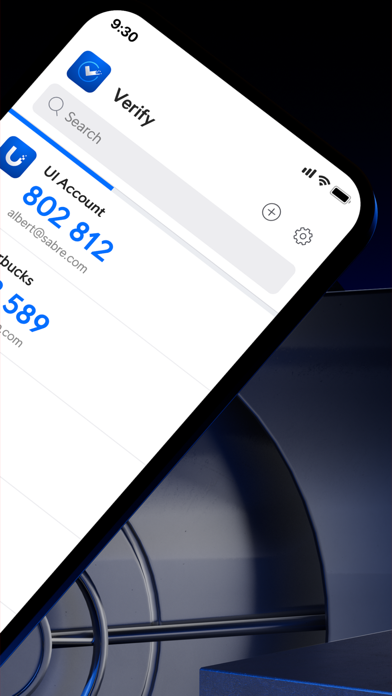
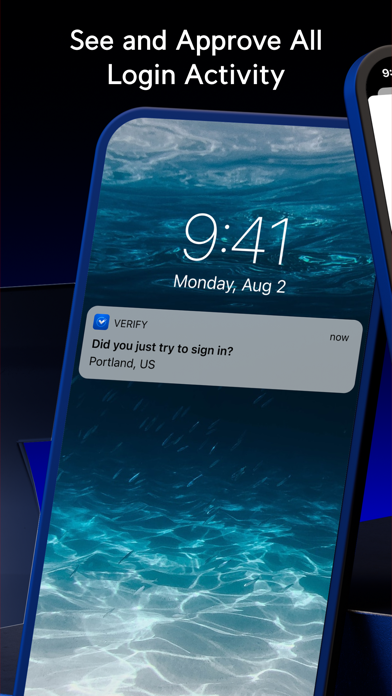
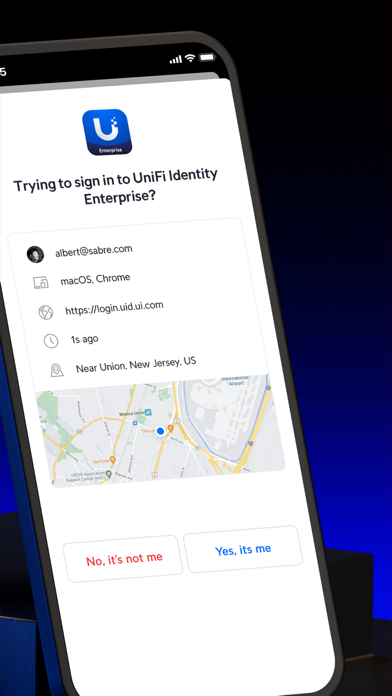
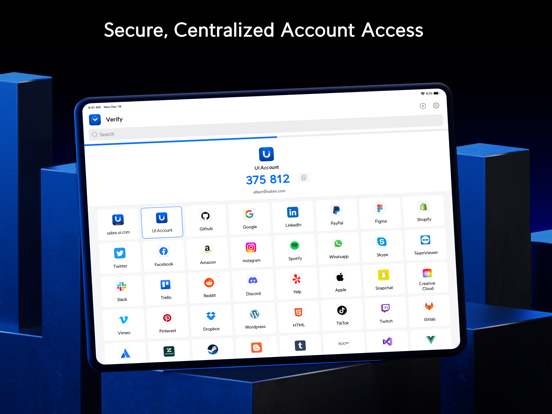
Verify gives your accounts an additional layer of security by requiring two-factor authentication (2FA) of each login attempt. With this feature enabled, users will need to provide their password and a time-sensitive verification code generated either in the app or via push notification. Verify can also supply users with a set of single-use passwords that can be stored locally on their phones should they ever need to circumvent an issue with their main 2FA method.
Features:
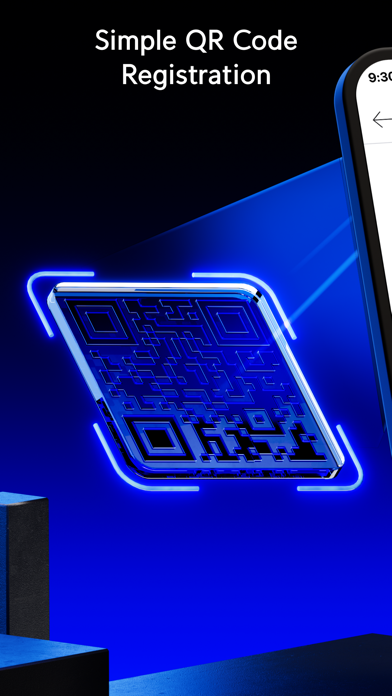
- Instant setup via QR code
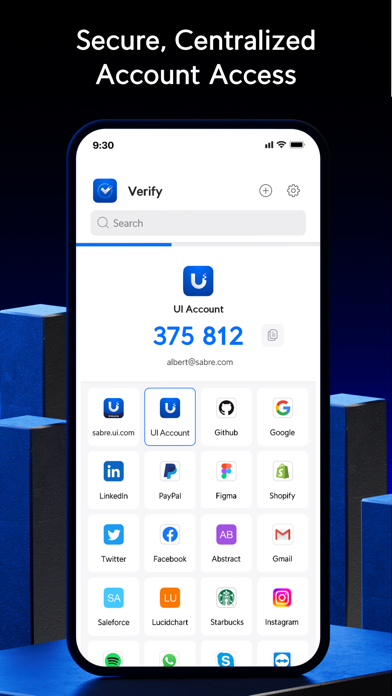
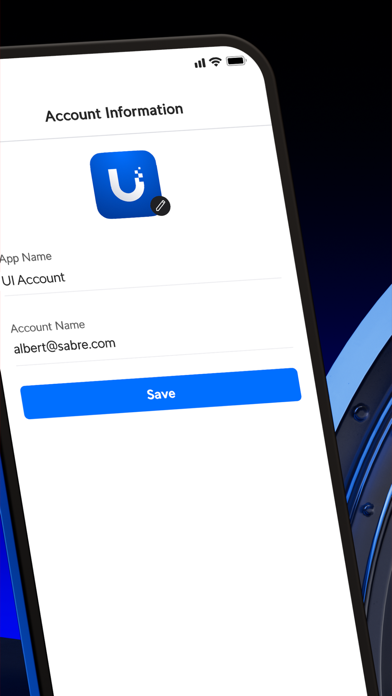
- Supports multiple user accounts and platforms, including Amazon, Facebook, and GitHub
- Generates time-sensitive verification codes and single-use passwords either in the app or via push notification
- Unlimited account support

Features:
- Instant setup via QR code
- Supports multiple user accounts and platforms, including Amazon, Facebook, and GitHub
- Generates time-sensitive verification codes and single-use passwords either in the app or via push notification
- Unlimited account support
Show More
最新版本1.0.1更新日誌
Last updated on 2026年03月26日
歷史版本
Overview
UniFi Verify iOS 1.0.1 includes the following improvements.
Improvements
Updated user interface strings from "UniFi Identity Enterprise" to "UID Enterprise."
UniFi Verify iOS 1.0.1 includes the following improvements.
Improvements
Updated user interface strings from "UniFi Identity Enterprise" to "UID Enterprise."
Show More
Version History
1.0.1
2026年03月26日
Overview
UniFi Verify iOS 1.0.1 includes the following improvements.
Improvements
Updated user interface strings from "UniFi Identity Enterprise" to "UID Enterprise."
UniFi Verify iOS 1.0.1 includes the following improvements.
Improvements
Updated user interface strings from "UniFi Identity Enterprise" to "UID Enterprise."
UniFi Verify FAQ
點擊此處瞭解如何在受限國家或地區下載UniFi Verify。
以下為UniFi Verify的最低配置要求。
iPhone
iPad