Vimar VIEW
免費
2.16.2for iPhone, iPad
Age Rating
Vimar VIEW 螢幕截圖
About Vimar VIEW
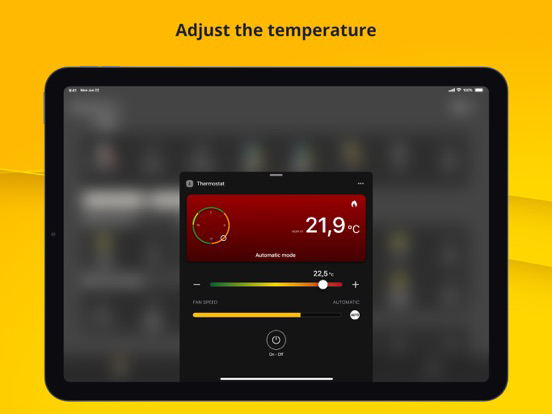
Control your connected home, based on the VIEW IoT smart systems integrated system, with a simple, user-friendly interface: all the functions of a smart home are at your fingertips from the first power-on and in complete safety, once you have entered your access credentials, generated on the VIMAR Cloud portal. The App does not require any configuration because it inherits the programming already performed by the professional electrical installer with the various configuration tools of the various systems installed in the building (VIEW Wireless or By-me Plus, By-alarm, Elvox video door entry system, Elvox cameras).
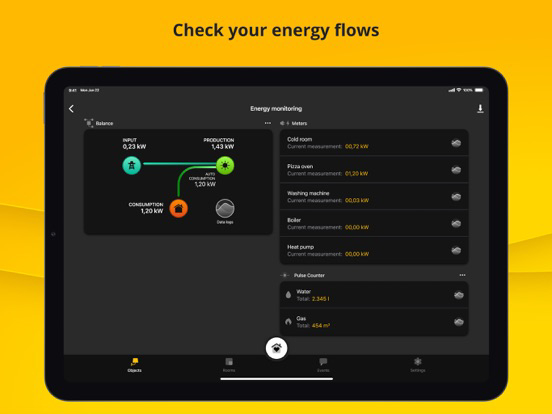
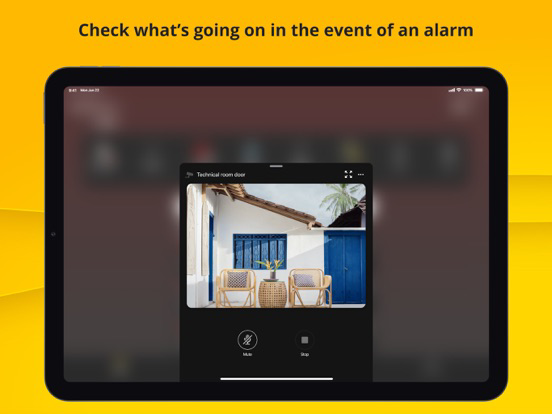
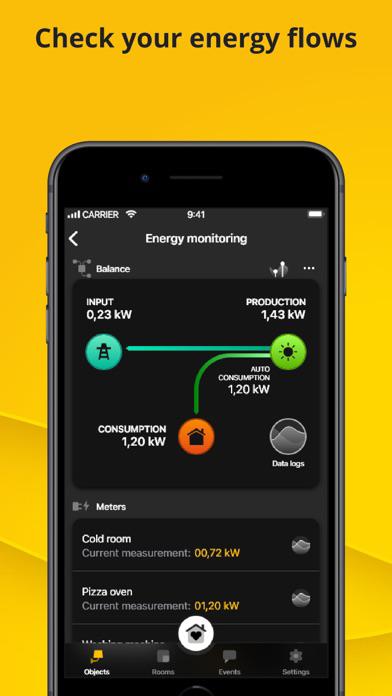
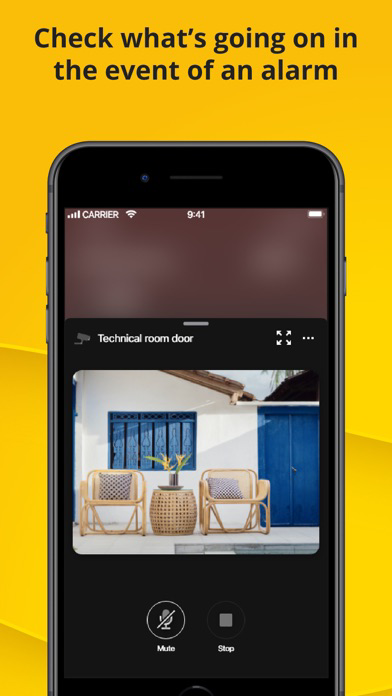
The functions managed using the VIEW APP, both locally and remotely, are: lights, curtains and roller shutters, climate control, electricity (consumption, production and anti-blackout), music and audio, video door entry system, burglar alarm, cameras, sprinkler system, sensors/contacts (e.g. for technical alarms), advanced logic programmes and scenarios for centralised control of all smart functions. Everything can even be controlled by means of smart speakers!
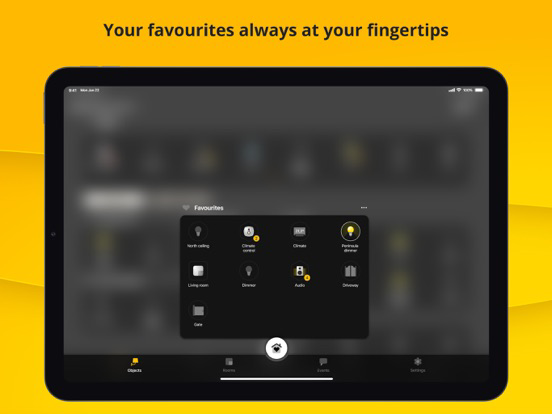
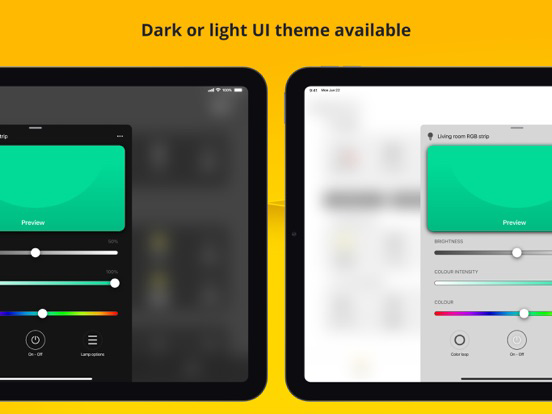
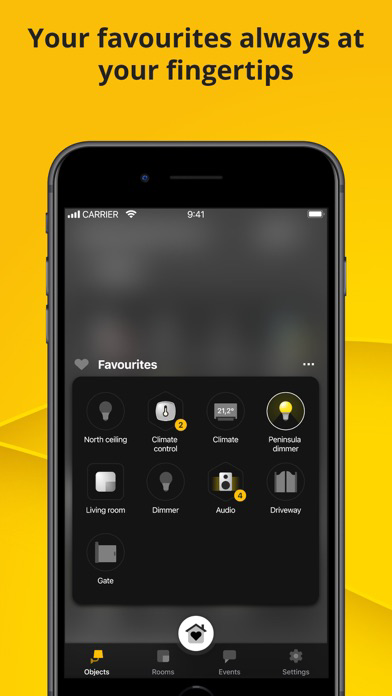
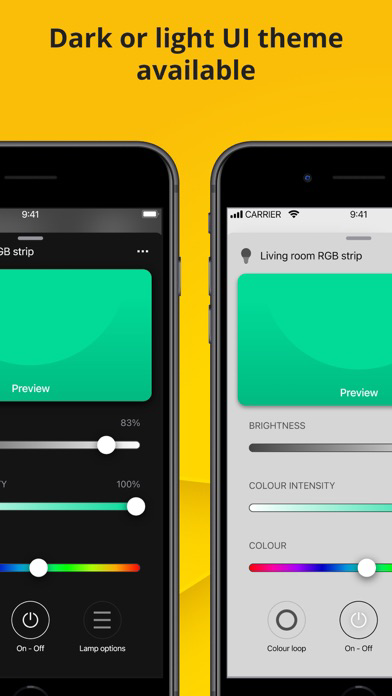
Using the VIEW APP, you can freely create scenarios, customise a favourites page for direct access to the most frequent functions, customise climate control and sprinkler system programmes with maximum flexibility, manage users and permissions associated with the system, add control of Philips Hue system light bulbs and LED strips, and select the push notifications that you want to receive.
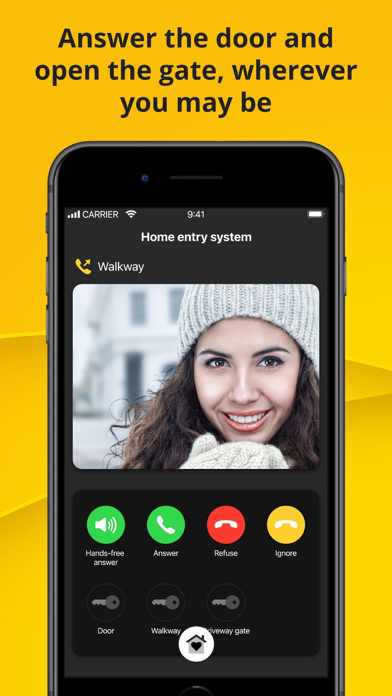
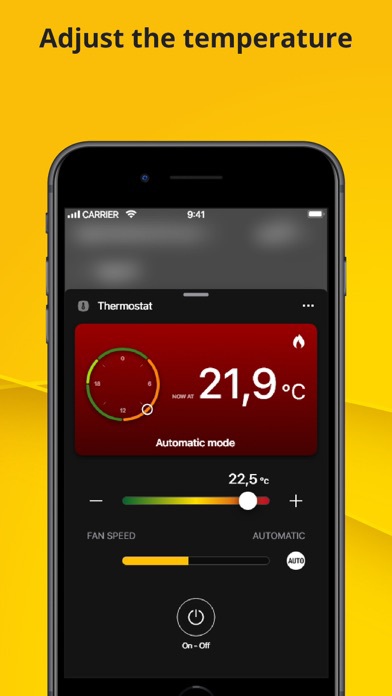
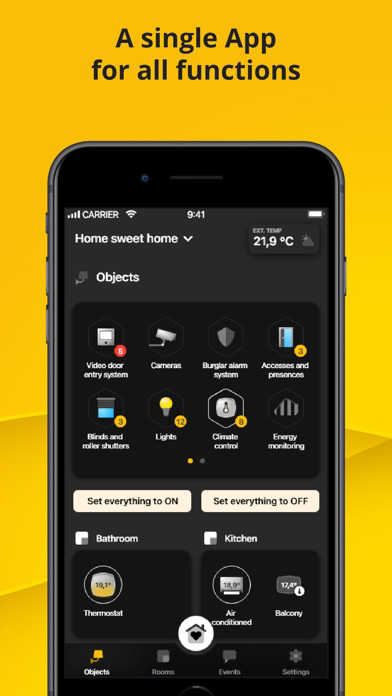
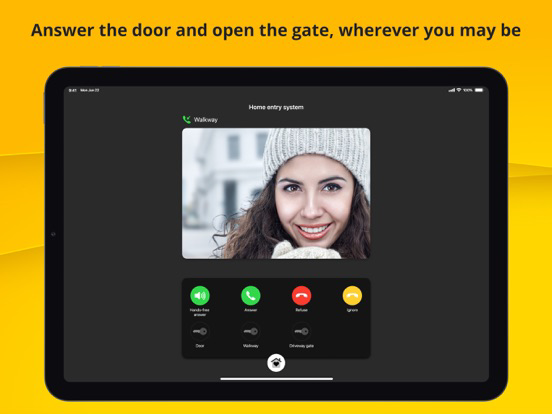
From answering the video entryphone, to controlling the temperature of the home: any function can be conveniently controlled remotely from a single interface, whether in your own home or anywhere else in the world, thanks to the security guaranteed by the Vimar cloud.
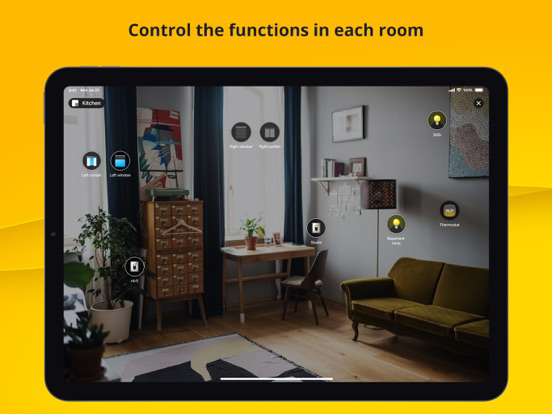
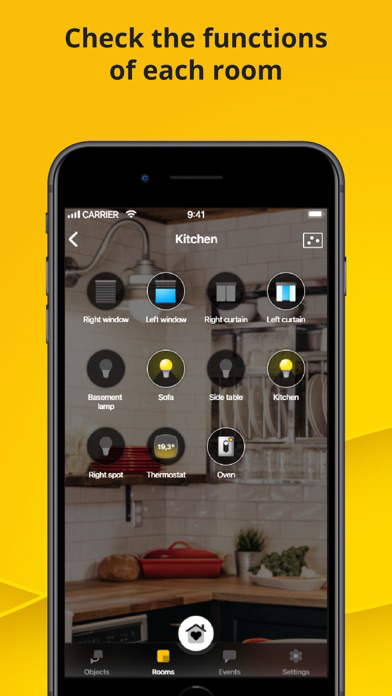
The interface is organised to allow user-friendly browsing by function (“Objects”) or by environment (“Rooms”): popular icons used in the main operating systems, customisable labels and swipe gesture controls help to make the Vimar home automation system extremely user-friendly.
The App works only in association with the home automation/video door entry/burglar alarm gateways present in the system and only features the functions that the respective gateways make available (for details, please refer to the VIEW App user manual available on the Vimar website in the Download/Software/VIEW PRO section).

The functions managed using the VIEW APP, both locally and remotely, are: lights, curtains and roller shutters, climate control, electricity (consumption, production and anti-blackout), music and audio, video door entry system, burglar alarm, cameras, sprinkler system, sensors/contacts (e.g. for technical alarms), advanced logic programmes and scenarios for centralised control of all smart functions. Everything can even be controlled by means of smart speakers!
Using the VIEW APP, you can freely create scenarios, customise a favourites page for direct access to the most frequent functions, customise climate control and sprinkler system programmes with maximum flexibility, manage users and permissions associated with the system, add control of Philips Hue system light bulbs and LED strips, and select the push notifications that you want to receive.
From answering the video entryphone, to controlling the temperature of the home: any function can be conveniently controlled remotely from a single interface, whether in your own home or anywhere else in the world, thanks to the security guaranteed by the Vimar cloud.
The interface is organised to allow user-friendly browsing by function (“Objects”) or by environment (“Rooms”): popular icons used in the main operating systems, customisable labels and swipe gesture controls help to make the Vimar home automation system extremely user-friendly.
The App works only in association with the home automation/video door entry/burglar alarm gateways present in the system and only features the functions that the respective gateways make available (for details, please refer to the VIEW App user manual available on the Vimar website in the Download/Software/VIEW PRO section).
Show More
最新版本2.16.2更新日誌
Last updated on 2026年03月30日
歷史版本
• for By-me Plus systems:
• with the View Pro APP, the installer automatically becomes a basic user to use the View APP (scenarios/parameters)
• new scenario activators according to the brightness/wind/rain thresholds of the weather station (art. 01546) and according to the presence in room status (for hospitality)
• thermostat button lock, available from settings and usable in scenarios
• new video door entry ringtones: also added those of the new View Touch supervisors
• graphic and functional enhancements.
• with the View Pro APP, the installer automatically becomes a basic user to use the View APP (scenarios/parameters)
• new scenario activators according to the brightness/wind/rain thresholds of the weather station (art. 01546) and according to the presence in room status (for hospitality)
• thermostat button lock, available from settings and usable in scenarios
• new video door entry ringtones: also added those of the new View Touch supervisors
• graphic and functional enhancements.
Show More
Version History
2.16.2
2026年03月30日
• for By-me Plus systems:
• with the View Pro APP, the installer automatically becomes a basic user to use the View APP (scenarios/parameters)
• new scenario activators according to the brightness/wind/rain thresholds of the weather station (art. 01546) and according to the presence in room status (for hospitality)
• thermostat button lock, available from settings and usable in scenarios
• new video door entry ringtones: also added those of the new View Touch supervisors
• graphic and functional enhancements.
• with the View Pro APP, the installer automatically becomes a basic user to use the View APP (scenarios/parameters)
• new scenario activators according to the brightness/wind/rain thresholds of the weather station (art. 01546) and according to the presence in room status (for hospitality)
• thermostat button lock, available from settings and usable in scenarios
• new video door entry ringtones: also added those of the new View Touch supervisors
• graphic and functional enhancements.
Vimar VIEW FAQ
點擊此處瞭解如何在受限國家或地區下載Vimar VIEW。
以下為Vimar VIEW的最低配置要求。
iPhone
iPad