123RFID Mobile
免費
1.1.94for iPhone
Age Rating
123RFID Mobile 螢幕截圖
About 123RFID Mobile
The Zebra 123RFID Mobile app, when used with a RFID reader/scanner, provides the functionality listed below after pairing (Bluetooth) with your iOS device:
Functionality:
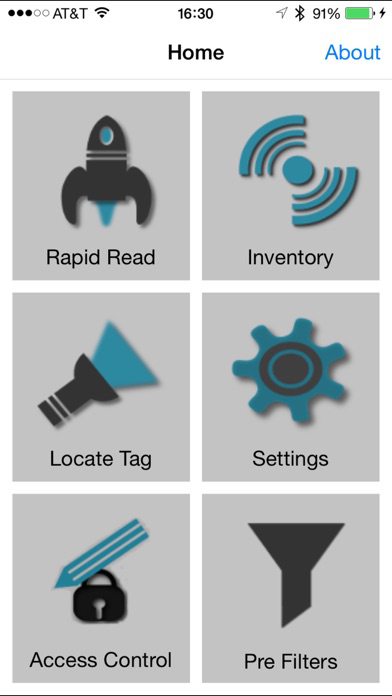
1. Inventory – A quick snapshot of the scanned RFID tags and the ability to search a tag from the list.
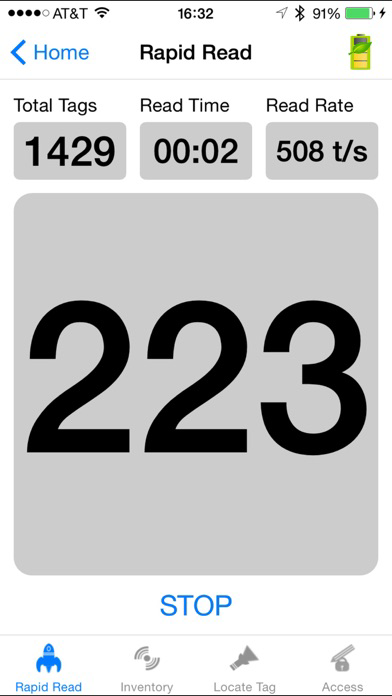
2. Rapid Read – A simple screen to quickly get unique and total tag counts.
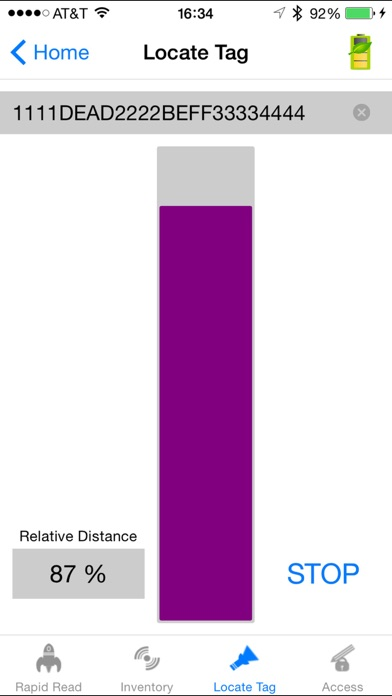
3. Locate Tag - Use the Locate Tag feature to find and locate an item by searching for a specific Tag ID. The device will provide feedback that indicates the relative distance to the tagged item.
4. Multi Tag Locate– Use the multi tag locate to locate multiple tags of interest that have been imported from a csv file. The device will show the relative distance of the tagged items.
5. Filter – Select/deselect a tag based on pattern criteria.
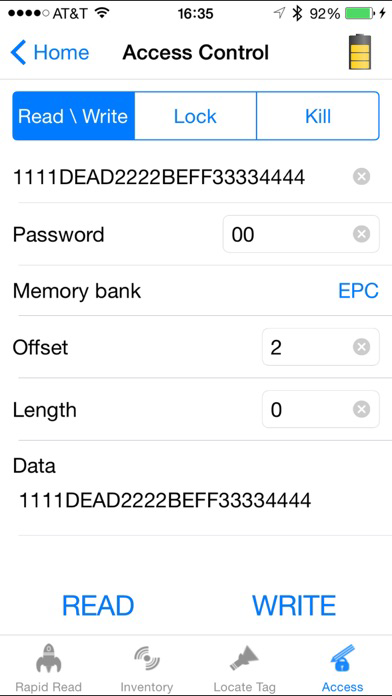
6. Access - manipulate standard tag memory locations.
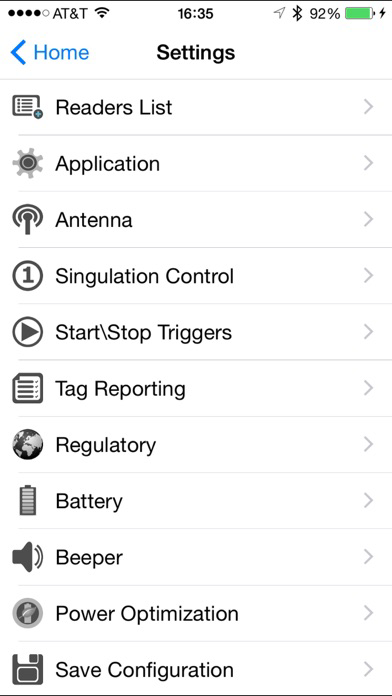
7. Settings – Configure the reader to meet your needs.
a. Canned profile support for varying usage scenario
b. Configure the RFID Antenna power and link profile.
c. Time the Start/Stop Trigger
d. Control the audible beep volume
e. Configure reader to report only unique tags
8. Use the Power Management settings to optimize battery usage
9. Battery level notifications.
10. TAG list match mode support – import tag data using csv file named ‘taglist.csv’
11. Export RFID data to a PC
12. Ability to pair RFD40 & RFD90 devices over BT using the NFC tag on the device
13. Support in the application to Scan and Pair.
14. Support to read Barcode and display on the screen
15. Ability to configure the Scanner.
16. Reader list to choose from to connect to a specific Reader.
17. Firmware update feature supported for RFD40 & RFD90.
18. Support importing offline configuration package consisting of config and firmware for RFD40 & RFD90

Functionality:
1. Inventory – A quick snapshot of the scanned RFID tags and the ability to search a tag from the list.
2. Rapid Read – A simple screen to quickly get unique and total tag counts.
3. Locate Tag - Use the Locate Tag feature to find and locate an item by searching for a specific Tag ID. The device will provide feedback that indicates the relative distance to the tagged item.
4. Multi Tag Locate– Use the multi tag locate to locate multiple tags of interest that have been imported from a csv file. The device will show the relative distance of the tagged items.
5. Filter – Select/deselect a tag based on pattern criteria.
6. Access - manipulate standard tag memory locations.
7. Settings – Configure the reader to meet your needs.
a. Canned profile support for varying usage scenario
b. Configure the RFID Antenna power and link profile.
c. Time the Start/Stop Trigger
d. Control the audible beep volume
e. Configure reader to report only unique tags
8. Use the Power Management settings to optimize battery usage
9. Battery level notifications.
10. TAG list match mode support – import tag data using csv file named ‘taglist.csv’
11. Export RFID data to a PC
12. Ability to pair RFD40 & RFD90 devices over BT using the NFC tag on the device
13. Support in the application to Scan and Pair.
14. Support to read Barcode and display on the screen
15. Ability to configure the Scanner.
16. Reader list to choose from to connect to a specific Reader.
17. Firmware update feature supported for RFD40 & RFD90.
18. Support importing offline configuration package consisting of config and firmware for RFD40 & RFD90
Show More
最新版本1.1.94更新日誌
Last updated on 2026年01月14日
歷史版本
Version 1.1.94 – 12/2025
General bug fixes and stability improvements
Show More
Version History
1.1.94
2026年01月14日
Version 1.1.94 – 12/2025
General bug fixes and stability improvements
123RFID Mobile FAQ
點擊此處瞭解如何在受限國家或地區下載123RFID Mobile。
以下為123RFID Mobile的最低配置要求。
iPhone