xHP Flashtool
Free
3.17.5for iPhone, iPad
Age Rating
xHP Flashtool Screenshots
About xHP Flashtool
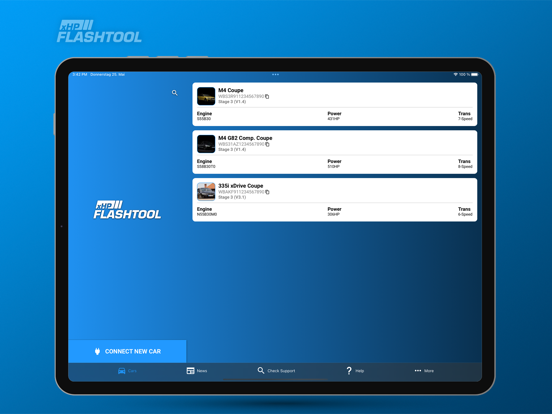
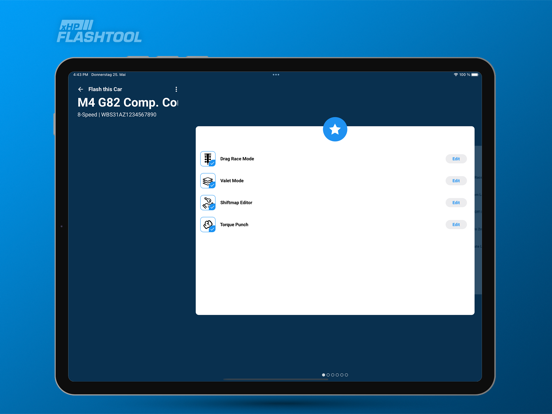
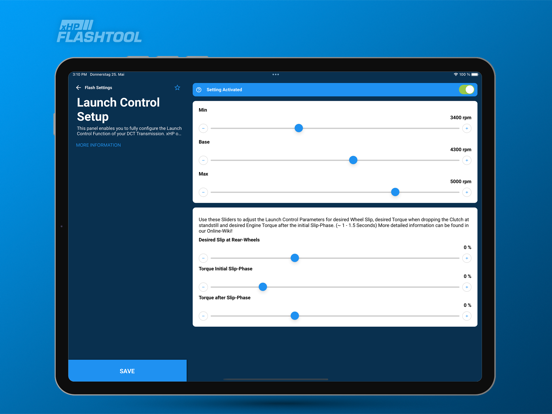
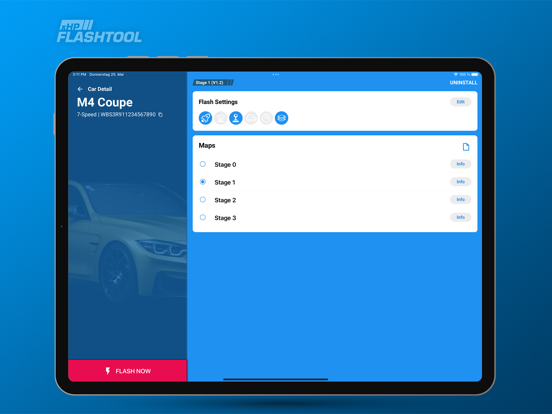
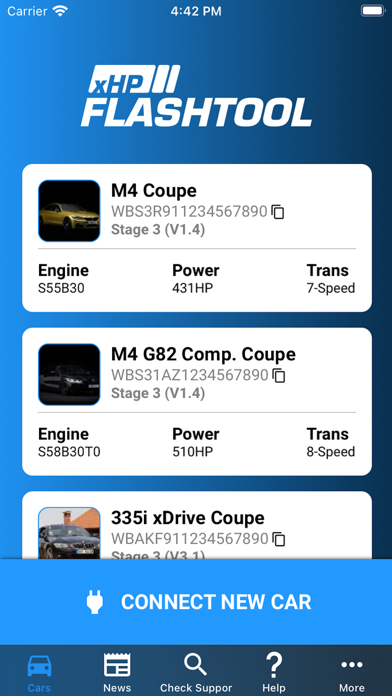
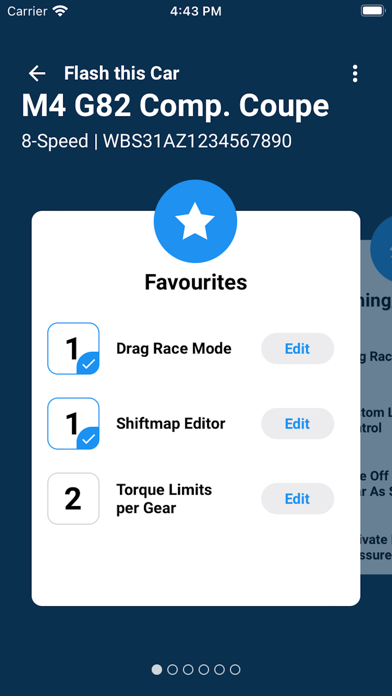
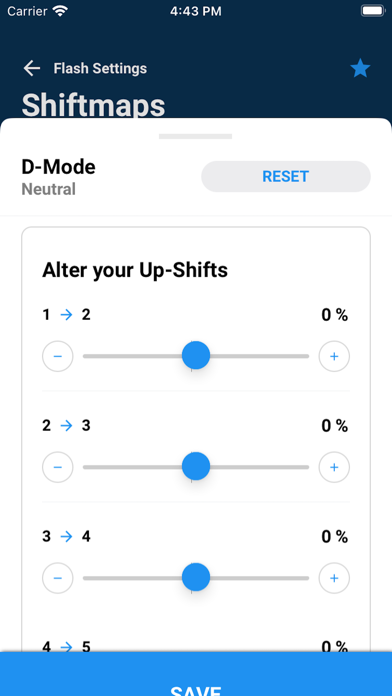
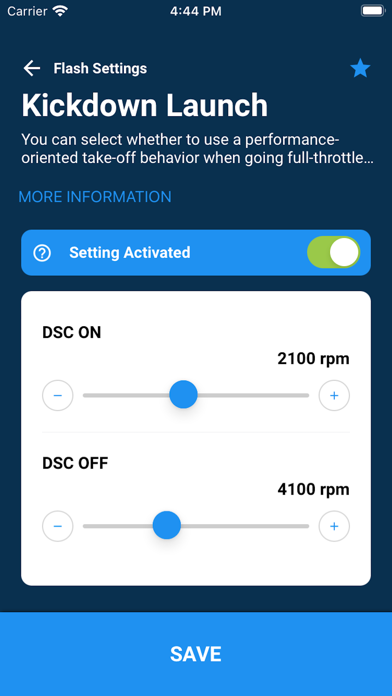
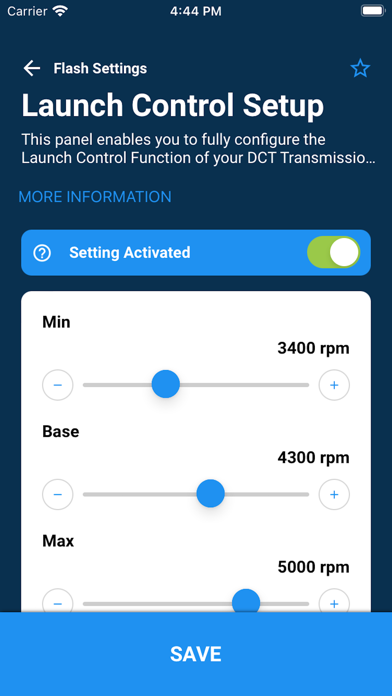
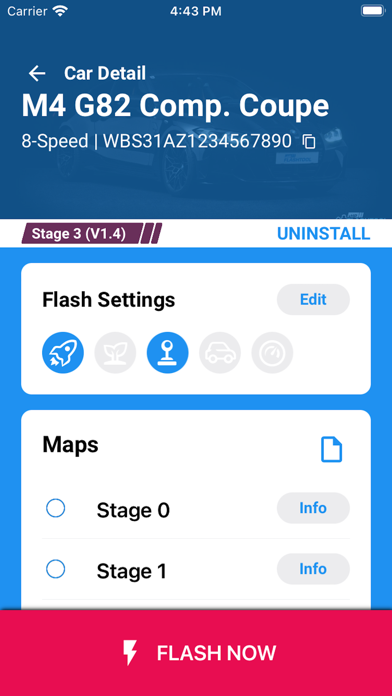
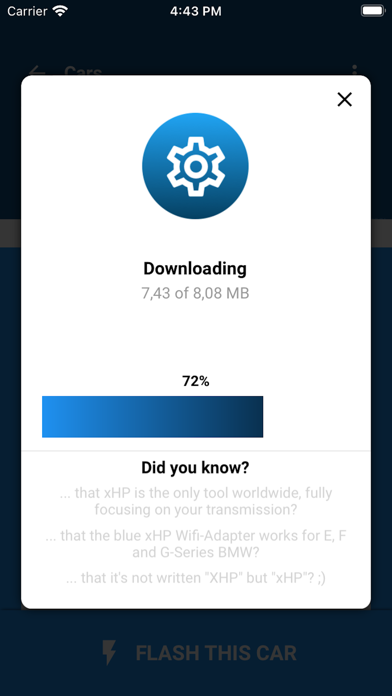
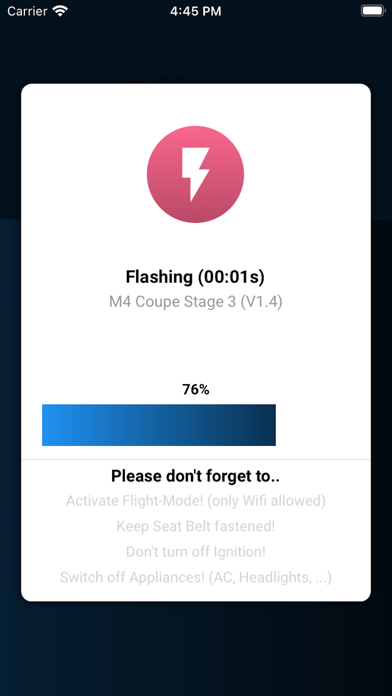
xHP Flashtool is the worldwide first and complete Tuning solution for your ZF6HP, ZF8HP Automatic or 7-Speed DCT transmission. xHP is the only tool that focuses fully on getting the best from your Auto-Transmission and is the worldwide leading solution for the best vehicles from Bavaria! xHP put's the power to fully customize your automatic transmission at your hands. Connect your Apple iPhone, IPad or Mac M1 to your car and customize by yourself or choose from pre-defined OTS maps.
The ZF Autos are used throughout the whole range, from the 1-Series hatchbacks, to the mighty Alpina and M cars!
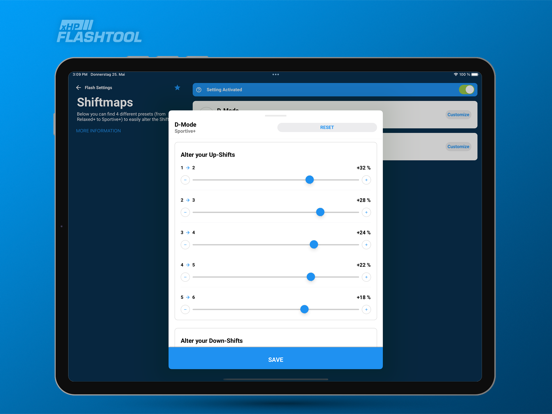
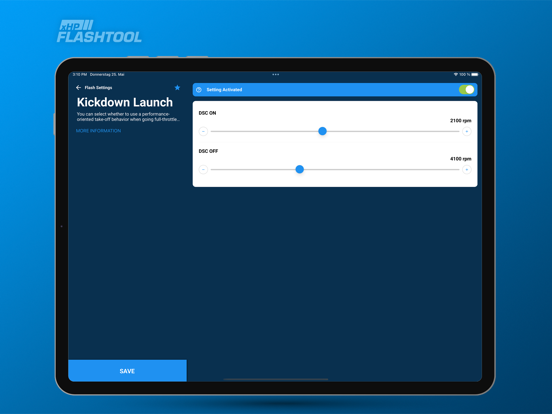
While the hardware stays widely the same throughout all applications and is mainly divided in only 2 types (6HP19/21 and 6HP26/28 for 6-Speed, 8HP45/50/51 and 8HP70/75/76 for 8-Speed), the software inside the controller makes it possible to adapt the transmission, to every vehicle and mimic a wide range of driver styles. Smooth and comfy in the Luxury applications, the same transmission can be tweaked to deliver snap-on take-off behavior, surprisingly fast shift times and even race-style throttle blips on downshifts.
Tweaking your transmission is not only about getting quicker, or holding more power. An automatic transmission is deeply involved into vehicle dynamics and contributes very much to the overall driving experience. From crawling in traffic, over city driving, to taking your vehicle to the drag strip or a race track, the TCU widely defines how your car feels. Like everyone drives different with a manual, the maps inside the TCU hide the secrets to tweak your automatic transmission to your personal likings and finally experience what was once promised in the glossy brochure: Sheer driving pleasure!
For a seamless start, please read the manual on needed hardware and prerequisites: https://www.xhpflashtool.com
To connect to your car, you have many options: xHP Wifi Adapter (blue), Wifi Thor Adapter, MHD Wifi Adapter (black and orange) or a standard OBD INPA USB or ENET cable! Please check our Connect-Diagram on our website to get further information and sources!
https://www.xhpflashtool.com/connect_diagram/

The ZF Autos are used throughout the whole range, from the 1-Series hatchbacks, to the mighty Alpina and M cars!
While the hardware stays widely the same throughout all applications and is mainly divided in only 2 types (6HP19/21 and 6HP26/28 for 6-Speed, 8HP45/50/51 and 8HP70/75/76 for 8-Speed), the software inside the controller makes it possible to adapt the transmission, to every vehicle and mimic a wide range of driver styles. Smooth and comfy in the Luxury applications, the same transmission can be tweaked to deliver snap-on take-off behavior, surprisingly fast shift times and even race-style throttle blips on downshifts.
Tweaking your transmission is not only about getting quicker, or holding more power. An automatic transmission is deeply involved into vehicle dynamics and contributes very much to the overall driving experience. From crawling in traffic, over city driving, to taking your vehicle to the drag strip or a race track, the TCU widely defines how your car feels. Like everyone drives different with a manual, the maps inside the TCU hide the secrets to tweak your automatic transmission to your personal likings and finally experience what was once promised in the glossy brochure: Sheer driving pleasure!
For a seamless start, please read the manual on needed hardware and prerequisites: https://www.xhpflashtool.com
To connect to your car, you have many options: xHP Wifi Adapter (blue), Wifi Thor Adapter, MHD Wifi Adapter (black and orange) or a standard OBD INPA USB or ENET cable! Please check our Connect-Diagram on our website to get further information and sources!
https://www.xhpflashtool.com/connect_diagram/
Show More
What's New in the Latest Version 3.17.5
Last updated on May 26, 2026
Old Versions
We're constantly working to improve your experience with xHP Flashtool.
Here's what's new in this version:
- Various bug fixes and improvements
Here's what's new in this version:
- Various bug fixes and improvements
Show More
Version History
3.17.5
May 26, 2026
We're constantly working to improve your experience with xHP Flashtool.
Here's what's new in this version:
- Various bug fixes and improvements
Here's what's new in this version:
- Various bug fixes and improvements
xHP Flashtool FAQ
Click here to learn how to download xHP Flashtool in restricted country or region.
Check the following list to see the minimum requirements of xHP Flashtool.
iPhone
iPad
Related Videos
Latest introduction video of xHP Flashtool on iPhone