ADReader

ADReader


Free

1.0.8for iPhone, iPad and more
AbleDocs, Inc.
Developer
107.4 MB
Size
Aug 5, 2022
Update Date
Productivity
Category
4+
Age Rating
Age Rating
4+
Apps in this category do not contain restricted content.
9+
Apps in this category may contain mild or occasional cartoon, fantasy or real-life violence, as well as occasional or mild adult, sexually suggestive or horrifying content and may not be suitable for children under 9 years of age.
12+
Apps in this category may contain occasional mild indecent language, frequent or intense cartoon or real-life violence, minor or occasional adult or sexually suggestive material, and simulated gambling, and may be for children under 12 years of age.
17+
You must be at least 17 years old to access this App.
Apps in this category may contain frequent and intense offensive language; Frequent and intense cartoon, fantasy or realistic violence: frequent and intense adult, scary and sexually suggestive subjects: as well as sexual content, nudity, tobacco, alcohol and drugs, may not be suitable for children under 17 years of age.
ADReader Screenshots
ADReader posterADReader posterADReader posterADReader poster

About ADReader

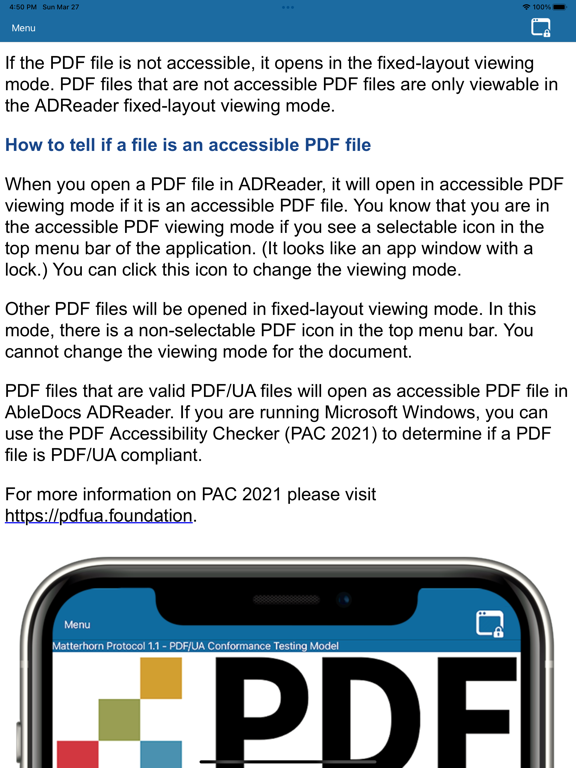
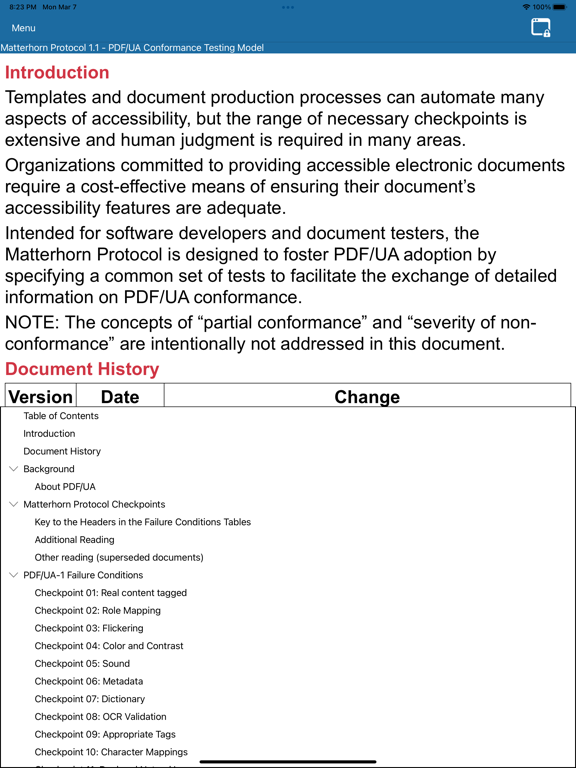
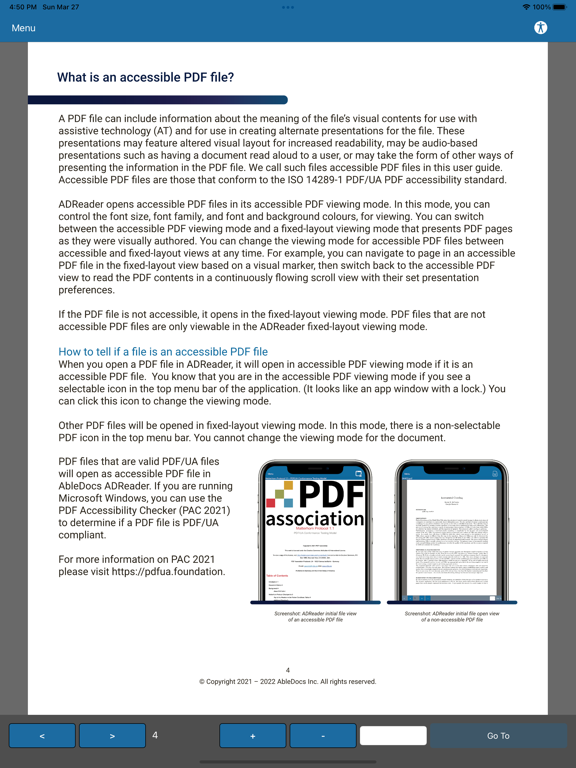
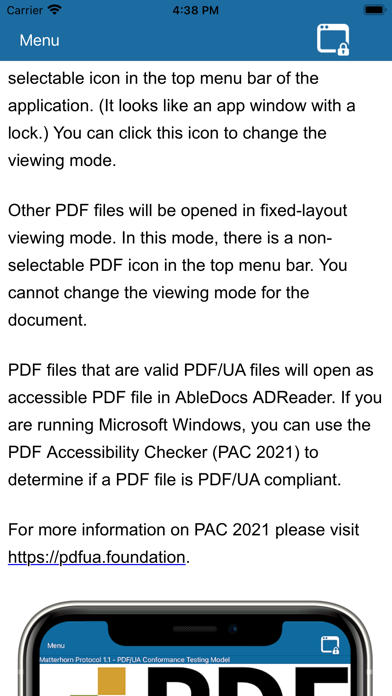
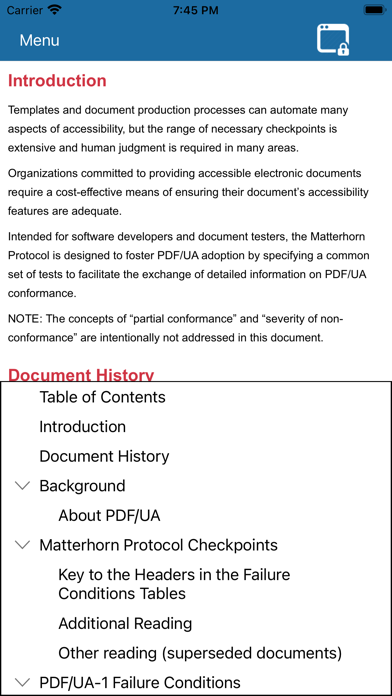
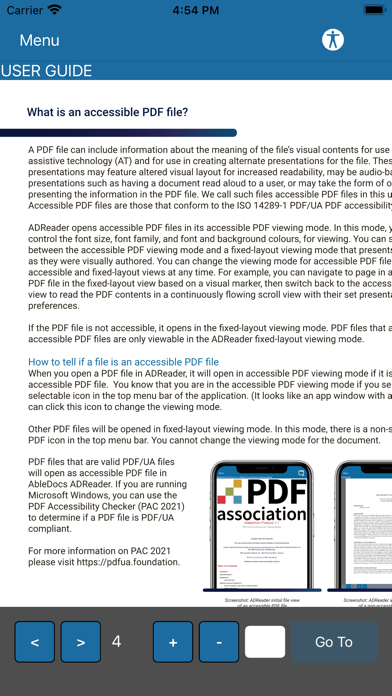
ADReader brings a reactive, responsive and customizable viewing experience for accessible PDF/UA-1 compliant PDF files. Now, you can read and navigate accessible PDF files using the semantic information built into these files - without having to send files to an external web service for reformatting.

Show More

What's New in the Latest Version 1.0.8

Last updated on Aug 5, 2022
Old Versions
Stability and performance has been improved when switching between files.
Show More
Version History
1.0.8
Aug 5, 2022
Stability and performance has been improved when switching between files.
1.0.7
Jul 16, 2022
New Feature: Contrast Colour Corrector
Adds automatic contrast improvements to backgrounds behind text in in the Accessible Reflow View.
If there is poor contrast between the document font colour and the user-selected background colour while in Accessible Reflow View, the background colour behind the problematic text will be changed to improve contrast.
This feature can be toggled on or off with the “Enable colour contrast corrector” button in the Settings Menu.
If the “Use Document Font Colour” font colour setting is changed to a static colour, this feature is disabled.

Accessibility Improvements when using VoiceOver
The navigation controls in the Fixed Layout display are now disabled when the headings, bookmarks or search menus are open. This ensures that navigation via swipe gestures when VoiceOver is enabled does not interact with these hidden controls.
Heading levels are read aloud using VoiceOver when selecting or highlighting a heading in the headings menu.
The Settings menu buttons which open the font colour, font family, font size and background colour are all read correctly as “button” when using VoiceOver.

The first image in a file displayed in the Accessible Reflow View will no longer sometimes not load into the document.

Search queries using ' and “ characters are now supported when using the in-app search functionality.

Improved figure generation process to accurately nest child elements and alt-text where possible. Figures are no longer automatically converted into images, and are converted to images only when appropriate.

General bug-fixes and stability fixes have been incorporated.
1.0.6
Jun 2, 2022
Improved compatibility with PDF/UA Reference Suite files
Flexibility for handing PDFs with errors has been improved. Invalid characters in a PDF are now ignored where possible, instead of resulting in a failure to load into Accessible Reflow view.
Image page region calculation has been improved to ensure that images more accurately capture the tagged page region. This results in images more accurately being generated to match the original document layout and fewer “blank” images.

Improved VoiceOver read aloud functionality when announcing errors, warnings or messages in files.
When a file is opened and an error, warning or message is displayed to the user while using VoiceOver, the full message will now be read aloud. After the message is read, the document title to the user.

General bug-fixes and stability fixes have been incorporated.
1.0.5
May 16, 2022
New Feature: Named Bookmark and Heading Destination Support
This provides users a way to navigate to Headings and Bookmarks in files using Named Destinations via the Headings and Bookmarks menus.
Several changes have been made to further support for the PDF Reference Suite files and other similar PDF/UA files.
An image which fails to render or load will no longer block all following images from loading in Accessible Reflow View.
Recent Files list now properly saves PDF and PDF/UA files with single quotes (') in their name or file path which were viewed.
Missing localizations have been added for use with French and German languages.
Various Accessibility improvements have been added to improve usability with screen reader tools such as VoiceOver and TalkBack
General bug-fixes and stability fixes have been incorporated.
1.0.3
Apr 15, 2022
- New Feature: German User Guide
- Accessible when the user’s OS Language is set to German. After this, the German User Guide can be opened by tapping the User Guide button in the Flyout Menu.
- Improved Fixed Layout Non-UA PDF Compatibility
- Certain non-UA PDF Files previously had trouble being displayed in ADReader, either displaying with fonts missing or being unable to open. Many of these files have been addressed to display in Fixed Layout display, with more to follow in upcoming releases.
- Note that some of thee files may not allow for heading navigation, bookmark navigation or search navigation. If the desired functionality is not available, you will receive an on-screen notification.
- Improved VoiceOver Screen Reader Functionality
- When closing the Headings, Bookmark or Search menus, focus will be brought to either the top-most element in the display window (for Headings or Bookmark navigation) or to the selected Search Result (when closing the Search Menu).
- This element will be read aloud when using Screen Reader tools such as VoiceOver.
- User Interface elements now have more accurate Read Aloud text, making their functionality more clear when using Screen Reader Tools
- Menu Buttons such as the Settings or About Us “Back” button now clearly state their functionality to aid users using Screen Reader tools.
- “Use Document Colour” Settings Work as Intended in Non-English Languages.
- When selecting the “Use Document Colour” setting for Font Colour in the in-app settings mode, this will now accurately display the colours in the Accessible Reflow Mode, regardless of the device language.
- Performance Improvements for Image Rendering Process in Accessible Reflow View
- When a document is closed while an image is being processed for display in the Accessible Reflow view, all images waiting to be rendered will now not be rendered in order to save battery life and to help avoid crashing.
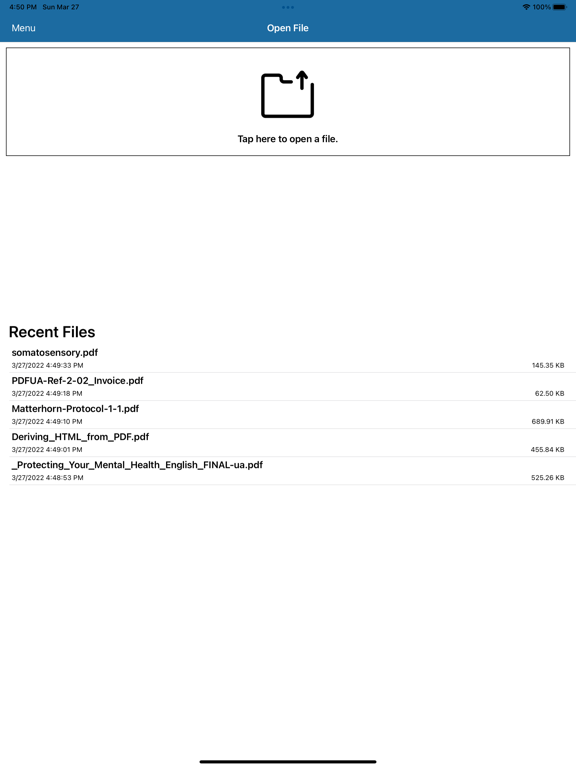
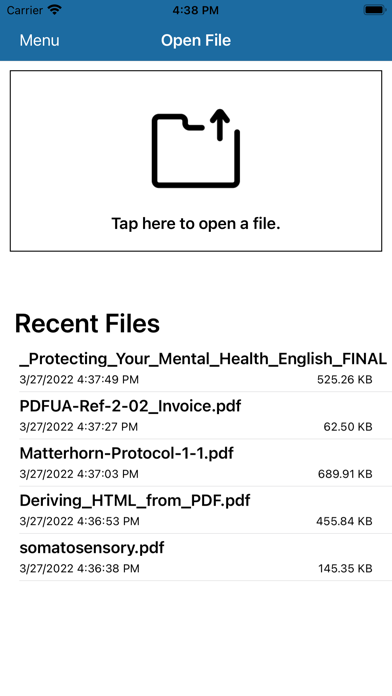
- Automatically Remove Any Entries in Recent Files List Which Cannot be Found
- This change ensures that all files in the Recent Files list can be opened. Any file which cannot be opened from the Recent Files list is automatically removed.
- General bug-fixes and stability fixes have been incorporated.
1.0.2
Mar 28, 2022

ADReader FAQ

Click here to learn how to download ADReader in restricted country or region.
Check the following list to see the minimum requirements of ADReader.
iPhone
Requires iOS 9.0 or later.
iPad
Requires iPadOS 9.0 or later.
iPod touch
Requires iOS 9.0 or later.
ADReader supports English, French, German

ADReader Alternative

You May Also Like