Apps in this category do not contain restricted content.
9+
Apps in this category may contain mild or occasional cartoon, fantasy or real-life violence, as well as occasional or mild adult, sexually suggestive or horrifying content and may not be suitable for children under 9 years of age.
12+
Apps in this category may contain occasional mild indecent language, frequent or intense cartoon or real-life violence, minor or occasional adult or sexually suggestive material, and simulated gambling, and may be for children under 12 years of age.
17+
You must be at least 17 years old to access this App.
Apps in this category may contain frequent and intense offensive language; Frequent and intense cartoon, fantasy or realistic violence: frequent and intense adult, scary and sexually suggestive subjects: as well as sexual content, nudity, tobacco, alcohol and drugs, may not be suitable for children under 17 years of age.
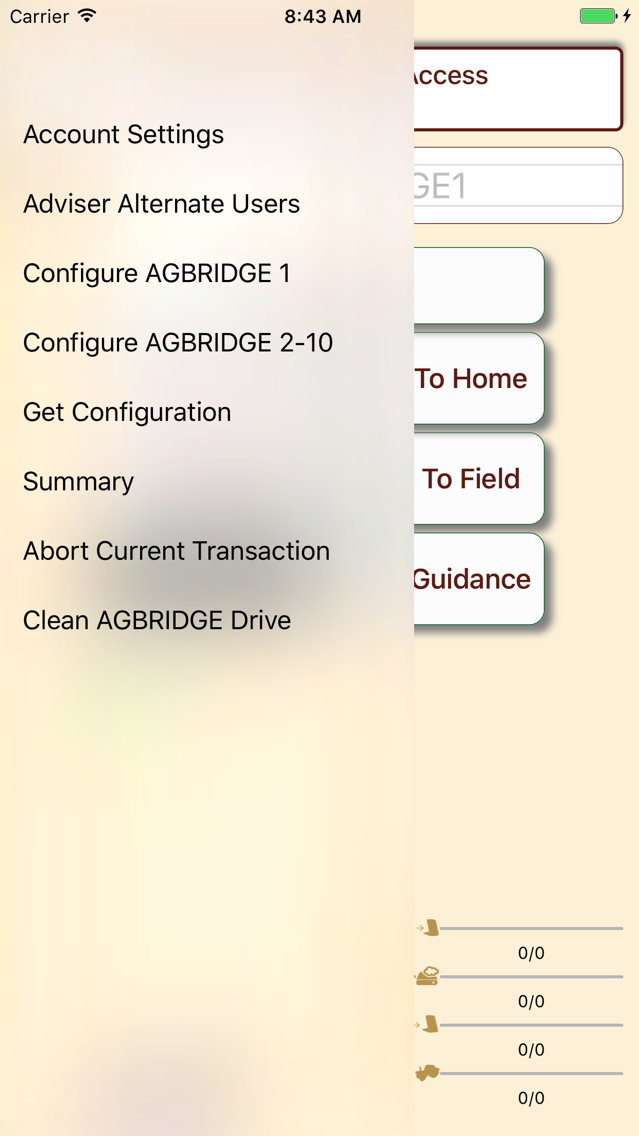
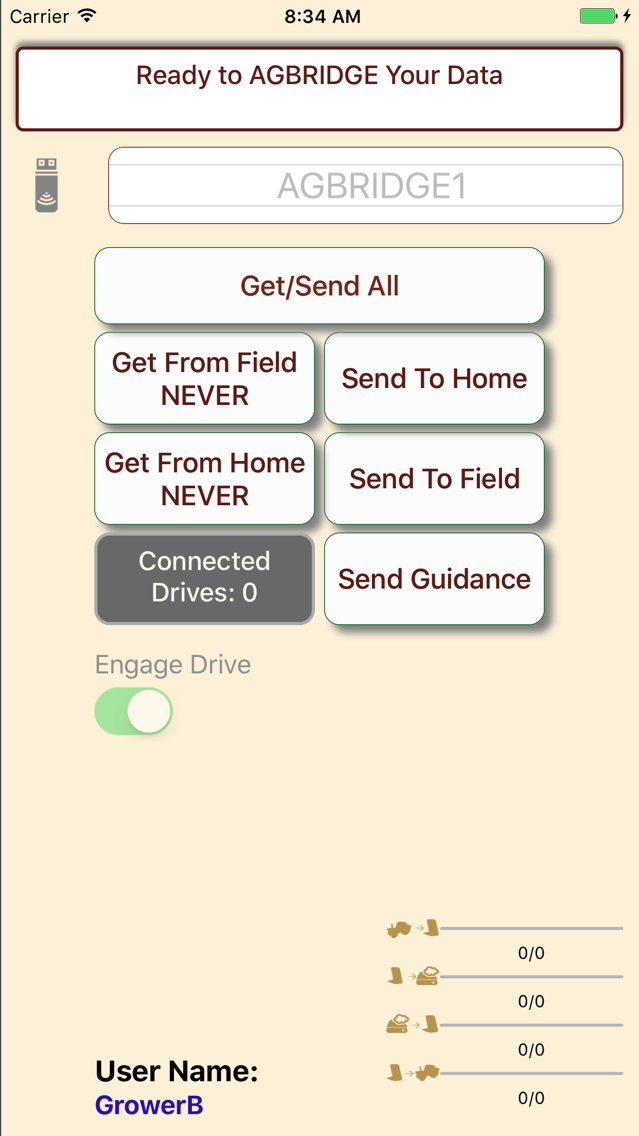
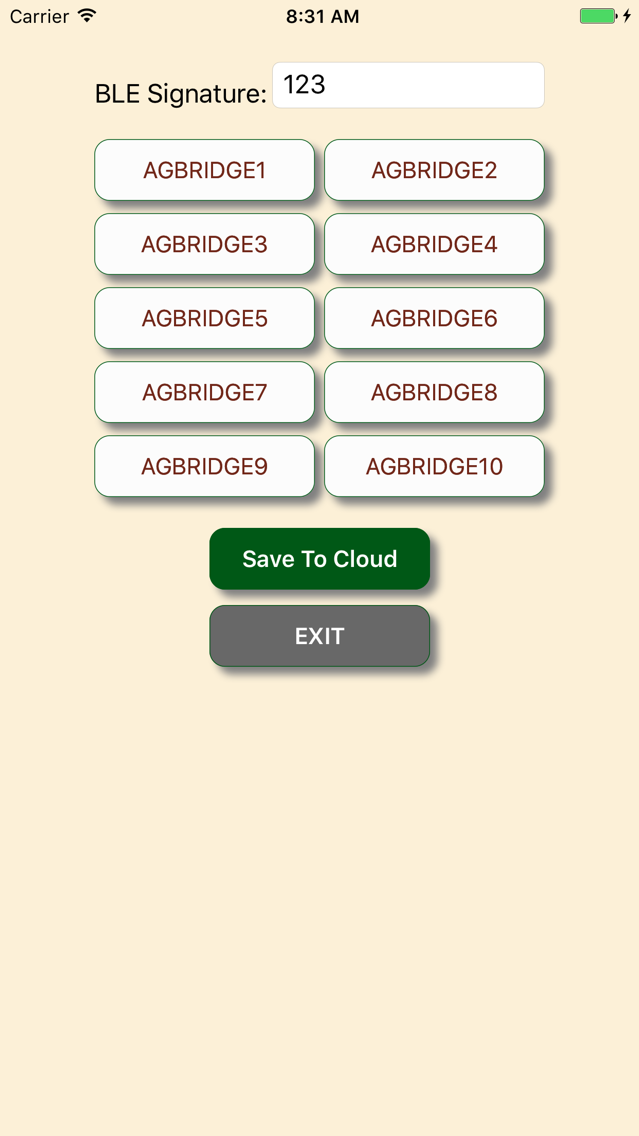
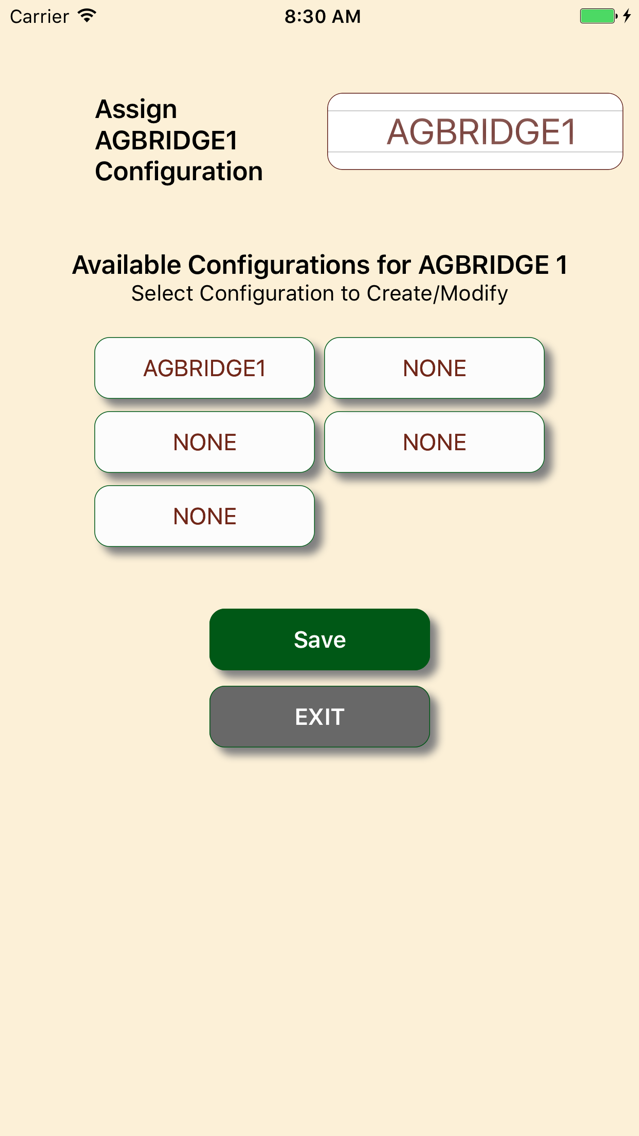
AGBRIDGE Screenshots
About AGBRIDGE
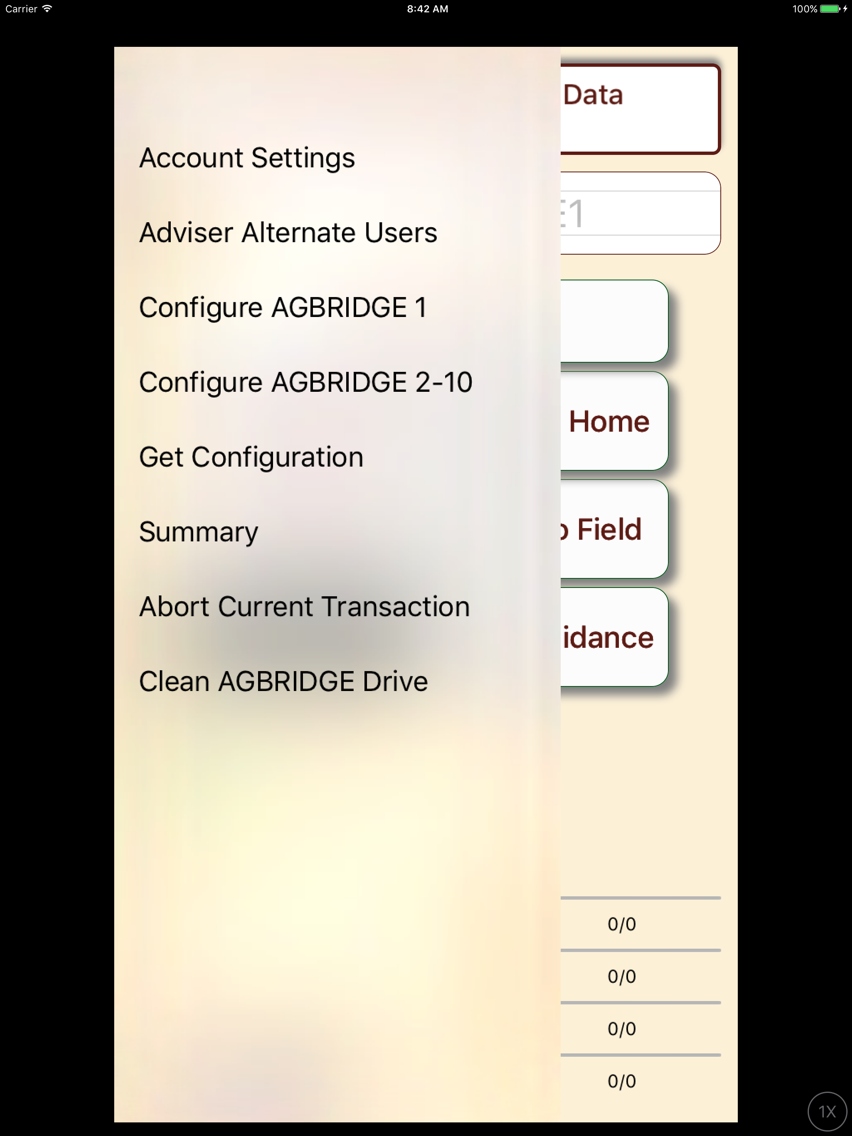
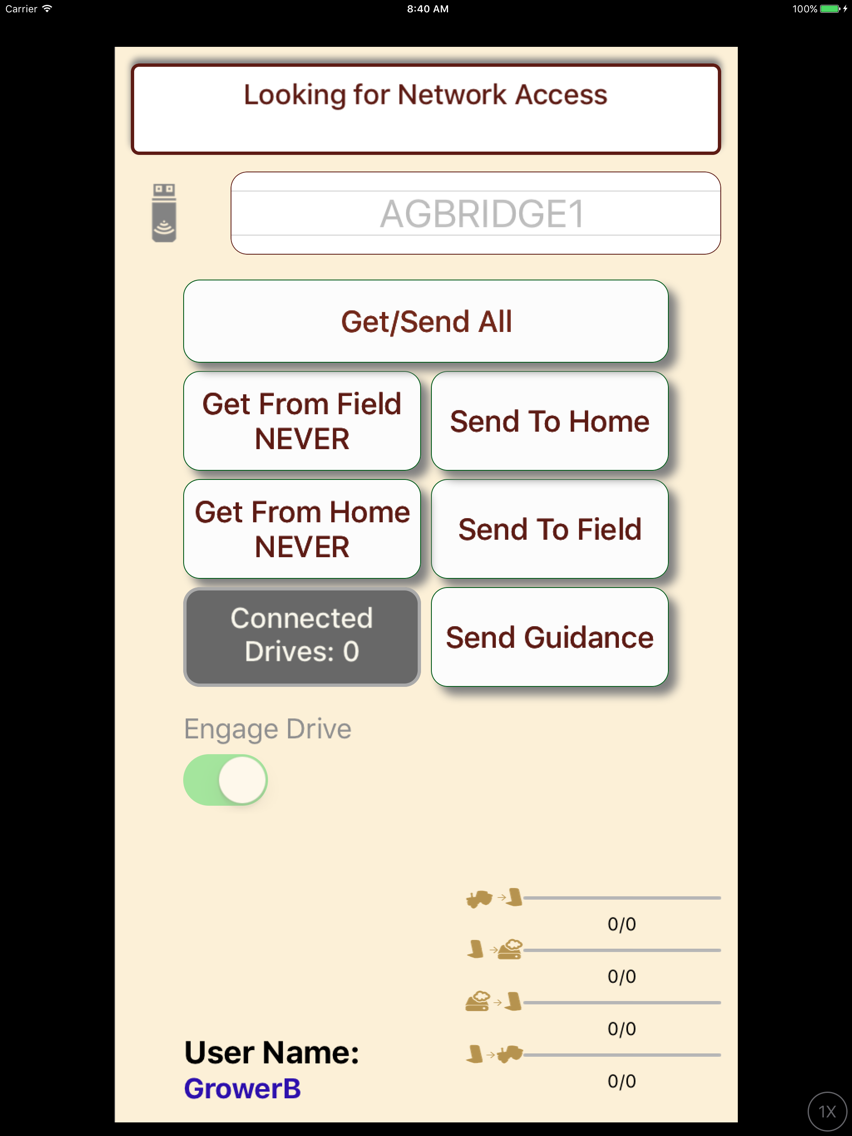
The AGBRIDGE mobile app allows users to move data from their in-cab field computer (Trimble, AgLeader, Raven, CASEIH, John Deere) to their cloud account and desktop when paired with an AGBRIDGE DrIve. see www.scruggseq.com/agbridge for more details.
Show More
Show Less
What's New in the Latest Version 3.12.1
Last updated on Aug 26, 2019
Old Versions
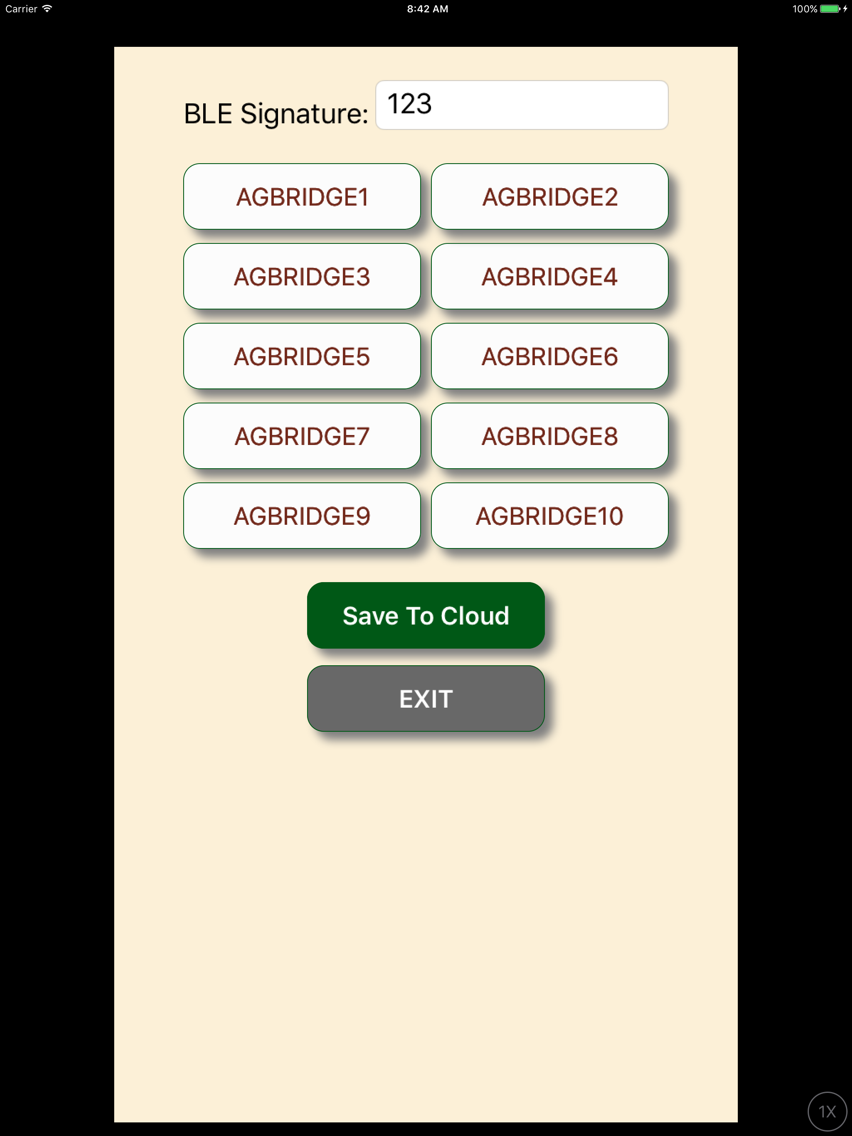
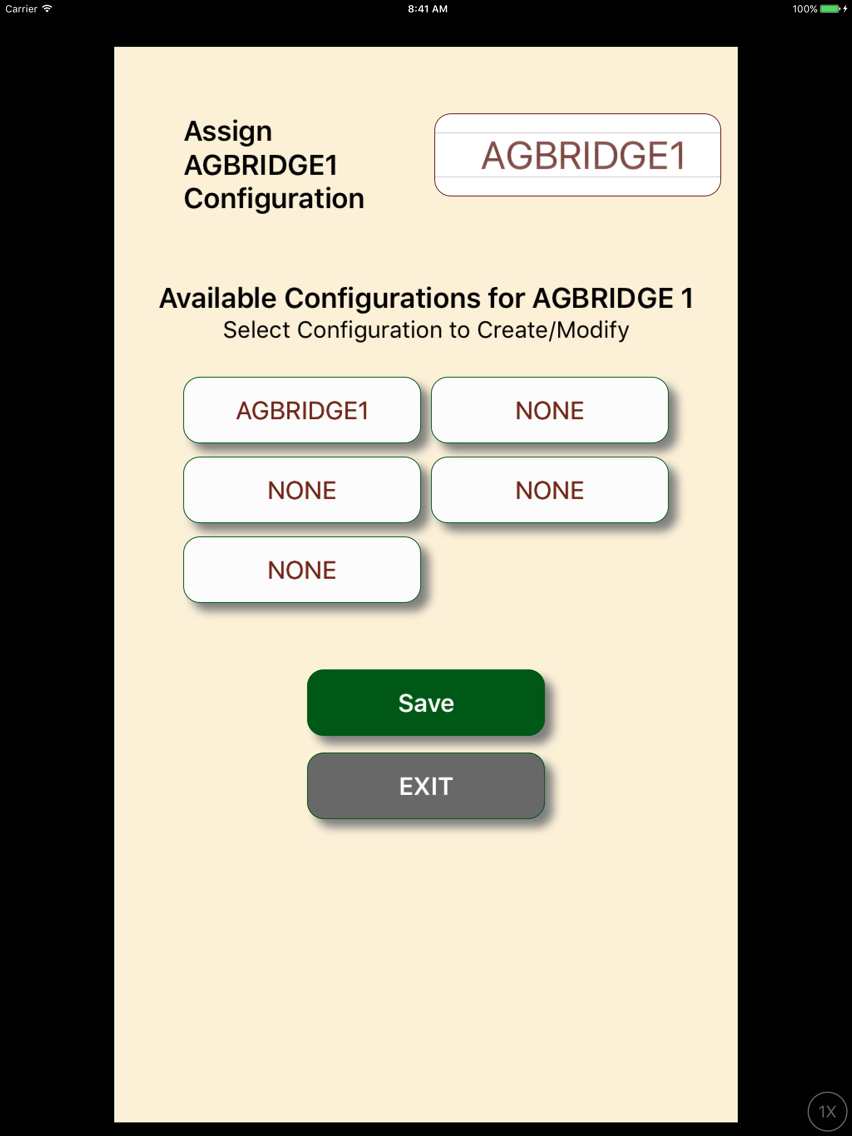
Support for mobile and wifi config coordination with cloud. Added menu icon for more intuitive menu
Show More
Show Less
Version History
3.12.1
Aug 26, 2019
Support for mobile and wifi config coordination with cloud. Added menu icon for more intuitive menu
3.12.0
Jul 2, 2019
Add indicator for when drive is connected to wifi but no internet access. improved config messaging and handling.
3.11.19
Jun 9, 2019
Added pull down option for John Deere GS4 controller
3.11.18
May 22, 2019
Location Services in background misc bug fixes
3.11.17
May 2, 2019
Removed messaging when not in auto all mode. If using wifi-direct, you should choose wifi-direct preferred. When new data is available on the drive, the app will not longer post an alert as the data will be sent directly by the drive. status can be seen in the wifi-direct status screen
3.11.16
Apr 23, 2019
general bug fixes.
3.11.10
Mar 19, 2019
Support for allowing WEP encryption on the AGBRIDGE drive
3.11.8
Dec 14, 2016
support for raven slingshot api
support prescription files under raven folders
fixed issue with advisor alternate account