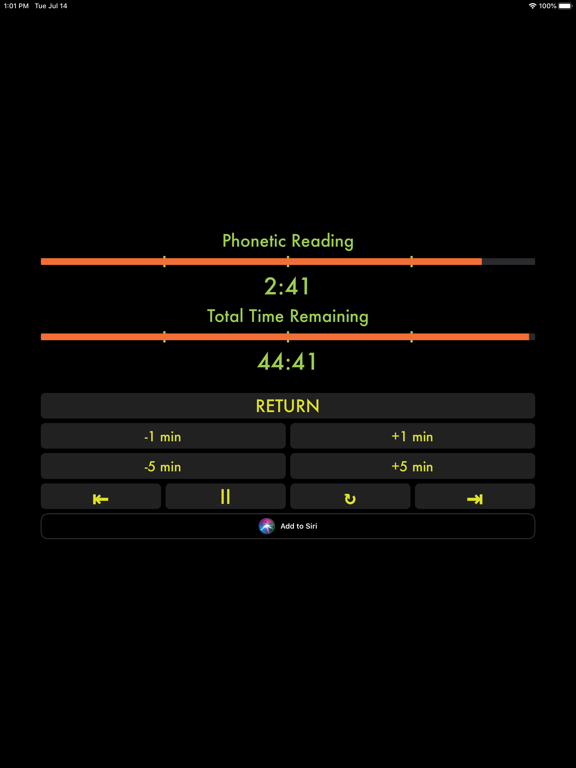
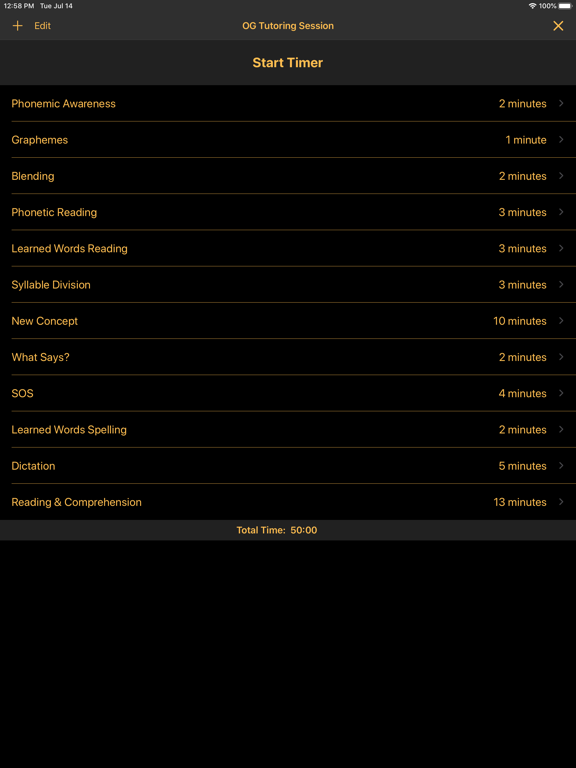
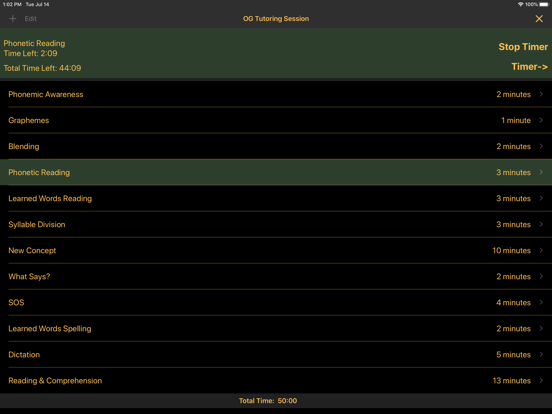
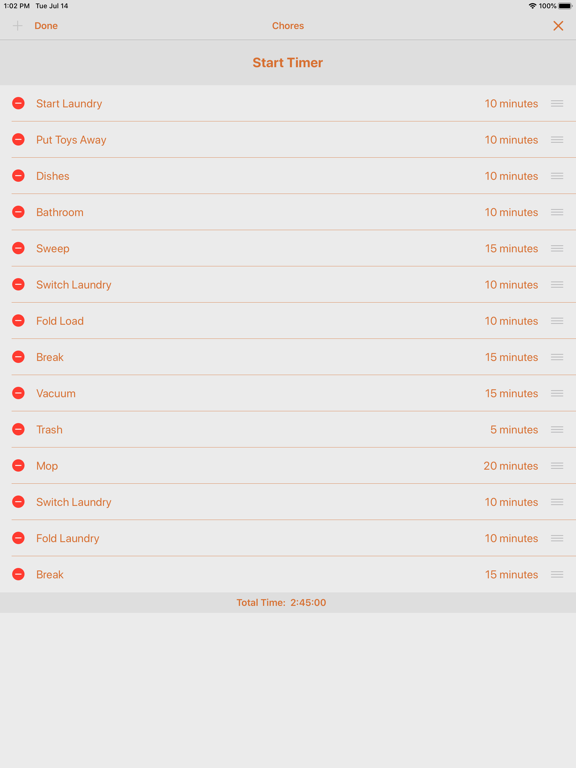
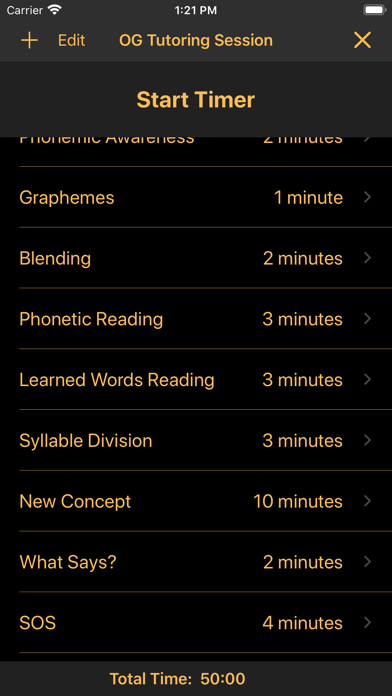
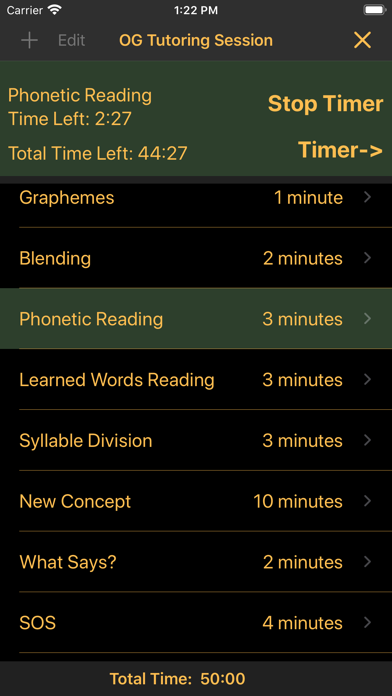
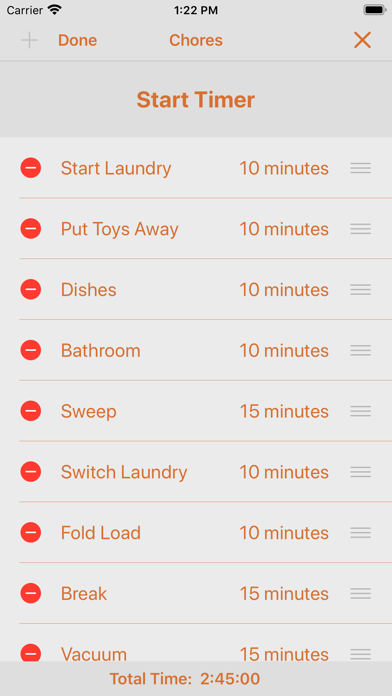
Agenda Timer is a consecutive multitasking countdown timer that will keep you on task with just a few items or many. Appropriate for all avenues of life, this timer can be set up for work, school, or home to keep you on task accomplishing everything on your to do list. Whether you need to stick to a time schedule in a business meeting, classroom, studying, or just have a list of tasks needing to be accomplish Agenda Timer is the perfect tool for you.
*******************
Have you ever desperately needed an app to fill a need and you just couldn’t find what you were looking for? I searched for this type of app for nearly three years without success. This app was born out of a desperate need to have a line item timer to use with my students. I tutor students with dyslexia using the Orton-Gillingham approach. This approach breaks down a tutoring session into about 10 sections. I often times found that the most important section at the end, where my students practice what they learn during our session, was short-changed. I needed a better way to keep track of time during our sessions so I could ensure that our practice time at the end wasn’t short-changed. As we were developing this app we quickly realized just how versatile this app could truly be. Please contact us via the help section with any suggestions that could make this app perfect for your situation.
*******************
Features Include:
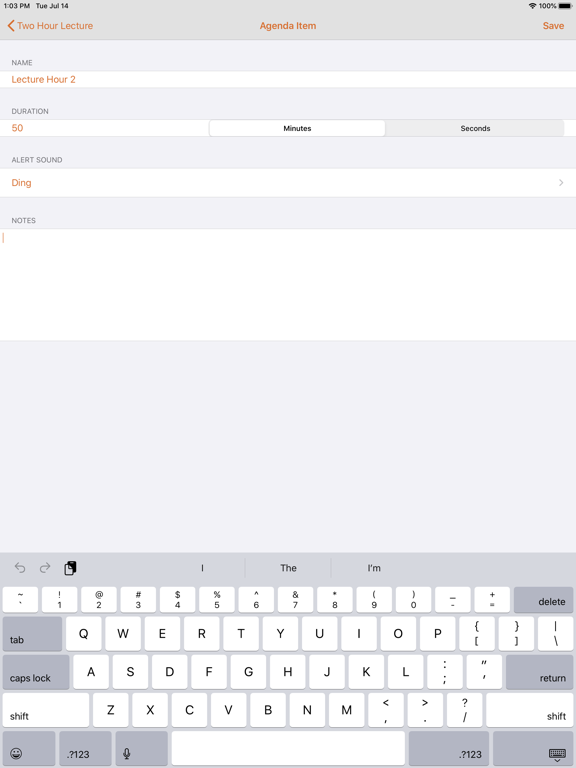
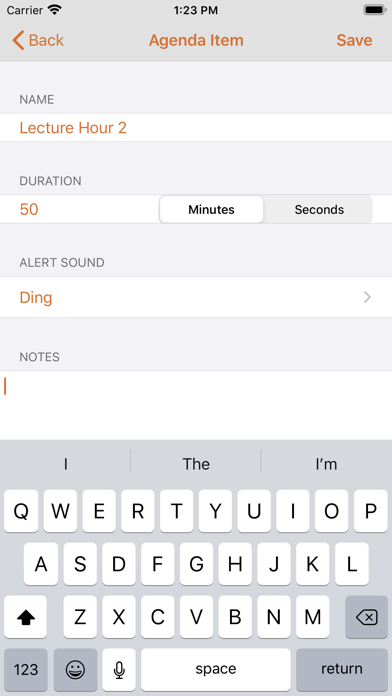
- Unlimited number of line items -> Each line item has its own duration, freehand notes, and selectable alert sound
- Run multiple timers at the same time -> Alerts are standard system notifications, so you can use your device for other tasks while your agenda is in progress and configure exactly how you want the alerts to be delivered
- Receive alerts on your Apple Watch -> Available across all devices on the same Apple account with iCloud storage
- Can also other 3rd party file provider services -> Fully integrated with the Files app
- Share your customized agenda timers with others -> Copy, duplicate, rename, move, delete, and share individual agendas, and tag agendas by color or subject
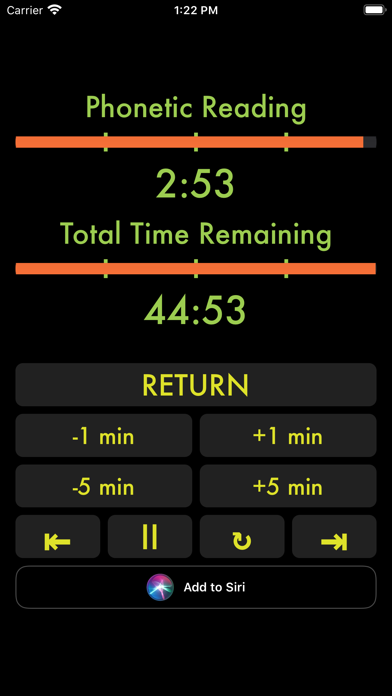
- Temporarily add or subtract time, repeat, or skip line items all while the timer is in progress
*******************
Subscription:
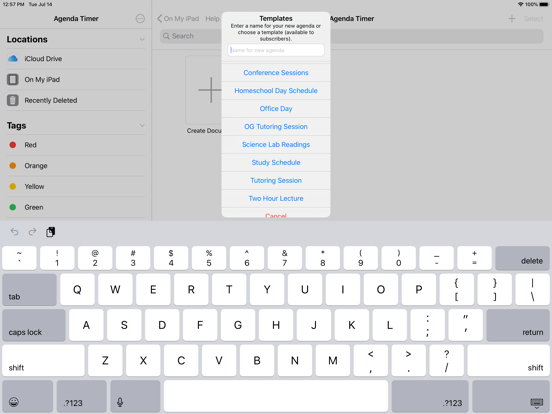
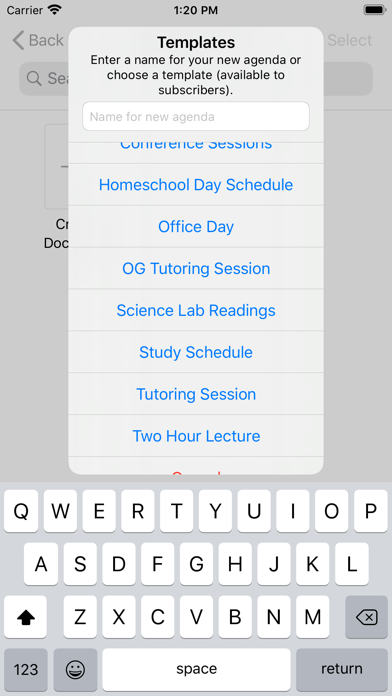
A full access subscription allows you to add more than three line items to an agenda. You also gain access to ten agenda templates, including an Orton-Gillingham tutoring schedule.
At confirmation of purchase, payment will be charged to your iTunes account.
Your subscription will automatically renew unless auto-renew is turned off no less than 24 hours before the end of the current subscription period. Your account will be charged for renewal within 24 hours of the end of the current subscription period. Automatic renewals are at full price.
You can manage your subscriptions or turn off auto-renewal in your Account Settings on the App Store.
Privacy Policy is at www.mandevilprogramming.com/PrivacyPolicy.html.
Terms of Use is at www.mandevilprogramming.com/TermsOfUse.html.