Age Rating
4+
Apps in this category do not contain restricted content.
9+
Apps in this category may contain mild or occasional cartoon, fantasy or real-life violence, as well as occasional or mild adult, sexually suggestive or horrifying content and may not be suitable for children under 9 years of age.
12+
Apps in this category may contain occasional mild indecent language, frequent or intense cartoon or real-life violence, minor or occasional adult or sexually suggestive material, and simulated gambling, and may be for children under 12 years of age.
17+
You must be at least 17 years old to access this App.
Apps in this category may contain frequent and intense offensive language; Frequent and intense cartoon, fantasy or realistic violence: frequent and intense adult, scary and sexually suggestive subjects: as well as sexual content, nudity, tobacco, alcohol and drugs, may not be suitable for children under 17 years of age.
A-List+ Screenshots
A-List+ posterA-List+ posterA-List+ posterA-List+ posterA-List+ poster

About A-List+

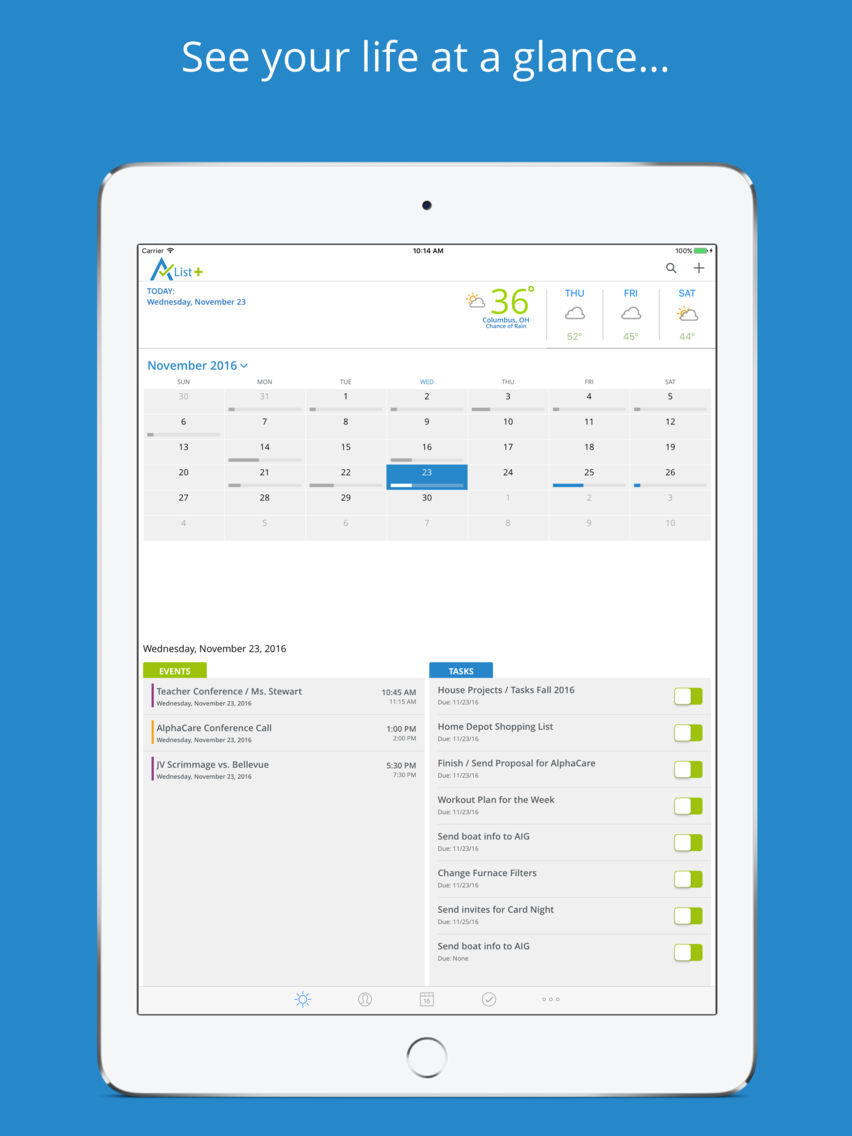
A-List+ helps you manage what matters by integrating all of your essential information in one app, accessible and synchronized across all of your iOS devices. If you're like most people, you use different apps for your Calendar, Contacts, To-Do list, Notes, Passwords, Projects and Weather. Replace them all with A-List+, your all-in-one life-management app. Get a consistent dashboard-based interface, secure, real-time synchronization across all of your iOS devices and functionality that the stand-alone apps can’t match.

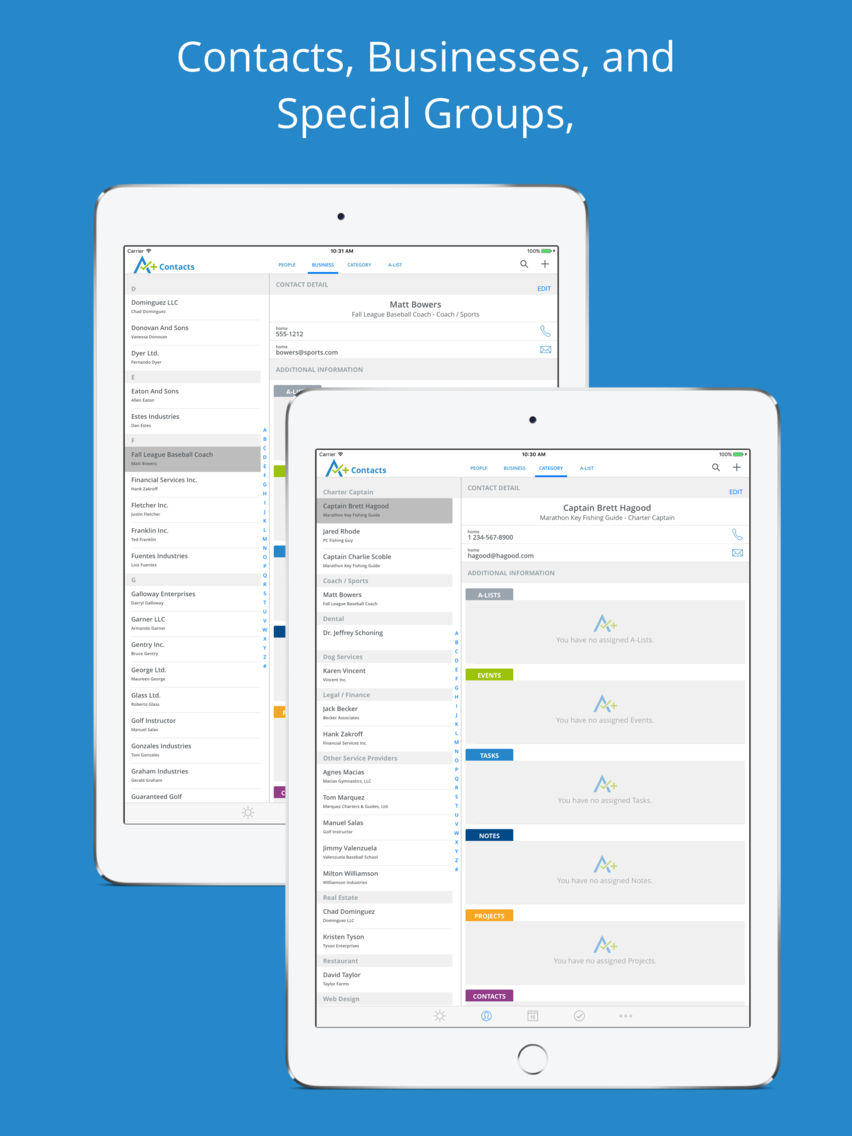
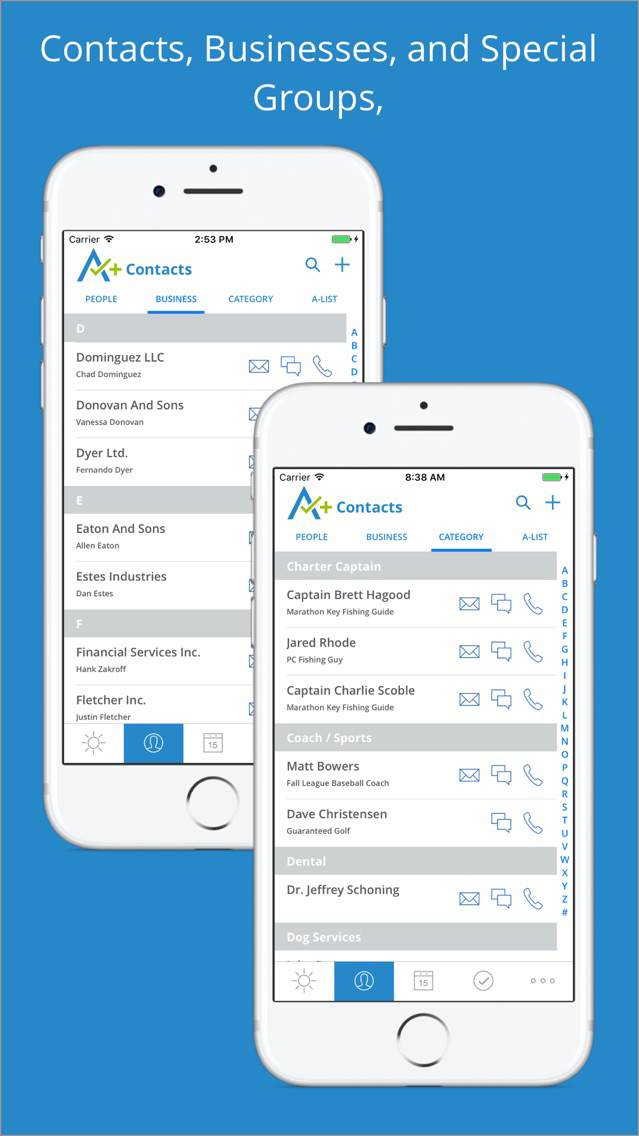
• Interact with and manage your Contacts like never before. View, search and sort by Name, Business Name, Category, or Contact Group.

• Easily add Notes and assign Events, Tasks, or Projects to Contacts.

• Full bi-directional synchronization with your iOS Contacts. Quickly import your existing Contacts and never again enter a piece of data twice.

• Manage Personal, Work, and Family calendars in one streamlined view. Import and finally tame your insane schedule.

• Import and sync your iOS calendars and assign Contacts, Tasks, and Notes to any Event.

• Stay ahead of your endless To Do list with A-List+. Quickly add a Task from anywhere in the app, assign a due date, one or more sub-tasks and easily associate Contacts, Events, Notes, or images.

• See Tasks due today or tomorrow on the Dashboard, review overdue and completed Tasks and feel the power of accomplishment as you efficiently check them off your list.

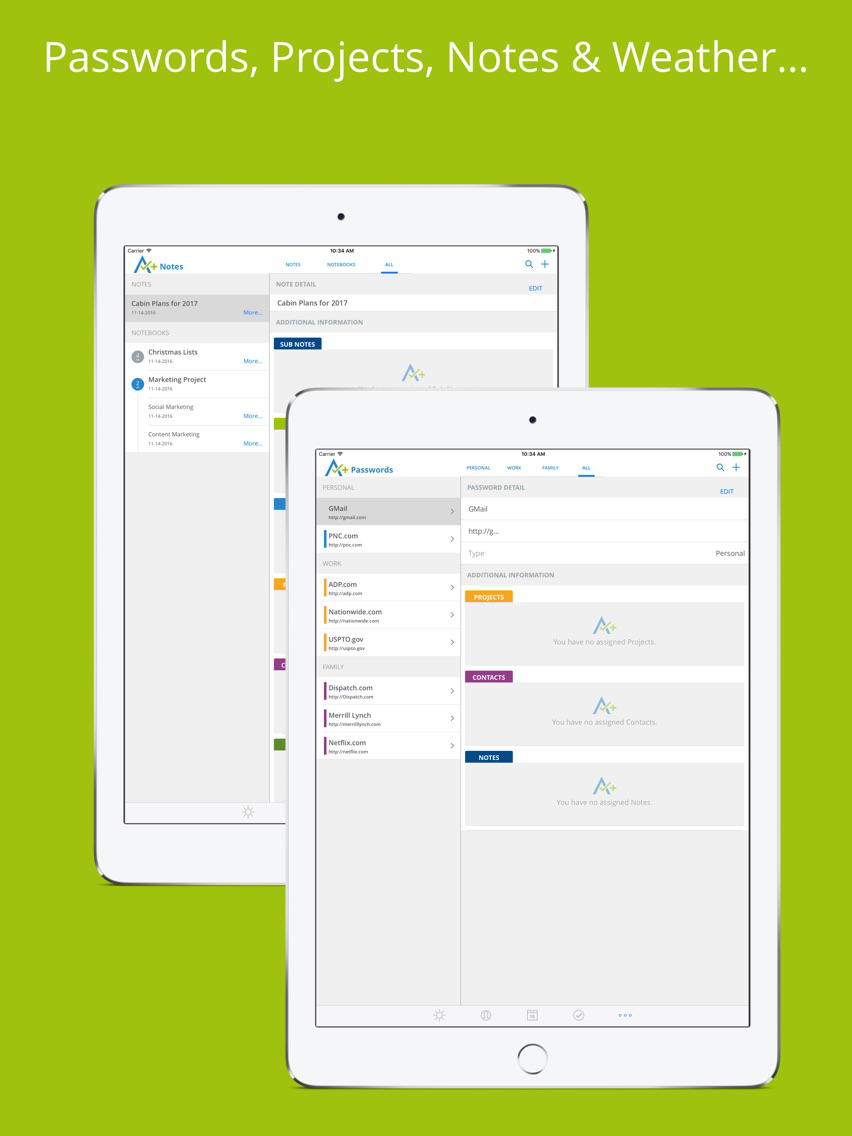
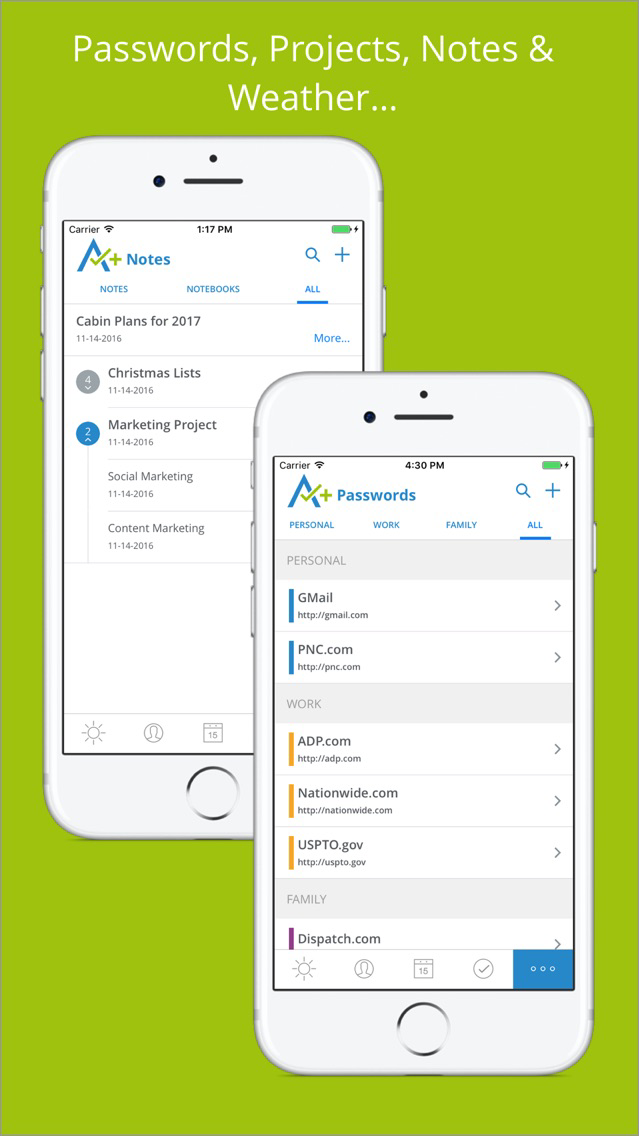
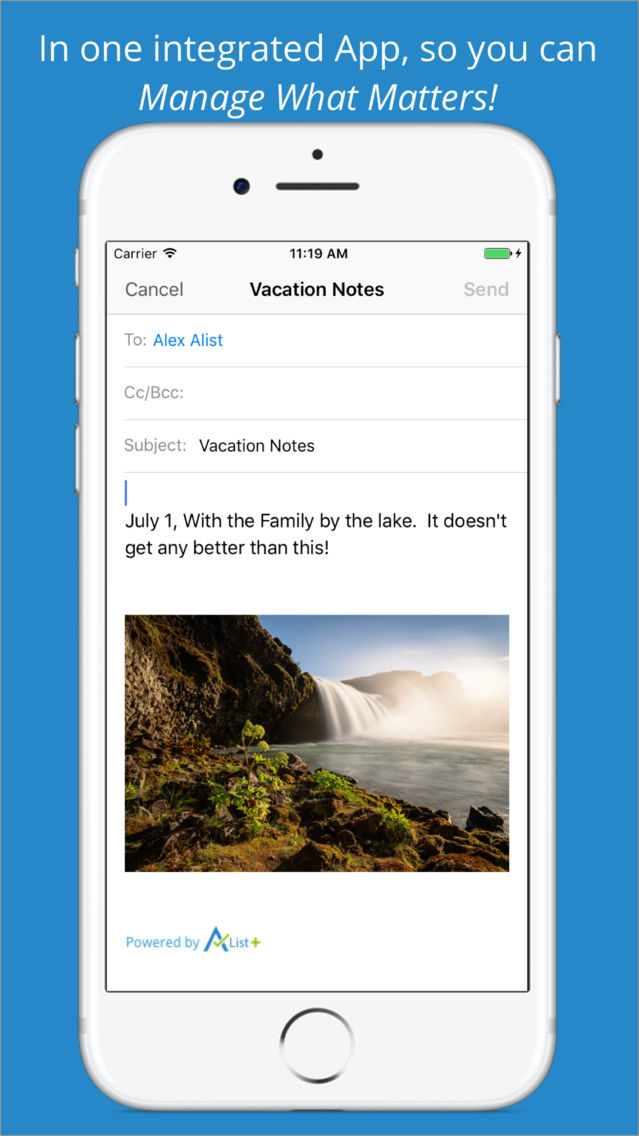
• Organize your thoughts and record your memories with A-List+ Notes and Notebooks. Assign images to Notes and share them via email, text, or on Facebook.

• Securely store your never-ending list of important User Names and Passwords in A-List+ and always have them in the palm of your hand.

• Create and manage complex Projects: integrating Events, Contacts, Tasks, Notes, images and more.

• See location-based Weather on your Dashboard and get a 4 day forecast without leaving A-List+.

Testimonials:

“I have been using A-List+ to organize my day. I create a list of tasks and check them off as I get them done. It's a great way to stay on task because I hate looking at the red overdue button. Keeps me motivated - I love it!” – Carla B.

“I use A-List every day as my "To Do" checklist. I also appreciate the password storage feature since I frequently forget the passwords to specific store apps when I'm out shopping and need to sign in to take advantage of a special price.” – Stacey J.

“I am technologically challenged, but have found A-List+ easy and simple to use. I especially like me the password feature, since I have a very large number to track and because I have to change many of them frequently, A-List+ makes it simple to record changes.” – Mike D.

Community and Support:

Join our A-List Army to learn more about A-List+ and get updates about future releases: http://www.alistplus.com/#enlistAnchor

Like and Follow us on Facebook:
https://www.facebook.com/alistplus/

and Twitter: @AListPlus

We value our users’ feedback. To this end we have imbedded Feedback in A-List+, but if you ever need to reach out:

support@alistplus.com

Show More

What's New in the Latest Version 2.9.2

Last updated on Sep 21, 2018
Old Versions
We’re excited to bring you the latest version of A-List+, your all-in-one, life management app. Thank you for your continued support, feedback and suggestions! Prioritized from customer requests, we’ve expanded the weather feature, improved calendar synchronization, sped up launch time and more. With this update, you can now see a 10-day extended forecast with even more weather related details. We’ve also added a brand new feature - Hourly forecasts. Detailed weather information, including wind speed, direction, humidity and more is displayed for each hour of the day. We’ve also enhanced the Calendar feature in A-List+, adding all of your native Calendars as Calendar types to A-List+. In addition to our standard “Personal”, “Family”, and “Work” Calendar types, you’ll now have access to your iCloud and email account Calendars. Events can be assigned for any Calendar and you can also select a “default” Calendar for all new Events, - saving you time. Go to More, Settings, Options, Default Calendar to set your default Calendar. Finally, this update included numerous minor improvements, bug fixes and performance enhancements. We love hearing from you so keep the feedback and suggestions coming, and THANK YOU for using A-List+!
Show More
Version History
2.9.2
Dec 9, 2016
We’re excited to bring you the latest version of A-List+, your all-in-one, life management app. Thank you for your continued support, feedback and suggestions! Prioritized from customer requests, we’ve expanded the weather feature, improved calendar synchronization, sped up launch time and more. With this update, you can now see a 10-day extended forecast with even more weather related details. We’ve also added a brand new feature - Hourly forecasts. Detailed weather information, including wind speed, direction, humidity and more is displayed for each hour of the day. We’ve also enhanced the Calendar feature in A-List+, adding all of your native Calendars as Calendar types to A-List+. In addition to our standard “Personal”, “Family”, and “Work” Calendar types, you’ll now have access to your iCloud and email account Calendars. Events can be assigned for any Calendar and you can also select a “default” Calendar for all new Events, - saving you time. Go to More, Settings, Options, Default Calendar to set your default Calendar. Finally, this update included numerous minor improvements, bug fixes and performance enhancements. We love hearing from you so keep the feedback and suggestions coming, and THANK YOU for using A-List+!

A-List+ FAQ

Click here to learn how to download A-List+ in restricted country or region.
Check the following list to see the minimum requirements of A-List+.
iPhone
iPad
A-List+ supports English

A-List+ Alternative

You May Also Like

Get more from A-List Enterprises, LLC