Age Rating
4+
Apps in this category do not contain restricted content.
9+
Apps in this category may contain mild or occasional cartoon, fantasy or real-life violence, as well as occasional or mild adult, sexually suggestive or horrifying content and may not be suitable for children under 9 years of age.
12+
Apps in this category may contain occasional mild indecent language, frequent or intense cartoon or real-life violence, minor or occasional adult or sexually suggestive material, and simulated gambling, and may be for children under 12 years of age.
17+
You must be at least 17 years old to access this App.
Apps in this category may contain frequent and intense offensive language; Frequent and intense cartoon, fantasy or realistic violence: frequent and intense adult, scary and sexually suggestive subjects: as well as sexual content, nudity, tobacco, alcohol and drugs, may not be suitable for children under 17 years of age.
Apollo Fire Screenshots
Apollo Fire posterApollo Fire posterApollo Fire posterApollo Fire posterApollo Fire posterApollo Fire posterApollo Fire posterApollo Fire poster

About Apollo Fire

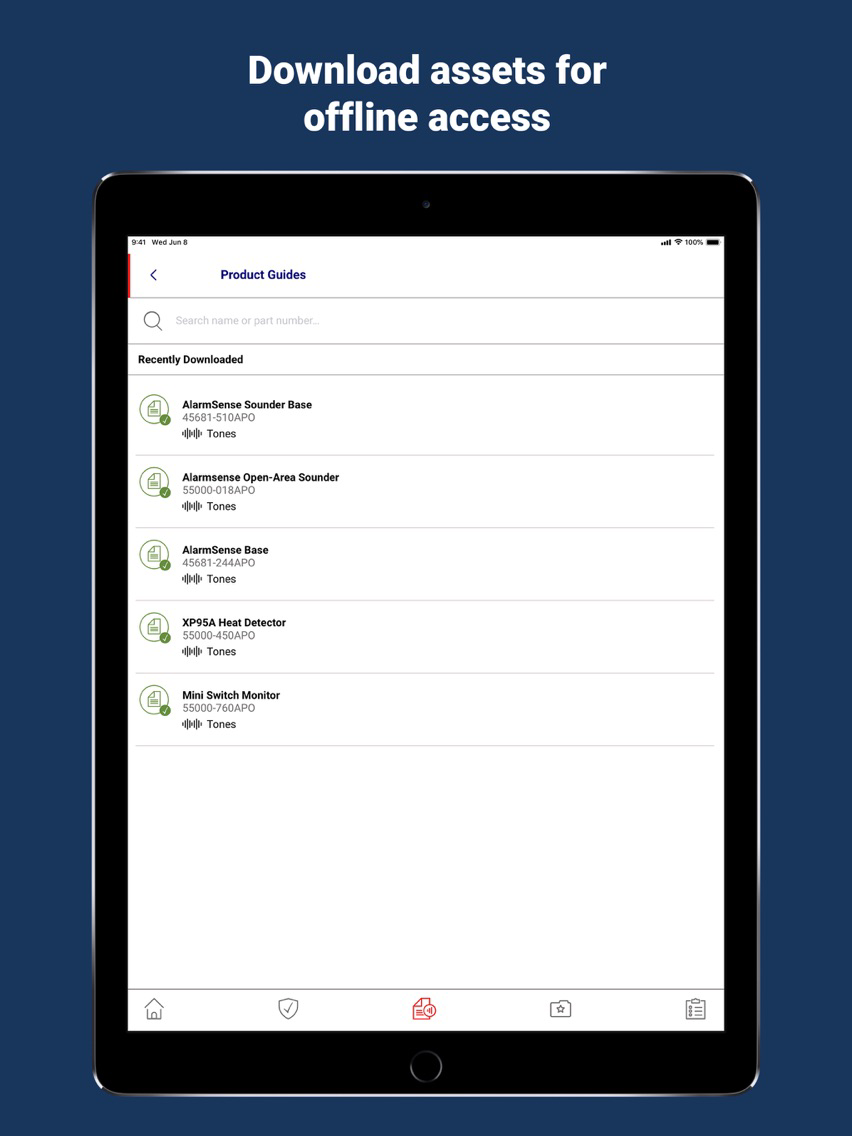
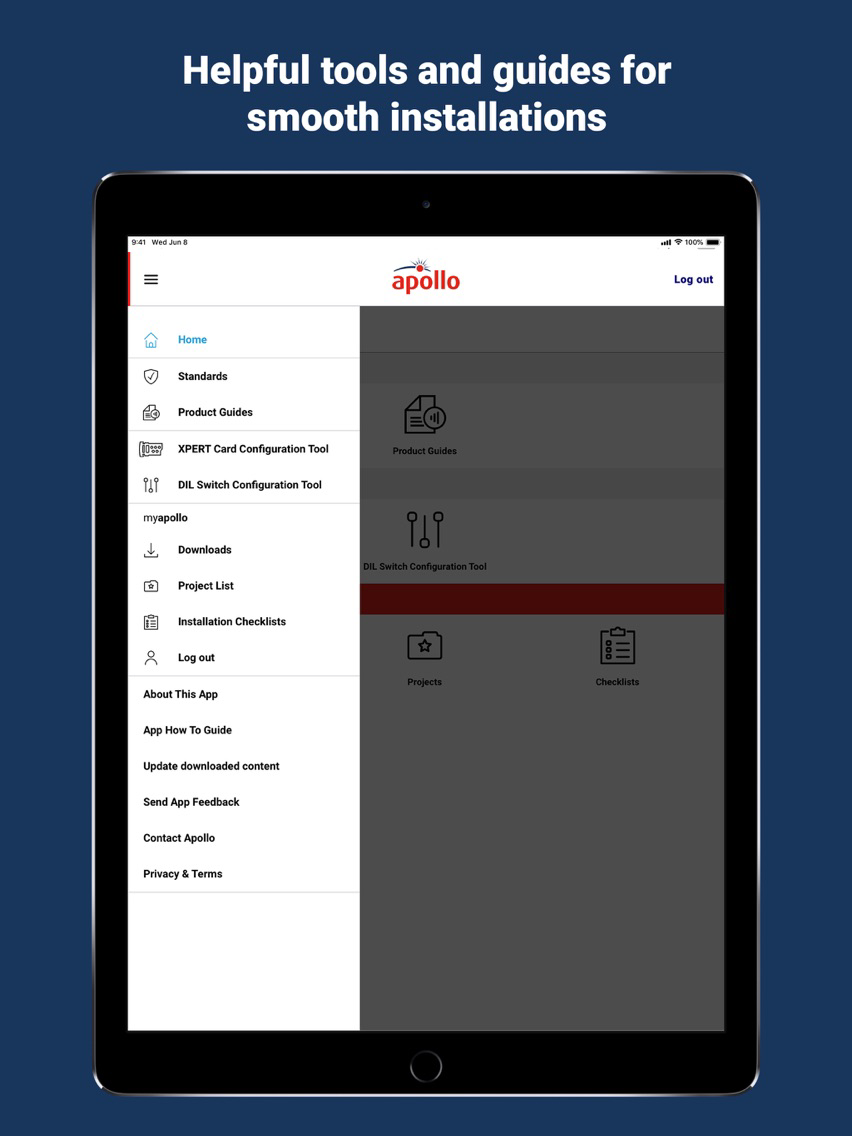
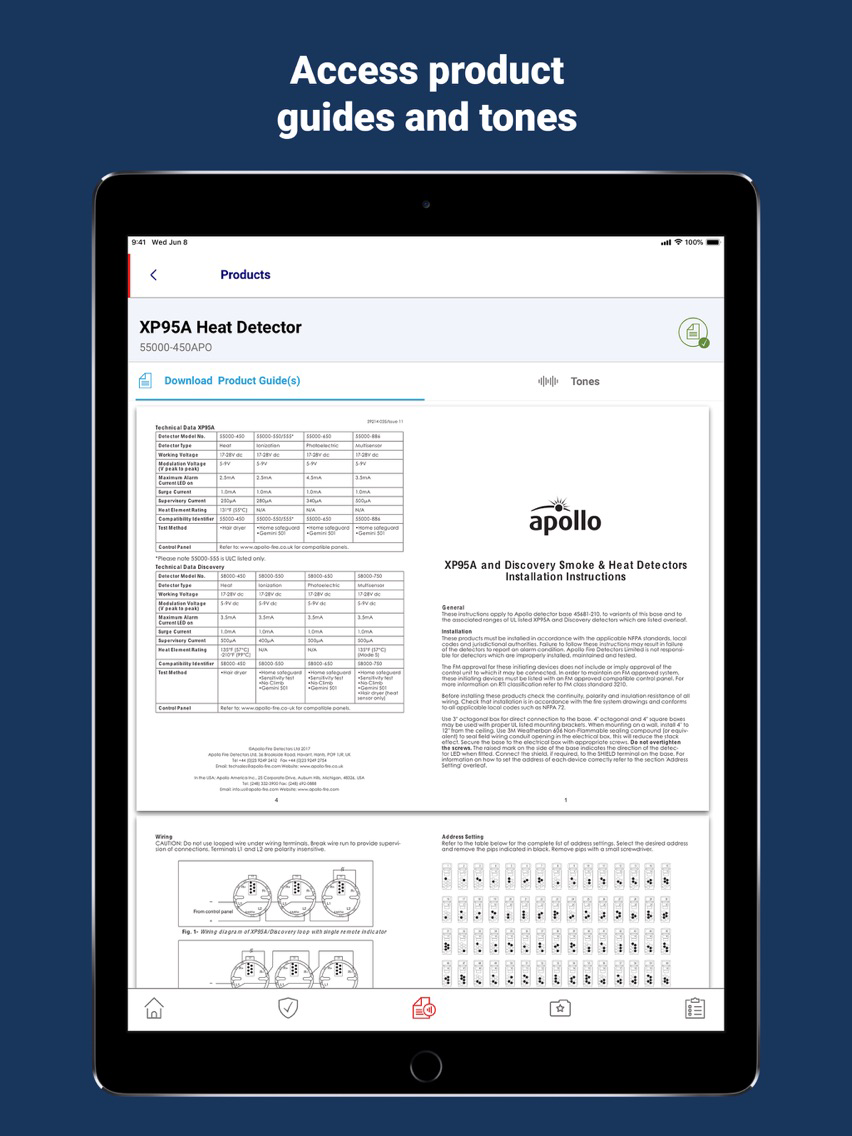
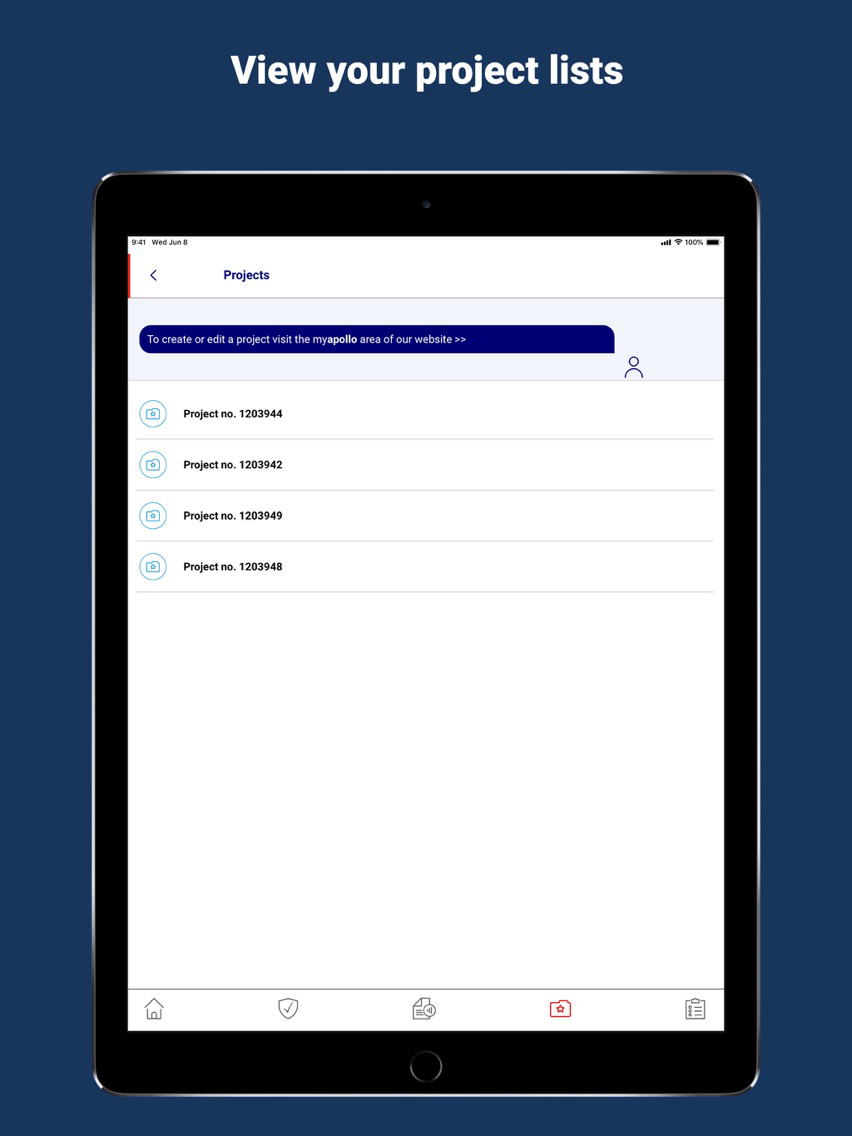
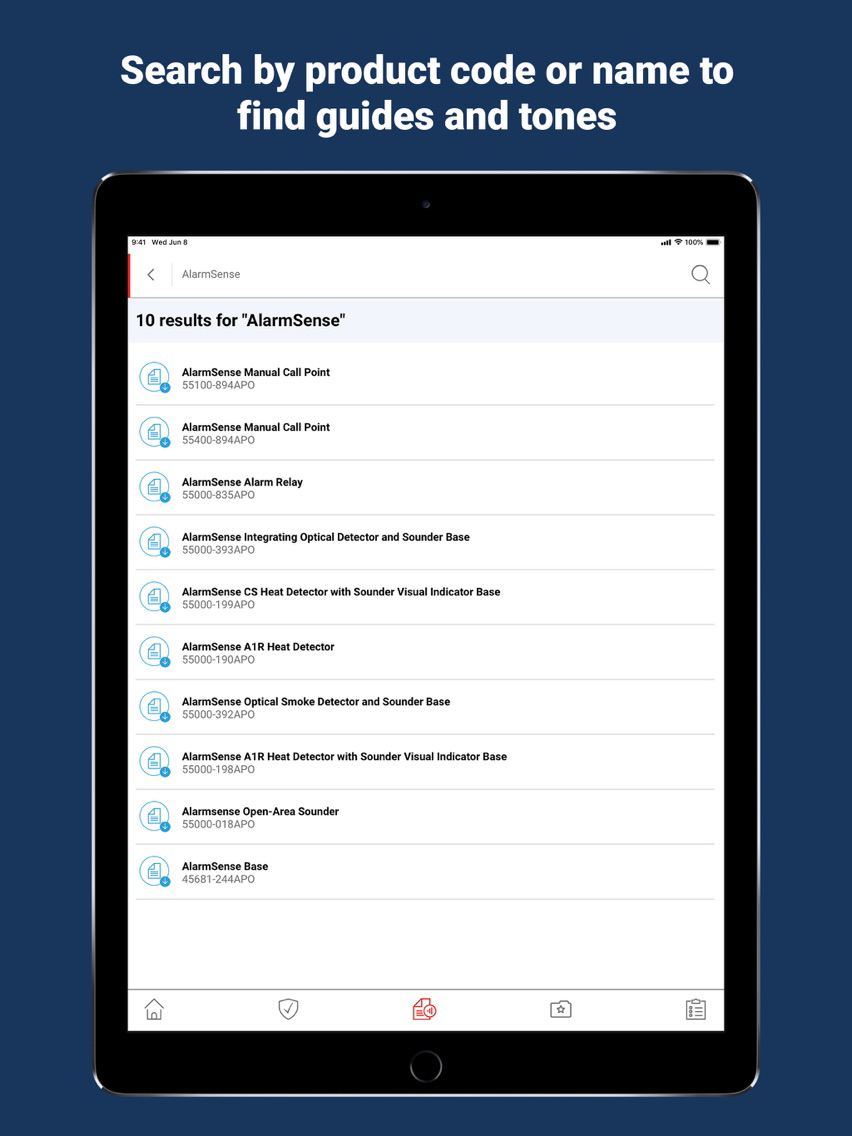
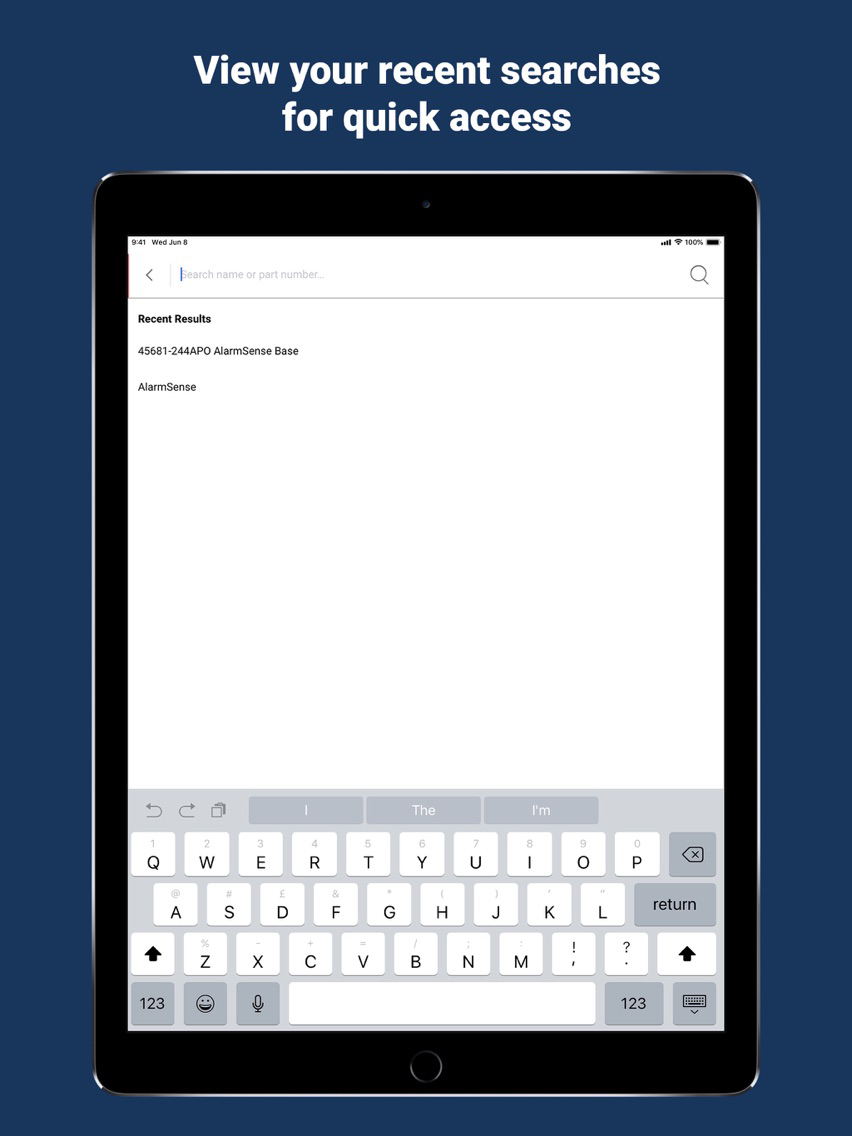
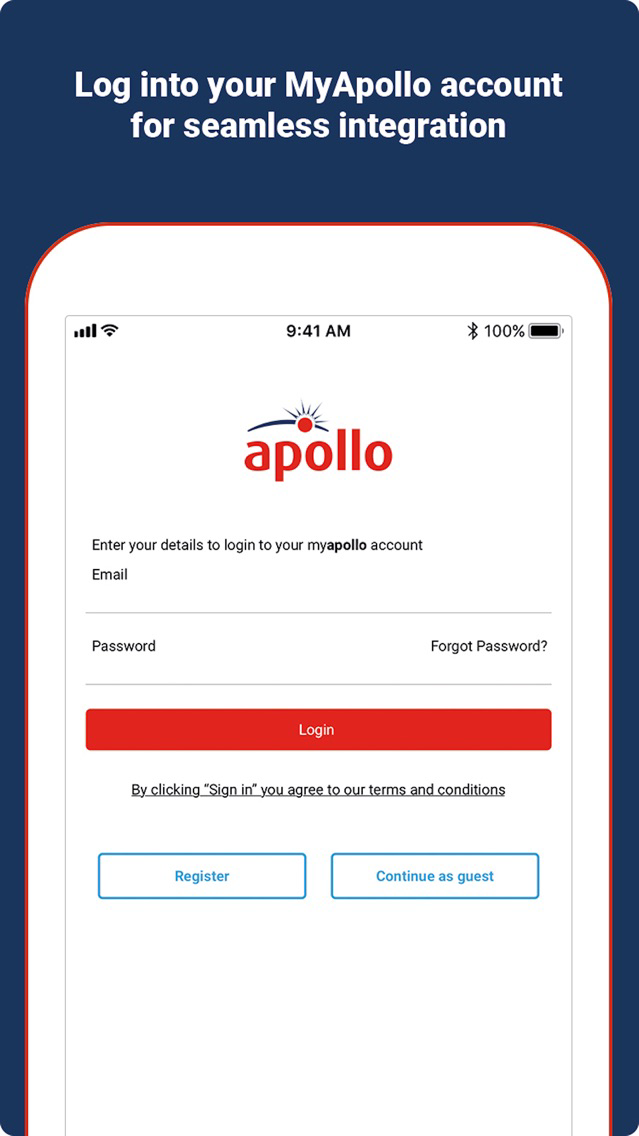
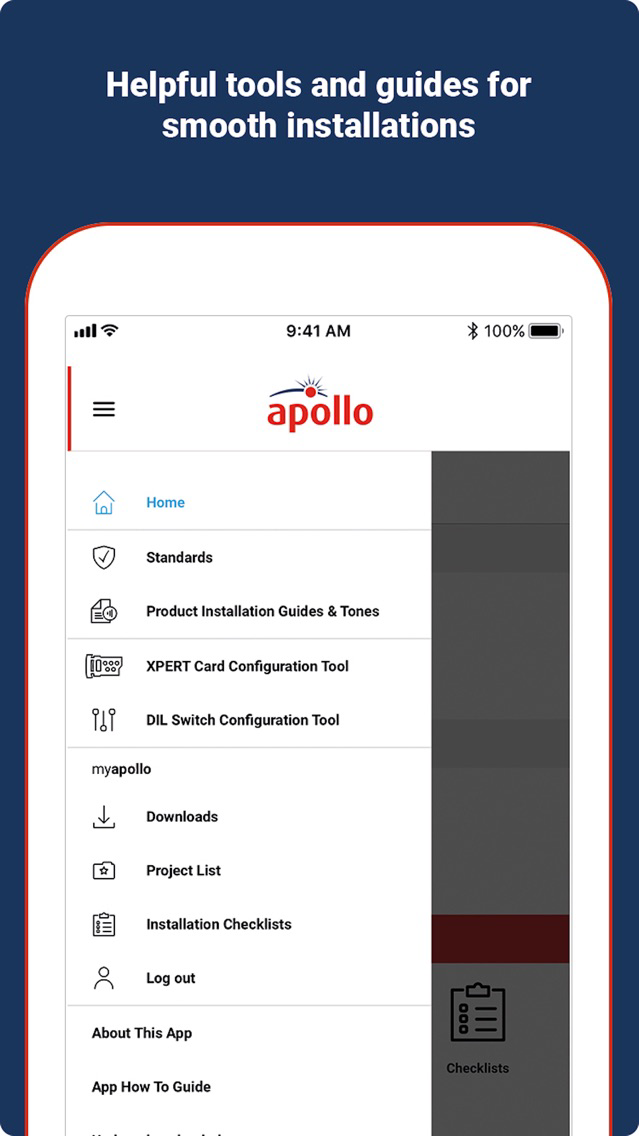
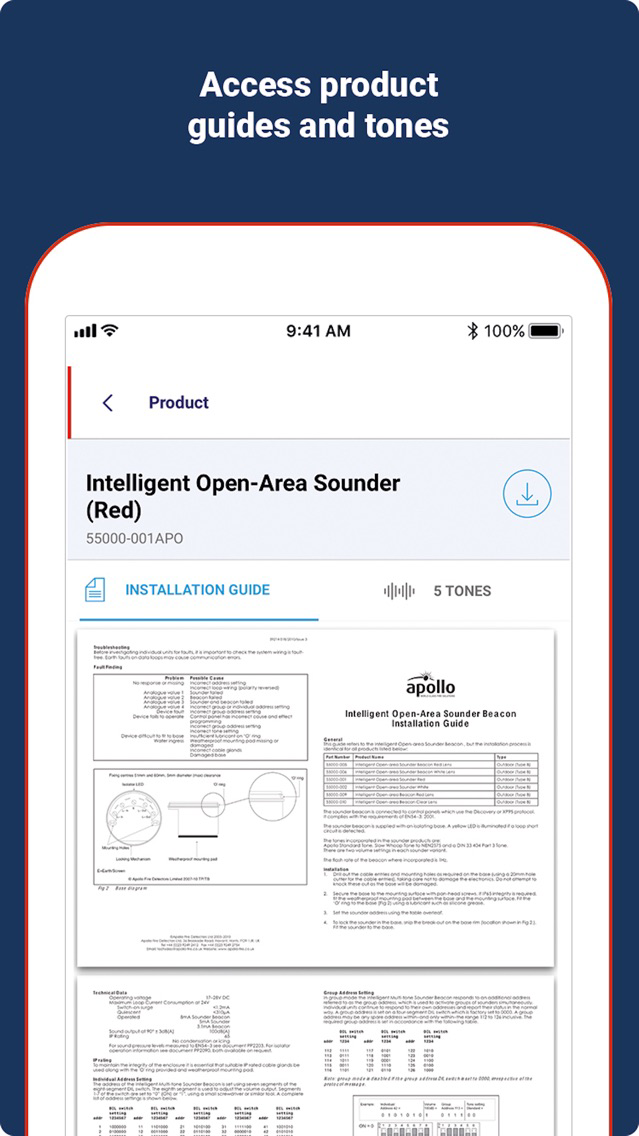
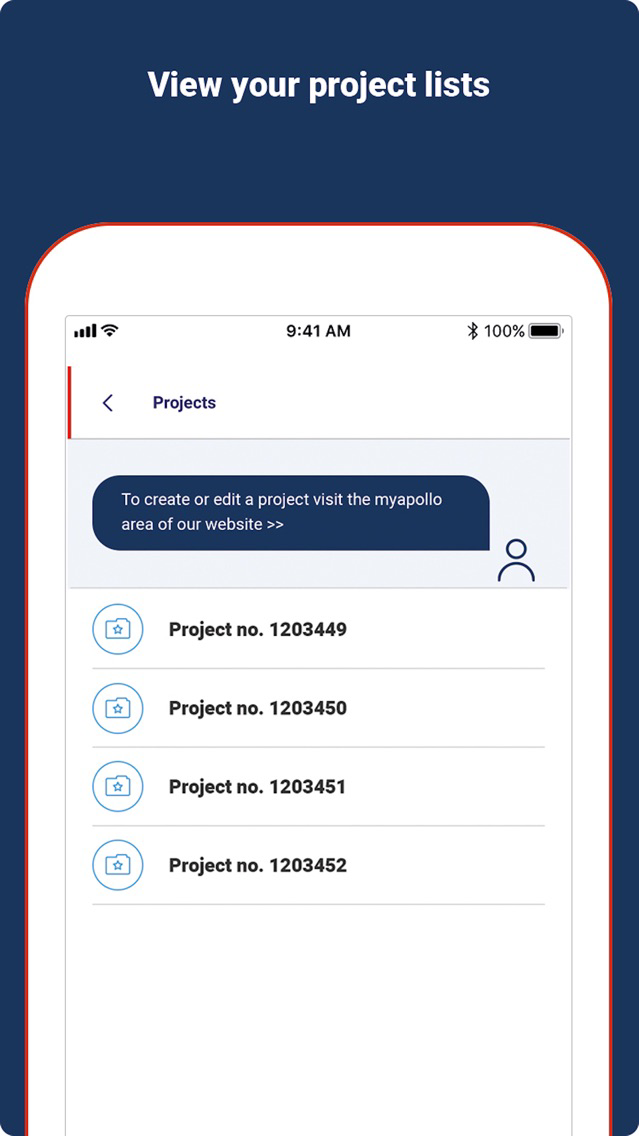
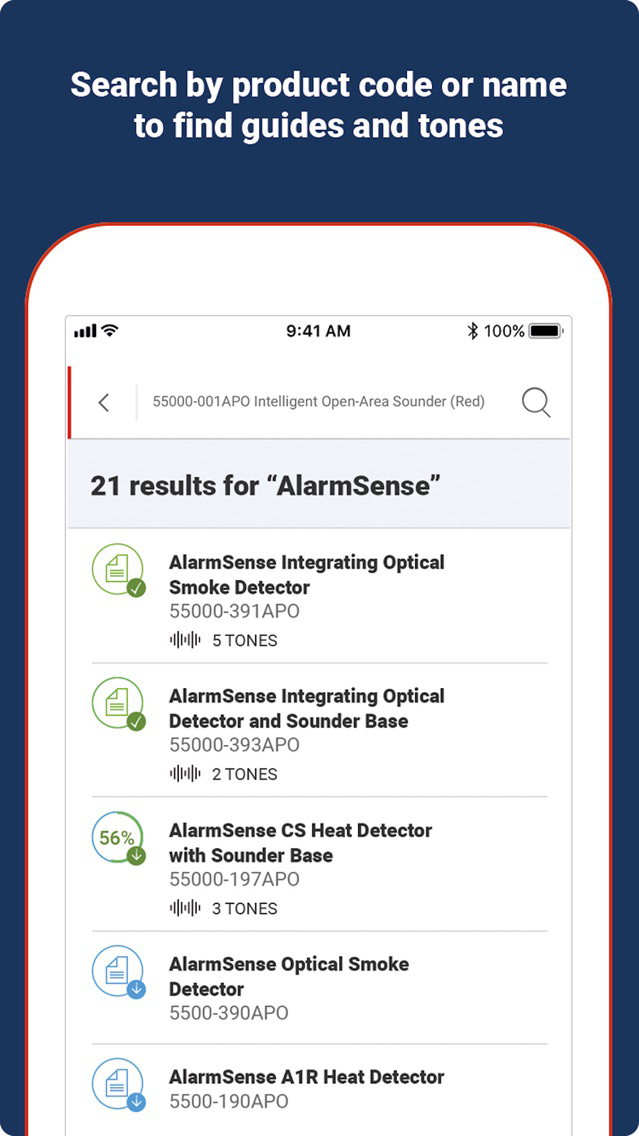
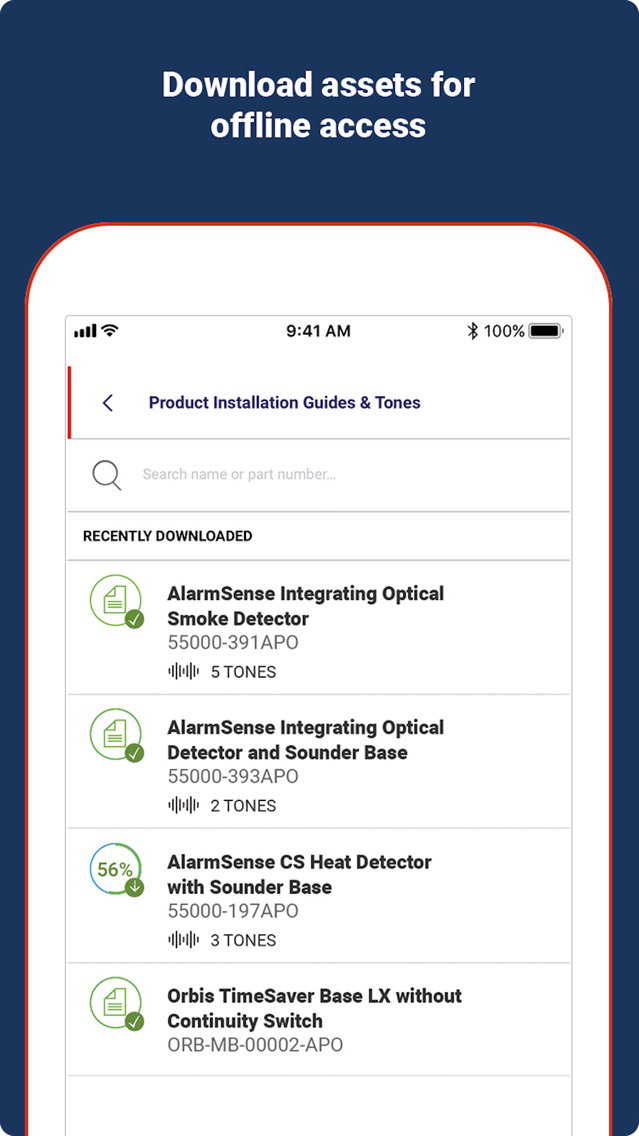
The Apollo Fire Detector’s mobile app provides you with a version of the BS5839 Guide to help you stay within the rules and regulations when installing any fire detectors and devices. In addition, to the guide there is an instillation checklist enabling you to monitor what you have completed as well as easy access to installation guides and sounder tones. These guides and tones can be saved to your phone for access when you are not online. You can also log-in with your MyApollo account to access saved guides and tones as well as Project Lists, allowing you to find products quickly when you are on the go.

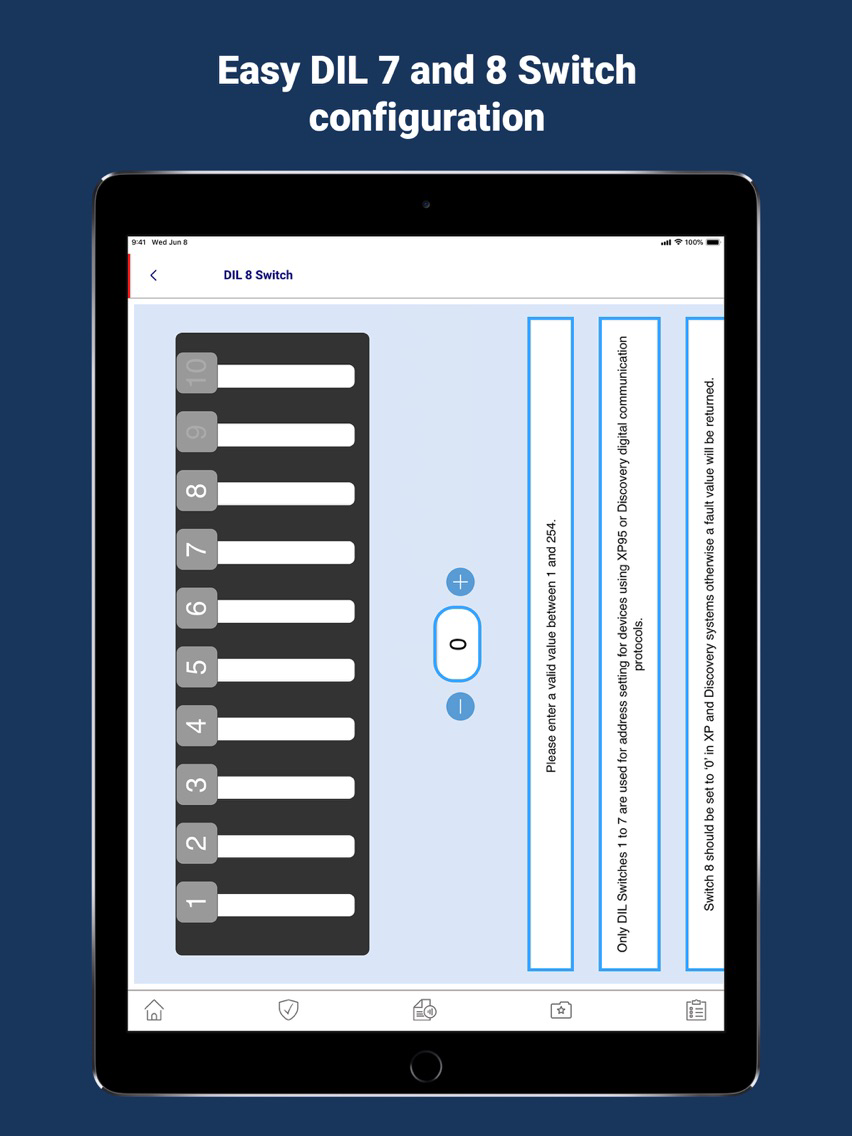
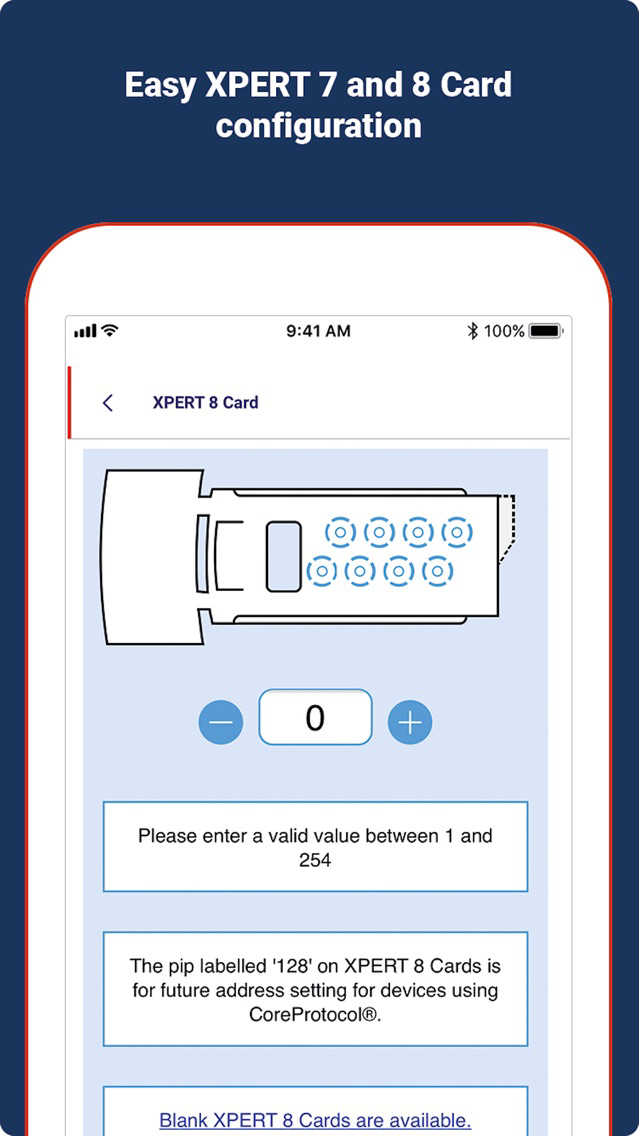
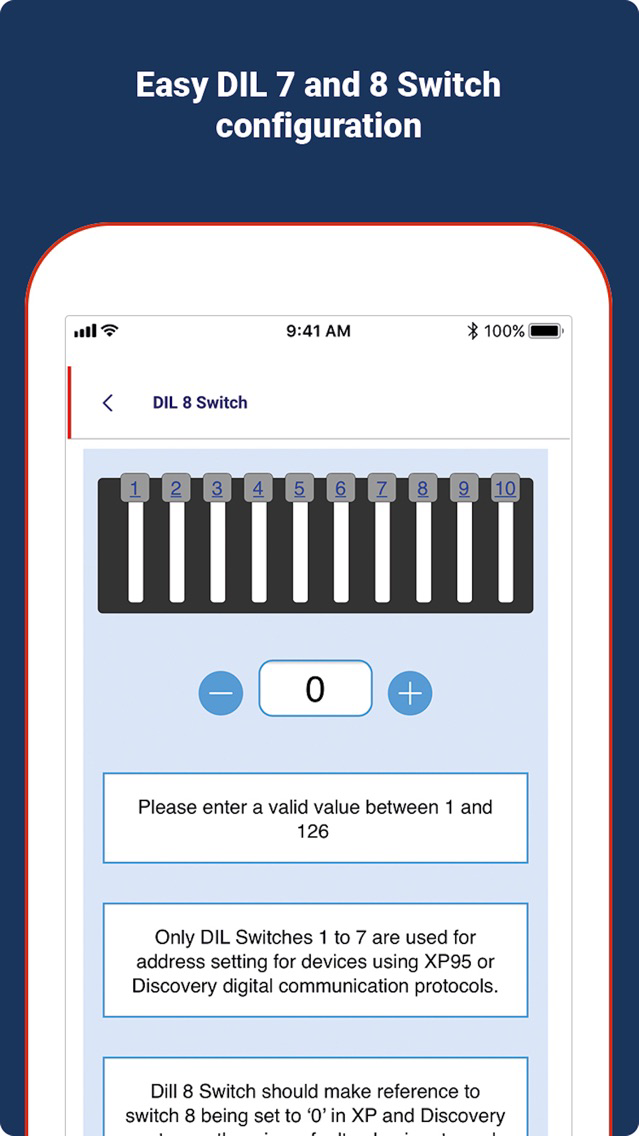
The Apollo app also features a DIL Switch and XPERT Card addressing system. Addressing the XPERT card can be done by inputting the address where you can find out which pips to remove, or alternatively if you have a pre-addressed XPERT card you can discover the address by selecting the removed pips. With the DIL switch, you can find out the correct directions of switching to create the address you require, this process can also be reversed to discover the address of an already addressed unit.

Show More

What's New in the Latest Version 3.5.1

Last updated on Jul 27, 2020
Old Versions
Bug fixes and improvements
Show More
Version History
3.5.1
Jul 27, 2020
Bug fixes and improvements
3.4.0
Mar 5, 2020
Bug fixes and improvements.
3.3.0
Nov 29, 2019
Updated smaller screenshots to cascade from larger device sizes.
3.2.0
Jul 30, 2019
- Bug fixes and improvements.
3.1.1
May 29, 2019
Numbers now appear above the XPERT card pips
Improved offline experience
3.1.0
Jun 4, 2013
Enabled a better user experience when offline with regards to access to downloaded content and switch configurators

Apollo Fire FAQ

Click here to learn how to download Apollo Fire in restricted country or region.
Check the following list to see the minimum requirements of Apollo Fire.
iPhone
iPad
Apollo Fire supports English

Apollo Fire Alternative

You May Also Like