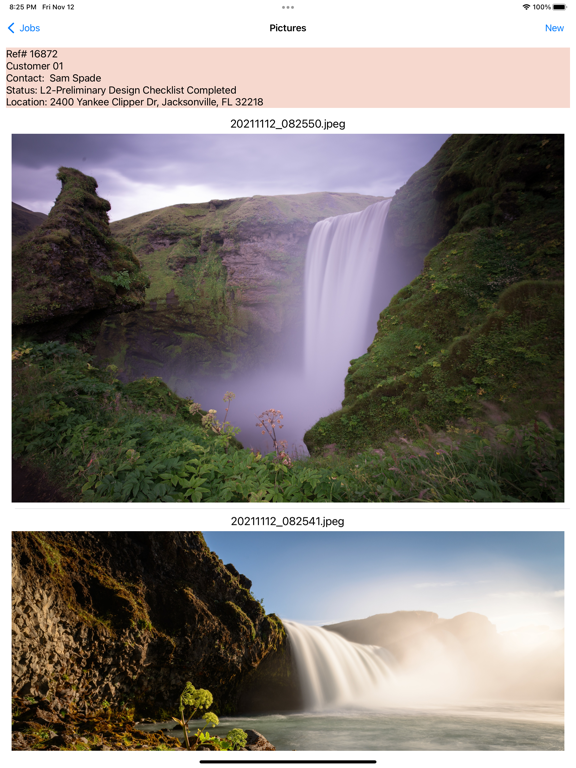
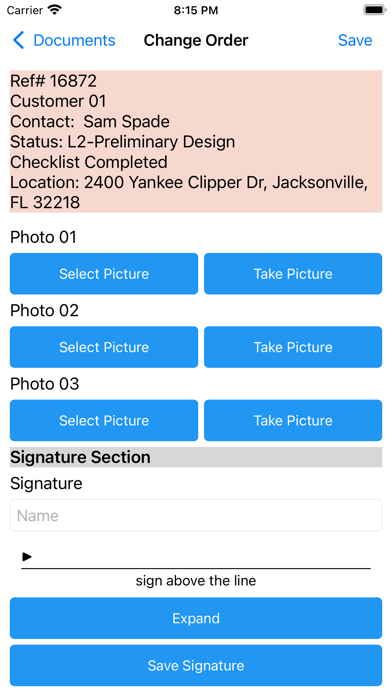
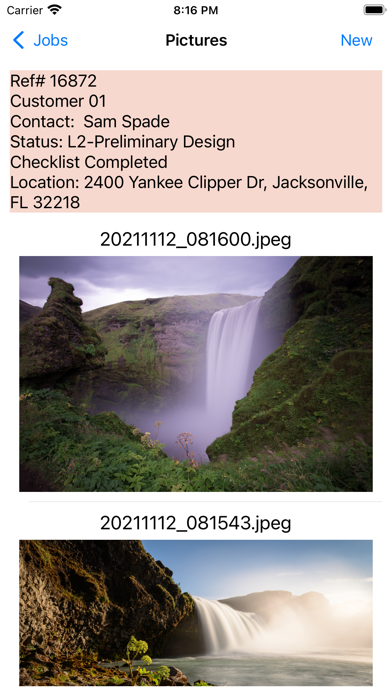
Added photo compression quality setting for pictures attached to jobs
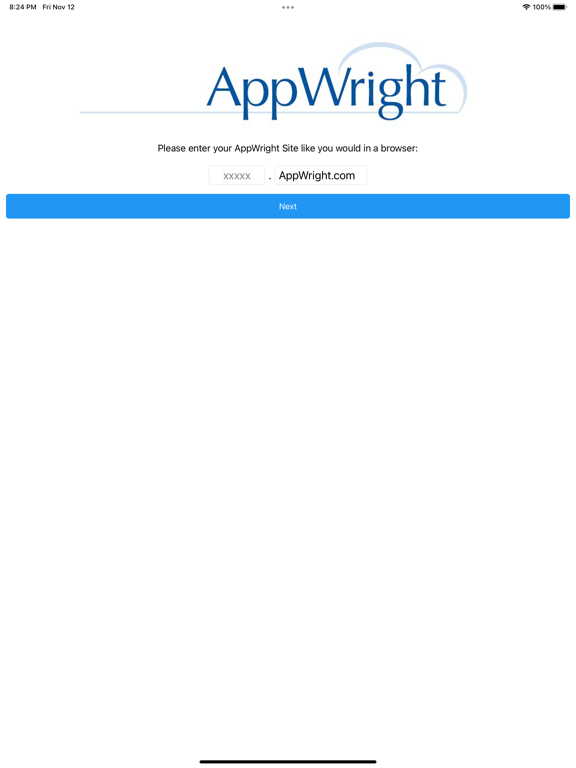
Improved responsiveness of login page.
Fixed but causing login page logo to not respect max height property.
Images and PDFs can now be edited in the app.
Only full downloaded files can be edited. Thumbnails can only be viewed.
Editing a downloaded file will create a new file with the edits and leave the original intact.
New/edited files will have a pencil icon in the Files list.
You can now select PDF files from your device to attach to jobs.
Edited documents, tasks, and notes will now have a pencil icon instead of the green square.
Removed limit on date range for sync.
PDFs can now be downloaded in addition to images.
Renamed Pics page to Files page.
Full size files can now be downloaded.
Added setting to choose when a full file or just a thumbnail is downloaded.
Files that have a full download will have a checkmark in the files list.
Files that can be edited (limited to renaming new files right now) will have a pencil in the files list.
Selecting a file will open it in a viewer.
The file viewers have a share button to facilitate exporting or sending the file.
Added Copy button to several places for copying text from the app.
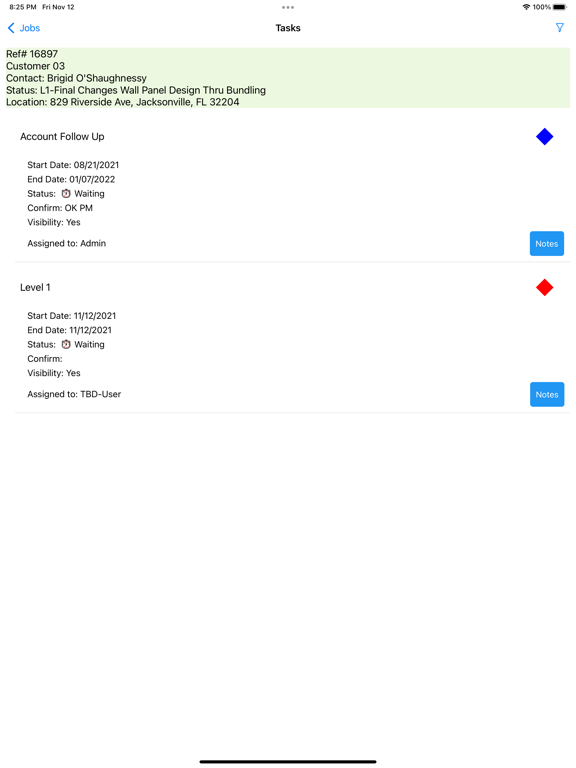
Implemented task percentage info including swipe action to set task completion percent.
Added timeout to error label on login page.
Fixed bug with required numeric field completion logic.
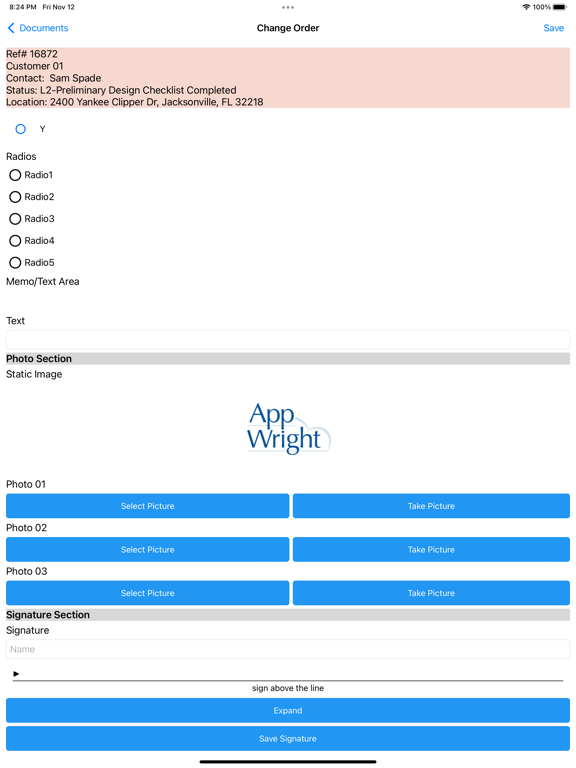
Fixed bug with checkbox fields on new documents.
Fixed bug when parsing job download
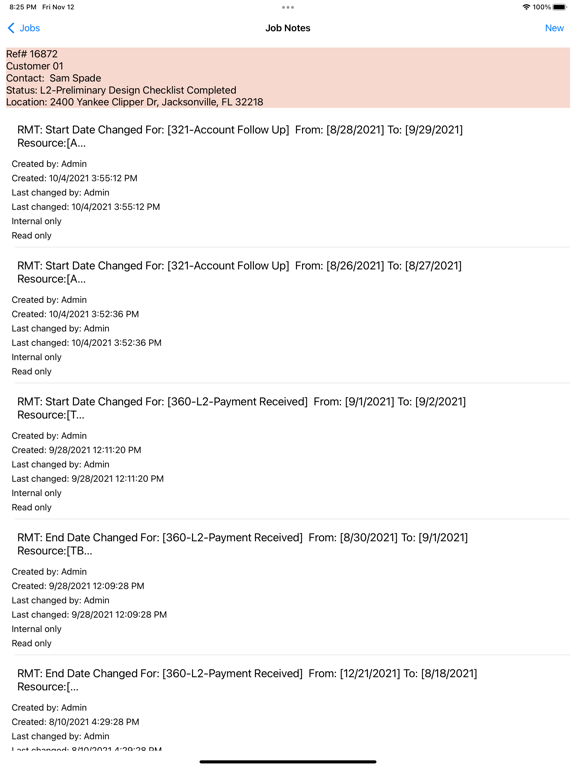
Brought task notes UI to parity with job notes
Fixed dropdown field bug
Implemented a partial fix for radio button bug
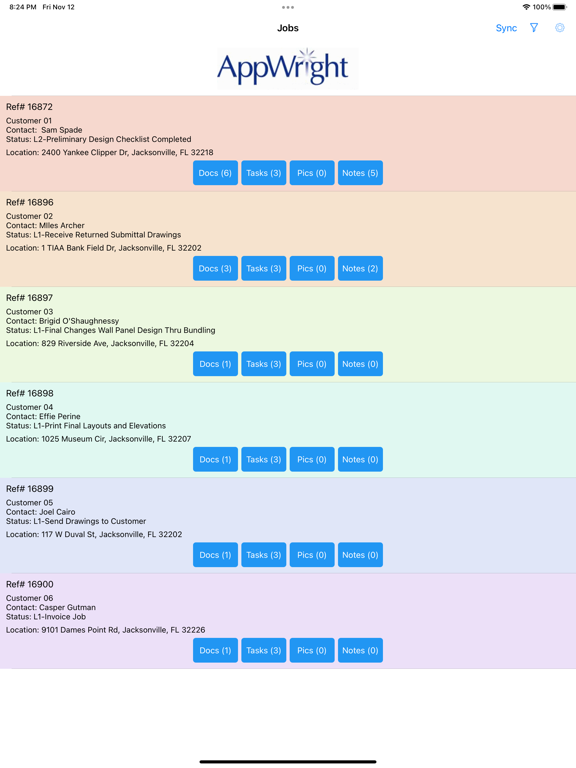
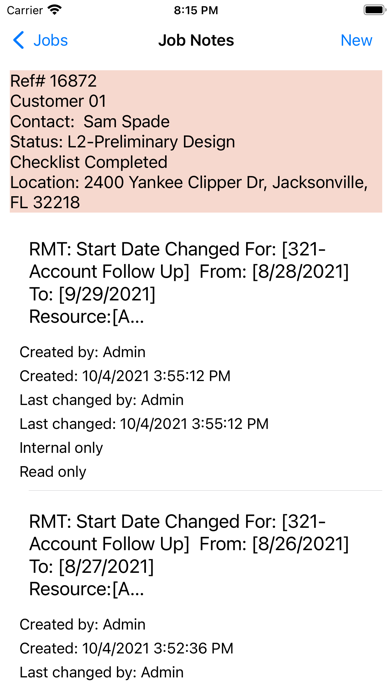
Modified job notes list layout phase 1
Added setting to change number of characters of note to show on jobs list
Added border to multiline text fields on iOS
Fixed task edit page layout issues
Fixed dropdown fields losing their value.
Fixed loophole that could result in required fields having no value.
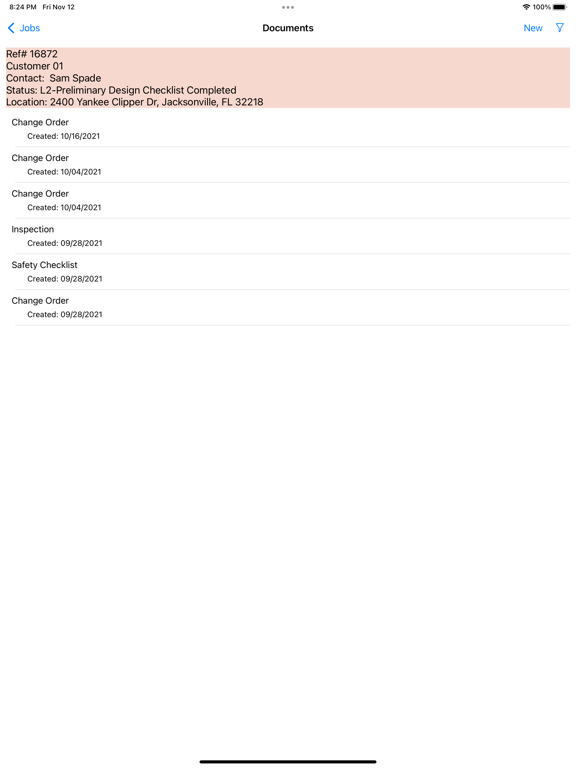
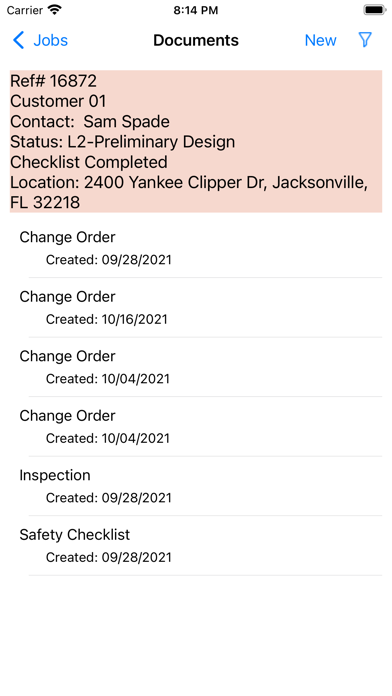
Rebuilt documents list and document edit pages to improve loading time and the functionality of several field types
Implemented the first phase of document folders support
Added button to open job in browser
Reorganized settings page to group related options
Added help text to settings to give more detail on what they affect
Fixed occasional crash on selecting a task
Fixed page headers not displaying properly if job description contained a #
Support for task comments
App settings sync between device and site
Task filter status default options in settings menu
Improved task status filter experience
Sections on task list for EvtType and EventID
Job picture downloading
Fixed issue with default field info not properly filling in on new documents
Fixed required fields not acting required enough
Fixed sorting on various lists to be latest to oldest modified
Added "hidden" attribute to fields
Set new doc templates to be ordered alphabetically by name
Improved min/max value logic on various field types
Edit job and task notes in the app
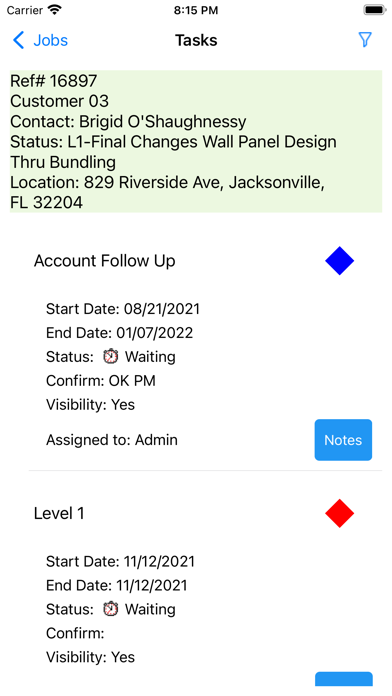
Tasks now have health icons similar to the AppWright site
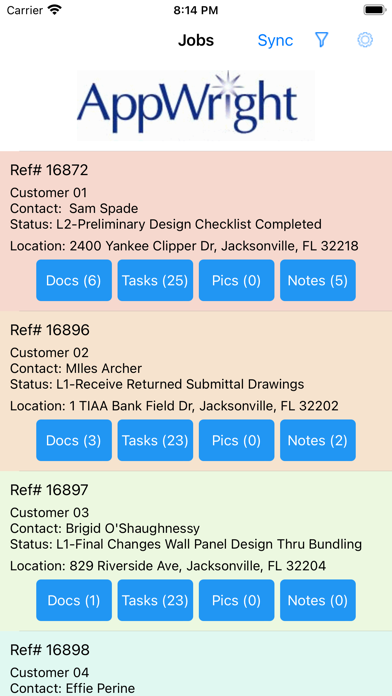
Jobs can now have a map button to launch the maps app with the job's location
Use a pre download filter to specify what you download
Added background colors for jobs, tasks, and headers to show status
Added "Active and Waiting" filter for tasks and made it the default list state
Added more detail to download error messages
Removed remaining "Read Only" message
Fixed text field change detection
Added filtering for jobs, documents, and tasks.
Moved Job Information screen. Now accessed by tapping a job in the jobs list.
Fixed Task info not resetting on Task list when a Task is reset.
Changed some verbiage about deleting data from the device
Minor changes to Tasks page UI.