AR Microtest
Free
1.3for iPhone
Age Rating
AR Microtest Screenshots
About AR Microtest
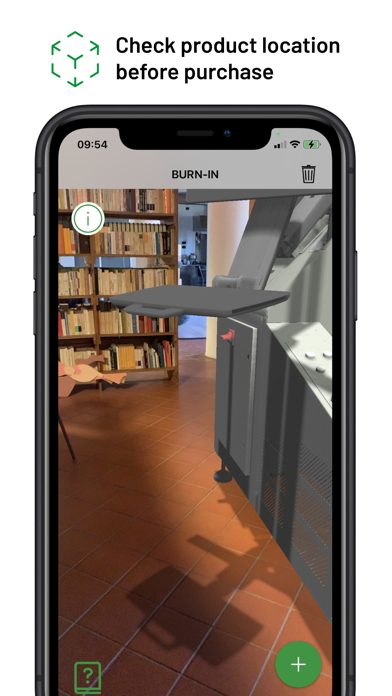
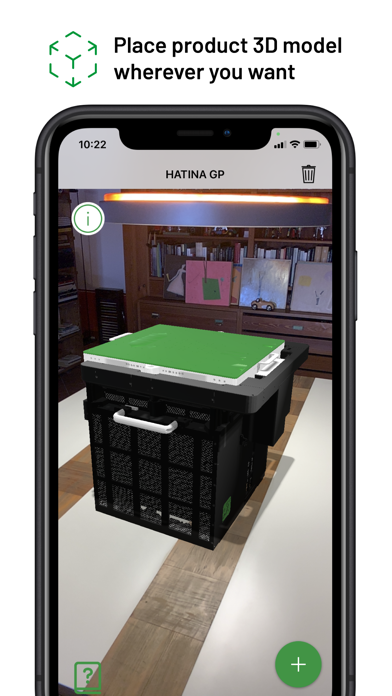
The app allows to virtually place the 3D model of a Microtest ATE on a flat surface in order to see a visualization as realistic as possible of how the machinery will look in the workplace.
It was developed to support potential buyers in the purchase choice and highlight the compact form of Microtest ATE.
Menu Options:
1. Screen capture and direct email send of the simulation picture
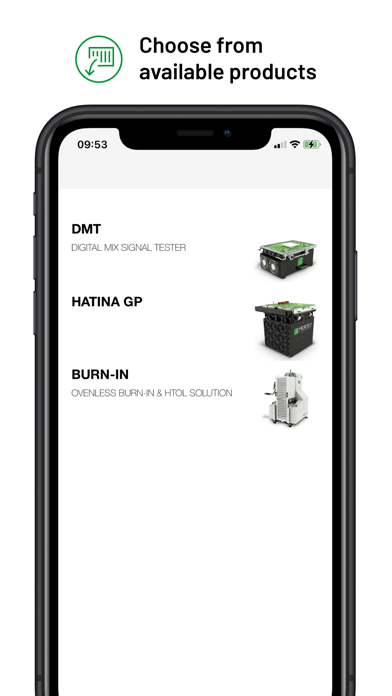
2. Product catalogue to select and display product technical data and description
3. Company contacts
4. Logout to return on the welcome page
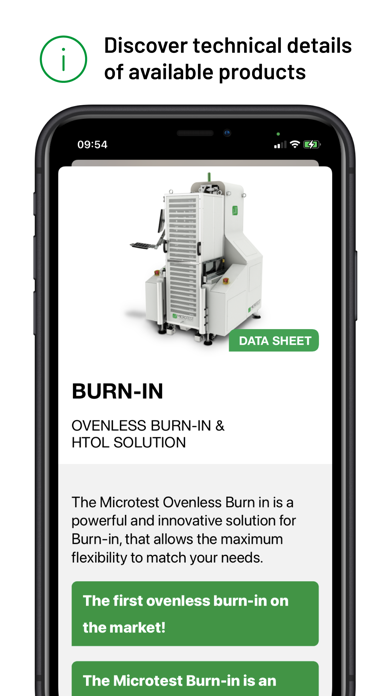
Once selected a product you can choose to see detailed specifications and request for data sheets.
This app only works on AR library compatible devices.

It was developed to support potential buyers in the purchase choice and highlight the compact form of Microtest ATE.
Menu Options:
1. Screen capture and direct email send of the simulation picture
2. Product catalogue to select and display product technical data and description
3. Company contacts
4. Logout to return on the welcome page
Once selected a product you can choose to see detailed specifications and request for data sheets.
This app only works on AR library compatible devices.
Show More
What's New in the Latest Version 1.3
Last updated on May 5, 2023
Old Versions
This release add the capability to delete the account you must create to access the app's features.
Show More
Version History
1.3
May 5, 2023
This release add the capability to delete the account you must create to access the app's features.
AR Microtest FAQ
Click here to learn how to download AR Microtest in restricted country or region.
Check the following list to see the minimum requirements of AR Microtest.
iPhone