Assignment Notebook has been totally revamped and redesigned to provide students with a premium experience tracking assignments, test, and quizzes for an affordable price… free! Assignment Notebook offers remote storage for across device syncing for a low price as well, though these features are not required in order to utilize Assignment Notebook’s powerful features.
Gone is the old design of a “notebook” style user interface, in favor of a more powerful, more organized interface that makes keeping track of assignments more straight forward, and more fun. We have also added several new features around assignment/class tracking. To help make the user experience even better, we have added several new features such as a dark mode theme and haptic feedback on events.
[Summary]
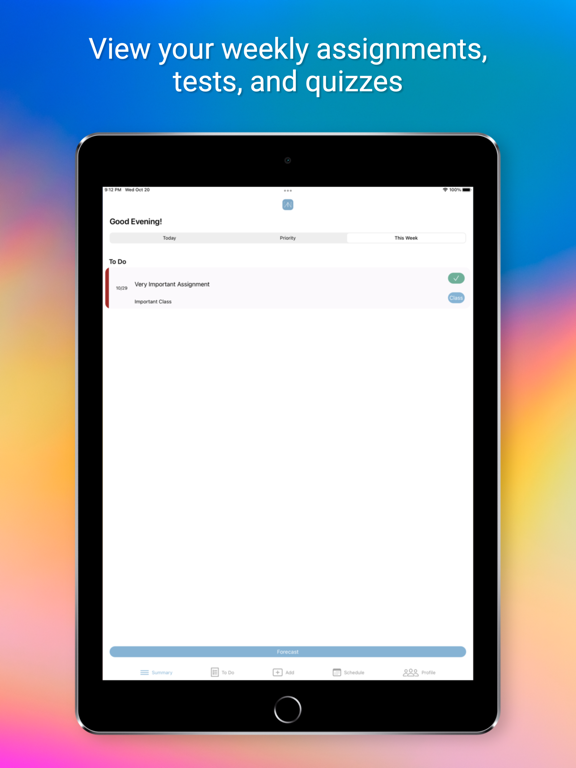
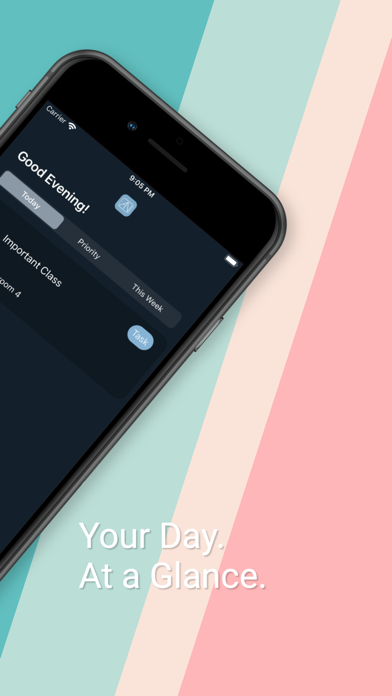
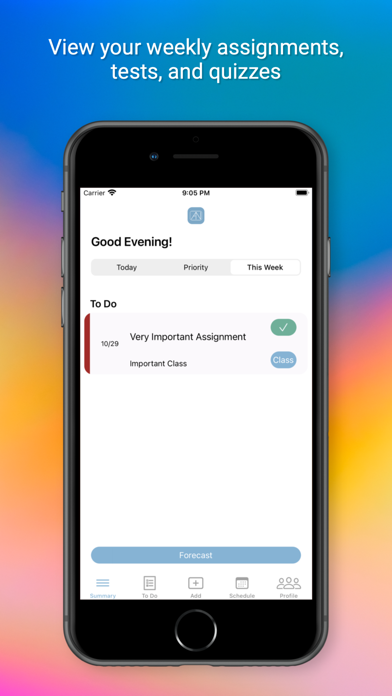
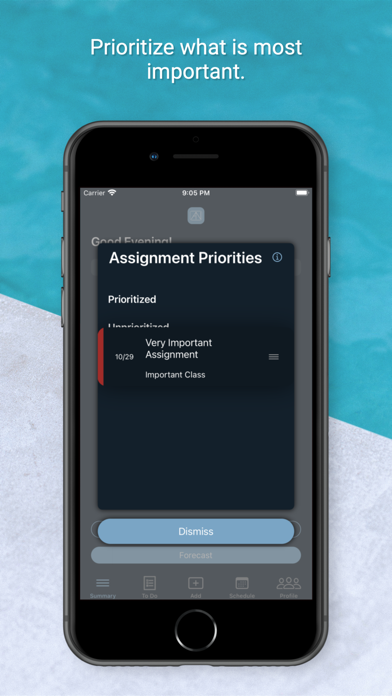
The “Summary” tab is the tab where you will be shown a crucial summary of your class schedule and due assignments, all in one place. You are also able to prioritize your assignments by simply dragging them in the order that you prefer. This screen will show you exactly what you need to see as quickly as possible, so you can get back to what you need to do.
[To Do]
The “To Do” tab will give you the full list of all incomplete assignments, as well as quizzes and tests that are upcoming. You can edit these listed items directly from this tab, or add new ones from the “Add” tab. If you tap on an assignment, test, or quiz, you will be taken to the detail screen that gives you all relevant details regarding this item. Details such as when the item is due, when it was assigned, or any relevant notes or class details you may have provided when creating the assignment.
[Add]
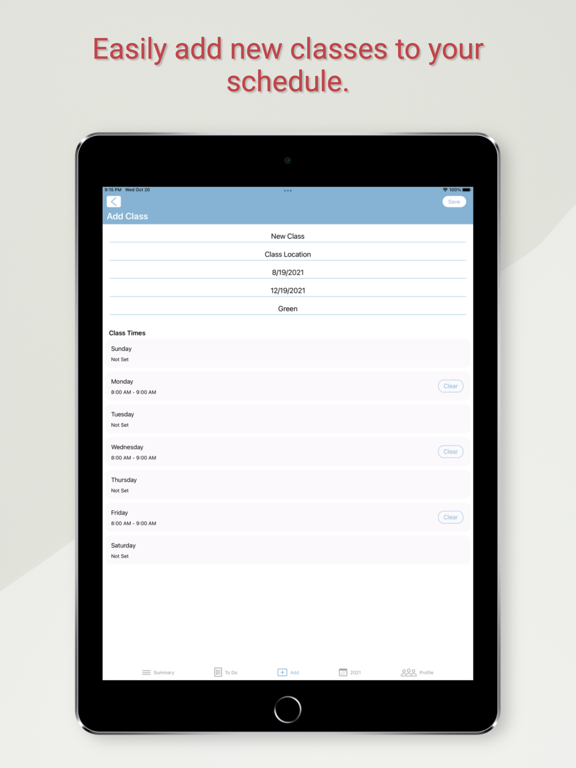
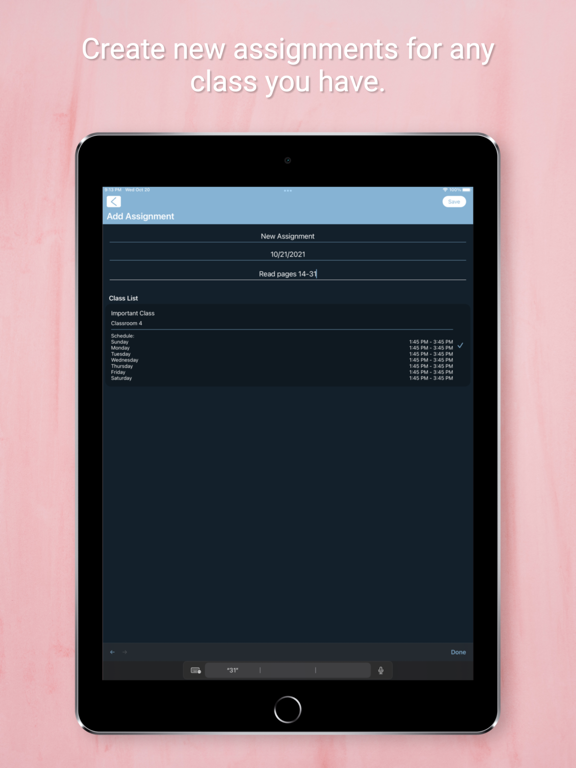
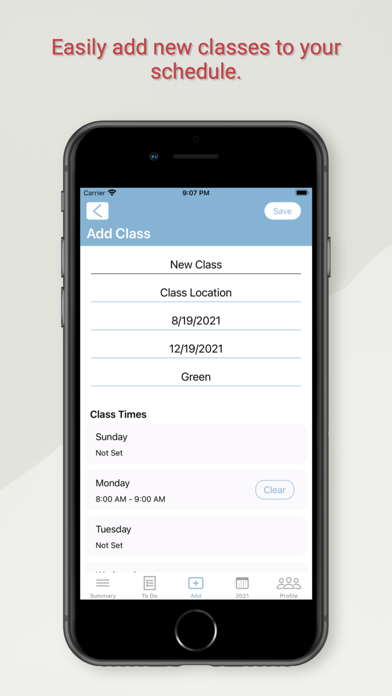
The way you add classes and assignments has changed for the better. You are now able to track classes that have different times on different days. You are also able to more quickly specify the remaining class details.
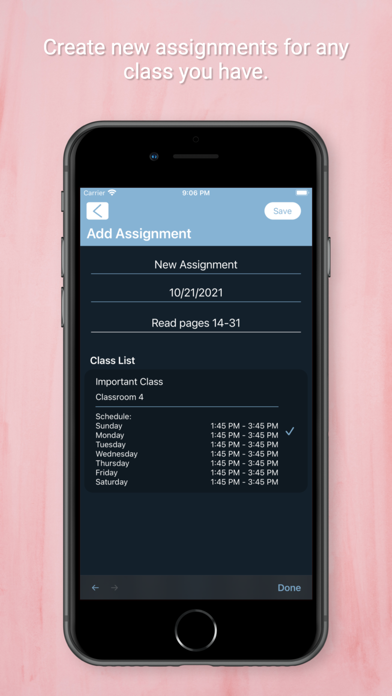
Adding assignments has slightly changed as well, now you are able to see more relevant class details for the classes you are currently taking. This provides you with much better insight as to what class you are actually adding the assignment to.
[Schedule]
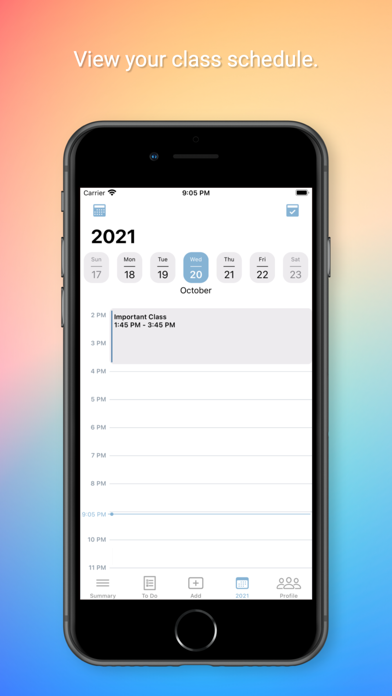
The “Schedule” tab will give you your class schedule in an easy to understand view. It allows you to jump directly to specific days by just tapping on the calendar icon and choosing the day that you wish to view.
When you find the class you wish to view, you can just tap on it to view the assignments, tests, and quizzes that are upcoming for that class. If you wish to edit that class instead, just hold down on the class for a few seconds and you will be able to edit these class details or remove it from your calendar.
[Terms of Use]
https://leaseassistant.com/?page_id=176