AuthTech Authenticator

AuthTech Authenticator


Free

1.0.1for iPhone, iPad
Age Rating
4+
Apps in this category do not contain restricted content.
9+
Apps in this category may contain mild or occasional cartoon, fantasy or real-life violence, as well as occasional or mild adult, sexually suggestive or horrifying content and may not be suitable for children under 9 years of age.
12+
Apps in this category may contain occasional mild indecent language, frequent or intense cartoon or real-life violence, minor or occasional adult or sexually suggestive material, and simulated gambling, and may be for children under 12 years of age.
17+
You must be at least 17 years old to access this App.
Apps in this category may contain frequent and intense offensive language; Frequent and intense cartoon, fantasy or realistic violence: frequent and intense adult, scary and sexually suggestive subjects: as well as sexual content, nudity, tobacco, alcohol and drugs, may not be suitable for children under 17 years of age.
AuthTech Authenticator Screenshots
AuthTech Authenticator posterAuthTech Authenticator poster
AuthTech Authenticator posterAuthTech Authenticator posterAuthTech Authenticator posterAuthTech Authenticator posterAuthTech Authenticator posterAuthTech Authenticator posterAuthTech Authenticator posterAuthTech Authenticator poster

About AuthTech Authenticator

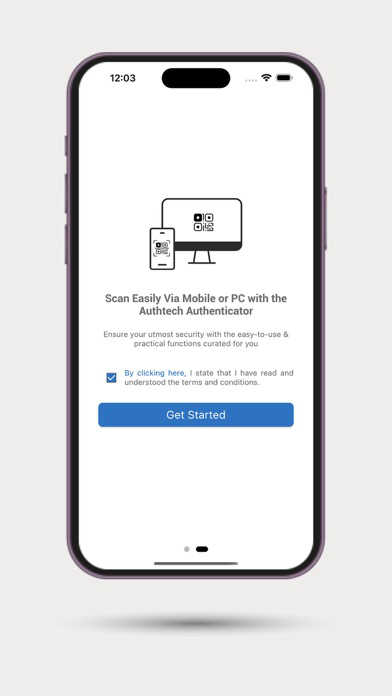
1. This app is not restricted for a single company anyone can use it. To use this application the users have to setup 2FA (TOTP) in their own website or app where they wants to use this application for login based on TOTP.

2. This application is open for all to utilise as per their need.

3. To enable 2 Factor authentication on any website and application using TOTP mechanism.

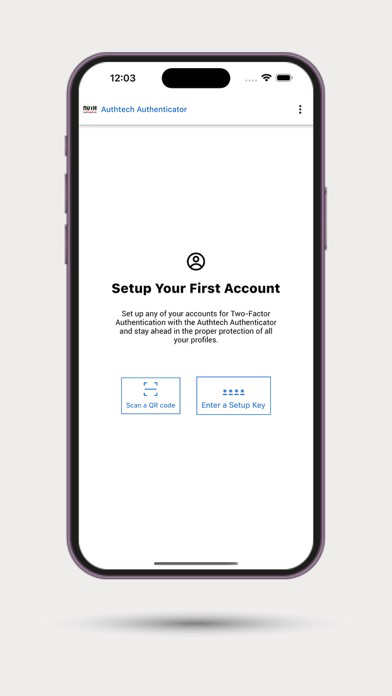
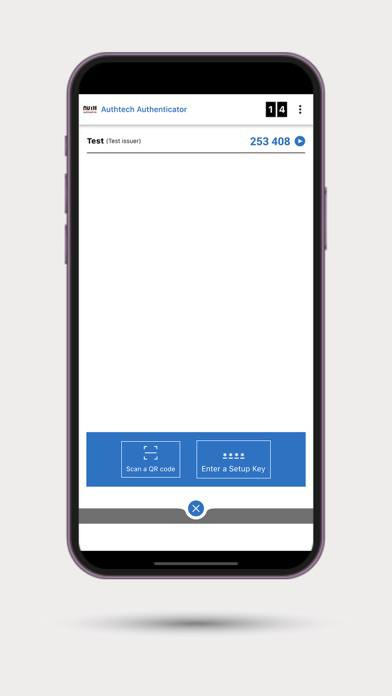
4. There are two options in app to obtain an account as:
Option1: Users can manually create an account by choosing the option as enter a setup key in the application. Users have to give any Account name, Issuer name, Secret key, encryption algorithm and press the ADD button to create the account.
Option2: In this user have to scan the QR Code having secret key, account name, issuer name and encryption algorithm. QR code can be provided by any company or user who is using 2FA or TOTP.

5. No, there is no any paid content or feature in this app. It is completely free to use for all users or companies.

6. Users can also delete the account on Home Screen by double tap on account name there would be a confirmation pop-up to delete the account and user can delete the accounts easily. Once the account is deleted then its deleted permanently.

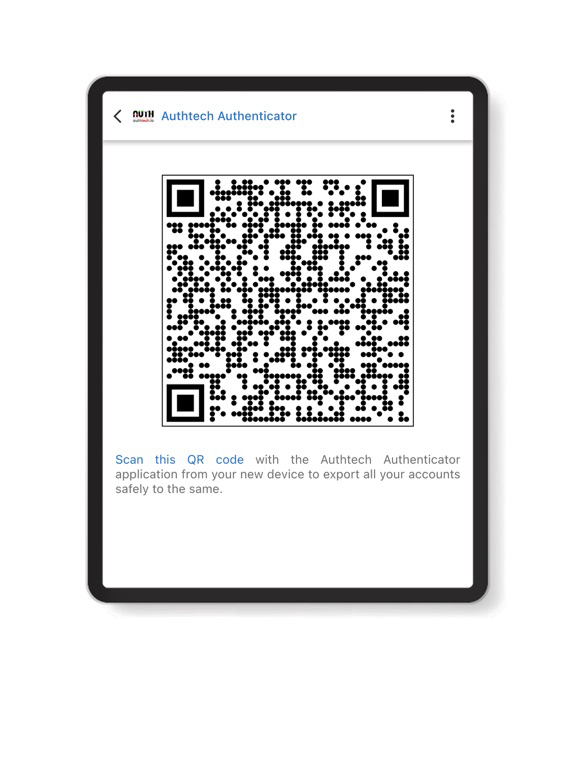
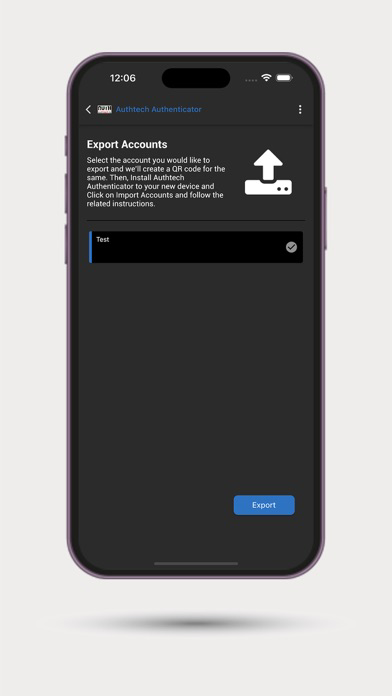
You can set up as many accounts as you require from any application/website/bank and more and enable two-factor authentication on all your preferred accounts. Even if you switch to a new device, you can easily import all your accounts set in the previous device via the relevant options(Transfer Account) provided in the AuthTech Authenticator application.

Our team of experts has curated the application and its innate functions so that it is practically easy to use yet powerful in delivering its purpose. The simple interface aims at providing the user with a ‘single-click’ experience to integrate multi-factor authentication in their various accounts.

The rampant cyber attacks and leaks as shown by data in recent studies prove that just passwords are not enough to provide security to a person’s/firm’s accounts and especially the accounts related to banks or other finances. So, such a two-factor authentication application becomes a mandate for all individuals and organizations alike.

Show More

What's New in the Latest Version 1.0.1

Last updated on Sep 27, 2023
Old Versions
* New TOTP Override Feature that allows you to override old TOTP (Time-based One-Time Password) codes with ease.
* Bug Fixes and Performance Improvements: We've squashed some pesky bugs and fine-tuned the app's performance to ensure a smoother and more reliable experience.
Show More
Version History
1.0.1
Sep 27, 2023
* New TOTP Override Feature that allows you to override old TOTP (Time-based One-Time Password) codes with ease.
* Bug Fixes and Performance Improvements: We've squashed some pesky bugs and fine-tuned the app's performance to ensure a smoother and more reliable experience.

AuthTech Authenticator FAQ

Click here to learn how to download AuthTech Authenticator in restricted country or region.
Check the following list to see the minimum requirements of AuthTech Authenticator.
iPhone
iPad

AuthTech Authenticator Alternative

You May Also Like

Get more from Capricorn Identity Services Pvt. Ltd.