Auto Turn Timer
Free
1.0for iPhone, iPad
Age Rating
Auto Turn Timer Screenshots
About Auto Turn Timer
Time each player's turn using voice control to pass to the next player!
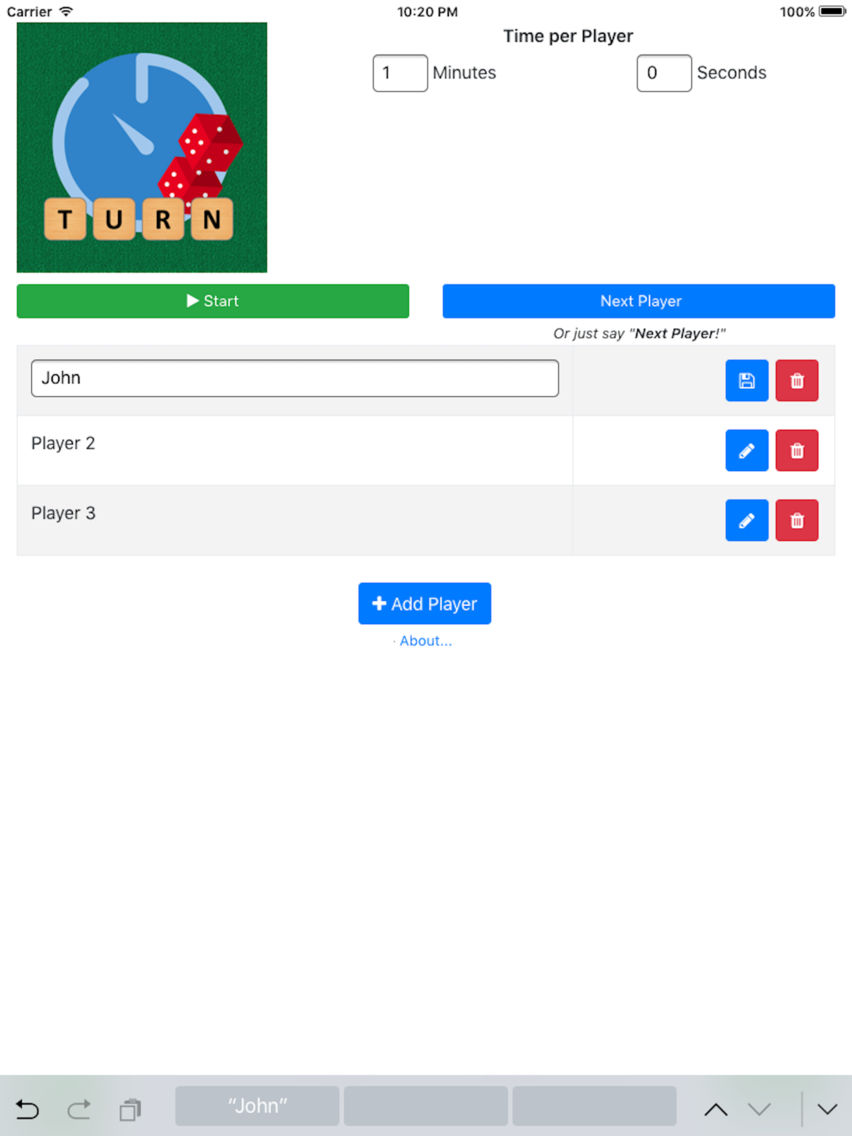
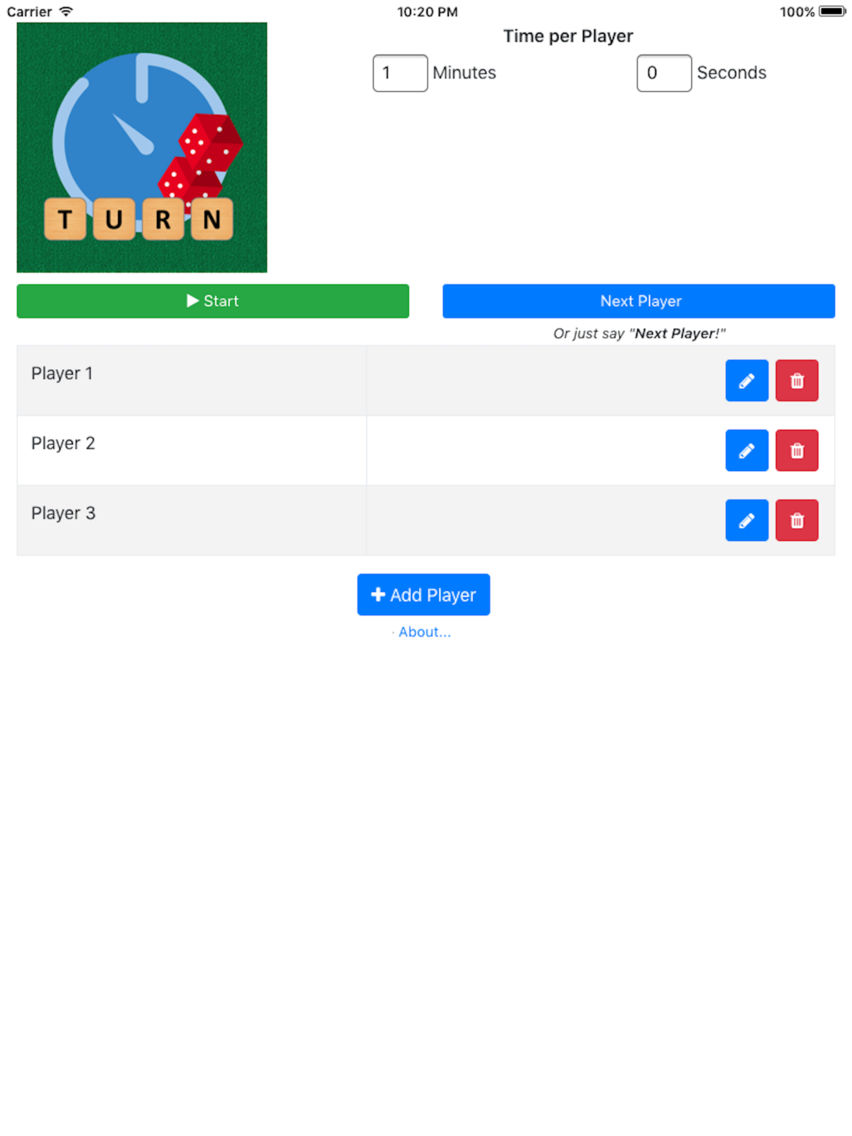
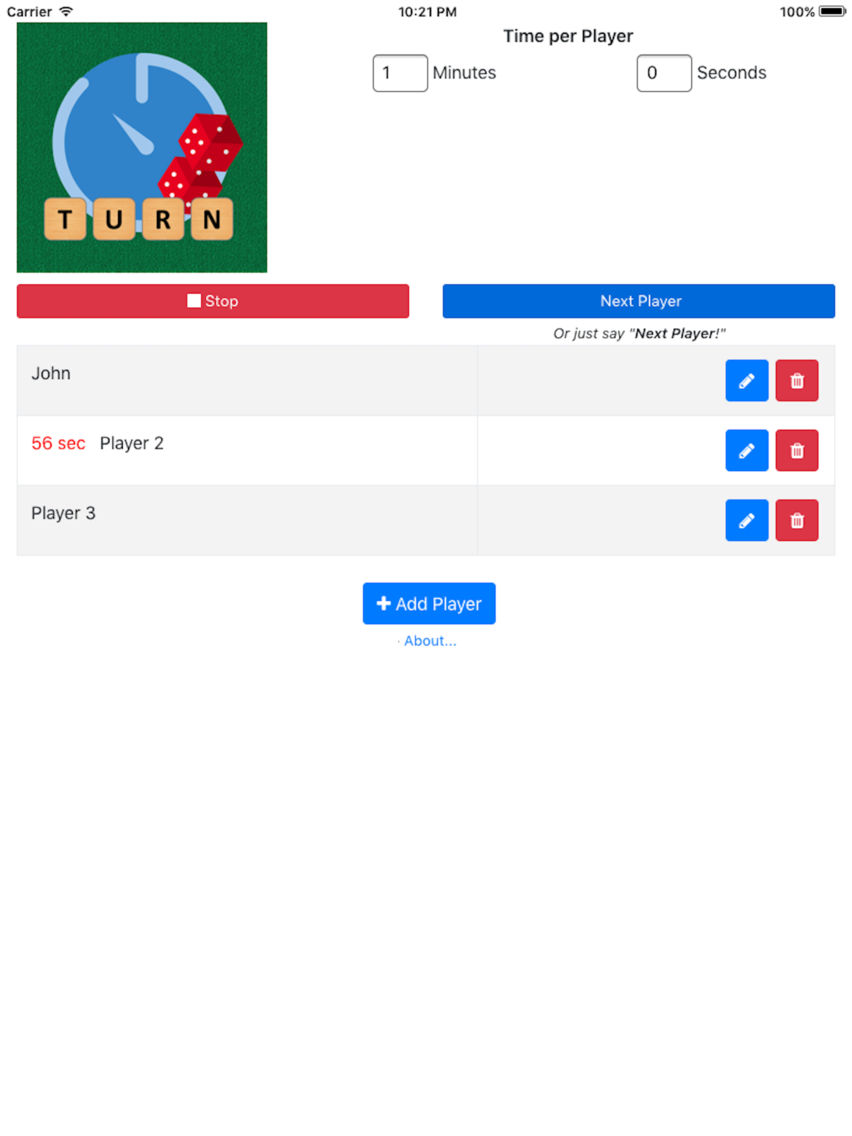
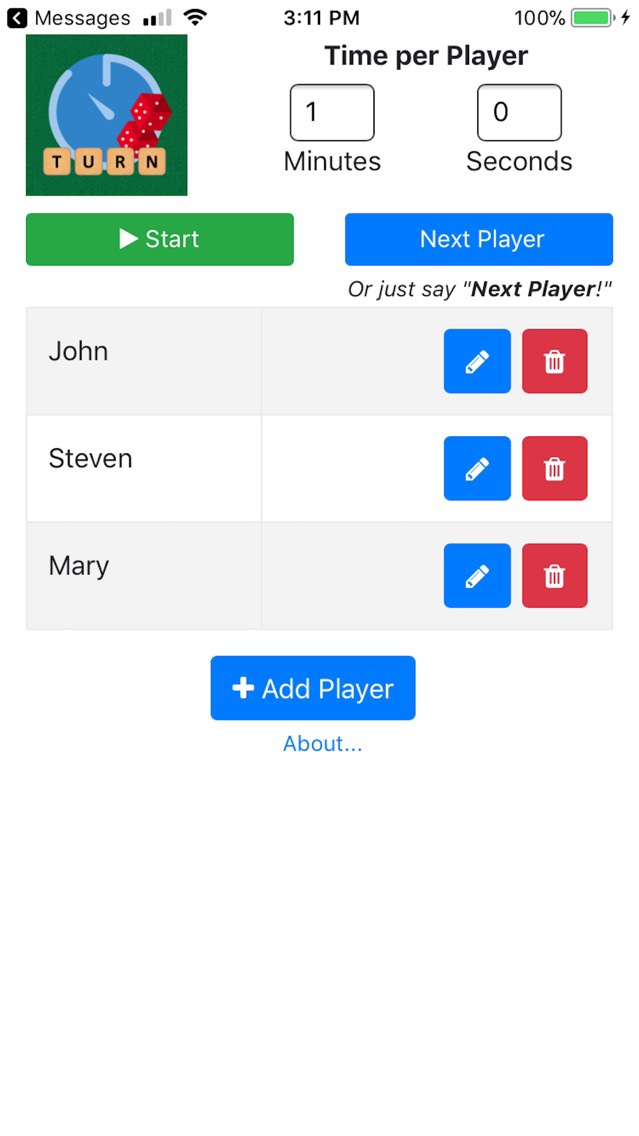
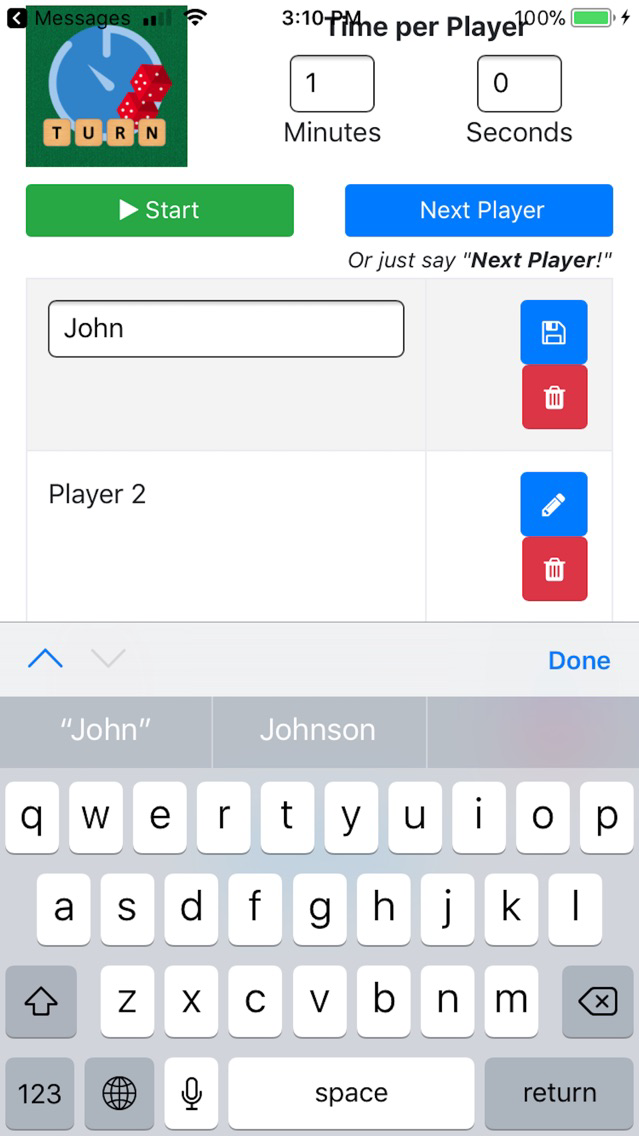
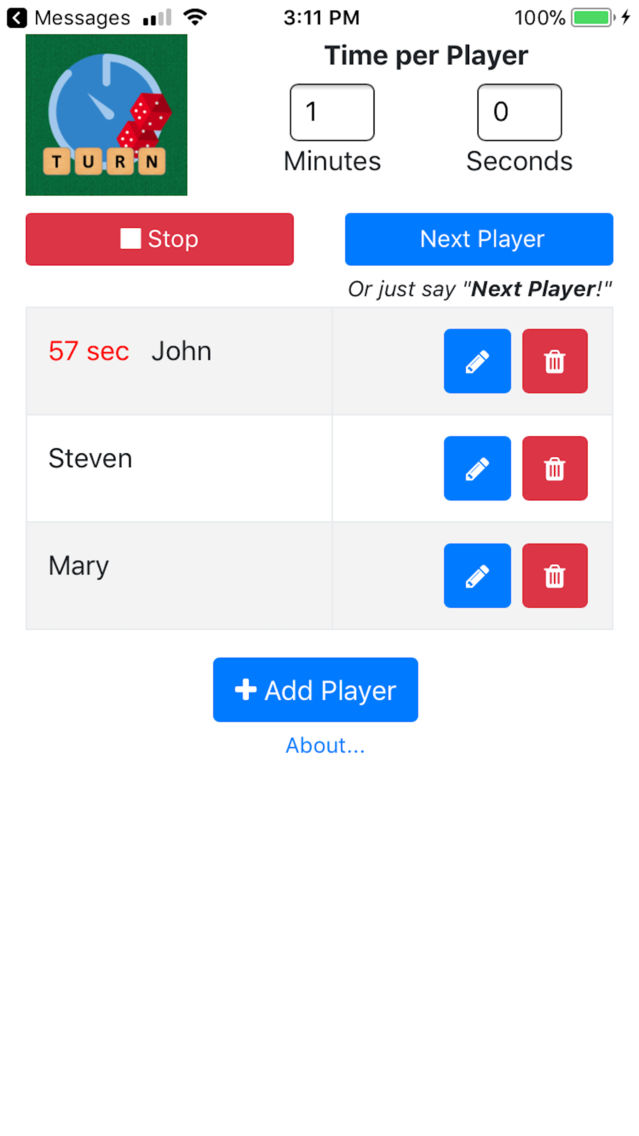
Free up the 'timer guy' from staring at his phone and starting and stopping timers throughout the whole game. Just add your players, hit start, and toss the phone in the middle of the table. When each player is done with their turn, just say "Next Player"!
Be sure to unmute your phone to hear end-of-turn buzzers and acknowledgements for moving to the next player.
In order to recognize you saying "Next Player", Auto Turn Timer uses the CMU Pocketsphinx library, the CMU Flite library, selections from the CMU CMUCMLTK library (http://cmusphinx.sourceforge.net), and Politepix's OpenEars (http://www.politepix.com/openears).
No voice data is ever uploaded anywhere - listening for the magic phrase "Next Player" is done entirely on your device.

Free up the 'timer guy' from staring at his phone and starting and stopping timers throughout the whole game. Just add your players, hit start, and toss the phone in the middle of the table. When each player is done with their turn, just say "Next Player"!
Be sure to unmute your phone to hear end-of-turn buzzers and acknowledgements for moving to the next player.
In order to recognize you saying "Next Player", Auto Turn Timer uses the CMU Pocketsphinx library, the CMU Flite library, selections from the CMU CMUCMLTK library (http://cmusphinx.sourceforge.net), and Politepix's OpenEars (http://www.politepix.com/openears).
No voice data is ever uploaded anywhere - listening for the magic phrase "Next Player" is done entirely on your device.
Show More
What's New in the Latest Version 1.0
Last updated on Feb 1, 2018
Version History
1.0
Feb 1, 2018
Auto Turn Timer FAQ
Click here to learn how to download Auto Turn Timer in restricted country or region.
Check the following list to see the minimum requirements of Auto Turn Timer.
iPhone
iPad
Auto Turn Timer supports English