Age Rating
4+
Apps in this category do not contain restricted content.
9+
Apps in this category may contain mild or occasional cartoon, fantasy or real-life violence, as well as occasional or mild adult, sexually suggestive or horrifying content and may not be suitable for children under 9 years of age.
12+
Apps in this category may contain occasional mild indecent language, frequent or intense cartoon or real-life violence, minor or occasional adult or sexually suggestive material, and simulated gambling, and may be for children under 12 years of age.
17+
You must be at least 17 years old to access this App.
Apps in this category may contain frequent and intense offensive language; Frequent and intense cartoon, fantasy or realistic violence: frequent and intense adult, scary and sexually suggestive subjects: as well as sexual content, nudity, tobacco, alcohol and drugs, may not be suitable for children under 17 years of age.
AutoAdvisory Screenshots
AutoAdvisory posterAutoAdvisory posterAutoAdvisory posterAutoAdvisory posterAutoAdvisory poster

About AutoAdvisory

Be the best driver that you can be.

Distracted driving due to phone use is the new impaired driving.

AutoAdvisory is your safe driving co-pilot.

AutoAdvisory significantly reduces the risk of collisions by encouraging safe and attentive driver behaviour.

DESIGN PHILOSOPHY:
Using aircraft systems design principles, AutoAdvisory has been engineered to be safe, effective and reliable.

How does our app work?

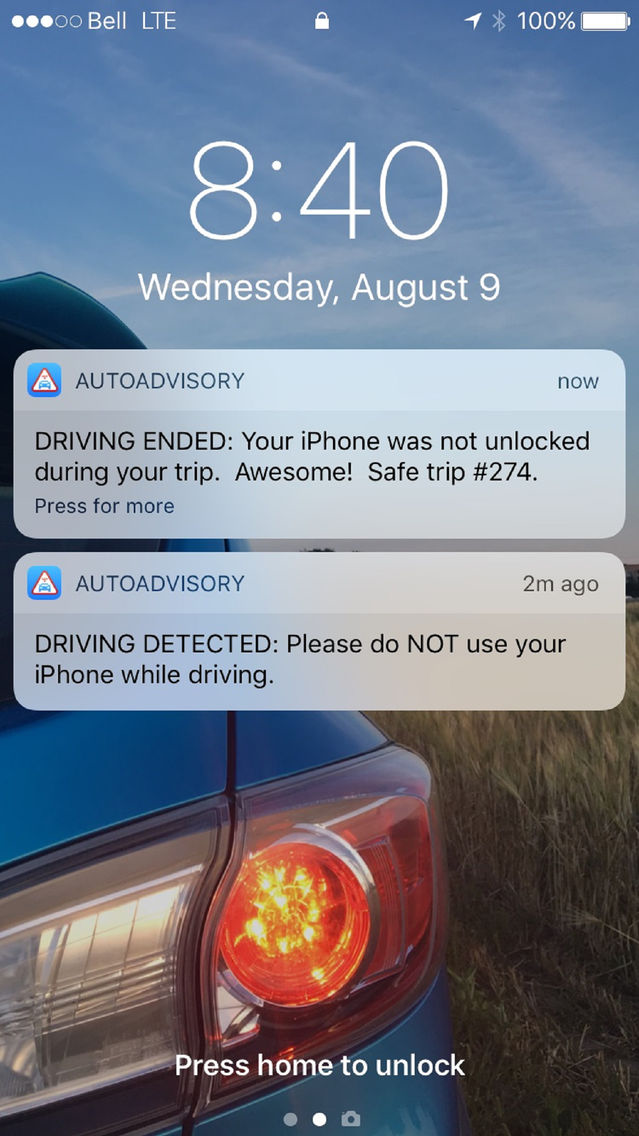
AutoAdvisory advises you not to use your iPhone when driving is detected (similar to the seat belt warning symbol and chime), continuously monitors your device to ensure it remains locked during the trip, and provides feedback at the end of the trip via the Auto Debrief feature - all while maintaining 100% privacy and not affecting the functionality of your iPhone.

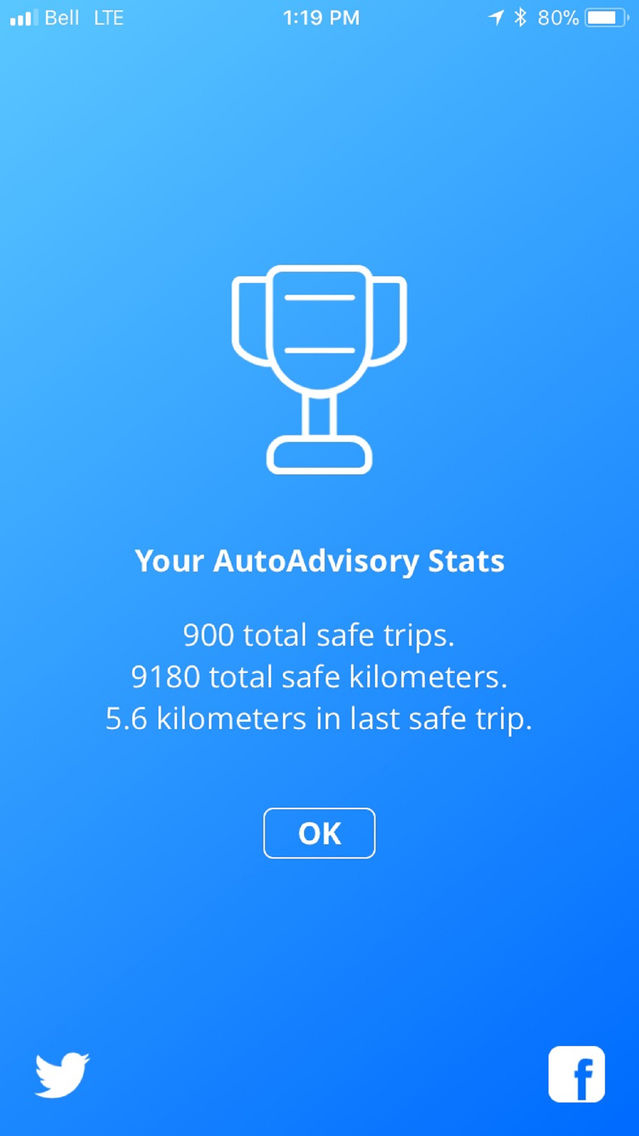
You can share your safe driving accomplishments with your family and friends on Facebook or Twitter directly through the app.

AutoAdvisory is fully compatible and complementary with iOS 11 Do Not Disturb While Driving function.

SET-UP:
Allow all permissions during set-up. AutoAdvisory runs continuously in the background.

Set-Up Instructions:
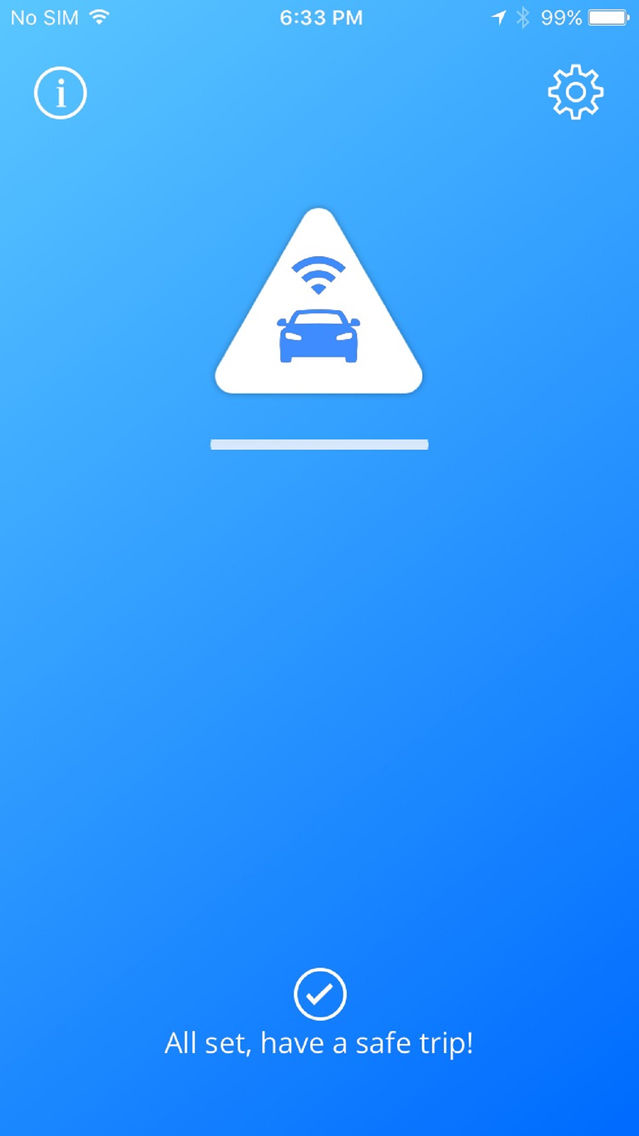
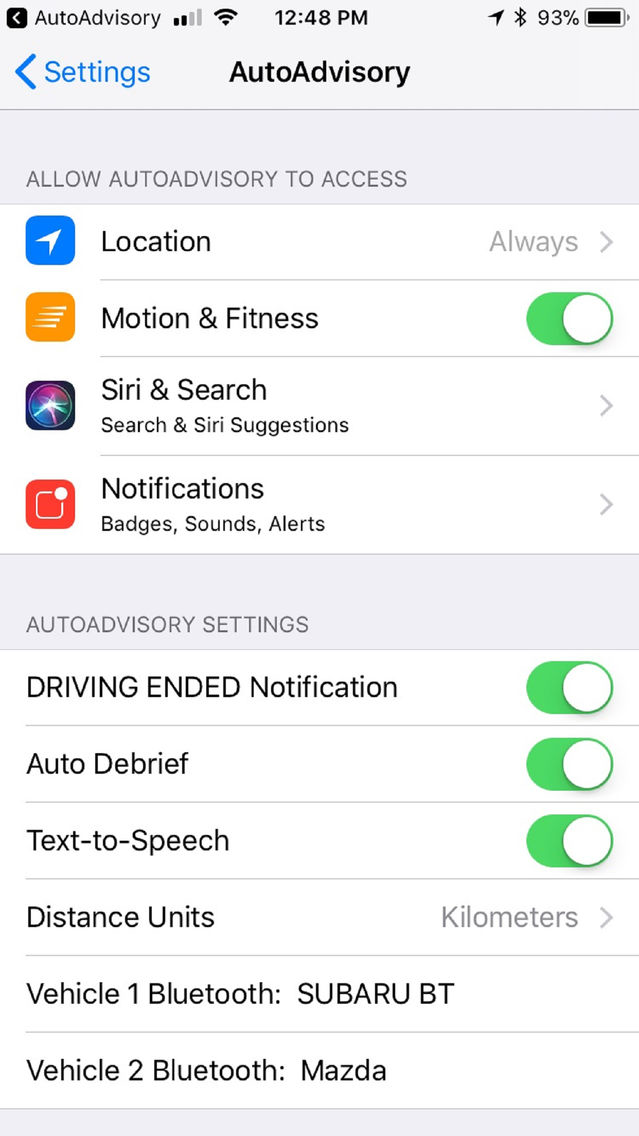
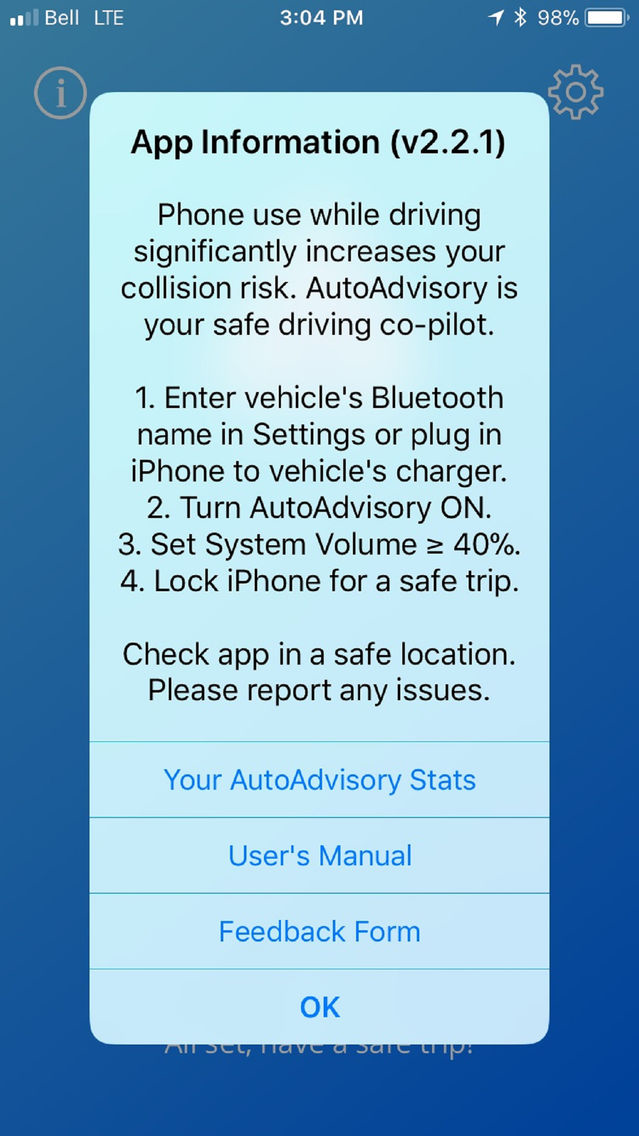
1. Enter your vehicle's Bluetooth device name in Settings or plug in iPhone to vehicle's charger.
2. Turn AutoAdvisory ON.
3. Set your System Volume to at least 40%.
4. Lock your iPhone for a safe trip.

Set your preferences via the Settings icon. The app has been designed for iPhone 4S to iPhone X, running iOS 9.3.5 or higher.

Please provide your feedback on the App Store.

For the sake of those you care for, stay connected...to the road.

-The AutoAdvisory Design Team-

Show More

What's New in the Latest Version 2.2.1

Last updated on Jan 15, 2018
Old Versions
v2.2.1 incorporates reliability improvements to the in-vehicle charging logic and fixes a minor bug with the DRIVING ENDED Notification Setting.
Show More
Version History
2.2.1
Mar 31, 2017
v2.2.1 incorporates reliability improvements to the in-vehicle charging logic and fixes a minor bug with the DRIVING ENDED Notification Setting.

AutoAdvisory FAQ

Click here to learn how to download AutoAdvisory in restricted country or region.
Check the following list to see the minimum requirements of AutoAdvisory.
iPhone
AutoAdvisory supports English

AutoAdvisory Alternative

You May Also Like

Get more from Specific Range Solutions Ltd.