Awesome RSS Reader

Awesome RSS Reader


Free

1.8for iPhone, iPad
Minware Inc.
Developer
Jan 5, 2017
Update Date
News
Category
Age Rating
4+
Apps in this category do not contain restricted content.
9+
Apps in this category may contain mild or occasional cartoon, fantasy or real-life violence, as well as occasional or mild adult, sexually suggestive or horrifying content and may not be suitable for children under 9 years of age.
12+
Apps in this category may contain occasional mild indecent language, frequent or intense cartoon or real-life violence, minor or occasional adult or sexually suggestive material, and simulated gambling, and may be for children under 12 years of age.
17+
You must be at least 17 years old to access this App.
Apps in this category may contain frequent and intense offensive language; Frequent and intense cartoon, fantasy or realistic violence: frequent and intense adult, scary and sexually suggestive subjects: as well as sexual content, nudity, tobacco, alcohol and drugs, may not be suitable for children under 17 years of age.
Awesome RSS Reader Screenshots
Awesome RSS Reader posterAwesome RSS Reader posterAwesome RSS Reader posterAwesome RSS Reader poster
Awesome RSS Reader posterAwesome RSS Reader posterAwesome RSS Reader posterAwesome RSS Reader posterAwesome RSS Reader poster

About Awesome RSS Reader

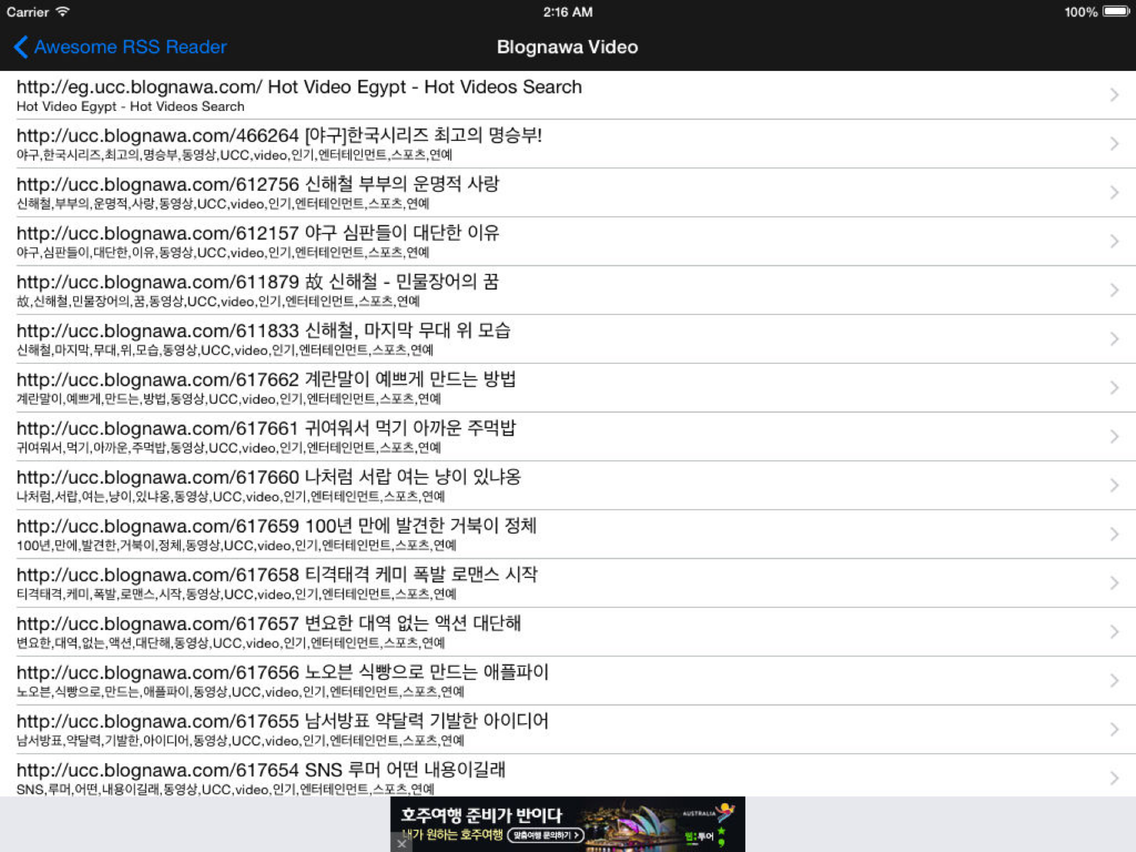
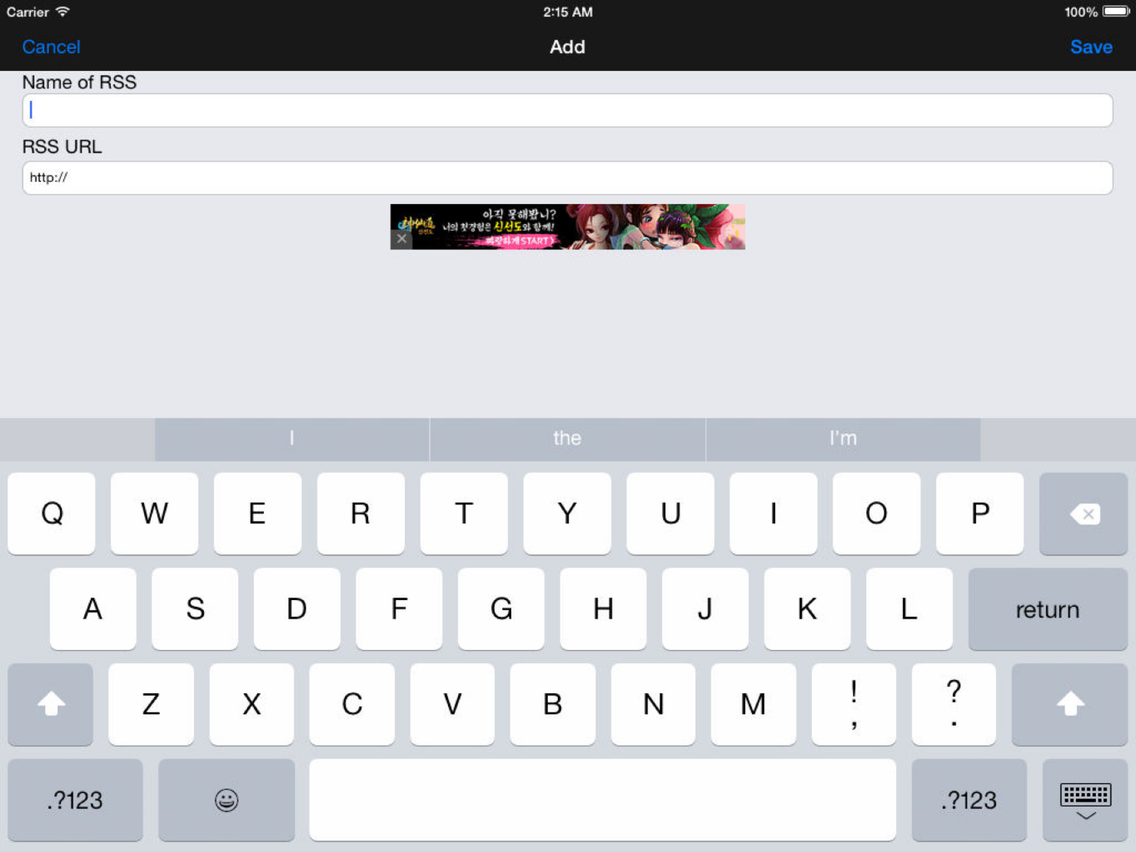
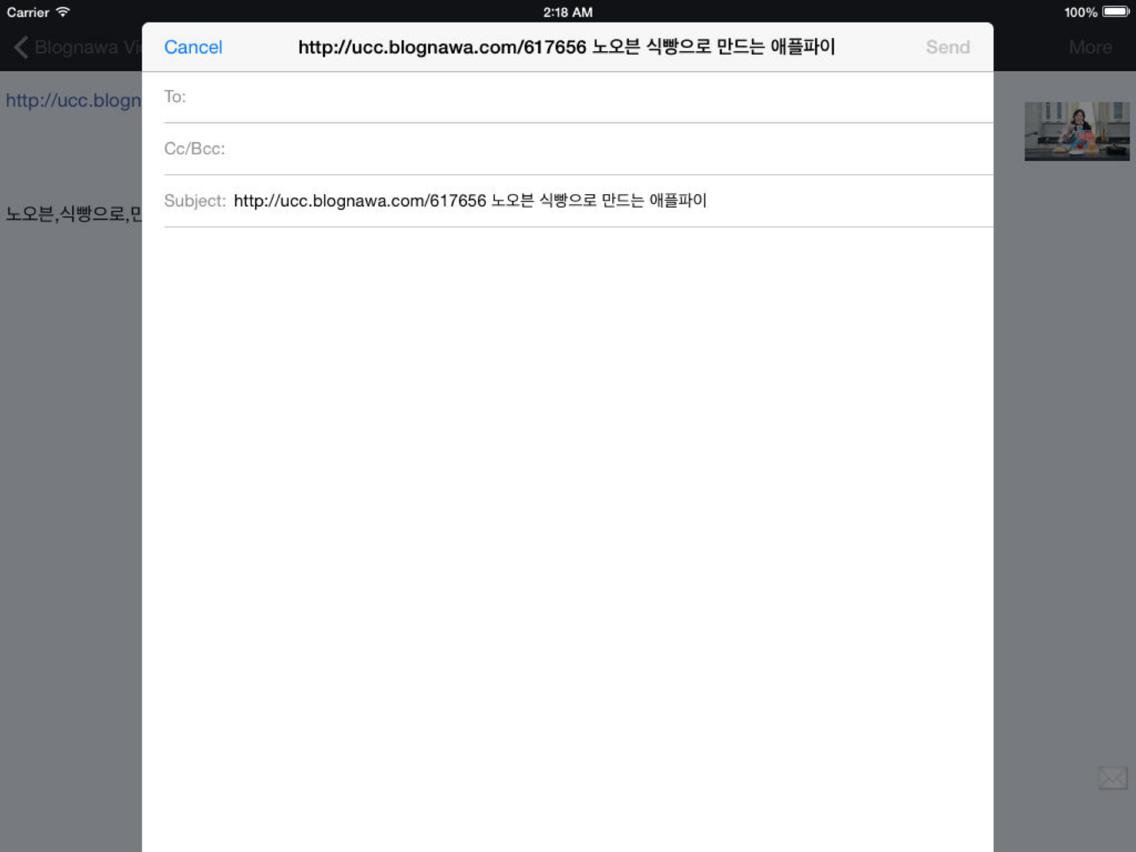
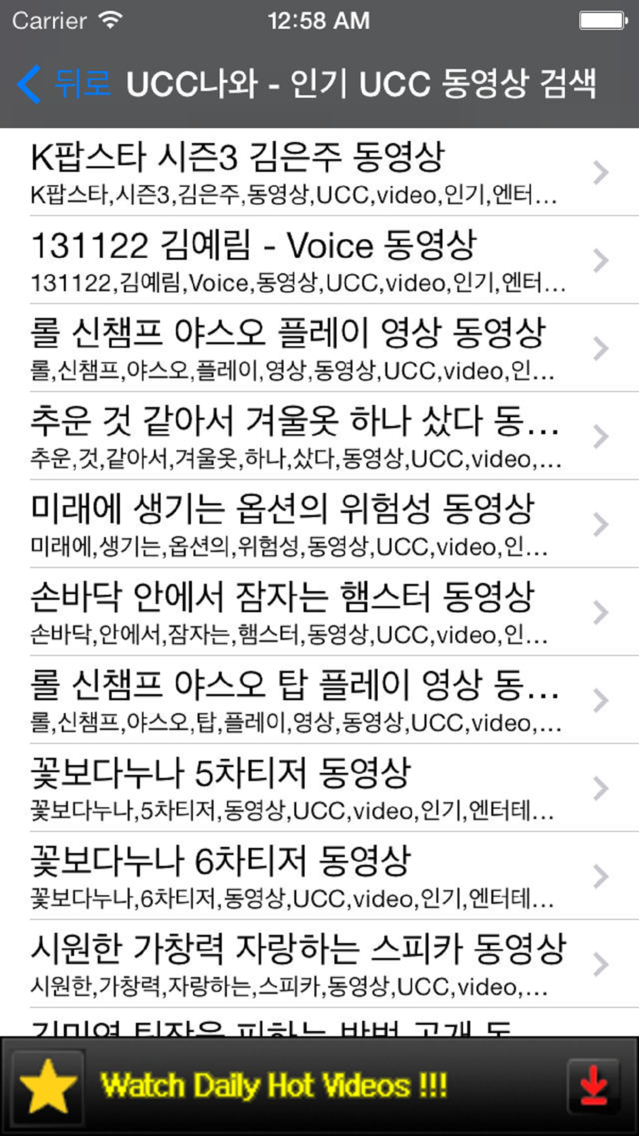
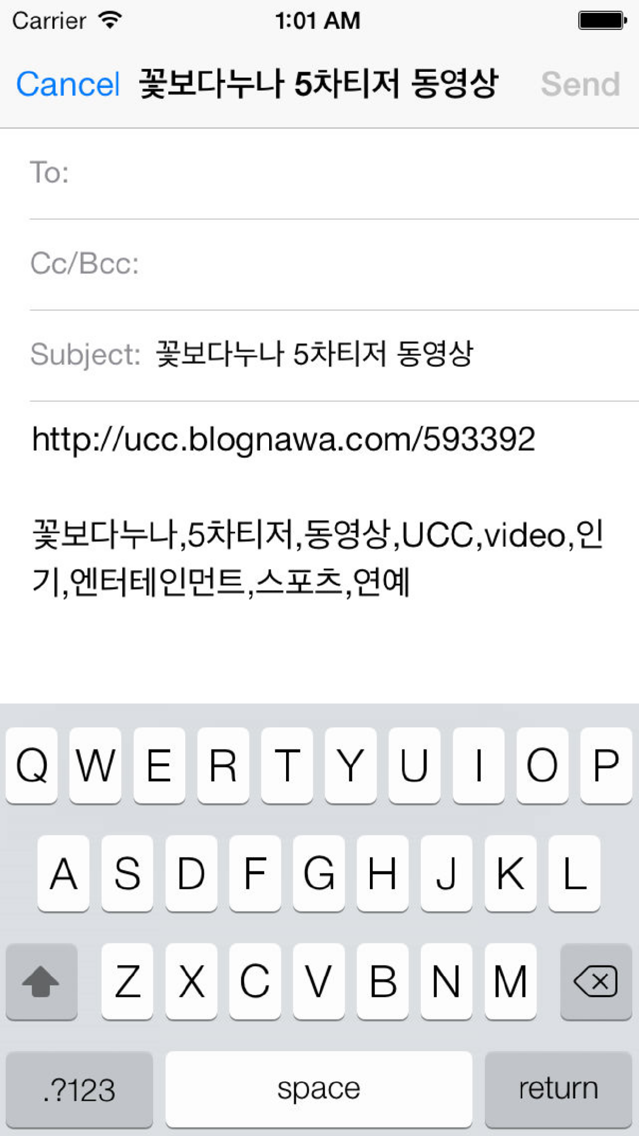
Awesome RSS Reader is very useful RSS Reader which you can easily add RSS, send email, and zoom thumbnail.

Check out these Awesome features.

- Thumbnail zoom viewer
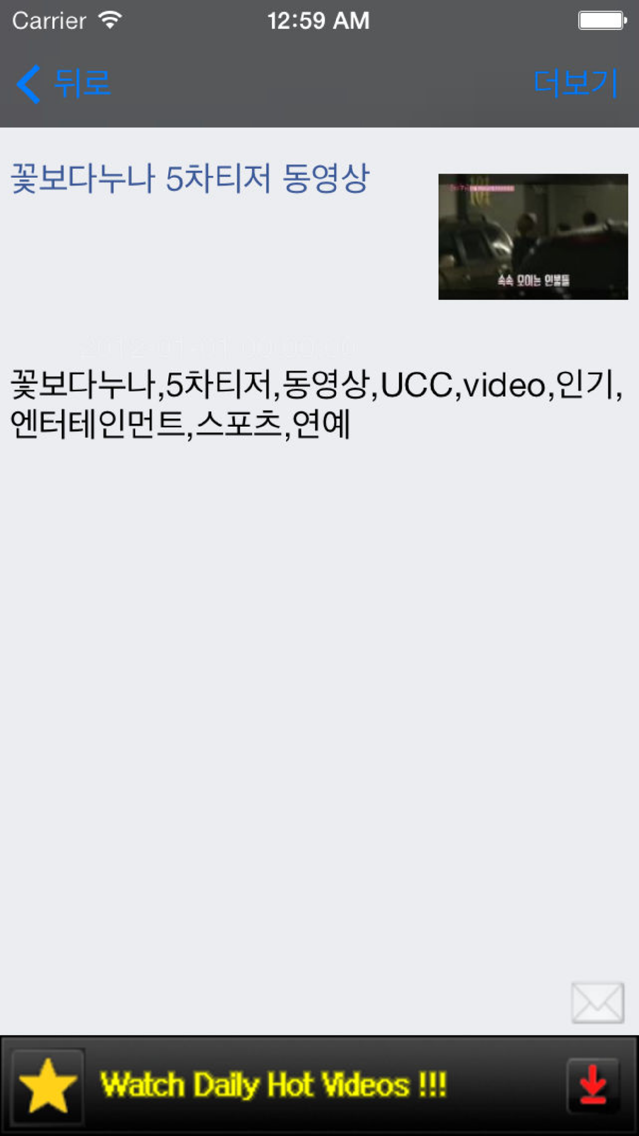
If RSS contains thumbnail information such as flickr, photobucket and so on, you can view thumbnail. If you tap the thumbnail, also you can zoom in.

ex) flickr example
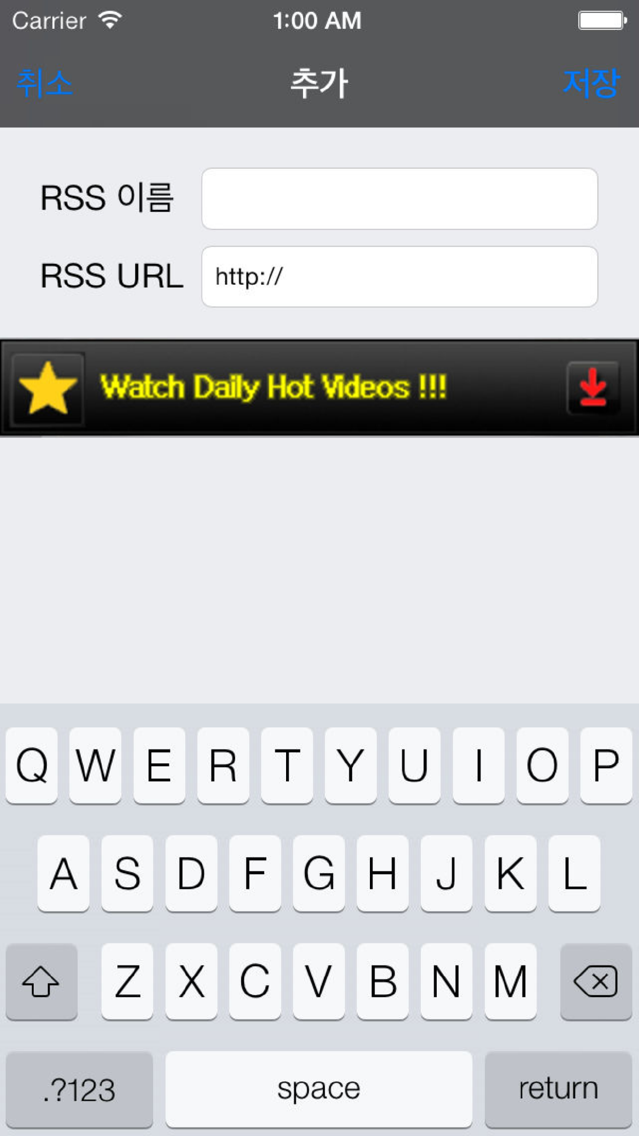
1. Add RSS URL "https://api.flickr.com/services/feeds/photos_public.gne?format=rss2"
2. Tap any item.
3. In the detail view, tap the image.

-------------------------------------------------------

"Awesome RSS Reader"는 아주 심플하고, 간편한 RSS 리더입니다.
내용을 이메일로 전송할 수 있고, RSS에 썸네일 이미지가 포함된 경우 썸네일을 보여주고, 줌기능 또한 제공합니다.

예) flickr
1. 다음의 RSS URL 추가 "https://api.flickr.com/services/feeds/photos_public.gne?format=rss2"
2. 리스트에서 아이템 선택
3. 상세 화면에서 이미지 터치
4. 이미지 줌

Show More

What's New in the Latest Version 1.8

Last updated on Jan 5, 2017
Old Versions
Performance Improvement.
Show More
Version History
1.8
Jan 5, 2017
Performance Improvement.
1.7
Jan 21, 2016
Performance Improvement.
1.6
Jan 15, 2016
Performance Improvement.
1.5
Nov 6, 2015
Performance Improvement.
1.4
Nov 20, 2014
Performance Improvement.
1.3
Dec 3, 2013
Performance Improvement.
1.2
Aug 4, 2012
Performance Improvement
1.1
Apr 14, 2010
Date displaying method is changed.
1.0
Mar 2, 2010

Awesome RSS Reader FAQ

Click here to learn how to download Awesome RSS Reader in restricted country or region.
Check the following list to see the minimum requirements of Awesome RSS Reader.
iPhone
iPad
Awesome RSS Reader supports English

Awesome RSS Reader Alternative

You May Also Like

Get more from Minware Inc.