Age Rating
4+
Apps in this category do not contain restricted content.
9+
Apps in this category may contain mild or occasional cartoon, fantasy or real-life violence, as well as occasional or mild adult, sexually suggestive or horrifying content and may not be suitable for children under 9 years of age.
12+
Apps in this category may contain occasional mild indecent language, frequent or intense cartoon or real-life violence, minor or occasional adult or sexually suggestive material, and simulated gambling, and may be for children under 12 years of age.
17+
You must be at least 17 years old to access this App.
Apps in this category may contain frequent and intense offensive language; Frequent and intense cartoon, fantasy or realistic violence: frequent and intense adult, scary and sexually suggestive subjects: as well as sexual content, nudity, tobacco, alcohol and drugs, may not be suitable for children under 17 years of age.
BAPI BLE Scanner Screenshots
BAPI BLE Scanner posterBAPI BLE Scanner posterBAPI BLE Scanner posterBAPI BLE Scanner posterBAPI BLE Scanner poster

About BAPI BLE Scanner

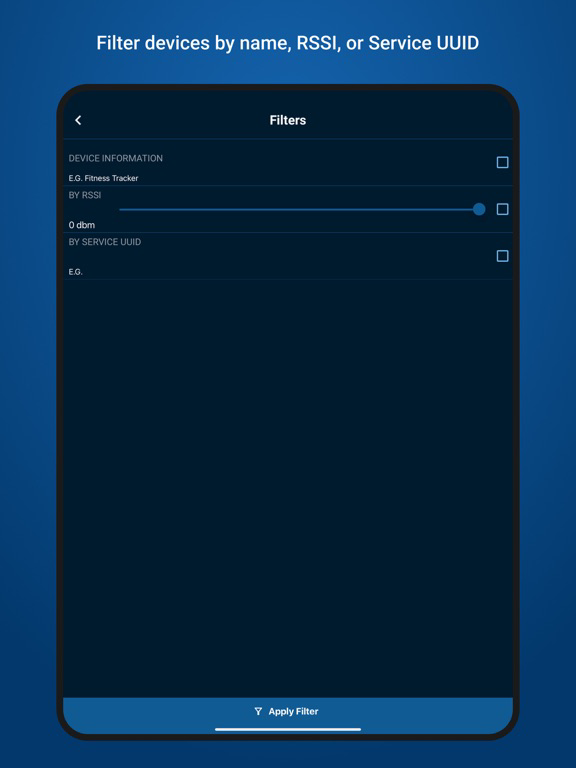
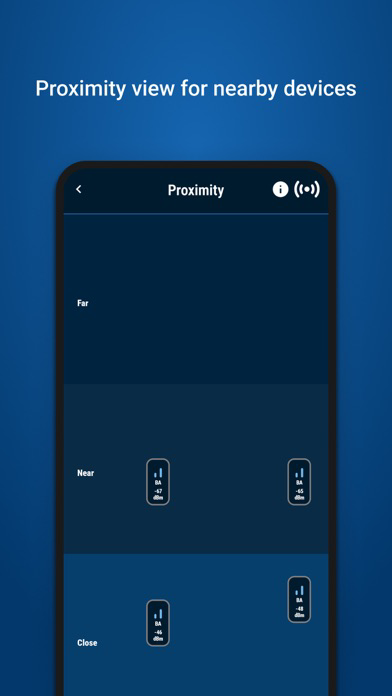
The BAPI BLE Scanner app provides a simple way to check if BAPI’s wireless sensors will work in your environment. The app automatically scans your environment for BLE devices and displays them with their RSSI value, giving you and indication of the signal strength in your environment.

Using the BAPI BLE Scanner app and one of BAPI’s wireless sensors, you can test your environment to see if to see how reliably a wireless sensor system will perform. BAPI’s wireless system consists of sensors and gateways. Sensors will send readings to the gateway, the gateway can then send readings to our cloud monitoring system or to an HVAC system.

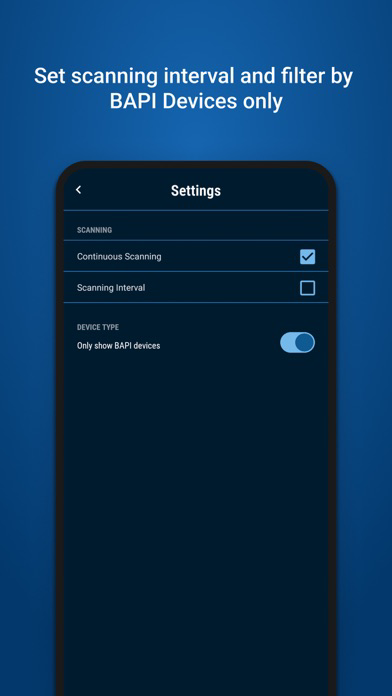
You can use the BAPI BLE Scanner to perform a site verification in your environment. Contact BAPI to order one of our wireless sensors. Once you receive your sensor, power it on and place it at a location that you want to measure. Open the BAPI BLE Scanner app on your smart device and position yourself where you would like to place a gateway. You can adjust the settings to only see BAPI wireless devices. You can then look at the RSSI value to determine if the sensor will be able to communicate reliably with the gateway and adjust the gateway or sensor position as needed. You can then repeat this process for each point you want to measure.

The BAPI BLE Scanner makes it easy to determine how many sensors and gateways you will need for your environment and where to place them. You can then be confident that your wireless system will be able to communicate reliably.

Contact us to start the site verification process

Show More

What's New in the Latest Version 1.0

Last updated on Jun 19, 2024
Version History
1.0
Jun 19, 2024

BAPI BLE Scanner FAQ

Click here to learn how to download BAPI BLE Scanner in restricted country or region.
Check the following list to see the minimum requirements of BAPI BLE Scanner.
iPhone
iPad

BAPI BLE Scanner Alternative

You May Also Like

Get more from Building Automation Products, Inc