The bbTracker is an easy to use application for recording position tracks on your iOS device (all iPhones and iPads).
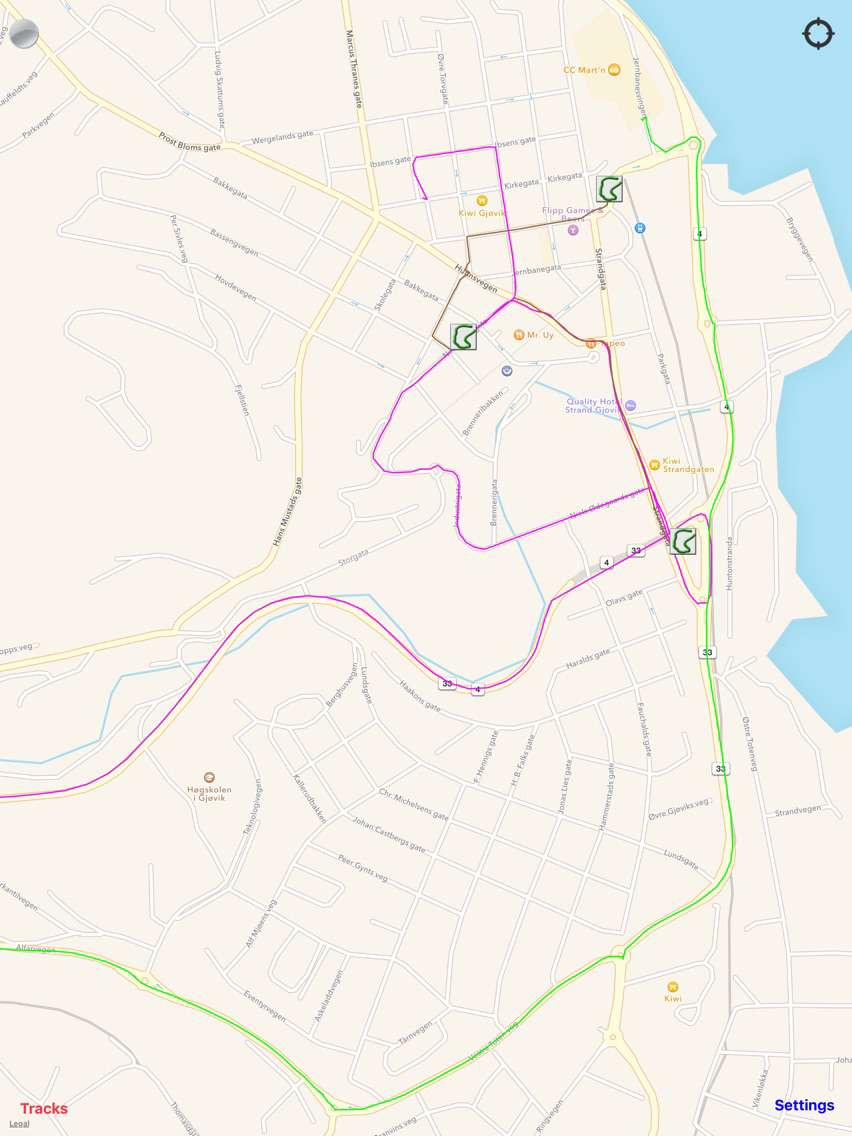
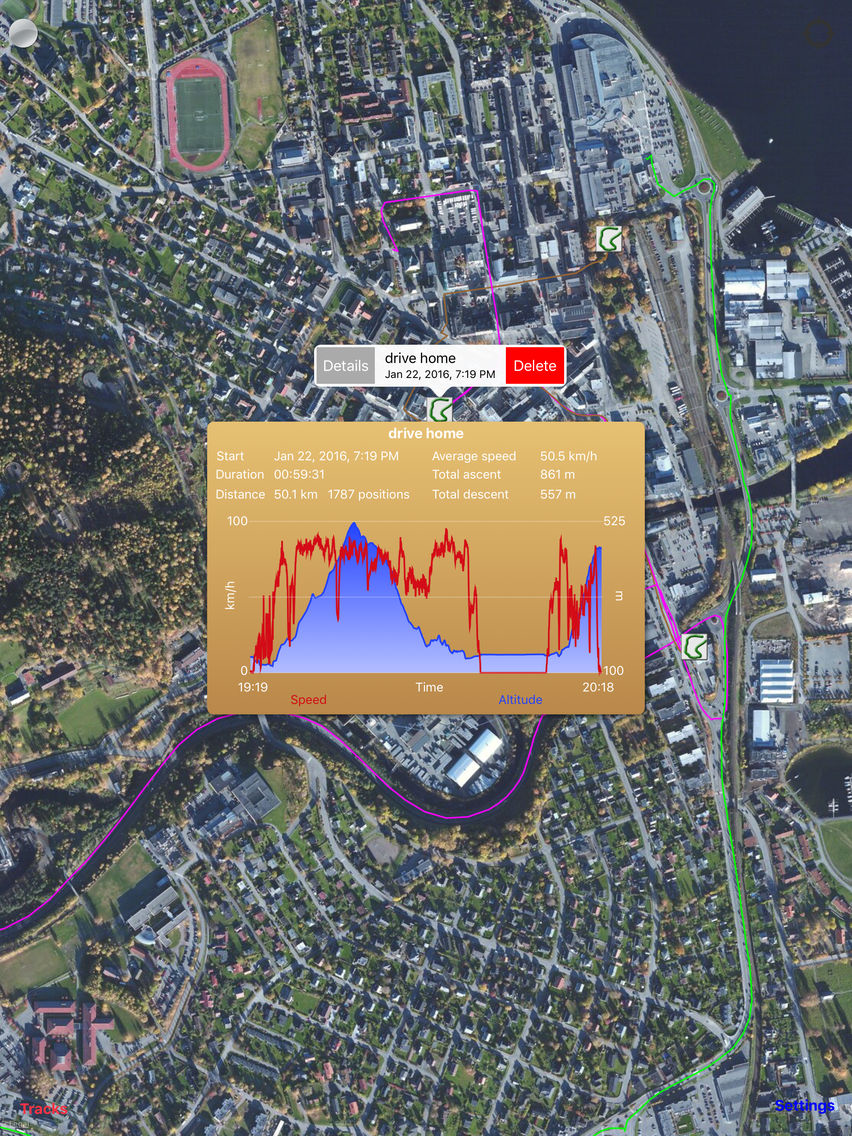
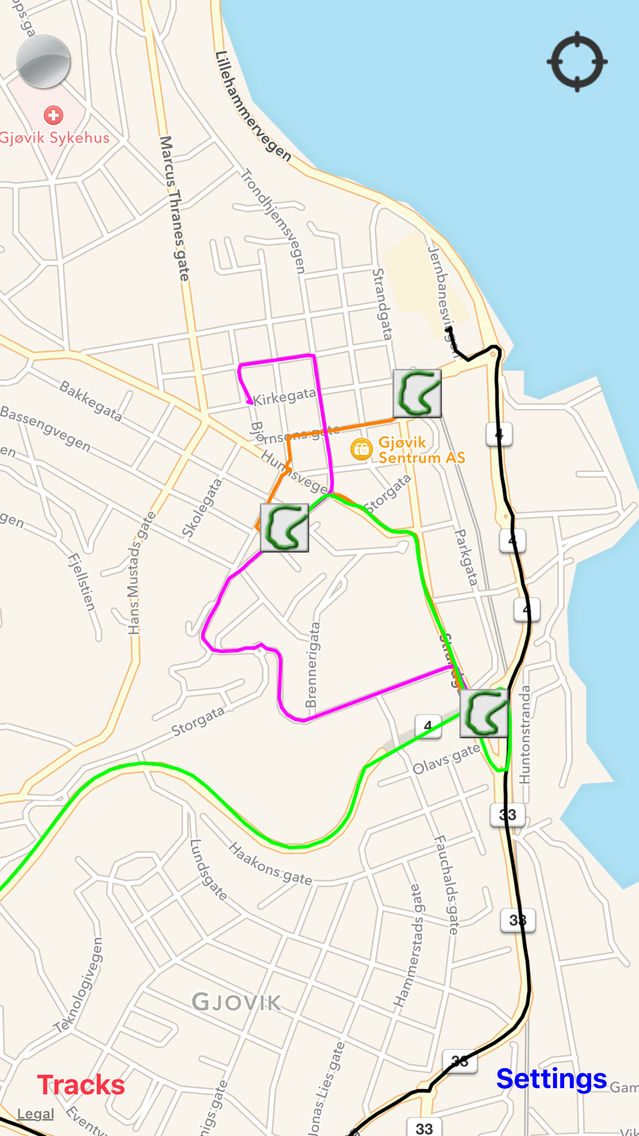
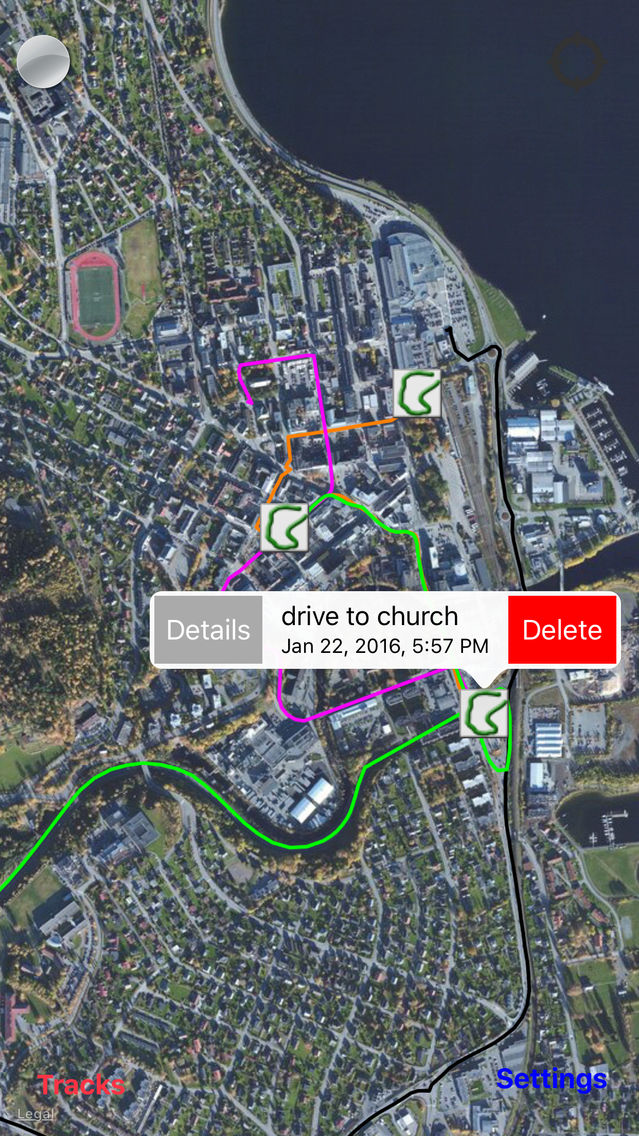
Recording is started by simply pressing the record button, and the recorded positions will be stored in a track. Multiple tracks can be recorded and shown on the same map, and various functionality may be performed on them including labelling, hiding, deleting and displaying details like speed/altitude curves and statistics.
NOTE: The app continues to run in the background if closed while recording is active, and uses notifications to update the user on the progress. Navigation consumes more battery than normal, and it is highly recommended to enable notifications for this app to detect if it is unintentionally running in the background.
The app has a multitude of usages, for example:
* Store tracks to keep record of your travels, training schedule, where you have been walking, driving etc.
* Show others the best route to get to your house, a restaurant, the airport etc.
* Show others what exercise routes you take
* Record positions when taking taxi in unfamiliar cities to ensure you are not taking the long route (track can be used as evidence in case of arguments)
* Record tracks to ease finding your way back to your car, hotel etc. in for example unfamiliar areas, large cities or large parking lots.
For a full description of functionality and usage, please refer to http://www.daeco.no/iosapps/bbtracker/
Functionality:
* One touch start and stop recording of positions
* Continue recording positions when app is closed, allowing the device to be used for other things while recording
* Positions are stored in tracks (positions stored between pressing start and stop is one track)
* No limit on number of tracks stored
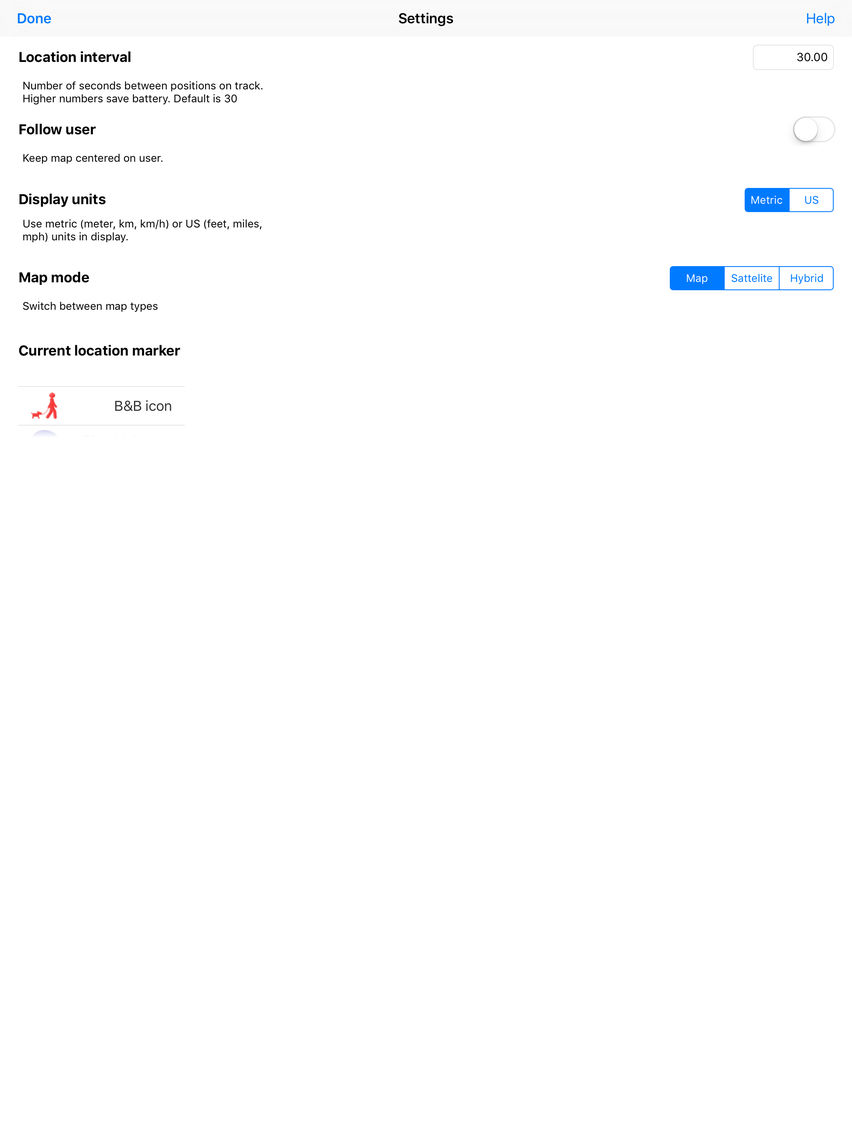
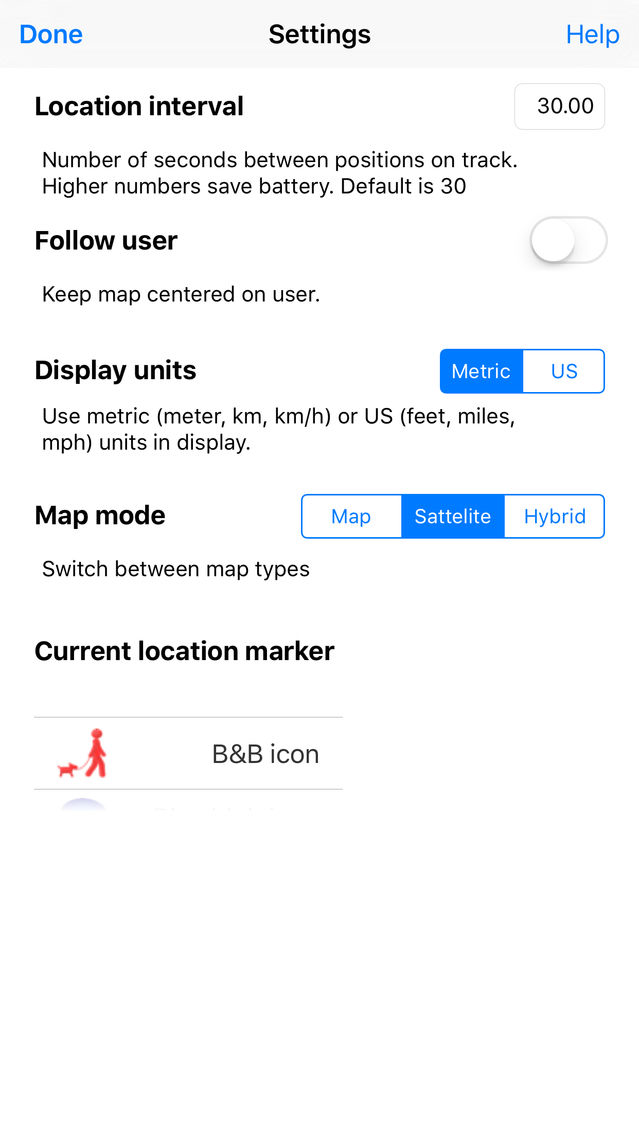
* Adjust frequency of recorded positions to fit the speed of movement and device capacity.
* Three map modes: Normal map, Satellite image and Hybrid
* Map support all normal map operations like zoom, pan, rotate and follow user.
* Maps available in all countries/areas supported by Apple map services
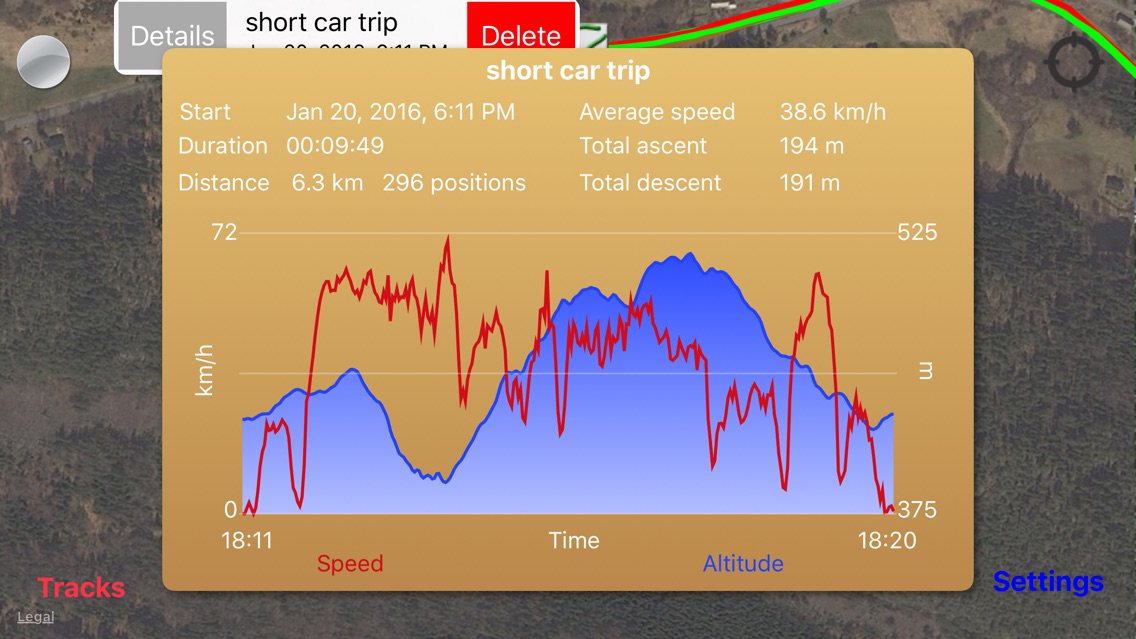
* Statistics and speed/altitude curves can be displayed for a given track (shown in a popup window)
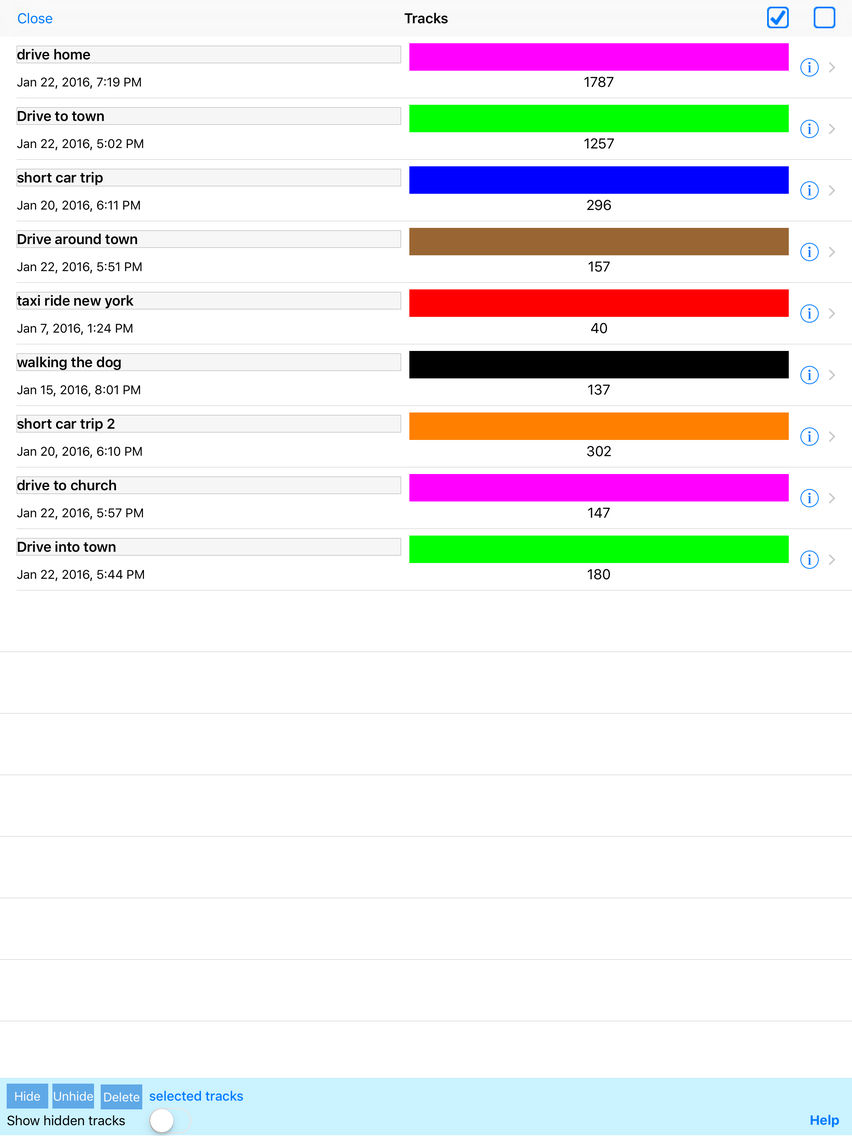
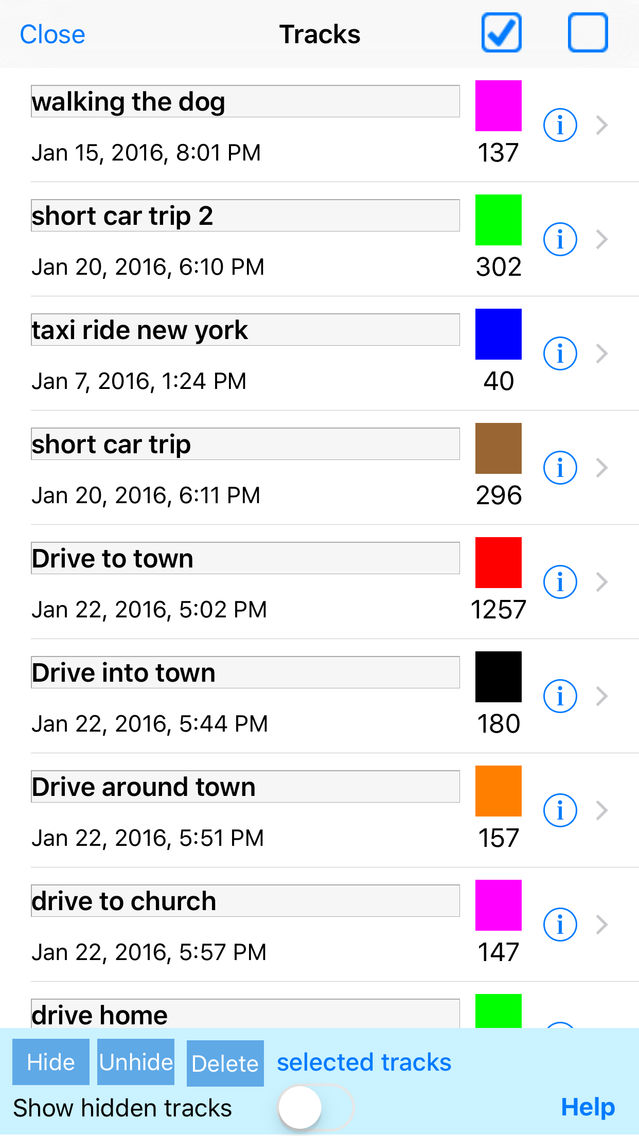
* A separate track list mode is available to get an overview of tracks
* Track list includes simple one touch zoom to individual track
* Tracks:
* Can be given a name/label - names can be freely chosen, and are displayed on the map
* Can be hidden - hidden tracks can be made visible again
* Can be deleted - deleted tracks are removed from the device
* Have time of recording, a number of positions and individual track color
* The app provides a simple online help (link to support web page)