Bitsbox QR

Bitsbox QR


Free

1.0.0for iPhone, iPad
Bitsbox
Developer
May 7, 2018
Update Date
Education
Category
Age Rating
4+
Apps in this category do not contain restricted content.
9+
Apps in this category may contain mild or occasional cartoon, fantasy or real-life violence, as well as occasional or mild adult, sexually suggestive or horrifying content and may not be suitable for children under 9 years of age.
12+
Apps in this category may contain occasional mild indecent language, frequent or intense cartoon or real-life violence, minor or occasional adult or sexually suggestive material, and simulated gambling, and may be for children under 12 years of age.
17+
You must be at least 17 years old to access this App.
Apps in this category may contain frequent and intense offensive language; Frequent and intense cartoon, fantasy or realistic violence: frequent and intense adult, scary and sexually suggestive subjects: as well as sexual content, nudity, tobacco, alcohol and drugs, may not be suitable for children under 17 years of age.
Bitsbox QR Screenshots
Bitsbox QR posterBitsbox QR posterBitsbox QR posterBitsbox QR poster
Bitsbox QR posterBitsbox QR posterBitsbox QR poster

About Bitsbox QR

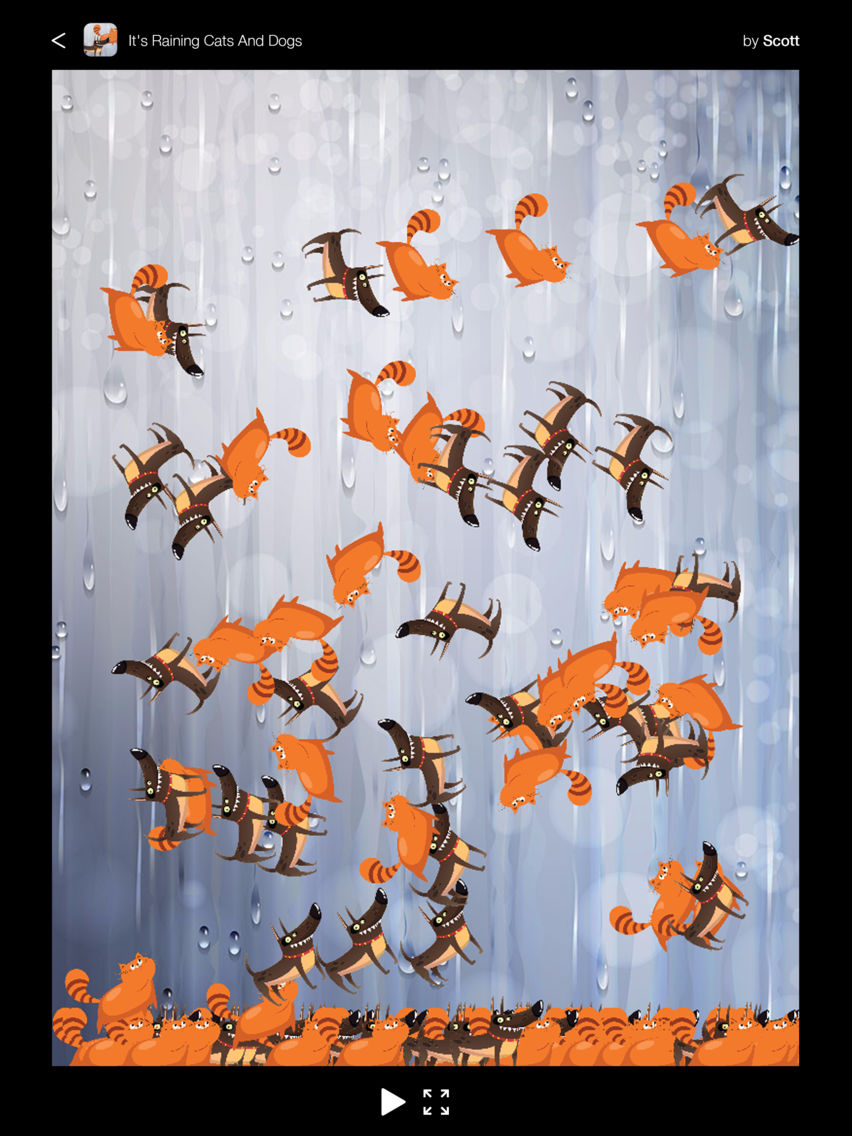
Use Bitsbox QR to play apps you made in Bitsbox on any iPhone or iPad. For kids who want to make REAL STUFF, seeing their apps working on a mobile device is a total game-changer. It's the single most effective way to keep kids motivated and learning!

HOW DOES BITSBOX QR WORK?

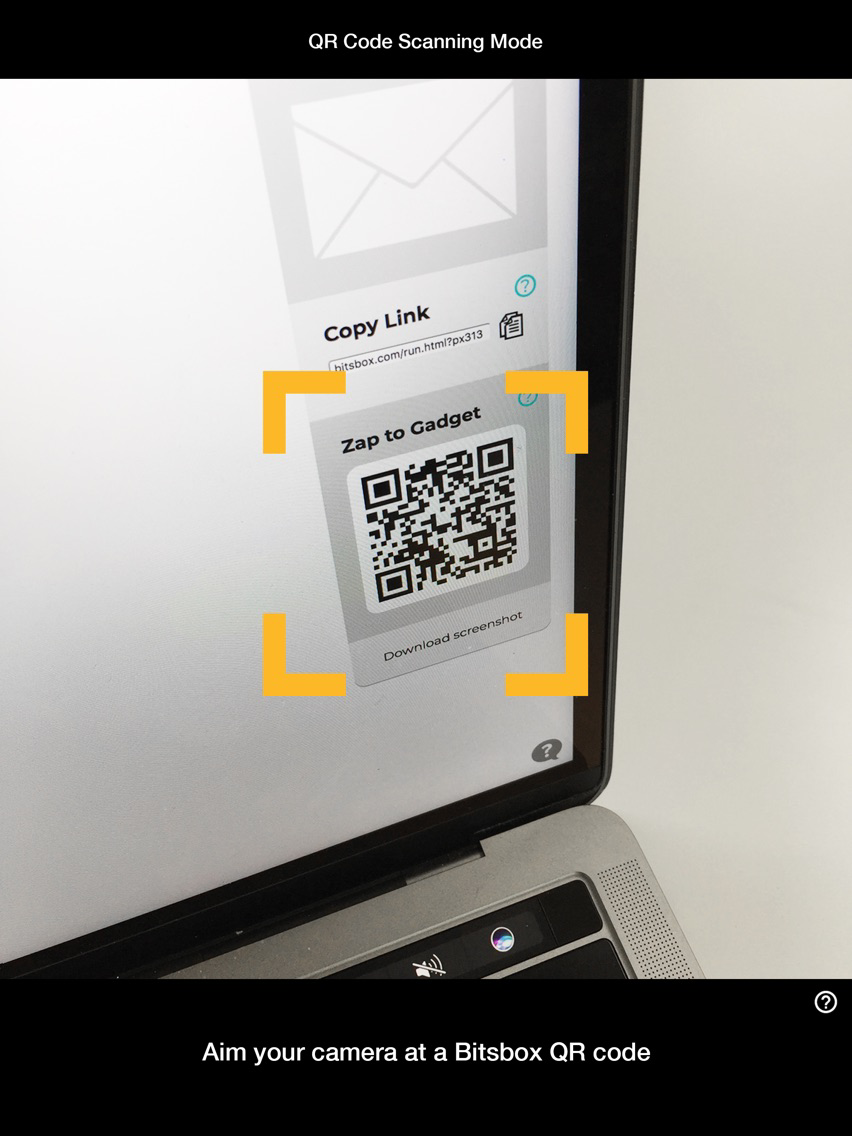
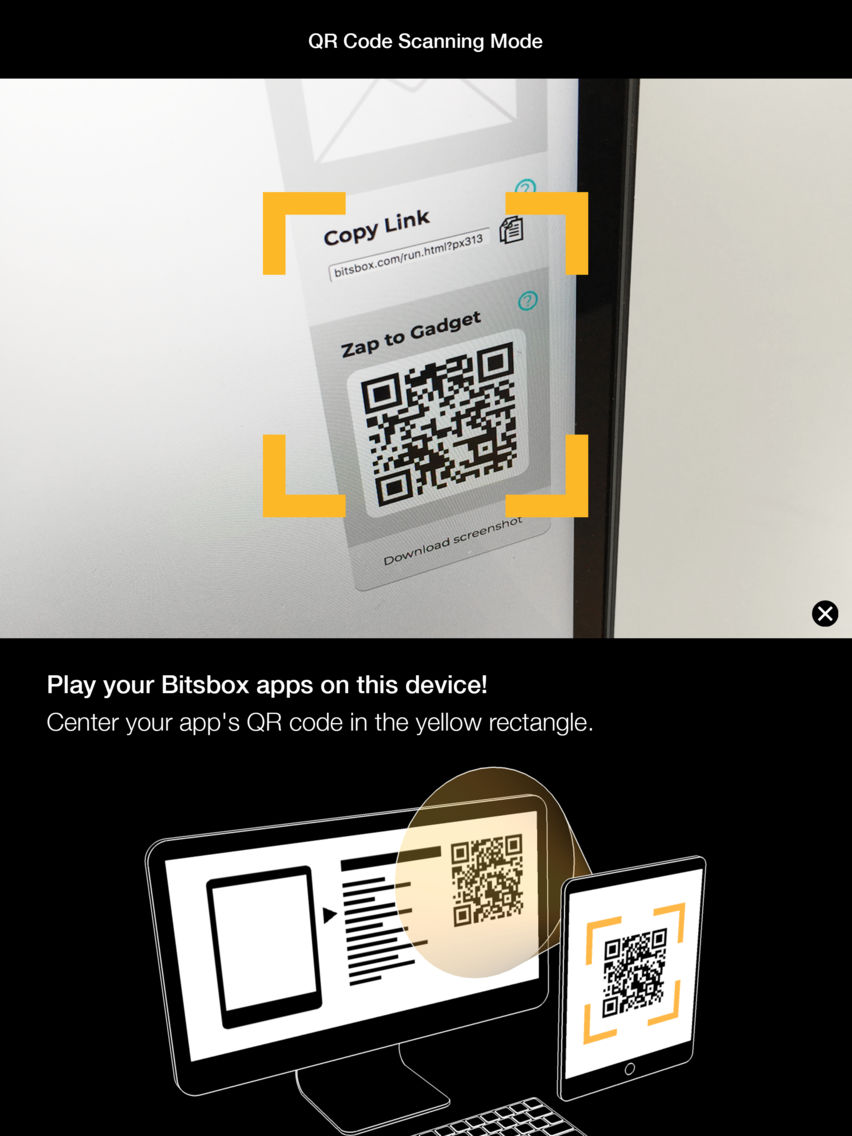
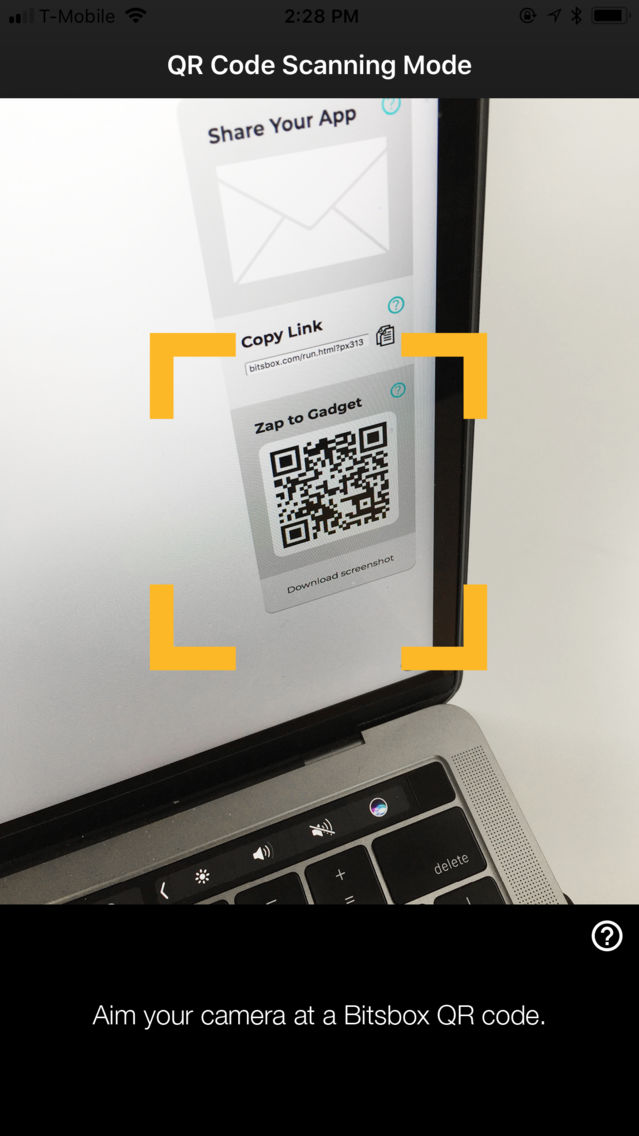
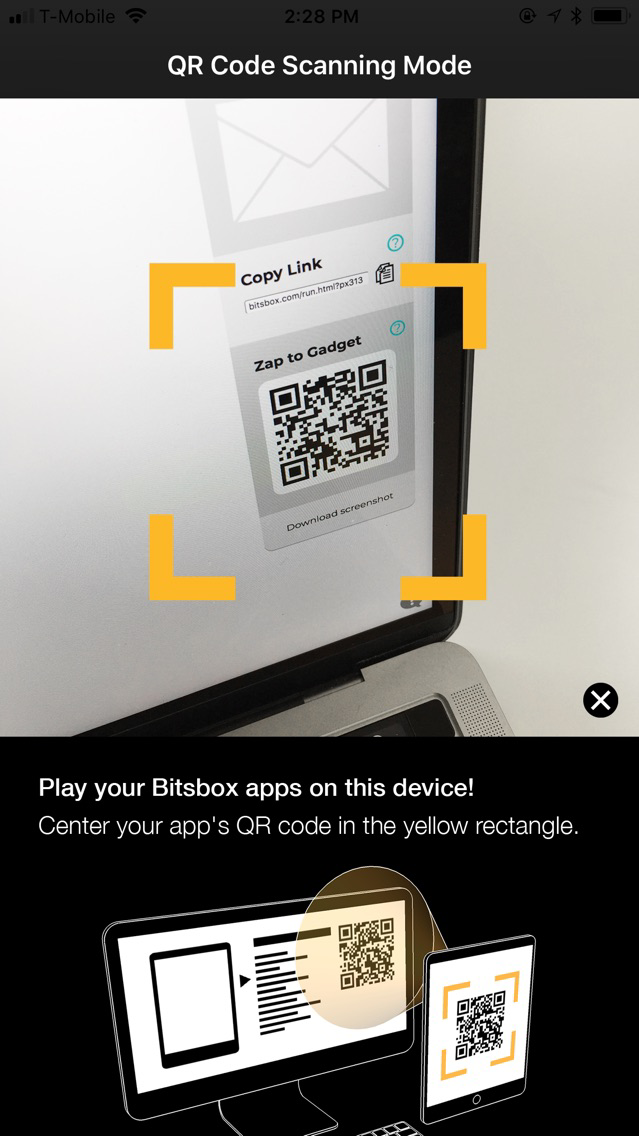
After you've installed this app on your device, use it to scan a Bitsbox app's QR code right from your computer screen. After a few seconds, your app will appear on the gadget you're holding!

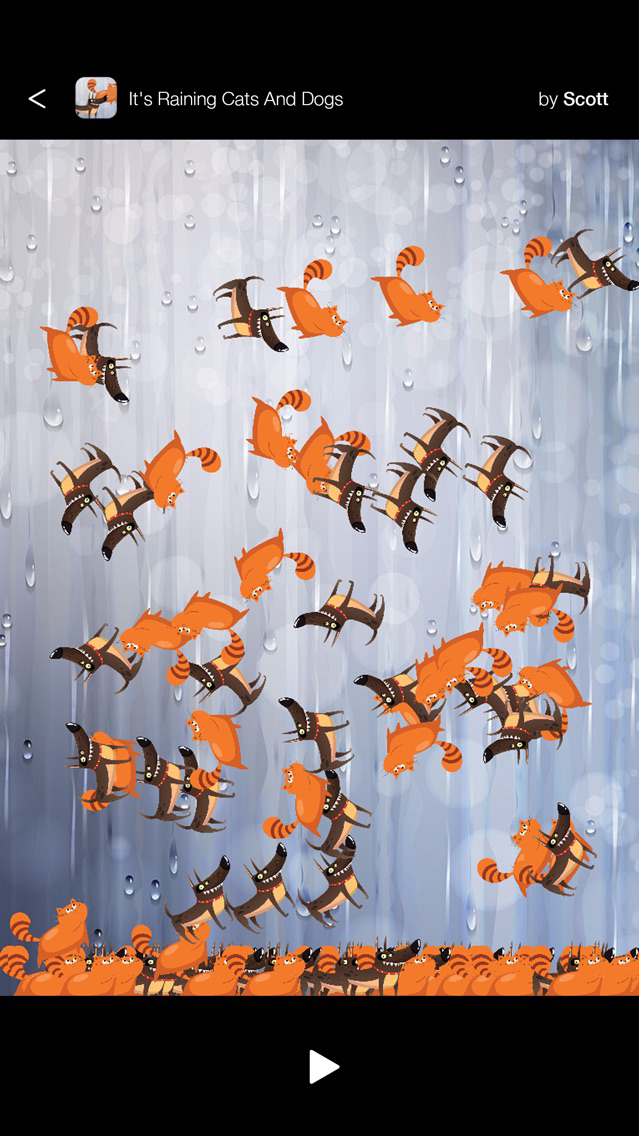
When you change your app's code on the computer and click the green Play button, the app on your phone or tablet will automatically refresh to show the changes.

HOW DO I SHOW MY BITSBOX APP'S QR CODE?

With your app open in Bitsbox on your computer, click the Share icon in the upper-right corner of the screen. Your app's unique QR code will appear!

CAN THIS APP SCAN NON-BITSBOX QR CODES?

Nope : ) Kids can only use Bitsbox QR to scan Bitsbox QR codes.

WHAT'S BITSBOX, ANYWAY?

Bitsbox is a crazyfun learning system that teaches kids to love coding by letting them build their own apps. Learn more and create your own QR codes at www.bitsbox.com.

Show More

What's New in the Latest Version 1.0.0

Last updated on May 7, 2018
Version History
1.0.0
May 7, 2018

Bitsbox QR FAQ

Click here to learn how to download Bitsbox QR in restricted country or region.
Check the following list to see the minimum requirements of Bitsbox QR.
iPhone
iPad
Bitsbox QR supports English

Bitsbox QR Alternative

You May Also Like