Age Rating
4+
Apps in this category do not contain restricted content.
9+
Apps in this category may contain mild or occasional cartoon, fantasy or real-life violence, as well as occasional or mild adult, sexually suggestive or horrifying content and may not be suitable for children under 9 years of age.
12+
Apps in this category may contain occasional mild indecent language, frequent or intense cartoon or real-life violence, minor or occasional adult or sexually suggestive material, and simulated gambling, and may be for children under 12 years of age.
17+
You must be at least 17 years old to access this App.
Apps in this category may contain frequent and intense offensive language; Frequent and intense cartoon, fantasy or realistic violence: frequent and intense adult, scary and sexually suggestive subjects: as well as sexual content, nudity, tobacco, alcohol and drugs, may not be suitable for children under 17 years of age.
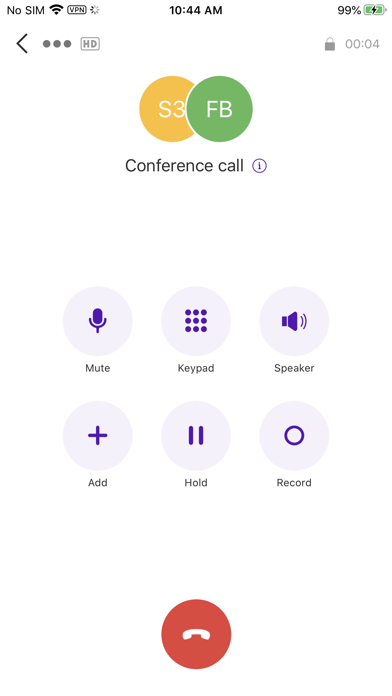
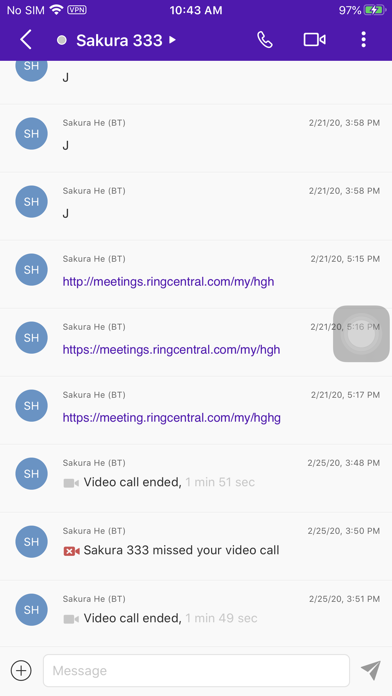
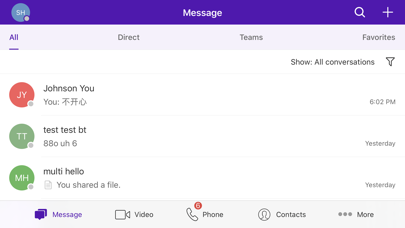
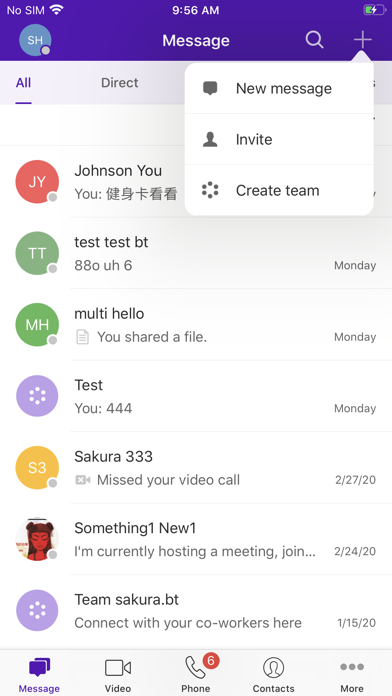
BT Cloud Work Screenshots
BT Cloud Work posterBT Cloud Work posterBT Cloud Work posterBT Cloud Work posterBT Cloud Work posterBT Cloud Work posterBT Cloud Work posterBT Cloud Work poster

About BT Cloud Work

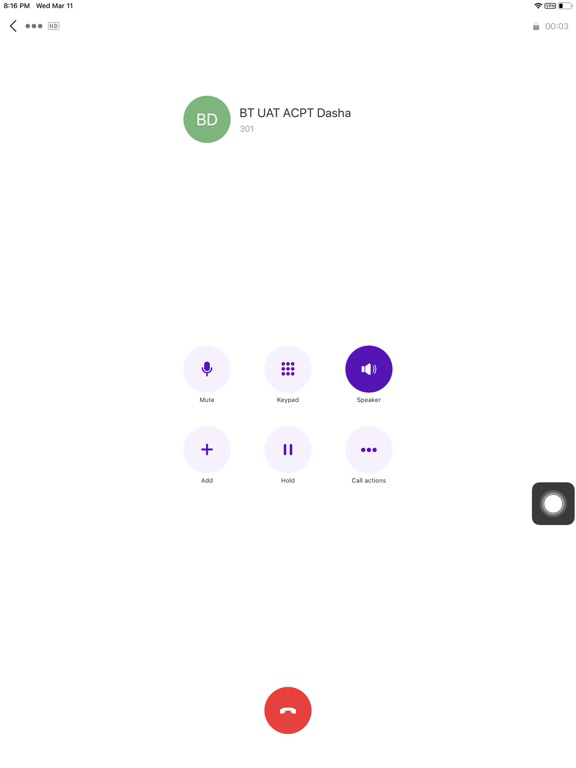
Download the BT Cloud Work app — the essential application for your BT Cloud Work service. Manage your phone system directly from your smartphone and handle your business calls, voicemails and faxes, messages, video meetings, anywhere.
If you need any support please contact our service desk on 0800 389 0321.

Use the BT Cloud Work app on your smartphone to:
- Show your BT Cloud Work business number as your Caller ID when making calls.
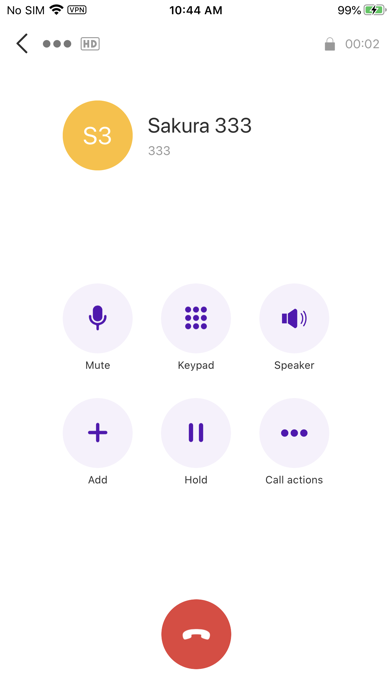
- Make VoIP calls over Wi-fi / 3G / 4G / 5G
- Use the BT Cloud Work RingOut feature to continue making calls with business caller ID using your mobile network
- Switch an active call to your mobile if you’re walking away from your desk
- Keep all your business voicemails and faxes separate from your personal messages.
- See who left a message, forward messages, and tap to return calls with Visual Voicemail.
- Send and receive faxes, by accessing photos, email attachments, and cloud storage such as Dropbox & Google Drive
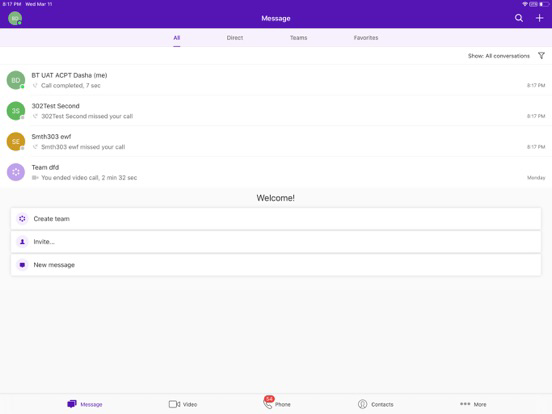
- View call time, date, and duration, and return calls directly from your BT Cloud Work call logs.
- Get notifications of incoming messages.
- Access your company extensions as a contact group.
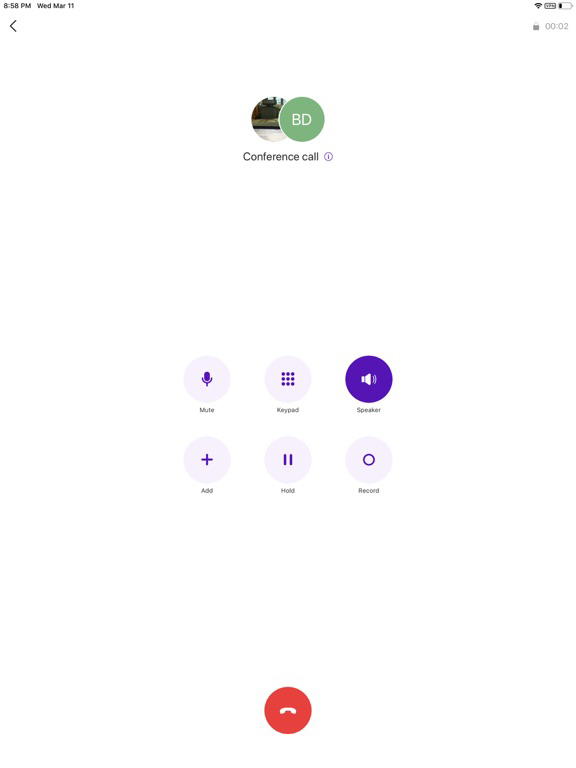
- Conferencing feature with unlimited conference calling for up to 1000 participants per conference*
- Host and participate in HD video conferencing meetings*
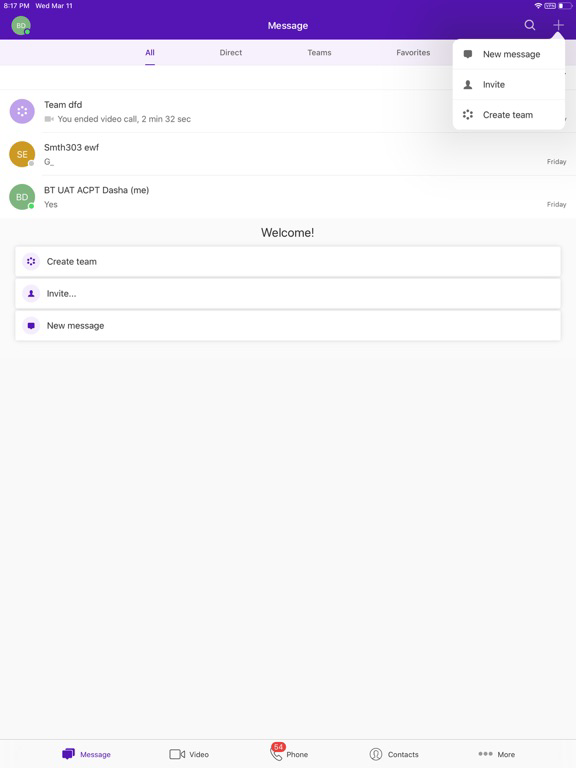
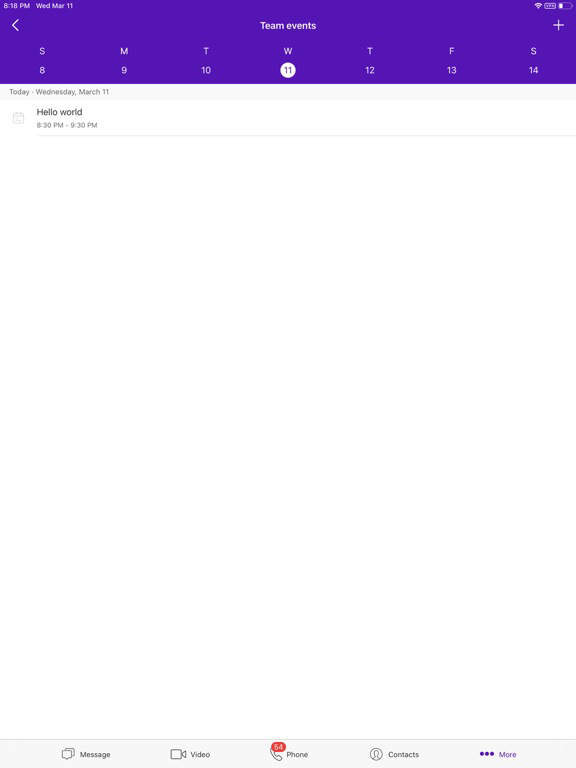
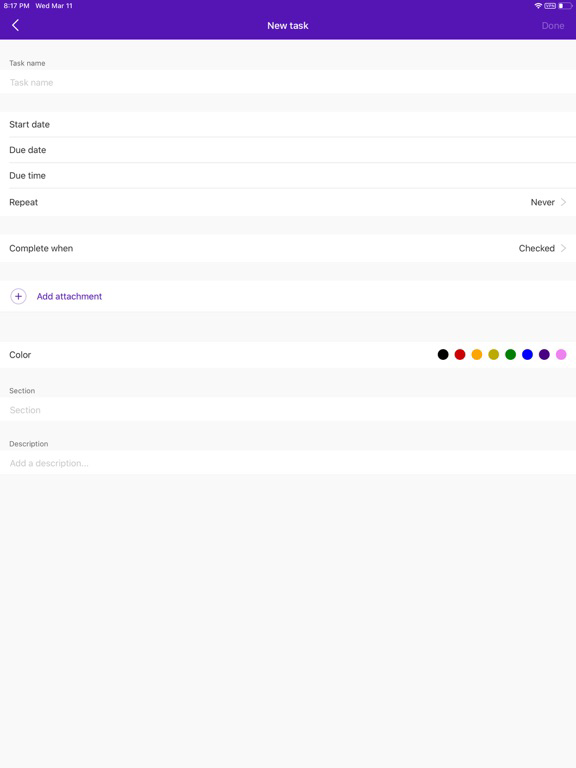
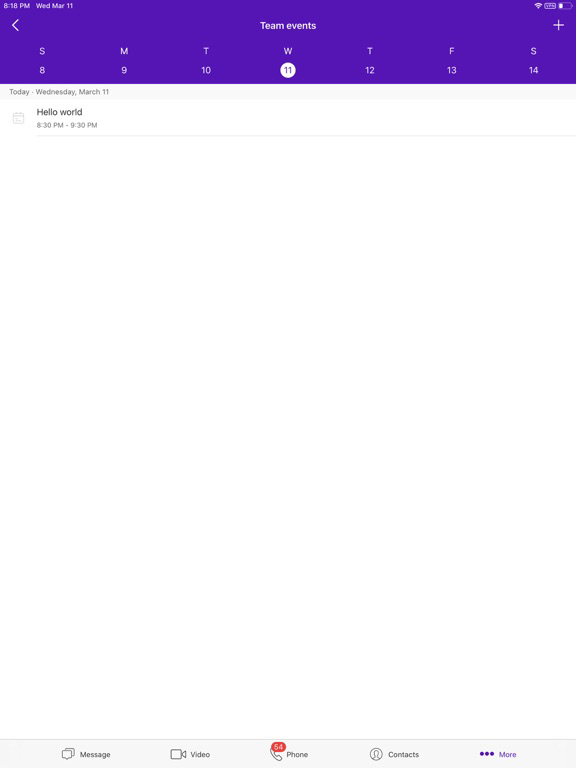
- Collaborate with colleagues; send and receive messages and files
BT Cloud Work - a cloud-based business phone system that delivers:
- Local, Free Phone and Non Geographic numbers
- Auto-receptionist
- Multiple extensions
- Advanced call management and answering rules
- Multiple voicemail boxes
- Visual voicemail
- Internet fax
- Music on hold
- Custom greetings
- Call screening
- Call queues
- Dial-by-name directory
- Conferencing*

Show More

What's New in the Latest Version 25.4.20

Last updated on Dec 9, 2025
Old Versions
What's New 25.4


- BTCW Audio Conferencing enhancements - When the conference host ends the audio conference from the mobile app they will have the option to leave the conference without ending the conference for everyone.


- New call settings for Call disconnect tone & Call transfer tone - New settings to turn on “Transfer complete tone” and "Call disconnect tone” in mobile and desktop apps, which is played when a warm transfer is completed, or a call ends without your action.


-Preview Mic and Camera before joining meetings - BTCW meetings now includes a pre-meeting screen, allowing users to preview and adjust their mic and camera before joining a meeting. This feature helps ensure users join with the right settings—without scrambling once the meeting begins.


- See who joined before you - in the audio and video preview screen, signed-in participants can also see at a glance who is present in the meeting before they join.


- Show RingCX Contact Center routing numbers in Apps, Rules, & IVR Menus - Allow Users to search for Contact Center Routing Numbers (CCRNs) in Apps when making and transferring calls.


- General bug fixes
Show More
Version History
25.4.20
Dec 9, 2025
What's New 25.4


- BTCW Audio Conferencing enhancements - When the conference host ends the audio conference from the mobile app they will have the option to leave the conference without ending the conference for everyone.


- New call settings for Call disconnect tone & Call transfer tone - New settings to turn on “Transfer complete tone” and "Call disconnect tone” in mobile and desktop apps, which is played when a warm transfer is completed, or a call ends without your action.


-Preview Mic and Camera before joining meetings - BTCW meetings now includes a pre-meeting screen, allowing users to preview and adjust their mic and camera before joining a meeting. This feature helps ensure users join with the right settings—without scrambling once the meeting begins.


- See who joined before you - in the audio and video preview screen, signed-in participants can also see at a glance who is present in the meeting before they join.


- Show RingCX Contact Center routing numbers in Apps, Rules, & IVR Menus - Allow Users to search for Contact Center Routing Numbers (CCRNs) in Apps when making and transferring calls.


- General bug fixes

BT Cloud Work FAQ

Click here to learn how to download BT Cloud Work in restricted country or region.
Check the following list to see the minimum requirements of BT Cloud Work.
iPhone
iPad

BT Cloud Work Alternative

You May Also Like

Get more from British Telecommunications plc