THE SIMPLEST TODO LIST IN THE MILKY WAY GALAXY
We stripped away all the clutter and confusion of today’s project management apps and todo lists — so you can focus on getting things done.
SIMPLE IS BETTER
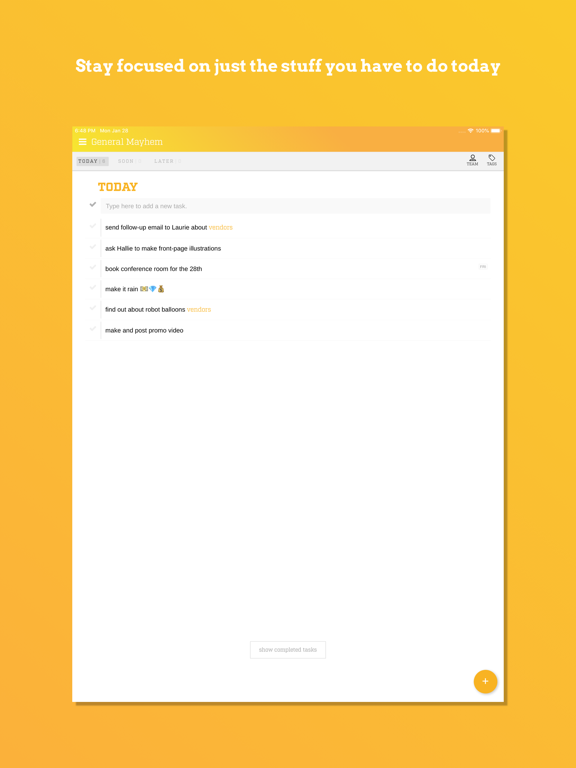
• Hide everything but what you have to work on Today, so you can stay focused. When you need them, you can bring your other tasks back so you can look at the big picture.
• Keyboard shortcuts for power users, allowing you to work more quickly and efficiently
• Coming Soon: Optional plugins that will help you get more done with MindHive, without adding the bloat of features you don't need.
QUICK TAGS
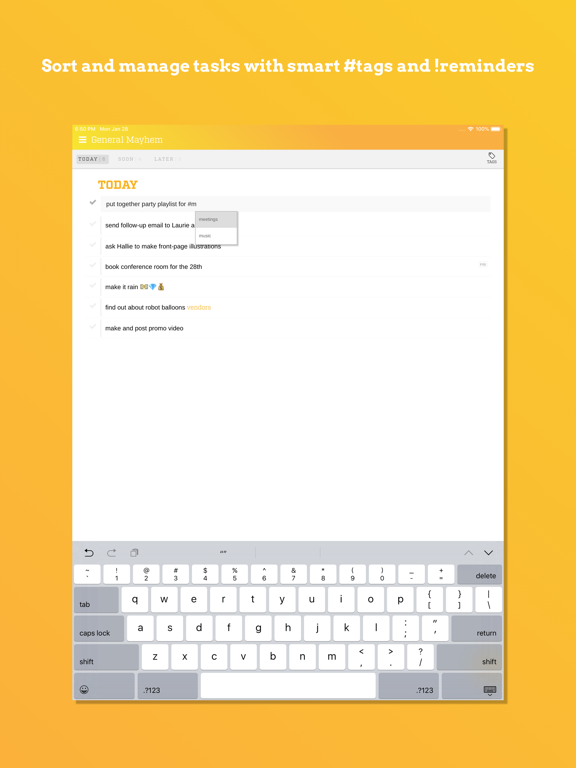
• Use #hashtags to categorize tasks by project or keyword
• Use !dates to set reminders and bring tasks to the top of the stack when you need to see them
• Use @teammate to assign tasks to other team members
STAY ORGANIZED
• Prioritize your day's work quickly by dragging and dropping your tasks
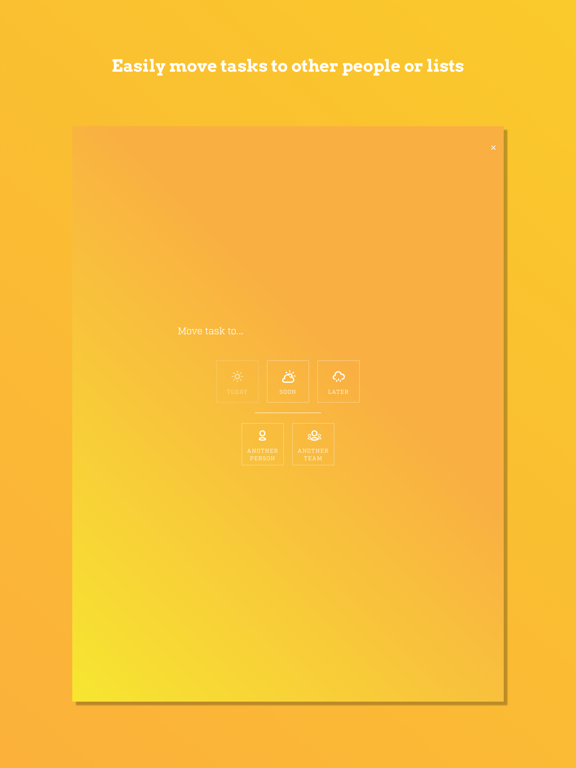
• Set up teams to share sets of tasks with colleagues, teammates, and frenemies
• Use the Bzzy web app on your computer or the Bzzy mobile app on your phone. Tasks are always synchronized, so you can know what’s up no matter where you are
TEAMWORK
• Work together on big projects, while staying focused on *your* list
• Fine-tuned permissions can allow team leaders control what team members can view and edit tasks of their teammates
ITS FREE
• You’ll always be able to use Bzzy for free, but sign up and start using the app soon to get early access to premium features, plug-ins, and extra teams
Look for more features and options with Bzzy Premium in 2019!