Age Rating
4+
Apps in this category do not contain restricted content.
9+
Apps in this category may contain mild or occasional cartoon, fantasy or real-life violence, as well as occasional or mild adult, sexually suggestive or horrifying content and may not be suitable for children under 9 years of age.
12+
Apps in this category may contain occasional mild indecent language, frequent or intense cartoon or real-life violence, minor or occasional adult or sexually suggestive material, and simulated gambling, and may be for children under 12 years of age.
17+
You must be at least 17 years old to access this App.
Apps in this category may contain frequent and intense offensive language; Frequent and intense cartoon, fantasy or realistic violence: frequent and intense adult, scary and sexually suggestive subjects: as well as sexual content, nudity, tobacco, alcohol and drugs, may not be suitable for children under 17 years of age.
Call Deck Screenshots
Call Deck posterCall Deck posterCall Deck posterCall Deck poster

About Call Deck

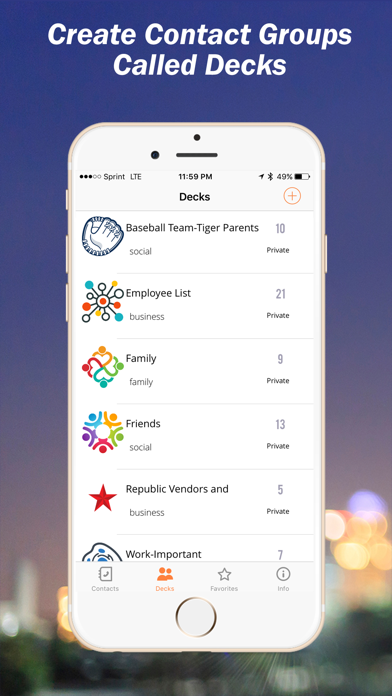
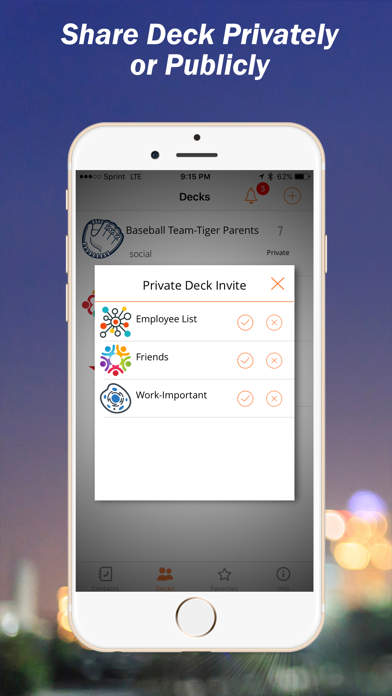
Call Deck allows you to create groups of contacts and then share with others publicly or privately using the Call Deck Mobile App. Simply create your contact groups and start sharing immediately.
Your contact groups which are called “Decks” are first created by naming the Deck and determining if your Deck will be available publicly to the world or kept private to be shared only with those you invite. The steps in this process are simple!

1. Create and name your Deck.
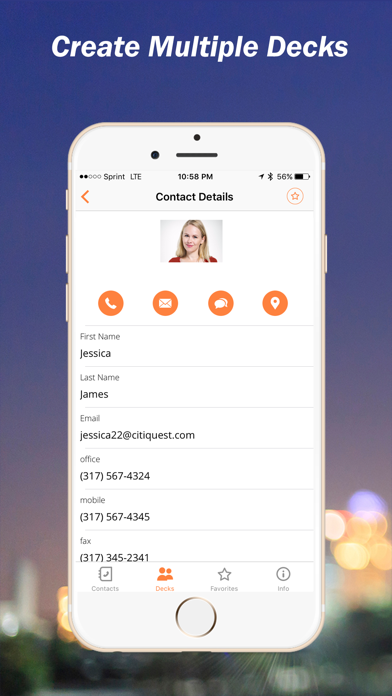
2. Decide if your new Deck is going to be made available privately or to the public. 3. Add records to your Deck.
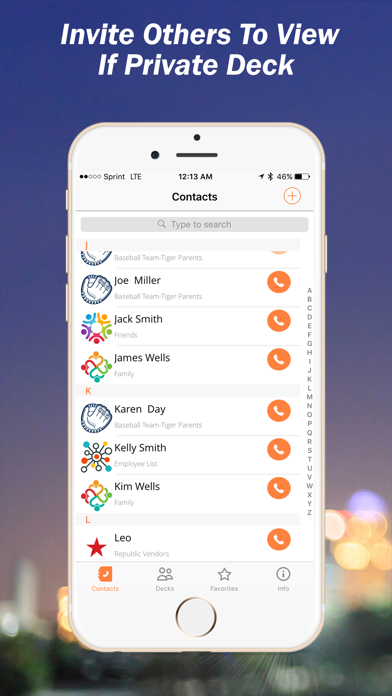
4. If you’ve created a private Deck invite other to view.

The Call Deck App Call Deck Website.

To Just View Decks

If you have been invited to view a private Deck simply download the App for free and register using the same email where your invitation was sent and your private invite appears instantly within your Call Deck App.

To view Public Decks simply download the Call Deck App for free and search Public Decks from within the App and add to your Call Deck App.

Show More

What's New in the Latest Version 2.2

Last updated on Jan 16, 2021
Old Versions
- Improvements and minor fixes.
Show More
Version History
2.2
Jan 16, 2021
- Improvements and minor fixes.

Call Deck FAQ

Click here to learn how to download Call Deck in restricted country or region.
Check the following list to see the minimum requirements of Call Deck.
iPhone

Call Deck Alternative

You May Also Like

Get more from FlatZap, LLC