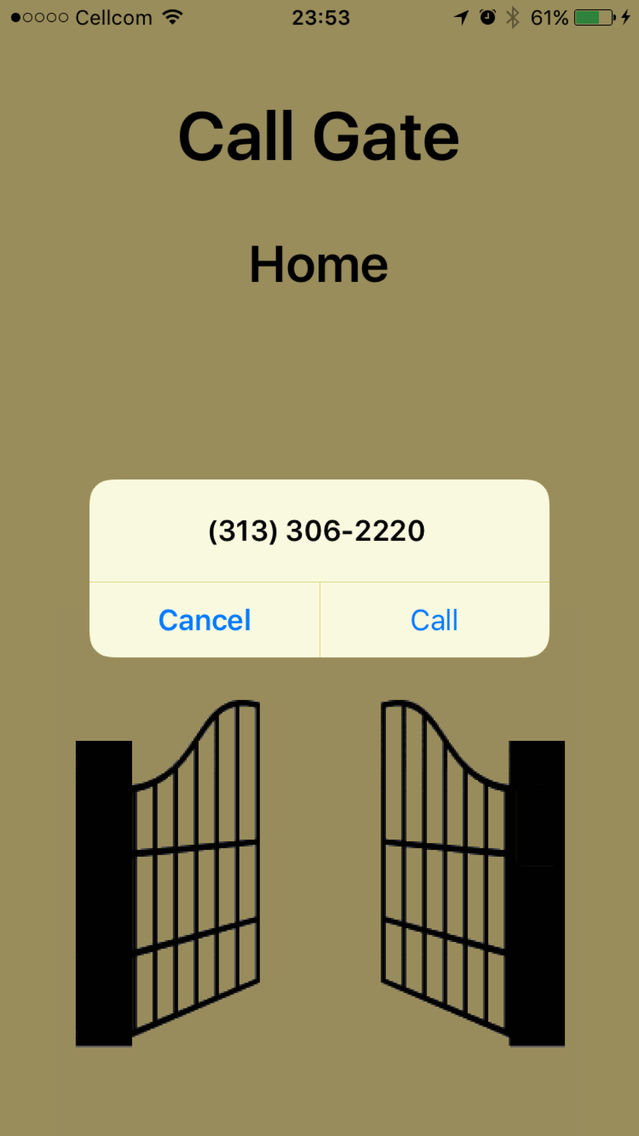
CallGate is an automatic location based Gate Opener, for gates that open by a phone call.
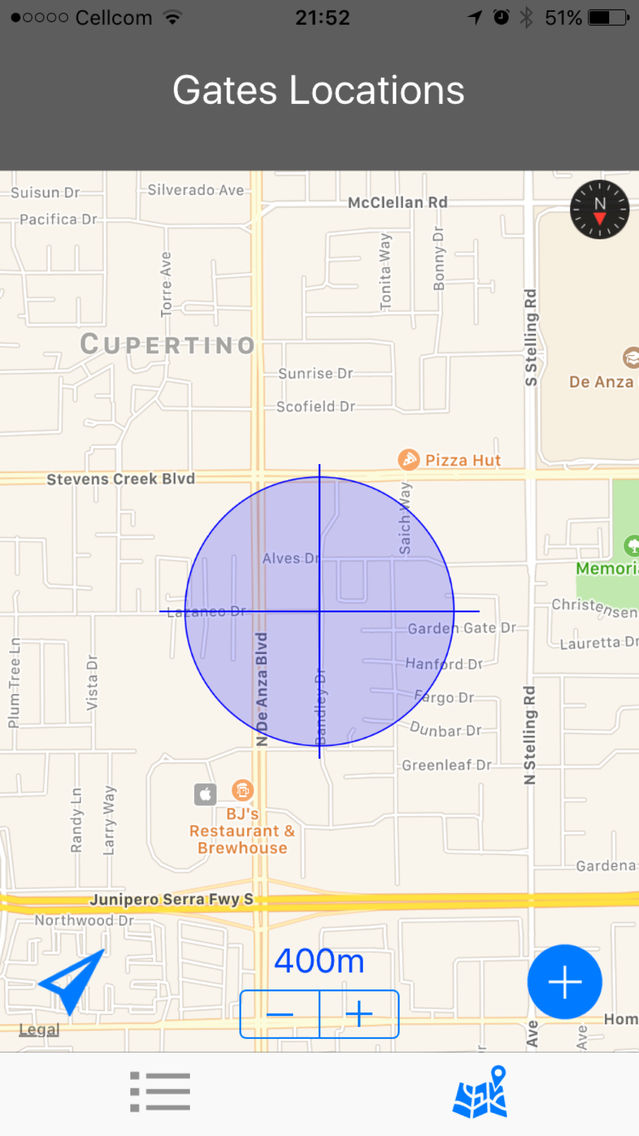
Based on your GPS location, CallGate will automatically trigger a notification with an action to call the relevant gate when reaching its location.
Simply tap the notification to call and open your Gate.
CallGate uses the iPhone’s location services and is not required to run in the front nor background in order to notify you of an approaching gate. This reduces power consumption to a minimum.
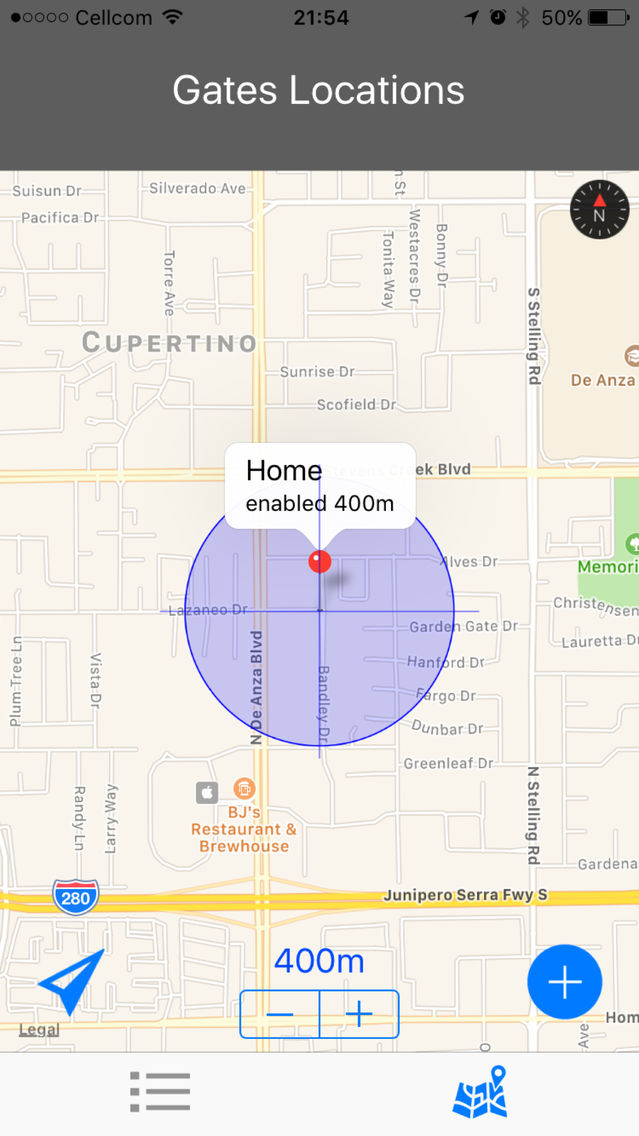
- Easily register all your Gates on the Map View
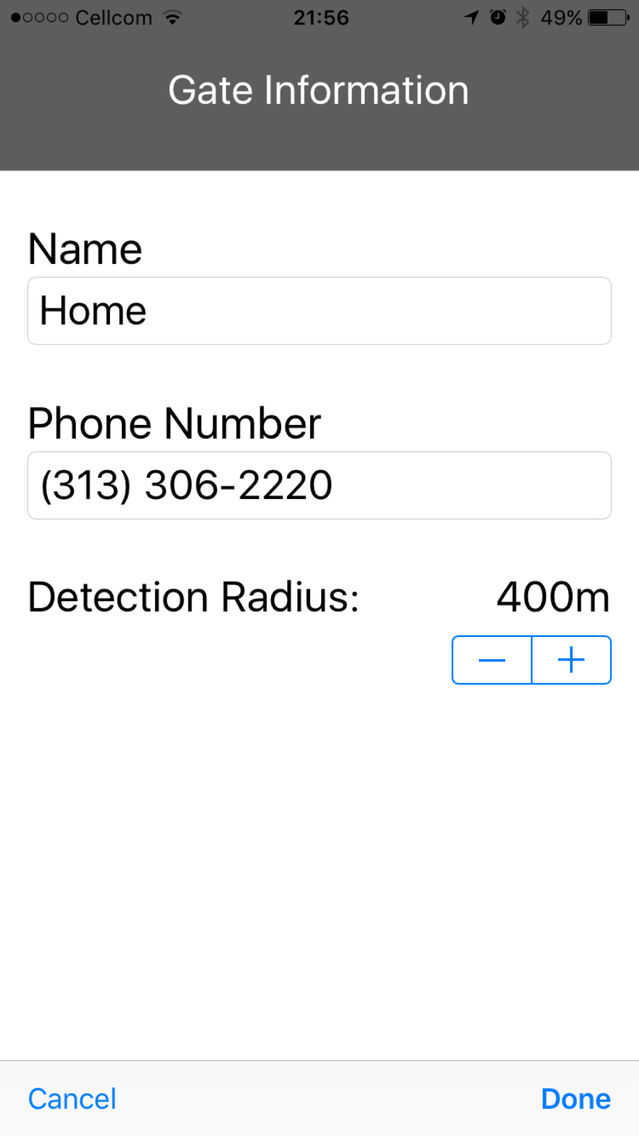
- Control the detection range of each Gate by setting its circular boundary radius
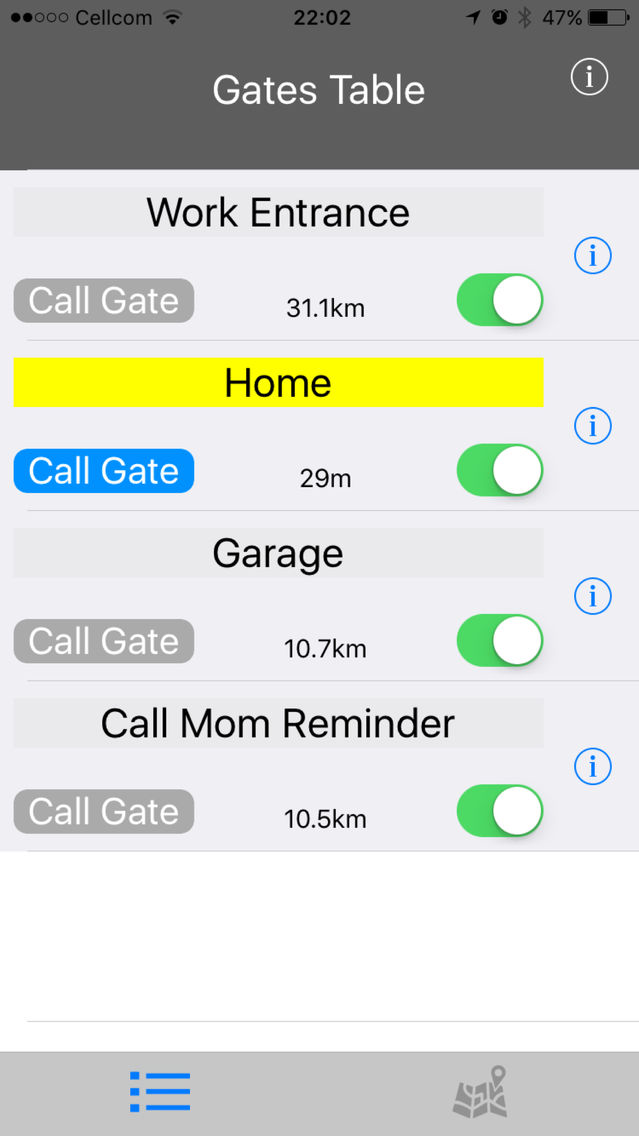
- A live Gates Table lists all your Gates, highlights the Gate that you are approaching and presents your distance from each Gate
- Up to 20 Gates could be enabled for location based notification (You may register as many gates as you want, but iPhone limits to 20 the number of locations that may be simultaneously monitored by a single app)
- Manually call any Gate by tapping the ‘Call Gate’ button if you want to open a Gate without approaching it
- CallGate notifications are triggered even if your phone display is off, allowing you to open your gate from the lock screen
You can also use CallGate to set location based notifications and call phone numbers other than gates. For example, calling your mom at a specific location on your way to work, or calling home whenever you are nearby the supermarket.
It is recommended to set the notification locations at places where you stop your car or drive slowly since the location based notification mechanism requires to remain inside the detection region for at least 20 seconds before the notification is sent.