PDF Document Scanner - Captize

PDF Document Scanner - Captize


Free

9.4.4for iPhone, iPad
Age Rating
4+
Apps in this category do not contain restricted content.
9+
Apps in this category may contain mild or occasional cartoon, fantasy or real-life violence, as well as occasional or mild adult, sexually suggestive or horrifying content and may not be suitable for children under 9 years of age.
12+
Apps in this category may contain occasional mild indecent language, frequent or intense cartoon or real-life violence, minor or occasional adult or sexually suggestive material, and simulated gambling, and may be for children under 12 years of age.
17+
You must be at least 17 years old to access this App.
Apps in this category may contain frequent and intense offensive language; Frequent and intense cartoon, fantasy or realistic violence: frequent and intense adult, scary and sexually suggestive subjects: as well as sexual content, nudity, tobacco, alcohol and drugs, may not be suitable for children under 17 years of age.
PDF Document Scanner - Captize Screenshots
PDF Document Scanner - Captize posterPDF Document Scanner - Captize posterPDF Document Scanner - Captize posterPDF Document Scanner - Captize posterPDF Document Scanner - Captize posterPDF Document Scanner - Captize posterPDF Document Scanner - Captize posterPDF Document Scanner - Captize poster

About PDF Document Scanner - Captize

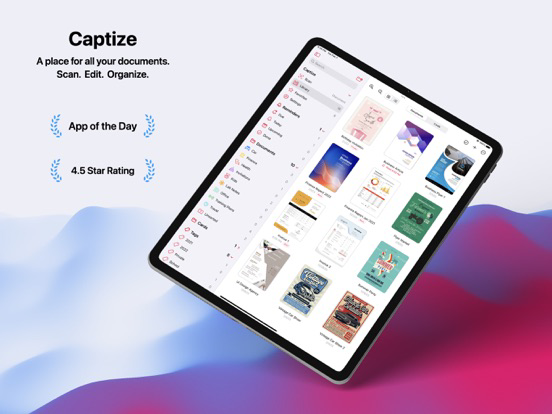
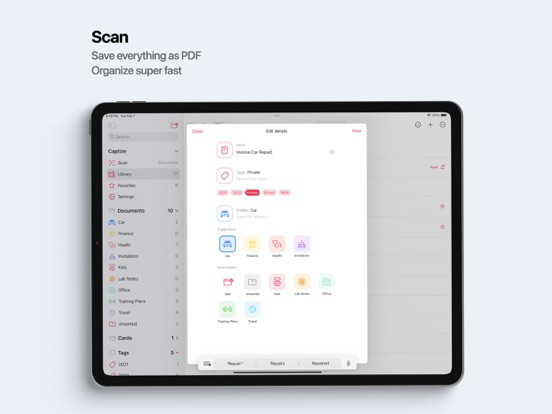
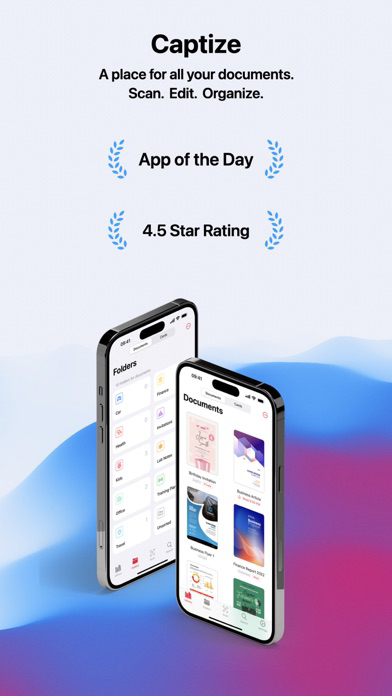
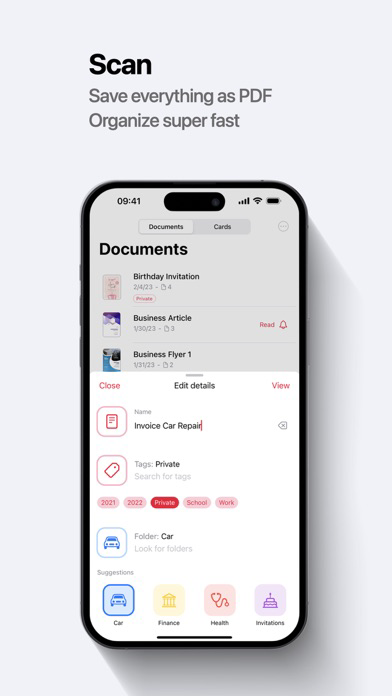
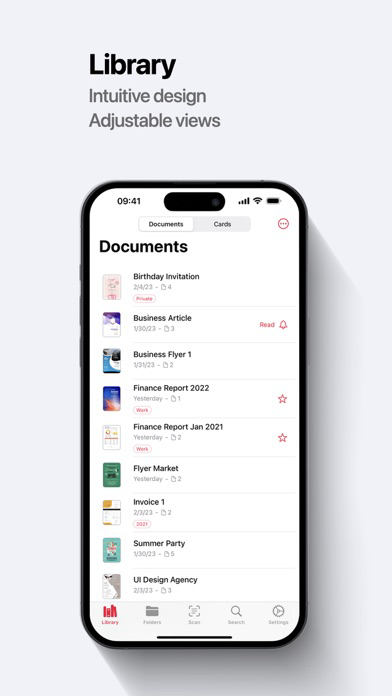
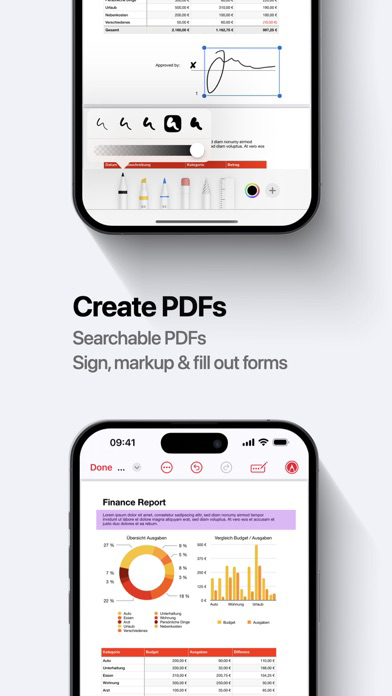
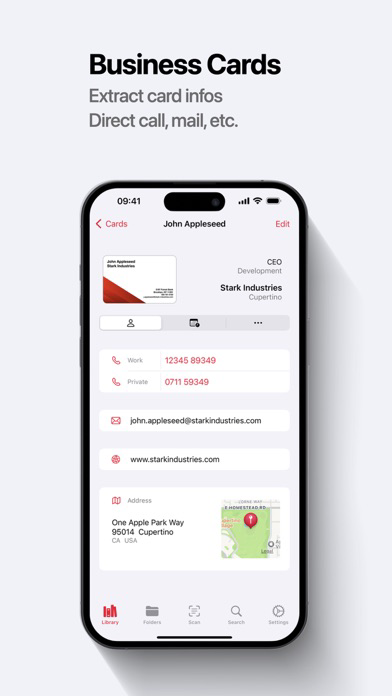
Captize is a versatile scanner and document management app for your mobile device. Easily extract contact information from business cards or create PDFs from all kinds of documents. Organize everything in your own personal library with folders and tags. Captize uses advanced image and word processing technologies and provides built-in tools for organizing, editing, signing, and sending your scans whether in the office, at school or at home - digitize and optimize your workflow with Captize!

Features
• Automatic document detection, cropping, perspective and exposure correction
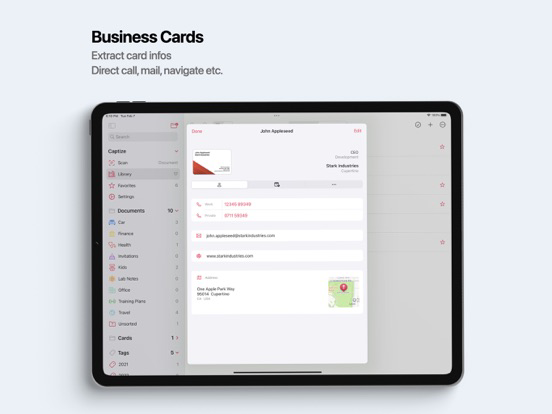
• Automatic recognition of contact information on business cards
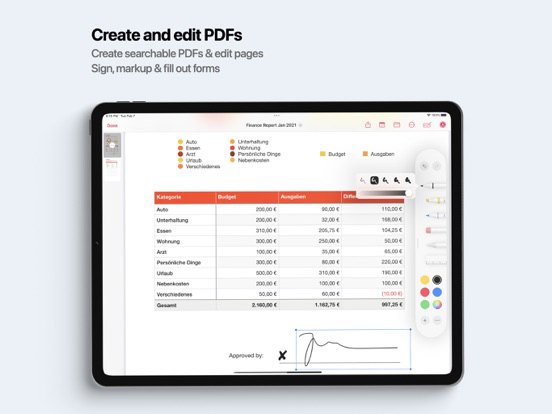
• Create searchable PDFs that contain the scanned text
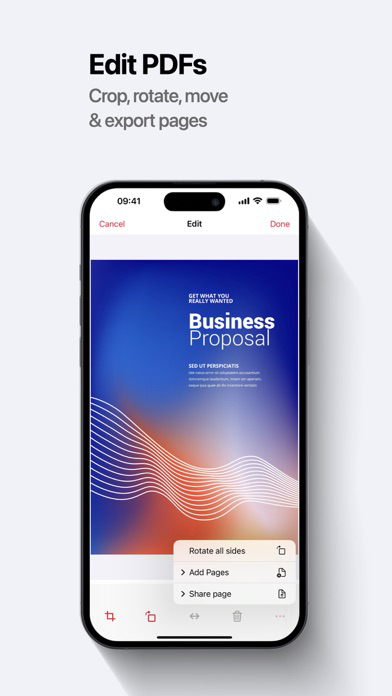
• Sign, edit and share your documents with the built-in PDF Editor
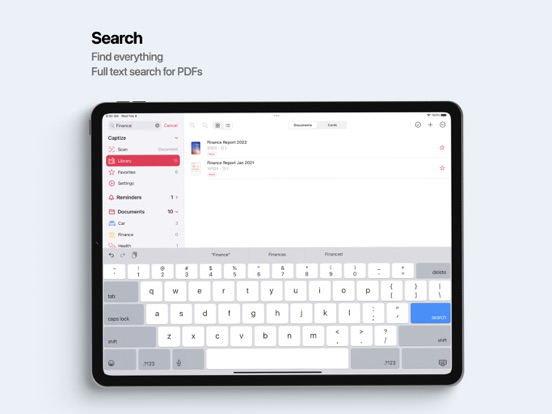
• Powerful full-text search and OCR
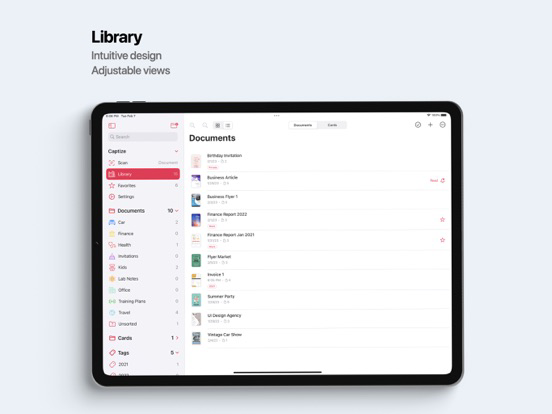
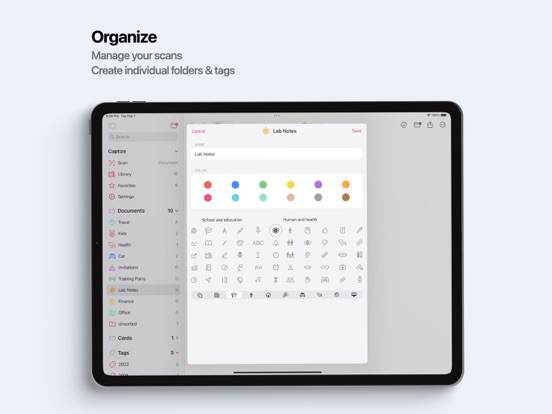
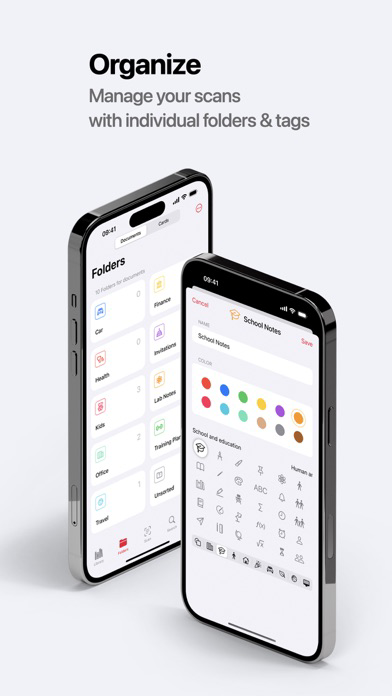
• Create your own folders and tags to organize your documents
• Personalize the app appearance
• Search your scans for people, companies, folders and tags
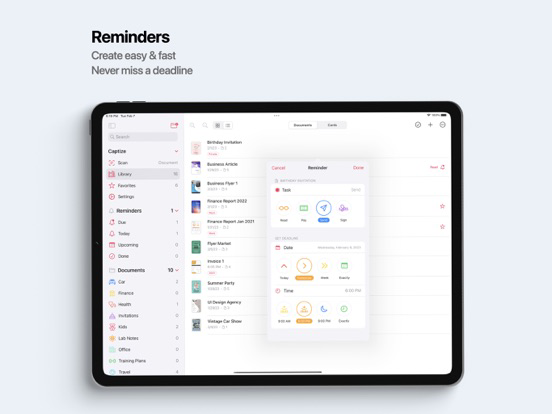
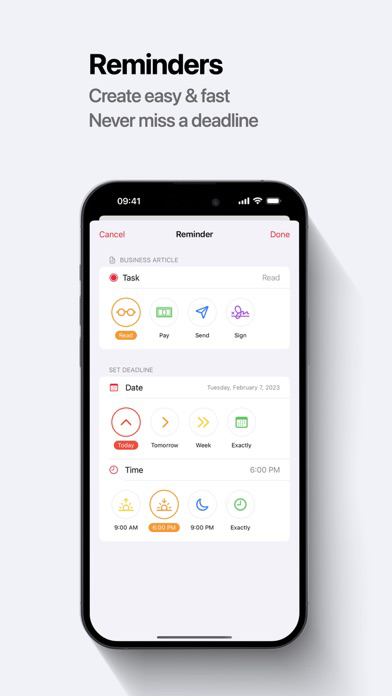
• Never miss a deadline by creating reminders for your documents
• Protect your private documents with FacelD or TouchID
• Synchronize your document library with all your devices via iCloud - no additional login required
• Share folders and work together with family, friends and colleagues
• Your privacy is respected - all image and word processing runs exclusively locally on your device

Terms and Conditions
https://www.mwaretechnologies.com/products/captize/terms-and-conditions-en

Technical Assistance
Reach out to our team at support@mwaretechnologies.com

Learn more
Follow us on Twitter @CaptizeApp for useful tips and tricks

Show More

What's New in the Latest Version 9.4.4

Last updated on Mar 20, 2026
Old Versions
- Fixes an issue with reminders for documents
- Improvements and bug fixes
Show More
Version History
9.4.4
Mar 20, 2026
- Fixes an issue with reminders for documents
- Improvements and bug fixes

PDF Document Scanner - Captize FAQ

Click here to learn how to download PDF Document Scanner - Captize in restricted country or region.
Check the following list to see the minimum requirements of PDF Document Scanner - Captize.
iPhone
iPad

Related Videos

Latest introduction video of PDF Document Scanner - Captize on iPhone

PDF Document Scanner - Captize Alternative

You May Also Like

Get more from MWare Technologies AS