ChatterPy
Free
3.77.5for iPhone, iPad
Age Rating
ChatterPy Screenshots
About ChatterPy
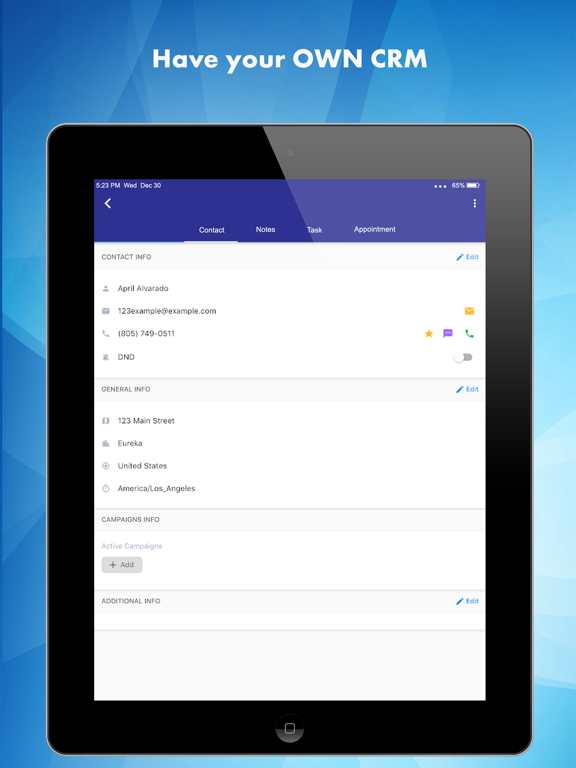
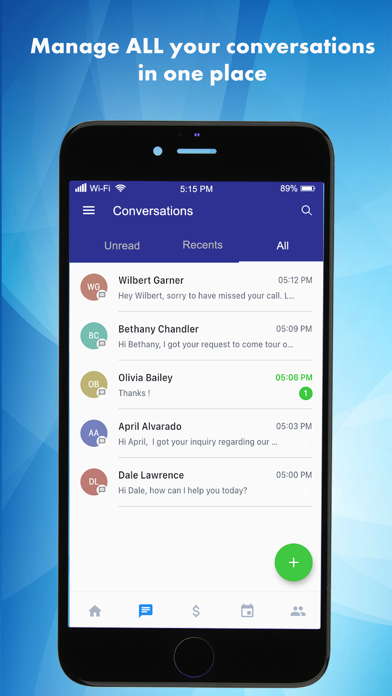
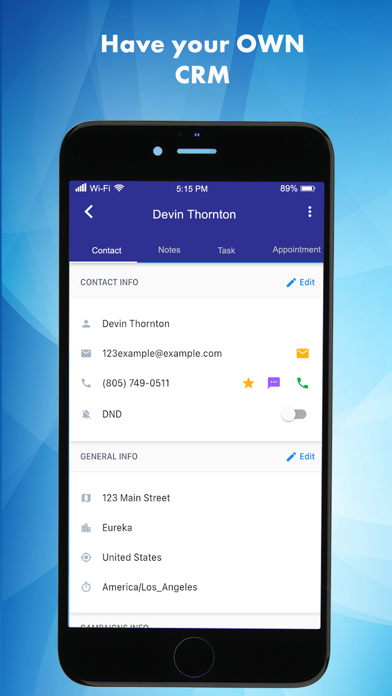
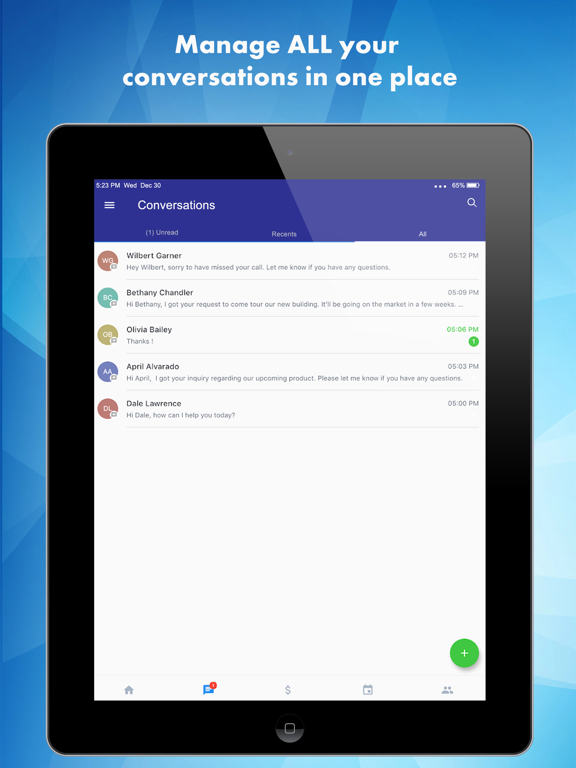
ChatterPy is the next generation of marketing and business to consumer SMS communications. ChatterPy will bring your marketing and business communications to the next level. You'll easily manage multiple 1-to-1 and 1-to-many conversations in one application. Our app will do the heavy lifting of keeping your marketing and communications streamlined, so your team can focus on providing a great customer experience and retaining your clients.
Some of the features included with the app are.
-Call Tracking/Reporting (Outbound and Inbound)
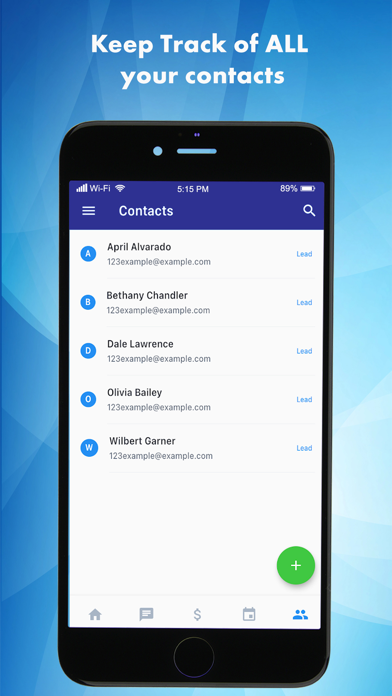
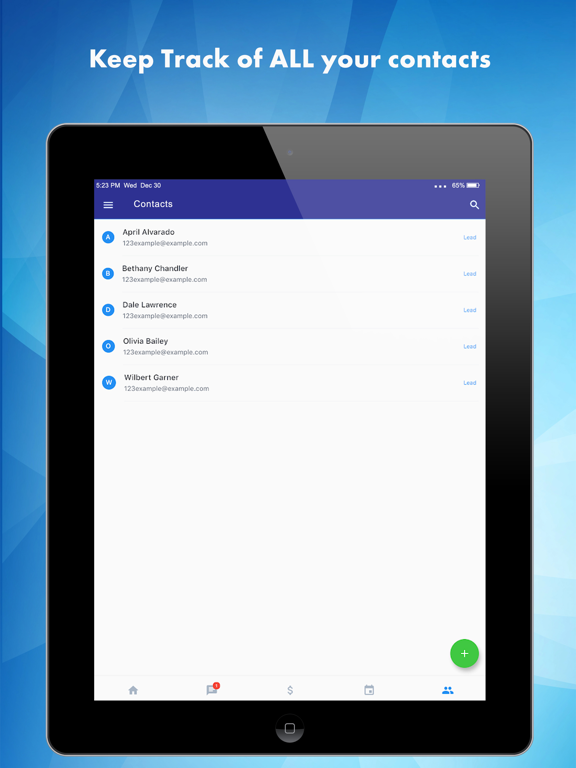
-Smart Contact list with filters and Import and Export Options
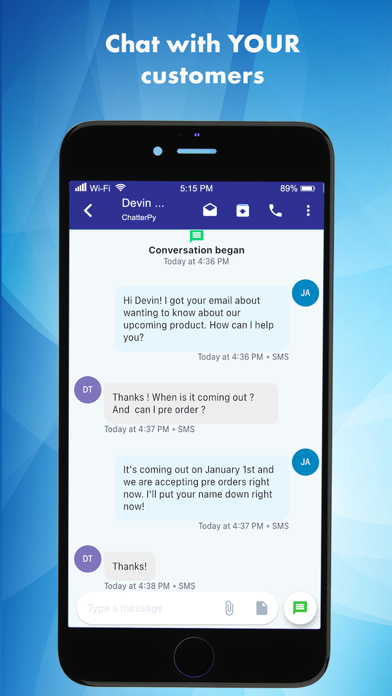
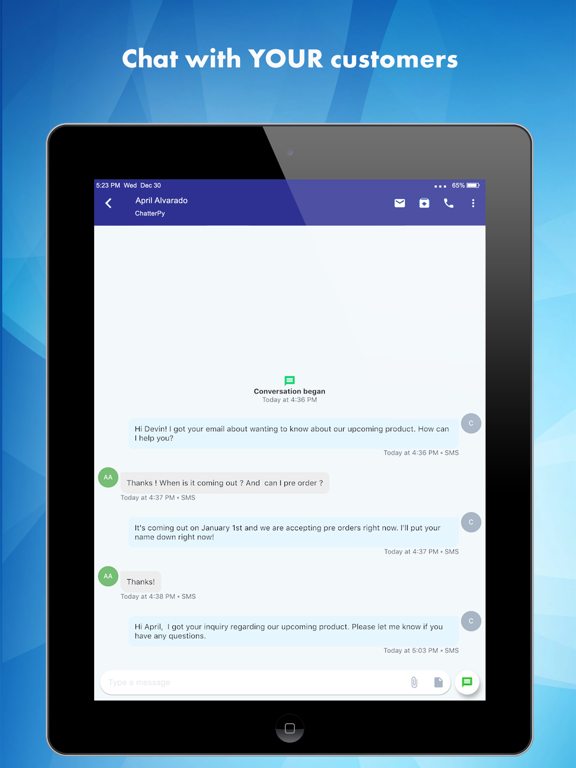
-Two way text messaging conversations
-You can also call out from the app if you have a mic or headset
-Send emails from your company domain
-Auto transfer customers information from your email to your contact list
-Send an automatic custom text to lead instantly after they inquire about a property
-Call Forwarding from app to your office phones
We have a great and dedicated team to meet all your communications and marketing needs.
Some of the features included with the app are.
-Call Tracking/Reporting (Outbound and Inbound)
-Smart Contact list with filters and Import and Export Options
-Two way text messaging conversations
-You can also call out from the app if you have a mic or headset
-Send emails from your company domain
-Auto transfer customers information from your email to your contact list
-Send an automatic custom text to lead instantly after they inquire about a property
-Call Forwarding from app to your office phones
We have a great and dedicated team to meet all your communications and marketing needs.
Show More
What's New in the Latest Version 3.77.5
Last updated on Jul 23, 2024
Old Versions
>Change contact while scheduling an appointment - You can now update the contact while you are scheduling a new appointment.
>Custom value support for custom meeting location: Custom values are now supported inside the Custom meeting location field.
>Calendar notes improvements: Calendar notes will no longer be truncated. You can tap on “View more” to view the entire text added inside calendar notes.
>New Invoice Dashboard - A new dashboard that displays the most important information you want to view - Earnings that have been collected vs Earnings yet to be collected.
>Invoice listing - A clean interface to see all of your invoices in every state (draft, due, paid, etc.), irrespective of whether the invoice was created on web or mobile.
>Conversation AI selection enhanced - A more elaborate view to check the complete result generated by the conversation AI before choosing it.
>Send review request: Now send review request to a contact directly from the conversation window of that contact.
>View external calls logs - All external calls made to a contact will now be visible inside the conversation window of that contact.

>Custom value support for custom meeting location: Custom values are now supported inside the Custom meeting location field.
>Calendar notes improvements: Calendar notes will no longer be truncated. You can tap on “View more” to view the entire text added inside calendar notes.
>New Invoice Dashboard - A new dashboard that displays the most important information you want to view - Earnings that have been collected vs Earnings yet to be collected.
>Invoice listing - A clean interface to see all of your invoices in every state (draft, due, paid, etc.), irrespective of whether the invoice was created on web or mobile.
>Conversation AI selection enhanced - A more elaborate view to check the complete result generated by the conversation AI before choosing it.
>Send review request: Now send review request to a contact directly from the conversation window of that contact.
>View external calls logs - All external calls made to a contact will now be visible inside the conversation window of that contact.
Show More
Version History
3.77.5
Jul 23, 2024
>Change contact while scheduling an appointment - You can now update the contact while you are scheduling a new appointment.
>Custom value support for custom meeting location: Custom values are now supported inside the Custom meeting location field.
>Calendar notes improvements: Calendar notes will no longer be truncated. You can tap on “View more” to view the entire text added inside calendar notes.
>New Invoice Dashboard - A new dashboard that displays the most important information you want to view - Earnings that have been collected vs Earnings yet to be collected.
>Invoice listing - A clean interface to see all of your invoices in every state (draft, due, paid, etc.), irrespective of whether the invoice was created on web or mobile.
>Conversation AI selection enhanced - A more elaborate view to check the complete result generated by the conversation AI before choosing it.
>Send review request: Now send review request to a contact directly from the conversation window of that contact.
>View external calls logs - All external calls made to a contact will now be visible inside the conversation window of that contact.
>Custom value support for custom meeting location: Custom values are now supported inside the Custom meeting location field.
>Calendar notes improvements: Calendar notes will no longer be truncated. You can tap on “View more” to view the entire text added inside calendar notes.
>New Invoice Dashboard - A new dashboard that displays the most important information you want to view - Earnings that have been collected vs Earnings yet to be collected.
>Invoice listing - A clean interface to see all of your invoices in every state (draft, due, paid, etc.), irrespective of whether the invoice was created on web or mobile.
>Conversation AI selection enhanced - A more elaborate view to check the complete result generated by the conversation AI before choosing it.
>Send review request: Now send review request to a contact directly from the conversation window of that contact.
>View external calls logs - All external calls made to a contact will now be visible inside the conversation window of that contact.
ChatterPy FAQ
Click here to learn how to download ChatterPy in restricted country or region.
Check the following list to see the minimum requirements of ChatterPy.
iPhone
iPad