Cloud Manager

Cloud Manager


Free

2.1.3for iPhone, iPad
Age Rating
4+
Apps in this category do not contain restricted content.
9+
Apps in this category may contain mild or occasional cartoon, fantasy or real-life violence, as well as occasional or mild adult, sexually suggestive or horrifying content and may not be suitable for children under 9 years of age.
12+
Apps in this category may contain occasional mild indecent language, frequent or intense cartoon or real-life violence, minor or occasional adult or sexually suggestive material, and simulated gambling, and may be for children under 12 years of age.
17+
You must be at least 17 years old to access this App.
Apps in this category may contain frequent and intense offensive language; Frequent and intense cartoon, fantasy or realistic violence: frequent and intense adult, scary and sexually suggestive subjects: as well as sexual content, nudity, tobacco, alcohol and drugs, may not be suitable for children under 17 years of age.
Cloud Manager Screenshots
Cloud Manager posterCloud Manager poster

About Cloud Manager

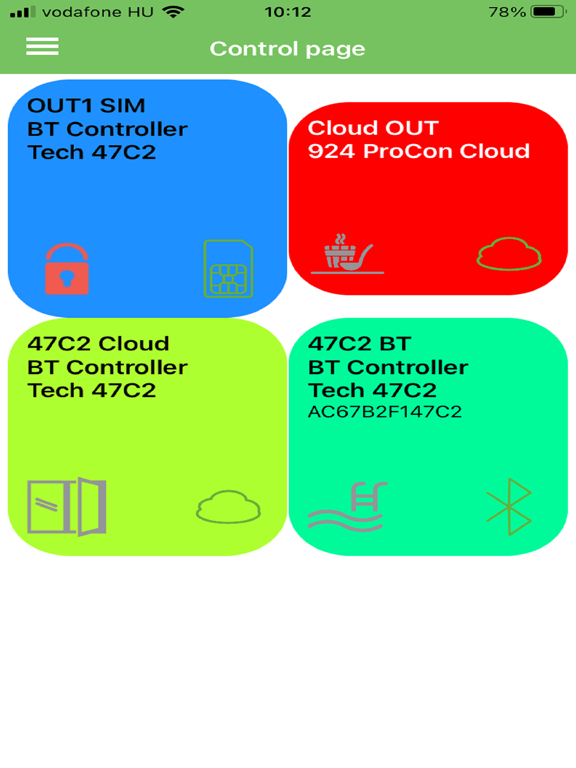
With the Cloud Manager application we can configure our GSM, IP and WIFI / Bluetooth control devices, create custom control icons on the screen of our phone or within the application, which we can operate via WIFI, Bluetooth and mobile internet.
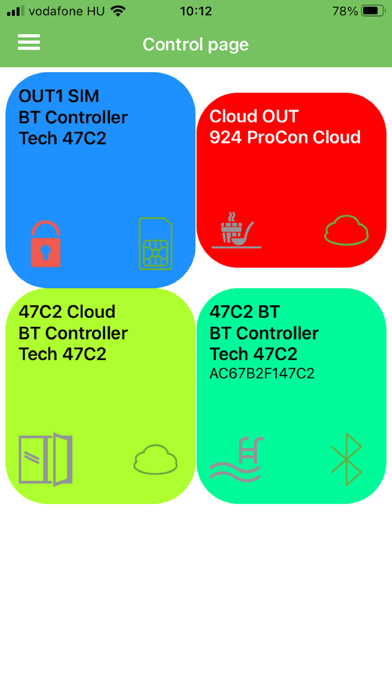
The icons can be completely tailored to our taste, as we can customize the names, icons and colors of the buttons.
The Bluetooth control icon also shows the MAC number of the device for easier identification.
Both the connection between your phone and the device, and creating icons are very easy, as we get a short description of each process, which guides us step by step through the necessary settings. The set up process is aided by pre-set parameters - in the form of a choice - from which makes the whole setting up easier.
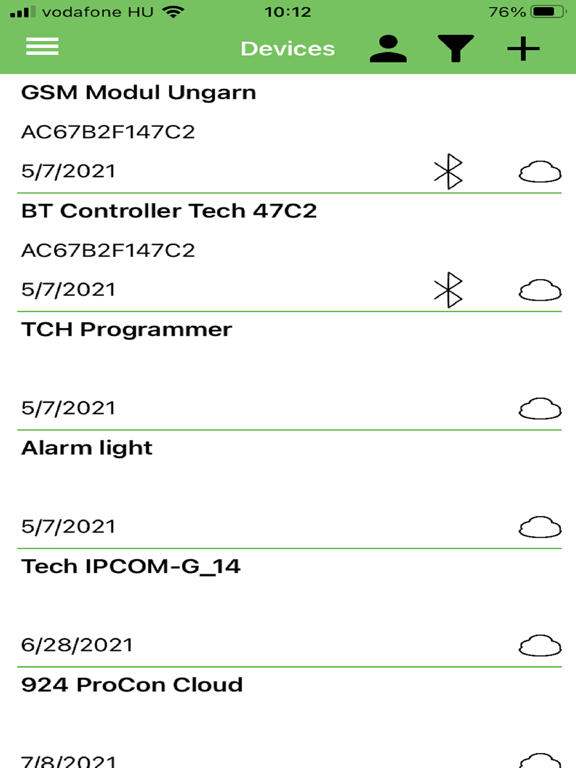
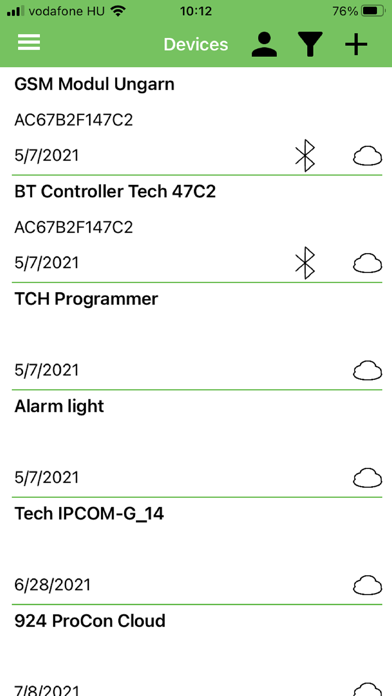
When you open the application, all control buttons are visible for the previously registered modules.
The icon next to the available devices with an active connection (SIM / Cloud / BT) will turn green once the connection is established.
You can choose between light and dark patterns for the usual phone settings.
After the registration, our GSM, IP or Bluetooth module can also be accessed and controlled via the website www.ascloudmanager.com. In addition to the settings, you can also access statistics and manage users.

Show More

What's New in the Latest Version 2.1.3

Last updated on Dec 16, 2025
Old Versions
New menu item, Notifications, where a list of the last 30 notifications is displayed
The new MultiOne4G is now available for selection
Help / About menu merged
Show More
Version History
2.1.3
Dec 16, 2025
New menu item, Notifications, where a list of the last 30 notifications is displayed
The new MultiOne4G is now available for selection
Help / About menu merged

Cloud Manager FAQ

Click here to learn how to download Cloud Manager in restricted country or region.
Check the following list to see the minimum requirements of Cloud Manager.
iPhone
iPad

Cloud Manager Alternative

You May Also Like