Zight Screen Recorder, Capture
Free
7.0.0for iPhone, iPad
Age Rating
Zight Screen Recorder, Capture Screenshots
About Zight Screen Recorder, Capture
Zight is your go-to app for screen recording and screenshot capture on iOS.
Designed for efficiency and ease, Zight lets you quickly capture moments, upload files, and share them effortlessly and securely.
FEATURES:
- Screen Recorder: Record your iPhone screen with ease. Perfect for tutorials, walkthroughs, demos, or any moment you want to capture
- Screenshot: Capture quick and easy screenshots with the option to edit and annotate
- Link Sharing: Get a link and share it with anyone, anywhere! Generate shareable links for your screenshots and recordings and paste them to colleagues or friends for viewing
- Uploads: Effortless upload process. Finish capturing and your files upload to the cloud in seconds! Also upload photos and videos from your device for better editing and sharing
- Capture: Seamlessly capture anything on your screen, from an important document to a memorable chat.
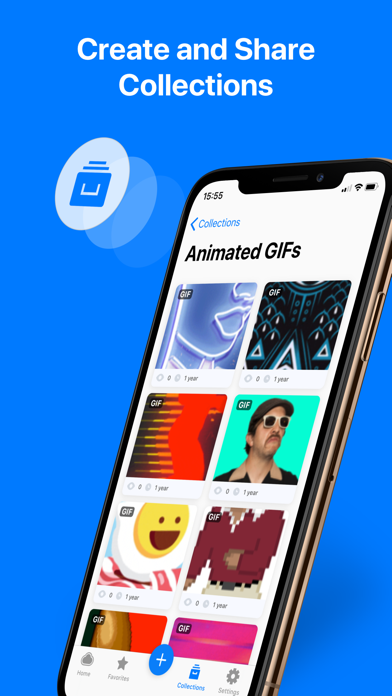
- Share: Share your captures with colleagues with just a few taps. Also set who can view or interact with your files.
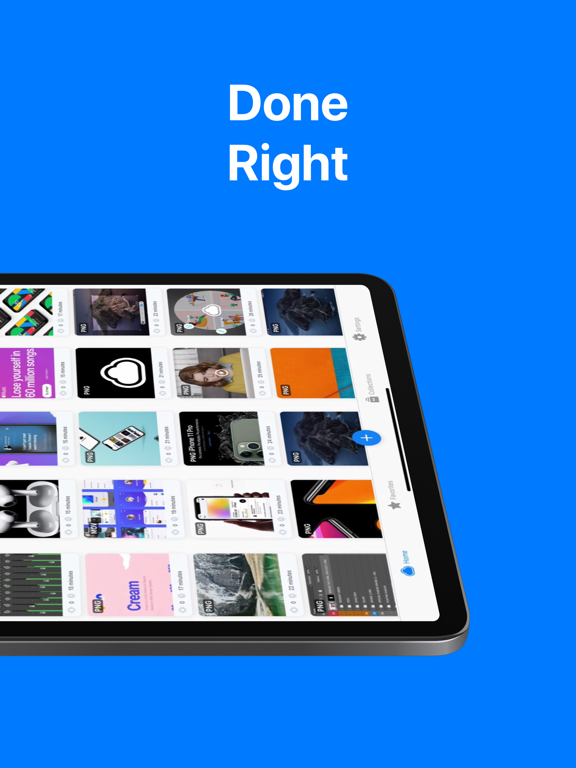
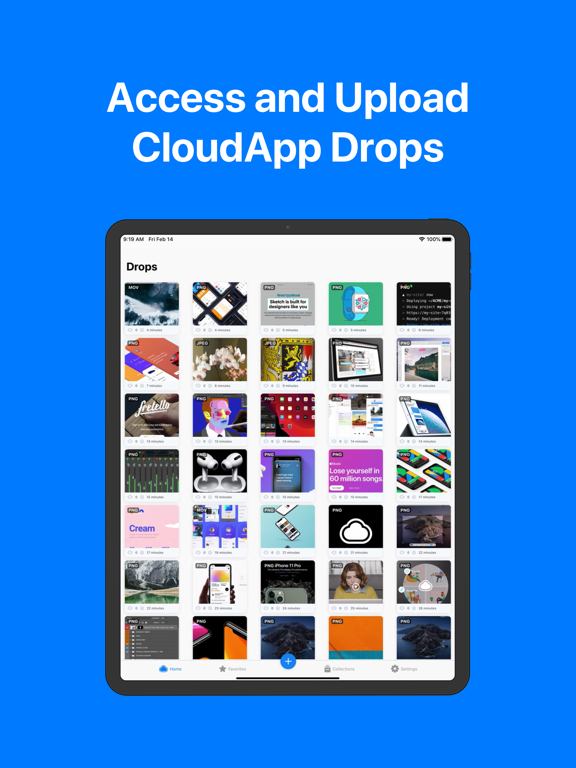
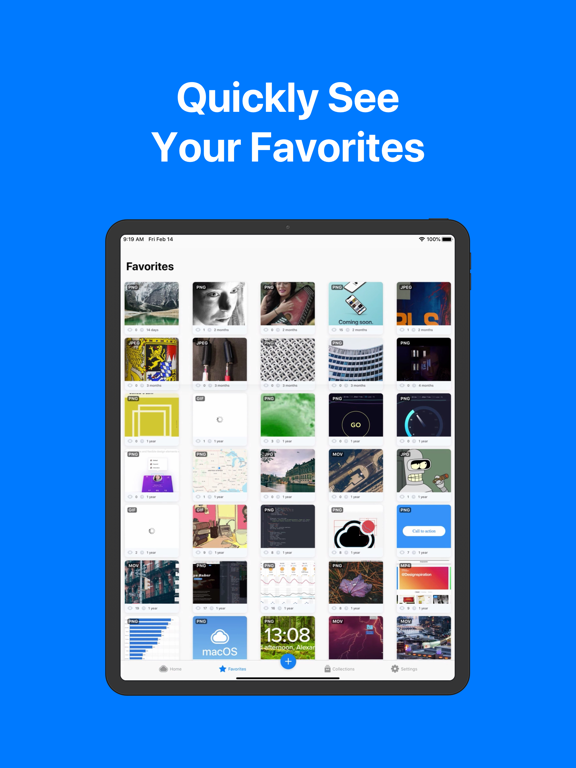
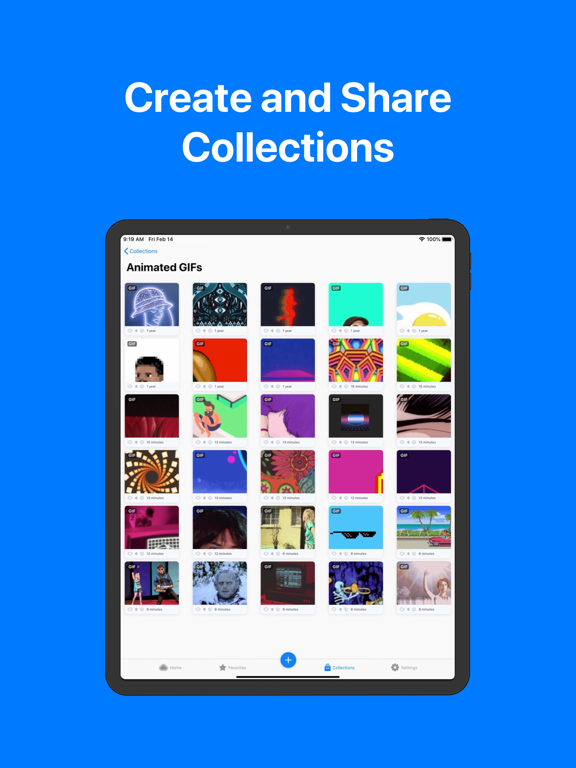
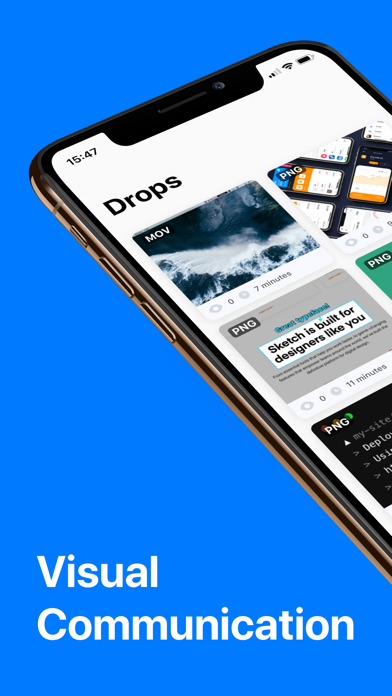
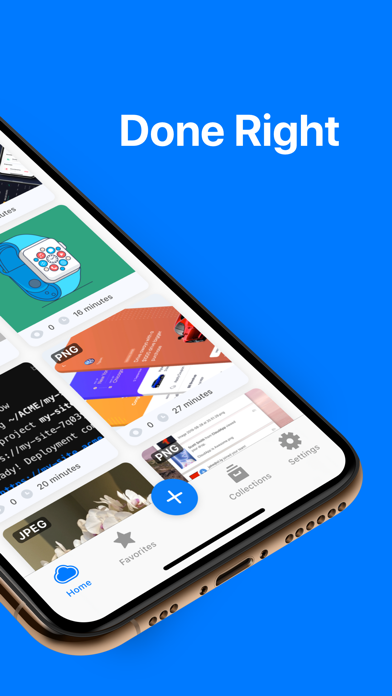
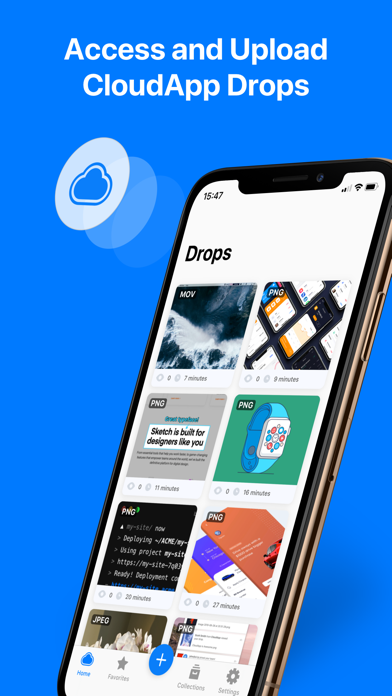
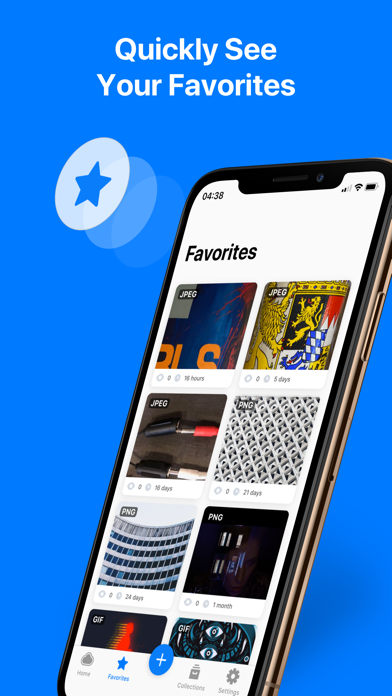
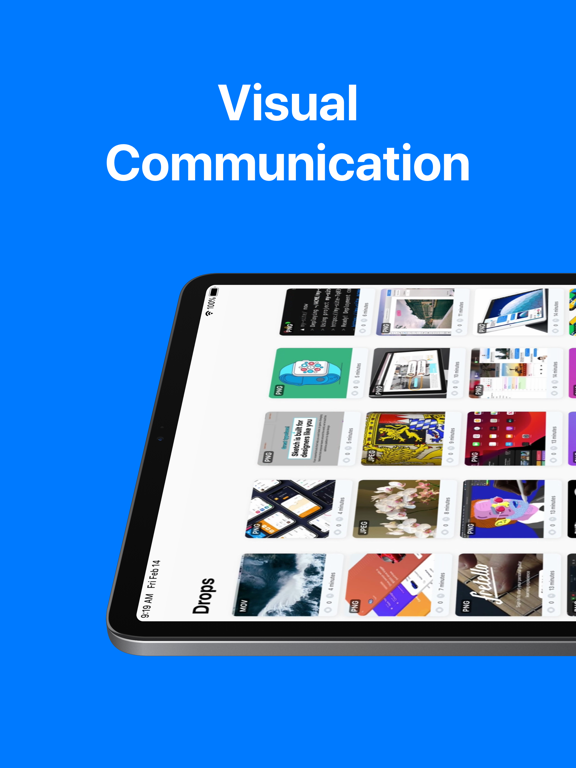
- Capture Management: A customized thumbnail view that makes organizing and browsing through your captures a smooth experience
And much much more!

Designed for efficiency and ease, Zight lets you quickly capture moments, upload files, and share them effortlessly and securely.
FEATURES:
- Screen Recorder: Record your iPhone screen with ease. Perfect for tutorials, walkthroughs, demos, or any moment you want to capture
- Screenshot: Capture quick and easy screenshots with the option to edit and annotate
- Link Sharing: Get a link and share it with anyone, anywhere! Generate shareable links for your screenshots and recordings and paste them to colleagues or friends for viewing
- Uploads: Effortless upload process. Finish capturing and your files upload to the cloud in seconds! Also upload photos and videos from your device for better editing and sharing
- Capture: Seamlessly capture anything on your screen, from an important document to a memorable chat.
- Share: Share your captures with colleagues with just a few taps. Also set who can view or interact with your files.
- Capture Management: A customized thumbnail view that makes organizing and browsing through your captures a smooth experience
And much much more!
Show More
What's New in the Latest Version 7.0.0
Last updated on Aug 28, 2025
Old Versions
- App improvements
Show More
Version History
7.0.0
Aug 28, 2025
- App improvements
Zight Screen Recorder, Capture FAQ
Click here to learn how to download Zight Screen Recorder, Capture in restricted country or region.
Check the following list to see the minimum requirements of Zight Screen Recorder, Capture.
iPhone
iPad