CloudCasting Mobile

CloudCasting Mobile


Free

1.4.4for iPhone, iPad
Age Rating
4+
Apps in this category do not contain restricted content.
9+
Apps in this category may contain mild or occasional cartoon, fantasy or real-life violence, as well as occasional or mild adult, sexually suggestive or horrifying content and may not be suitable for children under 9 years of age.
12+
Apps in this category may contain occasional mild indecent language, frequent or intense cartoon or real-life violence, minor or occasional adult or sexually suggestive material, and simulated gambling, and may be for children under 12 years of age.
17+
You must be at least 17 years old to access this App.
Apps in this category may contain frequent and intense offensive language; Frequent and intense cartoon, fantasy or realistic violence: frequent and intense adult, scary and sexually suggestive subjects: as well as sexual content, nudity, tobacco, alcohol and drugs, may not be suitable for children under 17 years of age.
CloudCasting Mobile Screenshots
CloudCasting Mobile posterCloudCasting Mobile posterCloudCasting Mobile posterCloudCasting Mobile poster

About CloudCasting Mobile

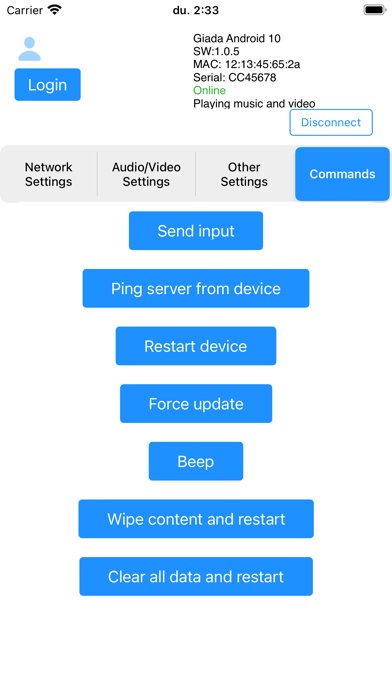
CloudCasting Mobile is an app designed specifically to manage CloudCasting Signage products. With Bluetooth connectivity, you can configure CloudCasting media signage devices directly from your mobile device.
Application compatible with the following devices: Giada, CMP1-L.


Key Features:

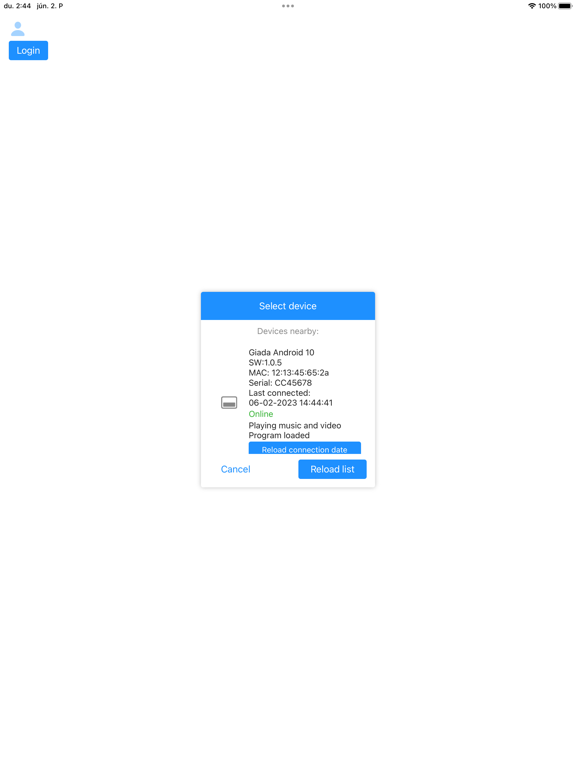
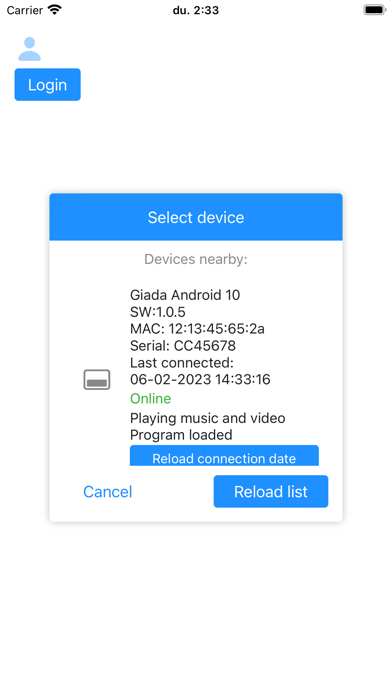
Device state check: You can see the current state of media boxes: are they online or offline, are they playing music, video, or both? You can also check the last time the devices were connected to the network.

Device connection: You can connect to the devices and configure their settings. To connect a device, you need admin rights to it.
You can login with your CloudCasting company account, on you can connect to a device with a specific password.
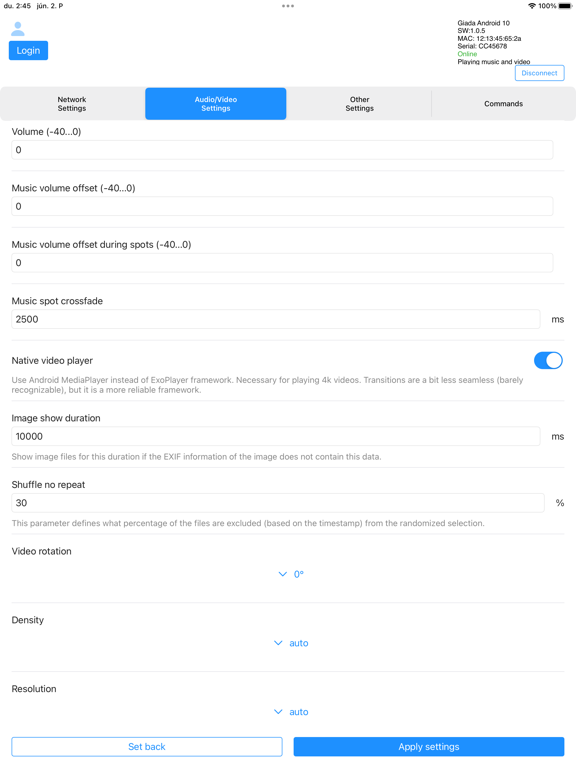
The following settings can be configured in the mobile app:
- Network settings: Enable, disable or configure WiFi and Ethernet connection.
- Media settings: Set volume, screen rotation, resolution, music crossfade duration.
- Other settings: Configure update channel, set update hours,
- Send commands to the device: Restart, Ping server (to check network connection), Force update, Beep, Send input (to play specific sound messages, for example), Wipe content and restart.

Show More

What's New in the Latest Version 1.4.4

Last updated on Oct 17, 2025
Old Versions
Minor fix
Show More
Version History
1.4.4
Oct 17, 2025
Minor fix

CloudCasting Mobile FAQ

Click here to learn how to download CloudCasting Mobile in restricted country or region.
Check the following list to see the minimum requirements of CloudCasting Mobile.
iPhone
iPad

CloudCasting Mobile Alternative

You May Also Like

Get more from MPTR Kft.