Age Rating
Cmd - Speed test & Ping (MS) Screenshots
About Cmd - Speed test & Ping (MS)
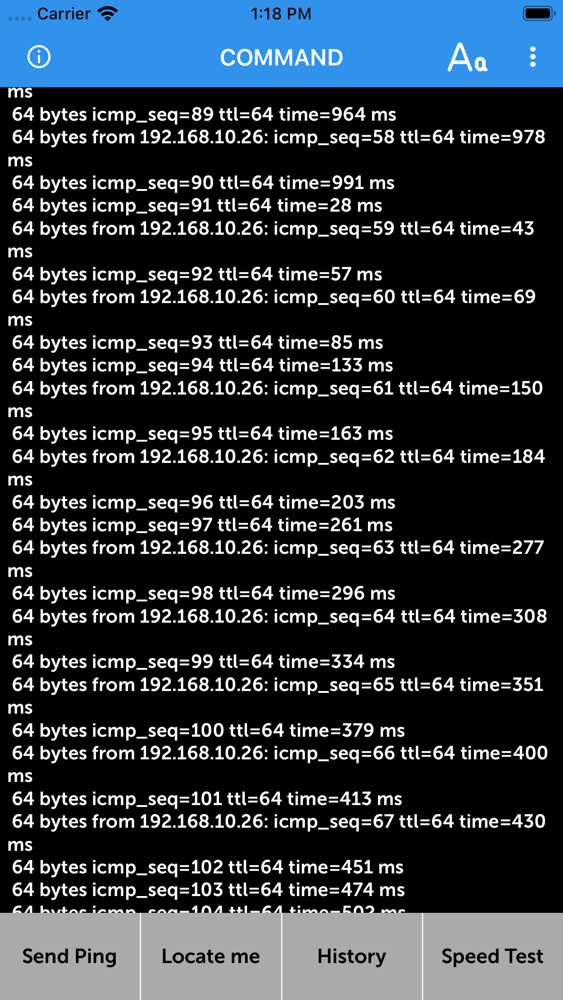
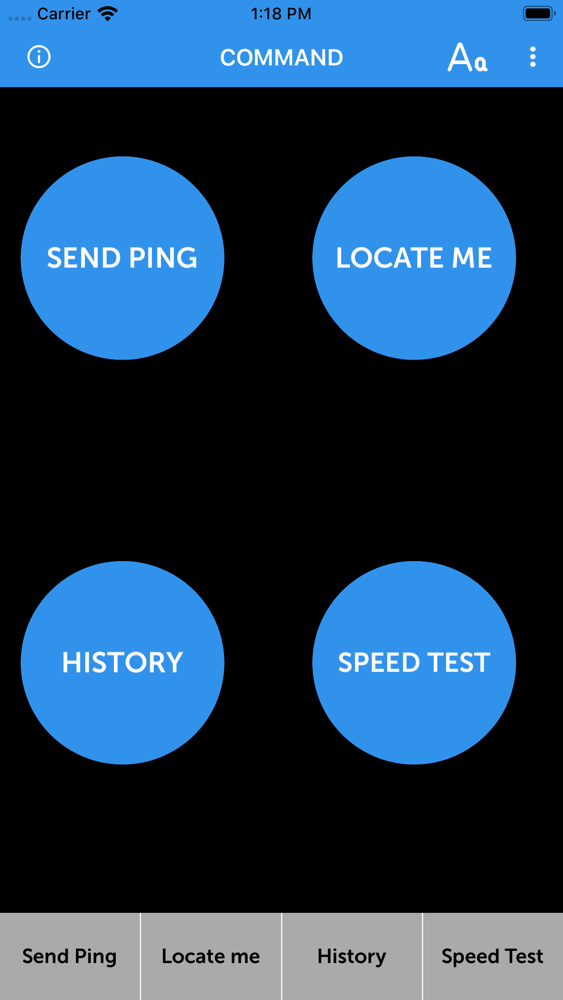
This is a simple app that allows you to test you network ping, and let you know if you are connected to the internet.
Order
1. write host info (ip address or domain name)
ex ) ip address : 192.168.0.1
ex ) domain name : google.com
2. START button click
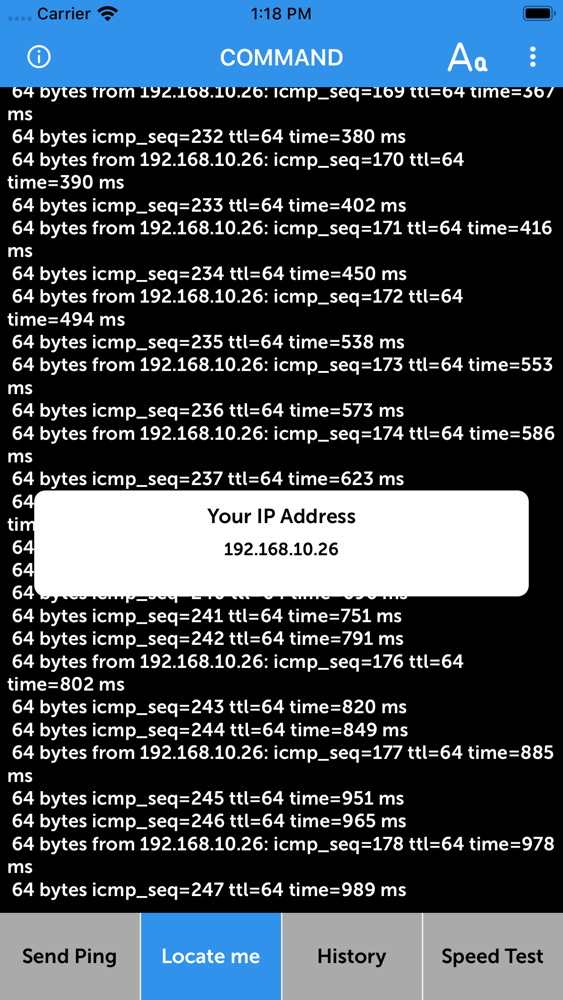
3 Share Your IP: You can share your IP address using “Share My IP” option available in list, this will show all the shareable apps, select one and your IP will be shared using selected app. Also you can share IP by Displaying your QR Code.
4 Scan IP: A scanner will appear which can scan the QR code and will get IP address and display it on text area.
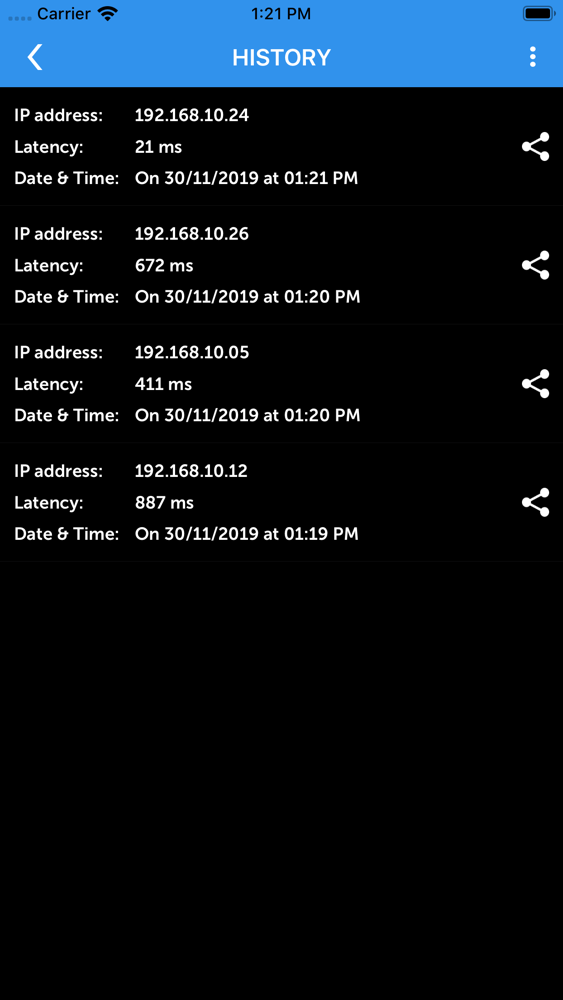
5. Check History: History of saved data can be viewed on History screen. To navigate to History screen, press 3 dots from top right corner, a table will appear press History.If you haven’t sent any ping yet, it will show No History Found. If you have send, it will show the records in list manner. you can apply filter as well.
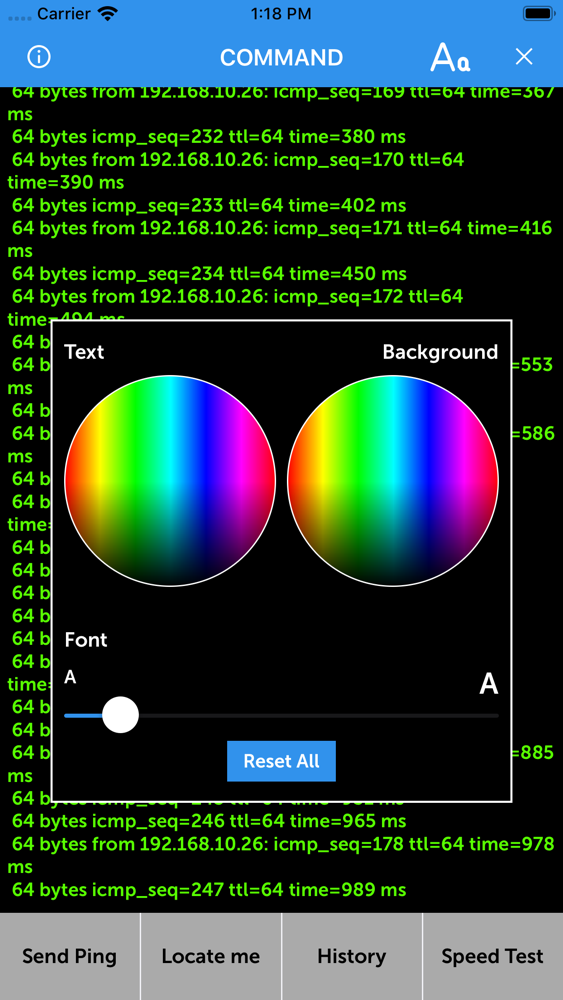
6. Customize Background and Text: Write some text on Home page, tap “Aa” from top right. A pop up will appear having two color circular one for changing background color and one for changing text color. Also a slider is there to increase/decrease font size of text. You can also reset text and background using Reset button.
If you need other features, please write a review.
I will actively reflect.

Order
1. write host info (ip address or domain name)
ex ) ip address : 192.168.0.1
ex ) domain name : google.com
2. START button click
3 Share Your IP: You can share your IP address using “Share My IP” option available in list, this will show all the shareable apps, select one and your IP will be shared using selected app. Also you can share IP by Displaying your QR Code.
4 Scan IP: A scanner will appear which can scan the QR code and will get IP address and display it on text area.
5. Check History: History of saved data can be viewed on History screen. To navigate to History screen, press 3 dots from top right corner, a table will appear press History.If you haven’t sent any ping yet, it will show No History Found. If you have send, it will show the records in list manner. you can apply filter as well.
6. Customize Background and Text: Write some text on Home page, tap “Aa” from top right. A pop up will appear having two color circular one for changing background color and one for changing text color. Also a slider is there to increase/decrease font size of text. You can also reset text and background using Reset button.
If you need other features, please write a review.
I will actively reflect.
Show More
What's New in the Latest Version 1.1
Last updated on Dec 17, 2019
Old Versions
Improved Performance
No advertisement
Please rate our app, any question leave in review, Thanks
No advertisement
Please rate our app, any question leave in review, Thanks
Show More
Version History
1.1
Dec 17, 2019
Improved Performance
No advertisement
Please rate our app, any question leave in review, Thanks
No advertisement
Please rate our app, any question leave in review, Thanks
Cmd - Speed test & Ping (MS) Price
Today:
$0.99
Lowest:
Free
Highest:
$4.99
Cmd - Speed test & Ping (MS) FAQ
Click here to learn how to download Cmd - Speed test & Ping (MS) in restricted country or region.
Check the following list to see the minimum requirements of Cmd - Speed test & Ping (MS).
iPhone
Cmd - Speed test & Ping (MS) supports English