Code Review - Pull Requests

Code Review - Pull Requests


Free

1.0.1for iPhone, iPad
Age Rating
4+
Apps in this category do not contain restricted content.
9+
Apps in this category may contain mild or occasional cartoon, fantasy or real-life violence, as well as occasional or mild adult, sexually suggestive or horrifying content and may not be suitable for children under 9 years of age.
12+
Apps in this category may contain occasional mild indecent language, frequent or intense cartoon or real-life violence, minor or occasional adult or sexually suggestive material, and simulated gambling, and may be for children under 12 years of age.
17+
You must be at least 17 years old to access this App.
Apps in this category may contain frequent and intense offensive language; Frequent and intense cartoon, fantasy or realistic violence: frequent and intense adult, scary and sexually suggestive subjects: as well as sexual content, nudity, tobacco, alcohol and drugs, may not be suitable for children under 17 years of age.
Code Review - Pull Requests Screenshots
Code Review - Pull Requests posterCode Review - Pull Requests posterCode Review - Pull Requests posterCode Review - Pull Requests posterCode Review - Pull Requests poster

About Code Review - Pull Requests

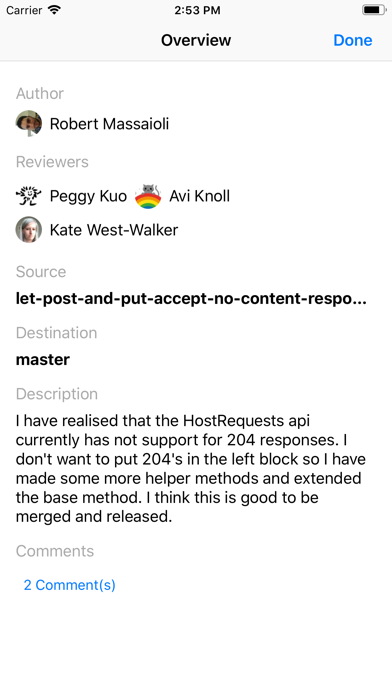
Code Review is a simple yet powerful mobile app for reviewing pull requests.

Following features are supported:

• Connect one or more Bitbucket or GitHub accounts.
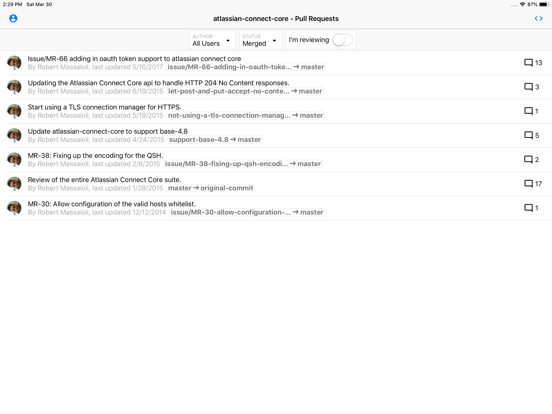
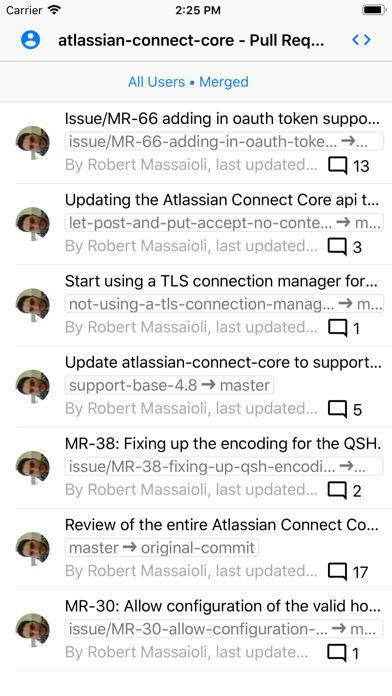
• View and filter list of pull requests for a selected repository.
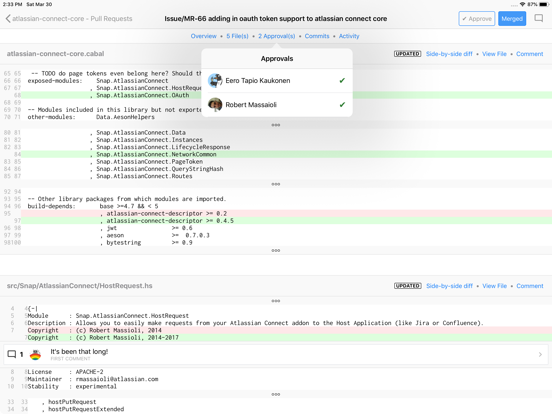
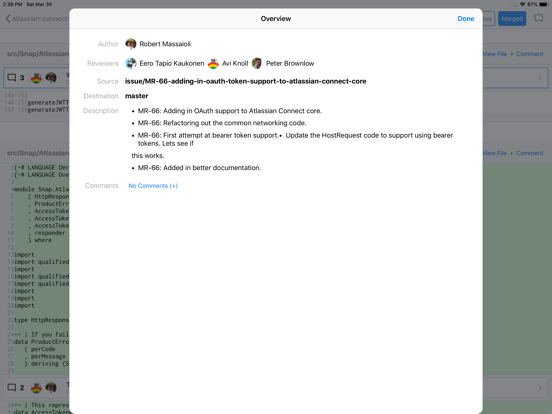
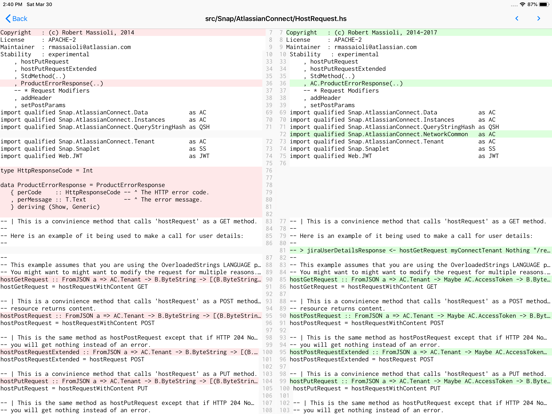
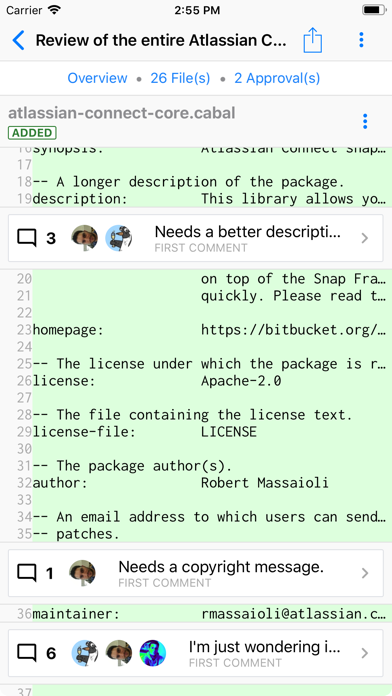
• Review pull request diff, side-by-side diff, file source and branch source files.
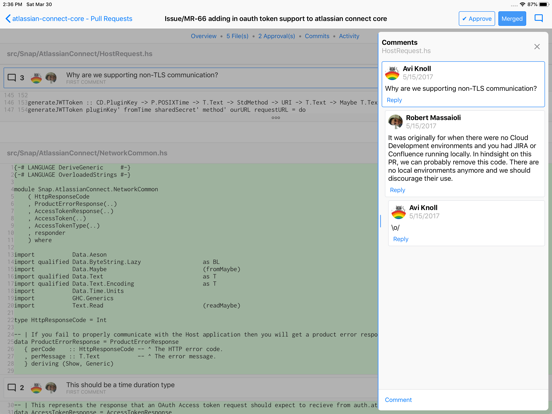
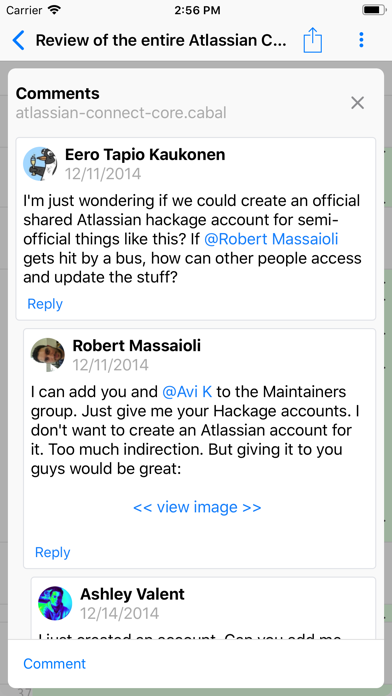
• Add, edit and delete comments; respond to comments.
• Approve, un-approve or merge pull requests.
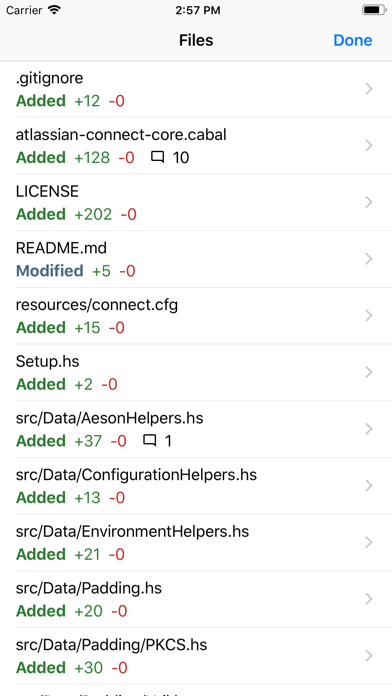
• Navigate the pull request diff quicker using the Files screen.

The app is fully compatible with external keyboards:
• Use arrow keys to move the focus in a list screen, from one row to another.
• Use Tab and Shift+Tab to move focus between elements on the screen.
• Press Enter to tap on a selected element such as a button or a list row.
• Shift + Enter to send the current draft comment.
• Press and hold the Command key to view all available keyboard shortcuts.

Show More

What's New in the Latest Version 1.0.1

Last updated on Nov 23, 2019
Old Versions
Squashed bugs
Show More
Version History
1.0.1
Nov 23, 2019
Squashed bugs

Code Review - Pull Requests FAQ

Click here to learn how to download Code Review - Pull Requests in restricted country or region.
Check the following list to see the minimum requirements of Code Review - Pull Requests.
iPhone
iPad

Code Review - Pull Requests Alternative

You May Also Like

Get more from Bytes Arithmetic LLC