Coggle

Coggle


Free

0.0.25for iPhone, iPad and more
5.7
38 Ratings
Coggle
Developer
67.6 MB
Size
Dec 21, 2021
Update Date
Productivity
Category
4+
Age Rating
Age Rating
4+
Apps in this category do not contain restricted content.
9+
Apps in this category may contain mild or occasional cartoon, fantasy or real-life violence, as well as occasional or mild adult, sexually suggestive or horrifying content and may not be suitable for children under 9 years of age.
12+
Apps in this category may contain occasional mild indecent language, frequent or intense cartoon or real-life violence, minor or occasional adult or sexually suggestive material, and simulated gambling, and may be for children under 12 years of age.
17+
You must be at least 17 years old to access this App.
Apps in this category may contain frequent and intense offensive language; Frequent and intense cartoon, fantasy or realistic violence: frequent and intense adult, scary and sexually suggestive subjects: as well as sexual content, nudity, tobacco, alcohol and drugs, may not be suitable for children under 17 years of age.
Coggle Screenshots
Coggle posterCoggle posterCoggle posterCoggle poster
Coggle posterCoggle posterCoggle posterCoggle posterCoggle posterCoggle poster

About Coggle

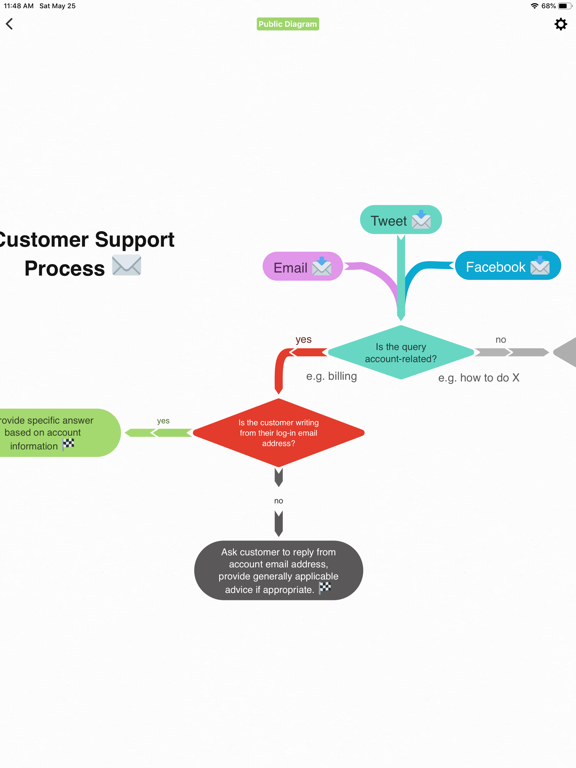
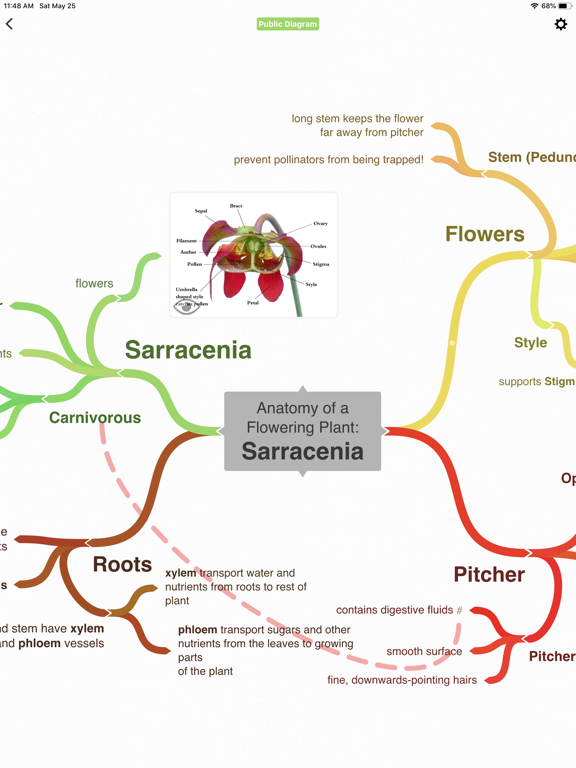
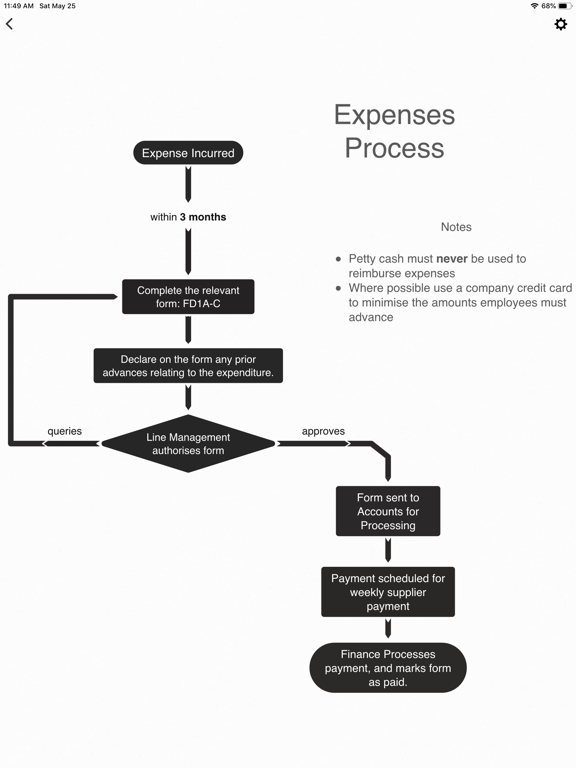
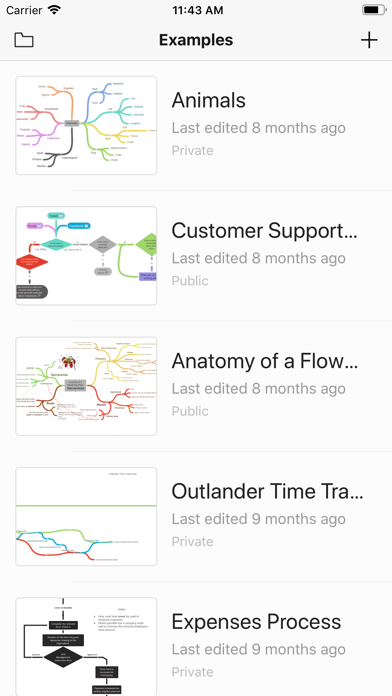
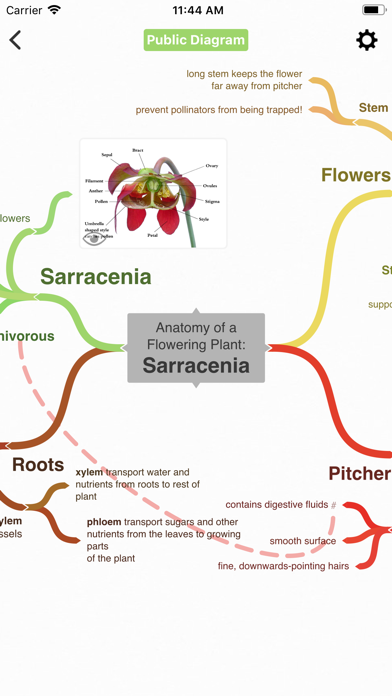
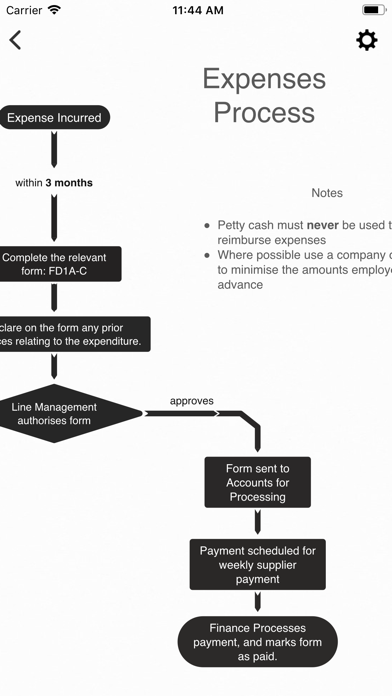
Coggle gives you a clear way to share and understand complex information. It's a collaborative mind-mapping and flow charting tool that simplifies complex things.

Log in with your Apple, Google, or Microsoft account to get started.

Features:
- Real-time collaboration
- Unlimited diagrams
- Unlimited image uploads
- Markdown support

Show More

What's New in the Latest Version 0.0.25

Last updated on Dec 21, 2021
Old Versions
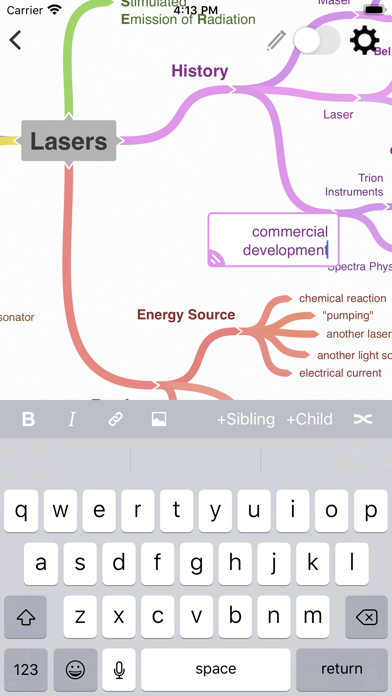
New read-only mode switch to make navigating and reviewing mind maps quickly even easier than ever. Just tap the switch to toggle between viewing and editing.
Some additional bugfixes and performance improvements.
Show More
Version History
0.0.25
Dec 21, 2021
New read-only mode switch to make navigating and reviewing mind maps quickly even easier than ever. Just tap the switch to toggle between viewing and editing.
Some additional bugfixes and performance improvements.
0.0.24
Nov 11, 2021
New read-only mode switch to make navigating and reviewing mind maps quickly even easier than ever. Just tap the switch to toggle between viewing and editing.
Lots of other little bugfixes and performance improvements.
0.0.23
Mar 7, 2021
This update improves handling of touch events: accidental touches are now better ignored, and pinching, zooming and panning should all be a little snappier.

Other minor bugfixes and maintenance, including fixing an issue that could cause a blank page when switching apps.
0.0.22
Jan 20, 2021
This update improves handling of touch events: accidental touches are now better ignored, and pinching, zooming and panning should all be a little snappier.

Other minor bugfixes and maintenance, including fixing an issue that could cause a blank page when switching apps.
0.0.21
May 26, 2020
Adds support for Sign in with Apple.
Fixes various bugs and generally makes everything a little better.
0.0.20
Oct 6, 2019
Fix bug preventing links from working as expected, and bug where menu could become stuck when transplanting branches.
0.0.19
Sep 13, 2019
Groundwork release for upcoming features
0.0.18
May 26, 2019
Bug fixes for offline editing and syncing, and behind-the-scenes improvements to support an upgrade to the way Coggle stores data.
0.0.17
Feb 26, 2019
Bug fixes
0.0.16
Feb 5, 2019
Squashed some bugs and laying some groundwork for future changes.
0.0.15
Sep 21, 2018
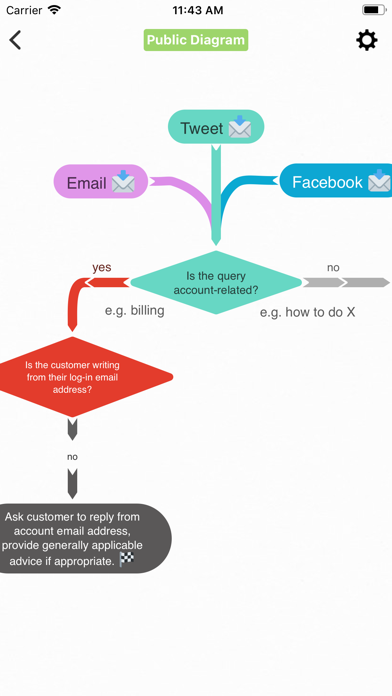
We've just added flowchart support to Coggle!
0.0.14
Sep 18, 2018
Groundwork release with some minor bug fixes.
0.0.13
Oct 30, 2017
Squashed some bugs! Splat.
0.0.12
Oct 13, 2017
Less keyboard dancing on switching nodes.
0.0.11
Sep 3, 2017
Fix image upload button sizing
0.0.10
Aug 21, 2017
- Improved diagram responsiveness
- Nav bar will only hide on small screens in landscape mode
- Added more icons
- Prevents logout while there are pending changes
0.0.9
Jul 21, 2017
* You can now download a PNG version of your diagrams right to your camera roll!
* Editor will insert new lines instead of closing when you hit return for short items.
0.0.8
Jun 13, 2017
We've added a brand new node editing toolbar to make using Coggle faster and simpler!
0.0.7
Apr 25, 2017

Coggle FAQ

Click here to learn how to download Coggle in restricted country or region.
Check the following list to see the minimum requirements of Coggle.
iPhone
Requires iOS 11.4 or later.
iPad
Requires iPadOS 11.4 or later.
iPod touch
Requires iOS 11.4 or later.
Coggle supports English

Coggle Alternative

You May Also Like